AI coding assistants used to be a straightforward proposition: ask a question and let the AI answer. But the new frontier of development is rapidly bringing in changes to this model. Claude Cowork is one of the clearest manifestations of how agentic AI is transforming into a collaborative space where humans and AI work side by side to generate real-world results.
This evolution within the AI sphere is precisely the sort of innovation that makes many developers, founders, and operations leaders excited to follow along.
In this guide, you'll learn: What Claude Cowork is, how it works, and how it compares to Claude Code. You'll also see how best to leverage cowork for your team.
What Is Claude Cowork?
In brief, what is Claude Cowork? Claude Cowork is a new collaborative workspace within Claude where Claude works directly with your files, folders, and connected apps, reading, writing, and producing outputs rather than typing them in a chat.
While a regular Claude conversation is a dialogue, Claude Cowork is a cooperative work session. Describe what you want Claude to do, and he will plan, perform, and create documents, sheets, and research summaries for you to approve.
Claude Cowork AI is part of the broader Claude ecosystem with Claude Chat and Claude Code. Claude Cowork uses the same agentic infrastructure as Claude Code but is not limited to code; it is geared toward knowledge work, including research, reports, and planning.
Why It Was Introduced
Anthropic launched Cowork because teams need something more than an assistant to help with their daily tasks. Engineers have already experienced the value of being able to hand off coding tasks to Claude Code. Cowork delivers that capability to every team member, from marketers to operations analysts to CFOs.
How Claude Cowork Works
How Claude Cowork works is straightforward: you describe a goal, Claude creates a plan, executes it, and reports back to you throughout the process. Here's how to use Claude Cowork.
-
Shared Context
When you're initiating a task, Claude Coworker remembers the relevant context files, folders, and applications you've allowed it to access. This is a practical application of context engineering, meaning you spend less time explaining your business needs to Claude and more time working from the common ground that your team already shares.
-
Multi-Agent Collaboration
For larger projects, Claude Cowork can divide work into subtasks and manage multiple streams of work at the same time, for example, conducting research and organizing the results concurrently. This mirrors how different types of AI agents are designed to specialize in different parts of a workflow, and with Claude AI Cowork, users can complete projects that would otherwise take humans hours to put together.
-
Project Workspace
With projects, related tasks are grouped under a persistent, self-contained workspace that stores files, links, instructions, and memory, so you can build on previous context instead of starting from scratch, much like other AI productivity tools built around persistent workspaces.
-
AI-Assisted Coding
Because Cowork is built into Claude Code, it can still execute code and shell commands when needed, in an isolated environment on Claude's servers, similar to the computer-use capabilities in autonomous coding agents, for security.
-
Step-by-Step Workflow:
You describe the task in plain language (no prompt engineering degree required).
Claude analyzes the request and creates a plan.
Complex work is broken into subtasks, and workstreams run in parallel where useful, a pattern common to how AI agents help automate workflows.
Claude executes reading files, running code, researching, and drafting.
You review the plan and outputs as they're delivered, stepping in whenever you want to steer.
Finished work (a deck, doc, spreadsheet, or report) lands in your session, ready to download.
If you're looking to build a custom AI agent that follows a workflow like this for your own business processes, RejoiceHub can help design and deploy it.
Accelerate Your Workflows with Custom AI
Book a free consultation session with RejoiceHub. We'll map out a tailored automation roadmap for your company.
Key Features of Claude Cowork
If you're wondering exactly what Claude Cowork is feature-wise, here's the breakdown that matters most for teams:
-
Shared conversations: Chat and Cowork now live in the same interface, so switching between a quick question and a full working session is seamless, blurring the line highlighted in the debate over AI agents vs AI chatbots.
-
Context persistence: Sessions and files are saved to your account and follow you across desktop, web, and mobile. Close your laptop, and Claude keeps working, much like scheduled Claude Code routines that run without supervision.
-
AI collaboration: Multiple people can work from the same project workspace, keeping everyone aligned on the same context and history, a capability several leading AI agent companies are racing to build.
-
Code understanding: Because it shares Claude Code's underlying architecture, Cowork can read, analyze, and work with codebases when needed, positioning it alongside tools compared in Claude Code vs Cursor vs GitHub Copilot.
-
Documentation: Cowork is well-suited to producing polished, structured documents, reports, and research summaries.
-
Planning: Claude breaks down complex requests into a clear plan before executing, so you know what's happening and why, a hallmark of how LLM agents reason through multi-step tasks.
-
Task management: Scheduled tasks let Claude run recurring work (daily, weekly, or monthly) automatically, without you lifting a finger, similar in spirit to features like Claude Auto mode.
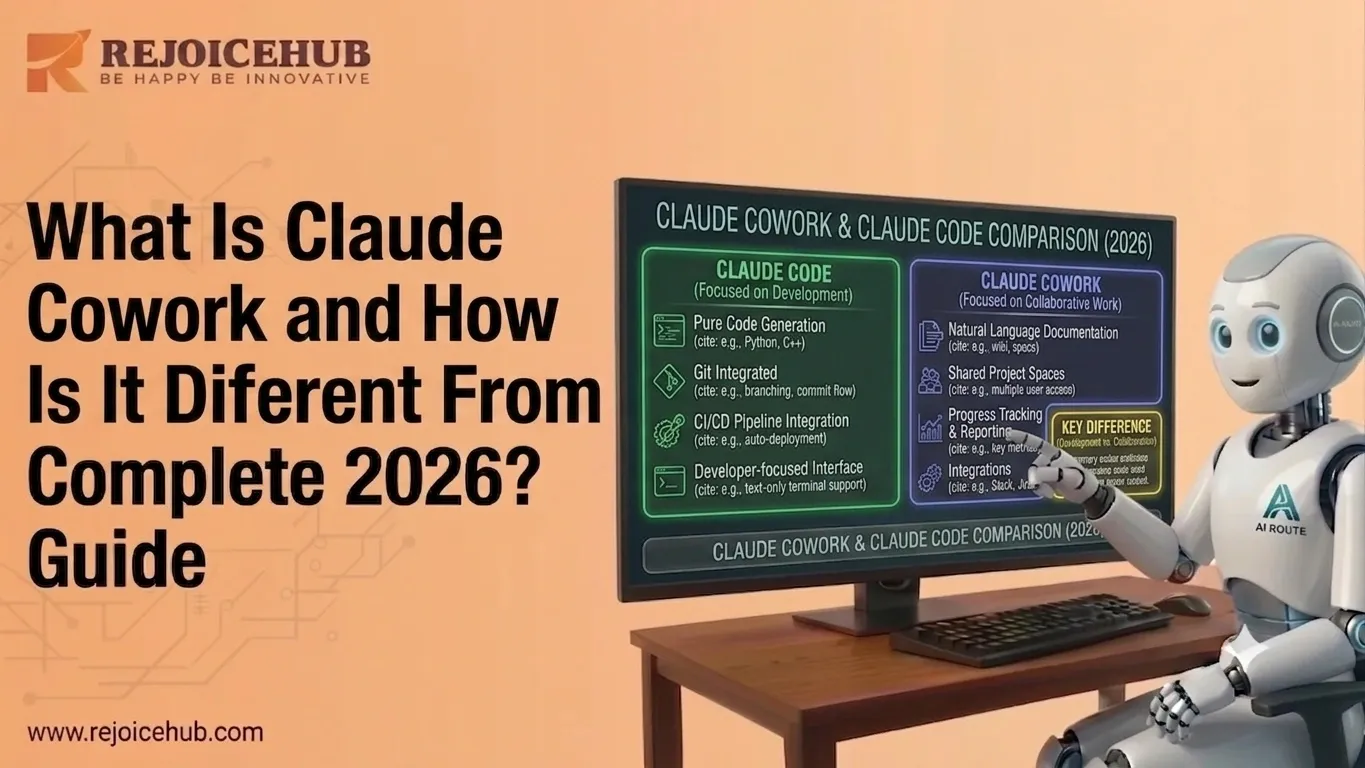
Claude Cowork vs Claude Code
This is the question most people actually land here to answer: Claude Cowork vs Claude Code, what's the real difference?
Both tools run on the same agentic foundation from Anthropic. The difference is who they're built for and what kind of work they're built to do, a distinction worth weighing alongside comparisons like Manus vs Claude Code.
| Feature | Claude Cowork | Claude Code |
|---|---|---|
| Purpose | Team collaboration & knowledge work | Coding assistant |
| Users | Teams and knowledge workers | Individual developers |
| Shared Context | Yes, persistent, cross-session | Limited to the coding session |
| Workflow | Multi-user, project-based | Solo, task-based |
| Documentation | Excellent, built for polished outputs | Basic, code-focused |
| Best For | AI teams, ops, research, reporting | Developers, engineering teams |
In short: Claude Code is the tool that allows engineers to write, debug, and deploy software. Claude Cowork empowers non-technical teams to perform research, planning, reporting, and documentation, while retaining the ability to perform coding when necessary.
What Is Claude Cowork Used For?
So practically, what is Claude Cowork used for? Here are the most common real-world applications:
-
Software Development: Running code, managing files, and handling coding-adjacent tasks alongside engineering teams, echoing discussions around hidden features uncovered in Claude Code.
-
AI Teams: Coordinating multiple workstreams (research + drafting + formatting) on a single project without manual hand-offs, part of a broader shift some describe as AI agents replacing traditional SaaS tools.
-
Research: Synthesizing information from multiple sources into a clear, structured summary, functioning much like dedicated AI tools for market research.
-
DocumentationZ: Producing SOPs, internal wikis, and reports that would otherwise eat up hours of manual writing, work that overlaps with what AI tools for business analysts are designed to handle.
-
Product Planning: Turning rough ideas into structured roadmaps, specs, or briefs, a use case shared by many of the top AI app builders on the market today.
-
Code Reviews: Reviewing pull requests and surfacing issues before they reach production, an area also touched on in the Claude Code leak explained coverage.
-
Enterprise Collaboration: With admin controls, permissions, and usage tracking, larger organizations can deploy Cowork across departments with governance built in, similar to how Claude's managed agents are positioned for business use.
For startups exploring how a workflow like this could plug into their own tools, CRM, support tickets, and internal docs, RejoiceHub builds custom AI integrations tailored to exactly that kind of use case.
Benefits and Limitations
No tool is a perfect fit for every team, so here's a balanced look at where Claude Cowork shines and where it doesn't.
Benefits
-
Better collaborationZ: With the shared workspace, less context is lost between different agents and people.
-
Faster development: Work that would have taken hours of manual work (e.g., research, writing, and formatting) can be parallelized, cutting down on what it would otherwise cost to build an AI agent from scratch.
-
Improved productivity: Having tasks scheduled and repeated reduces the amount of work required to maintain them.
-
Centralized knowledge: Having a persistent context reduces the need to repeat background information.
Limitations
-
Availability: Cowork is currently only available in plans and on platforms in beta, which is worth factoring into any enterprise AI adoption roadmap.
-
Learning curve: Teams used to working with chat-based interfaces may have to spend extra time learning how to control more complex, multi-step agentic workflows.
-
Collaboration reliance: The tool's value is heavily dependent on teammates adopting the same collaborative workflows.
-
Potential increased costs: Cowork eats into chat allotments at a much faster rate than typical chat tools, meaning teams planning to utilize the features heavily may need to budget for upgraded plans.
Conclusion
Claude Cowork is the future of AI collaboration: teaming up with your coworkers in the context of an AI-assisted workspace, versus a more isolated experience where an AI assistant helps you with individual requests. As AI coding assistants evolve into collaborative workspaces, understanding what Claude Cowork and Claude Code are and how they can benefit your team is critical to gaining an edge on the competition.
Looking to build enterprise AI agents or collaborative AI workflows? RejoiceHub specializes in custom AI agent development, AI integrations, and intelligent automation solutions tailored to your business. Get in touch with RejoiceHub to see how a Cowork-style workflow could work for your team.
Frequently Asked Questions
1. What is Claude Cowork?
Claude Cowork is a workspace inside Claude where the AI works directly with your files, folders, and connected apps instead of just chatting with you. Rather than typing out answers, Claude actually reads, writes, and creates documents, sheets, and reports for you to check and approve.
2. What is Claude AI Cowork used for?
Claude AI Cowork is mainly used for research, documentation, product planning, and reporting. Teams use it to turn messy notes into clear roadmaps, write SOPs, review code, and handle multiple work streams at once, saving hours that would normally go into manual writing and formatting.
3. How does Claude Cowork work?
You describe your task in plain, everyday language. Claude then builds a plan, breaks the work into smaller steps, and runs them, sometimes in parallel. You can watch progress as it happens, step in whenever needed, and the finished doc, deck, or sheet lands in your session ready to use.
4. What is the Claude Cowork feature list?
Key Claude Cowork features include shared context across sessions, multi-agent collaboration for bigger projects, persistent project workspaces, built-in coding ability, and scheduled recurring tasks. It also supports shared conversations, so switching between a quick chat and a full working session feels natural and simple.
5. What is Claude Cowork vs Claude Code?
Claude Code is built for developers to write, debug, and deploy software. Claude Cowork is built for wider teams, marketers, ops, and researchers who need research, planning, and documentation done, while still being able to run code when needed. Both share the same agentic base.
6. Is Claude Cowork different from a normal Claude chat?
Yes. A normal Claude chat is a back-and-forth conversation. Claude Cowork is more of a work session, where Claude plans, executes, and produces actual outputs like reports or spreadsheets on its own, then checks in with you along the way instead of waiting for every single instruction.
7. Who should use Claude Cowork?
Claude Cowork suits teams that handle repeated knowledge work, like research, reporting, or documentation, and want less back-and-forth. It works well for ops teams, founders, marketers, and analysts who need polished outputs fast, though teams new to agentic tools may need a little time to adjust.