The business analyst field requires professionals to understand the rapid development of data technologies, which occurs today. The amount of data that needs processing increases every week, together with the demands from stakeholders who require reports and the need to provide precise insights.
Business analysts now need AI tools for business analysts because these tools help them match their work requirements. The analysts who start using proper tools at the beginning of their careers will progress faster than those who stay inactive until later.
This guide is for business analysts, data analysts, BI professionals, and team leads who want to work smarter. I will present the most effective AI tools for business analysts that business analysts will use during their work in 2026 to create data visualizations, conduct predictive analytics, implement automation, and perform natural language queries.
What is an AI Tool for Business Analysis?
Let me explain this simply. An AI tool for business analysis is software that uses artificial intelligence to help analysts collect, clean, visualize, and interpret data faster and more accurately than traditional methods.
The tools provide essential functions which include data visualization, natural language processing (NLP), predictive analytics, and automation capabilities. You can obtain answers within seconds by asking the tool a question in plain English instead of taking several hours to create pivot tables and write complex SQL queries.
Here is what makes these tools genuinely powerful for analysts:
- Data Visualization: Turn raw numbers into clear, interactive charts and dashboards.
- NLP Queries: Ask questions in everyday language, no coding needed.
- Predictive Analytics: Forecast future trends based on historical data patterns.
- Automation: Eliminate repetitive tasks like data cleaning and report generation.
The result? Your workflow becomes faster, your decisions become smarter, and your stakeholders get insights they can actually act on. That is the real promise of AI in business analytics.
Why Business Analysts Need AI Tools
The question "Do I really need an AI tool or can I manage with Excel and BI dashboards?" presents a challenge that most people find difficult to answer. Business data now exists at such high volume and complexity that manual systems have reached their limits of effectiveness.
Think about it this way. Here is what analysts gain when they adopt the right tools:
- Faster Data Processing: AI tools handle massive datasets in minutes instead of hours.
- More Accurate Forecasting: Machine learning models reduce human error in predictions.
- Automated Reporting: Scheduled reports get generated without manual effort every month.
- Smarter Decision-Making: Real-time insights help teams act on data instead of reacting to it.
- Competitive Advantage: Teams using AI-powered analysis outpace competitors still relying on manual methods.
I have noticed that organizations using AI tools for scaling service businesses also reduce analyst burnout significantly, because repetitive tasks get handled automatically. That is a very real benefit worth considering.
Best AI Tools for Business Analysts
The tools provide complete coverage of all tasks that analysts need to perform their work. The tools below display the highest market quality that exists in 2026, from visualizations to forecasting and automated reports. I will present each category to you in an understandable way.
1. Data Visualization and BI Tools
Visual dashboards are the foundation of any analyst's output. These AI tools for business analysis make it easy to build interactive, real-time dashboards that non-technical stakeholders can understand instantly.
-
Tableau

Tableau remains one of the most trusted tools for business analytics worldwide. Its AI-powered features include automatic chart suggestions, trend detection, and natural language query through the Ask Data feature.
-
Top Features: Drag-and-drop dashboards, AI chart recommendations, and real-time data connections.
-
Use Cases: Sales performance dashboards, executive reporting, trend visualization.
-
Best For: Mid-size to enterprise teams needing powerful visual BI.
-
Microsoft Power BI
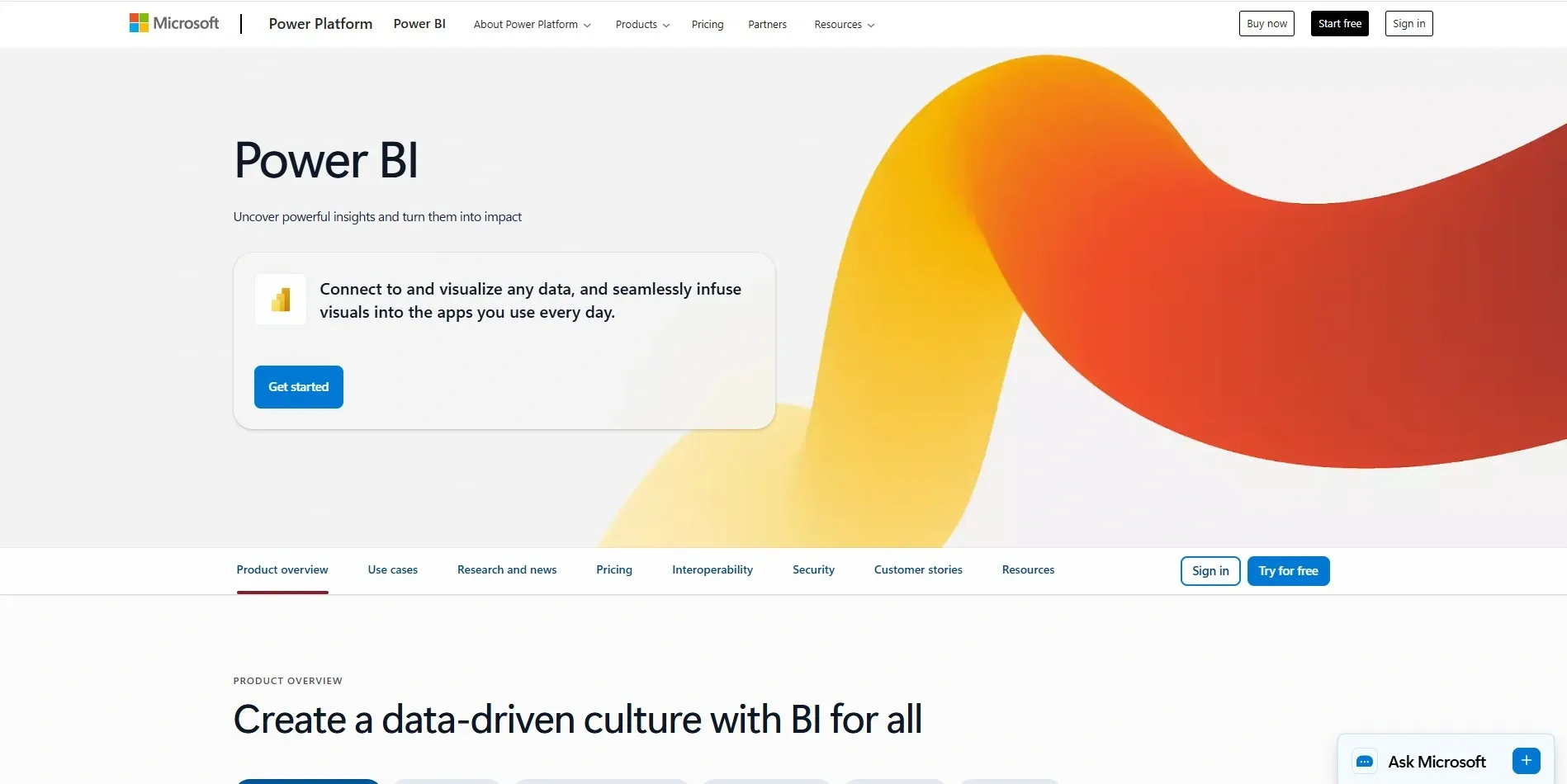
Power BI integrates seamlessly with Microsoft 365 and offers Copilot-powered natural language queries. You can literally type a question and get a visual answer instantly.
-
Top Features: AI visuals, Q&A natural language queries, Azure integration, Copilot assistant.
-
Use Cases: Operational dashboards, financial reporting, supply chain analysis.
-
Best For: Teams already using Microsoft products.
-
Qlik Sense
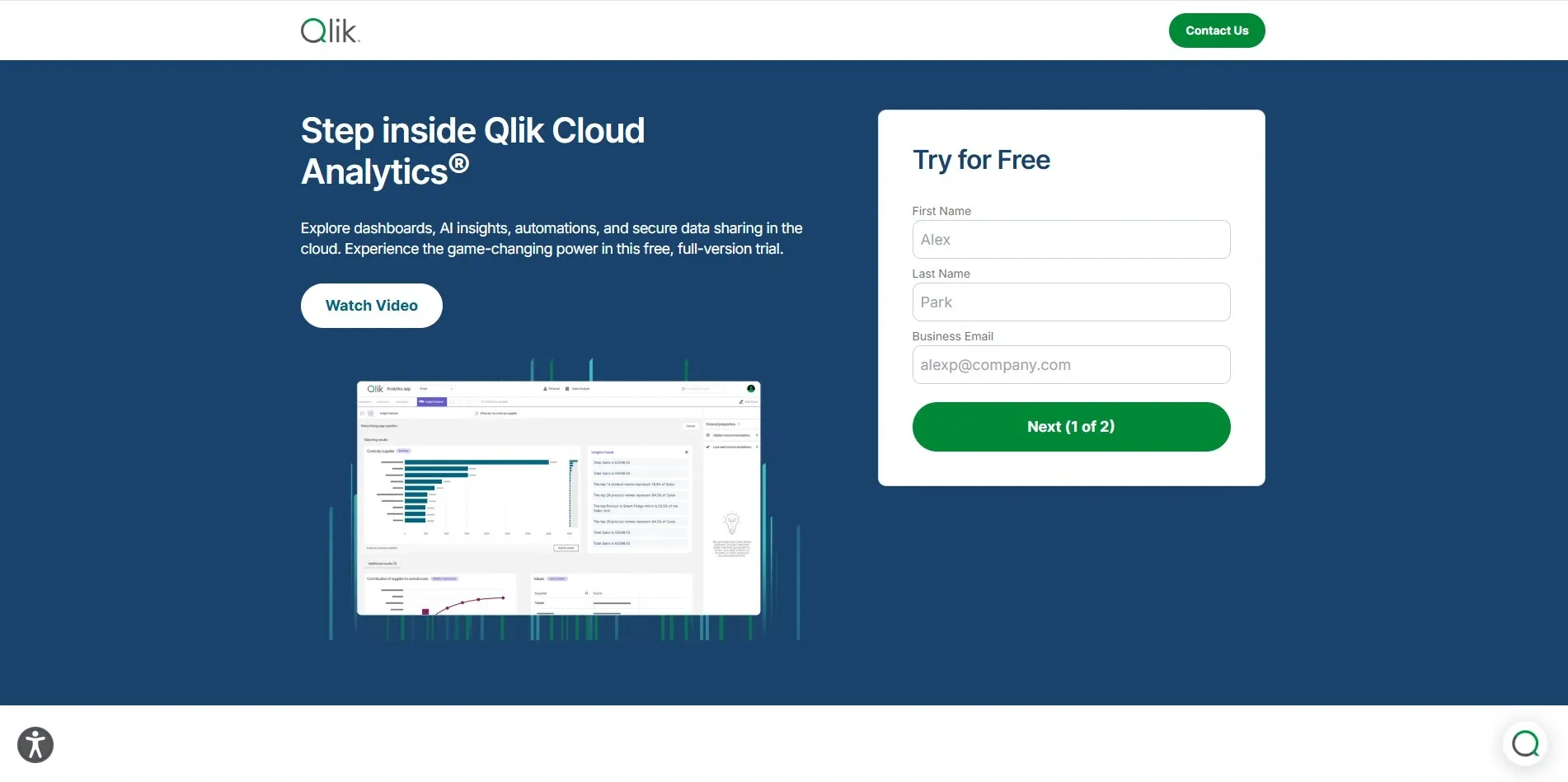
Qlik Sense brings augmented analytics and associative data modeling to help analysts find hidden connections in data that other tools miss.
-
Top Features: Associative engine, AI-powered insights, interactive BI storytelling.
-
Use Cases: Market segmentation, product performance, customer analysis.
-
Best For: Analysts working with complex, multi-source datasets.
-
Sisense
Both Sisense and Looker offer smart dashboards with AI-driven recommendations. Looker is deeply integrated with Google Cloud, making it a strong option for teams in that ecosystem.
- Top Features: Embedded analytics, AI recommendations, cloud-native architecture.
- Best For: Product analytics teams and cloud-first organizations.
2. Predictive Analytics and Forecasting Tools
If you want to go beyond describing what happened and start predicting what will happen, these AI tools for business analysts are your best friends.
-
Akkio
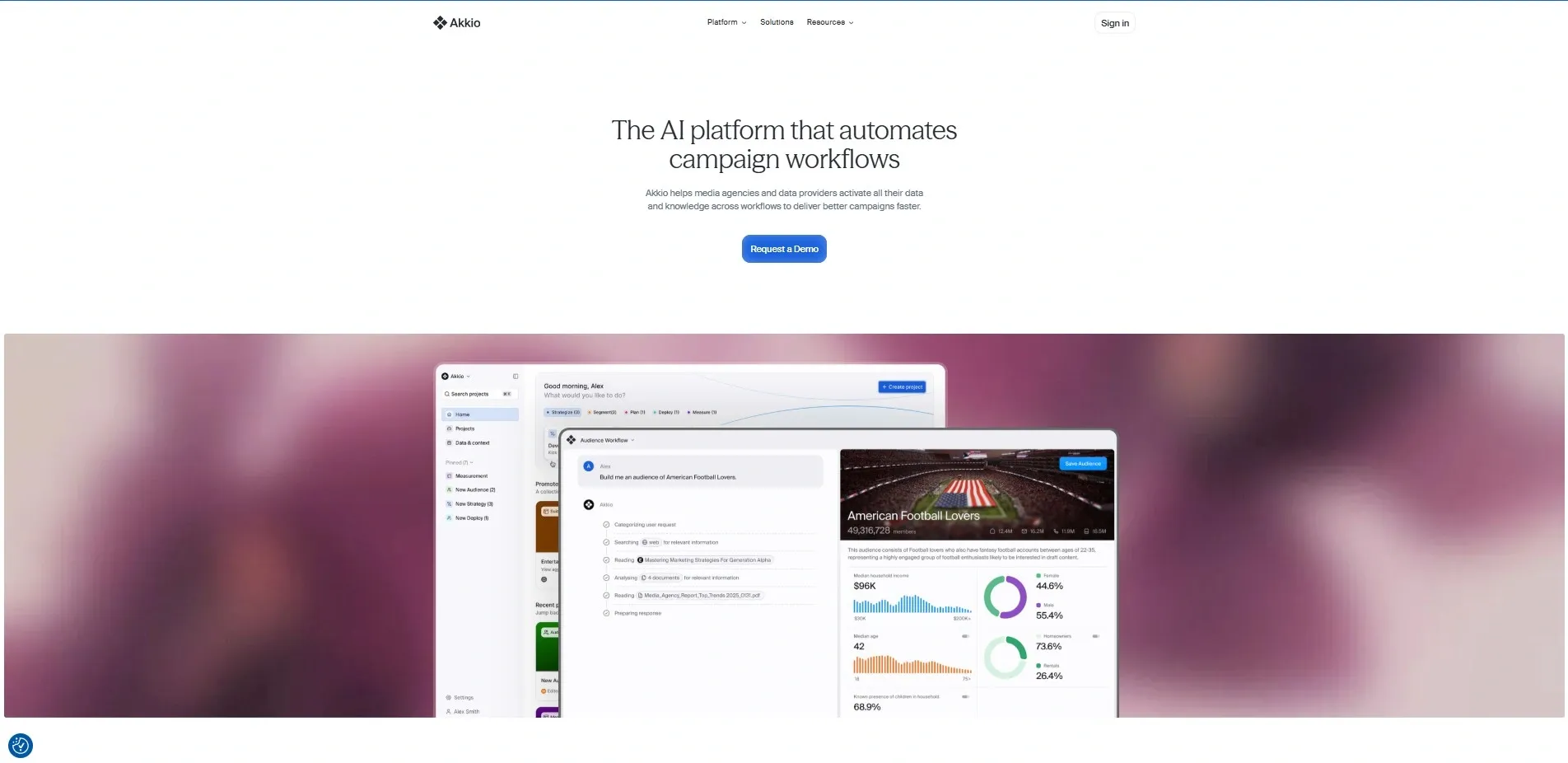
Akkio is a no-code predictive analytics platform built specifically for analysts who do not want to write machine learning code. You upload your data, choose what you want to predict, and Akkio builds the model for you.
-
Top Features: Drag-and-drop ML, instant predictions, easy deployment.
-
Use Cases: Customer churn prediction, lead scoring, and demand forecasting.
-
Best For: Non-technical business analysts who want predictive power without coding.
-
RapidMiner
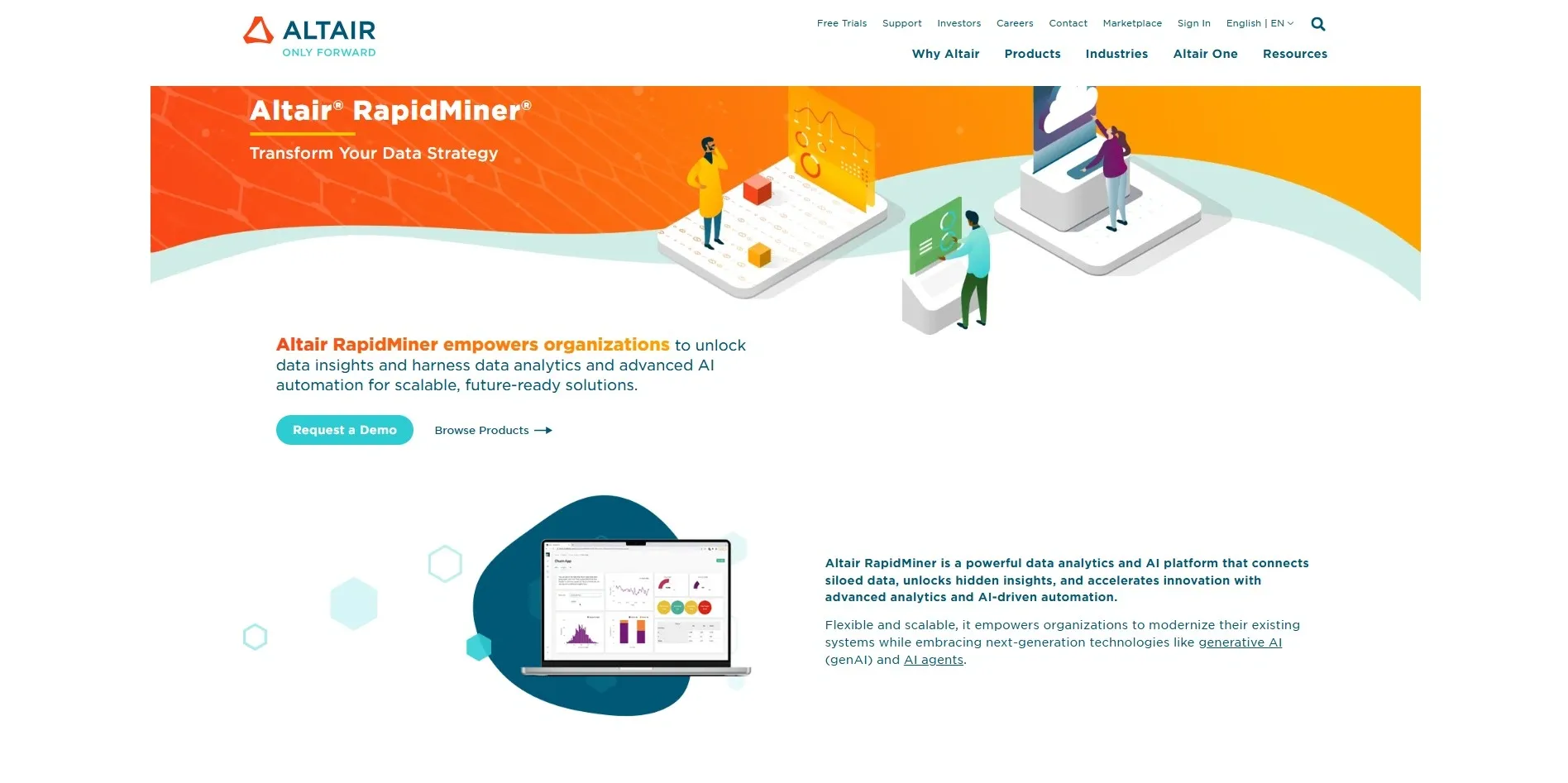
RapidMiner automates the entire machine learning workflow, from data preparation to model deployment. It is a favorite among analysts who want control without needing to code from scratch.
-
Top Features: Automated ML workflows, visual pipeline design, and extensive connectors.
-
Use Cases: Fraud detection, predictive maintenance, customer lifetime value analysis.
-
Best For: Analysts with some data science knowledge who need flexibility.
-
DataRobot
DataRobot is enterprise-grade ML automation at its best. It builds, evaluates, and deploys models automatically, making it one of the most powerful AI tools for business analysis at scale.
- Top Features: Automated ML, model explainability, governance, and compliance features.
- Best For: Large enterprises needing scalable, auditable AI models.
Also Read: Top 7 AI Tools for Data Analysis in 2026
3. Natural Language and Query Tools
Here is something interesting: the best AI for business analysts in 2026 lets you work entirely in plain English — no SQL required.
-
BlazeSQL
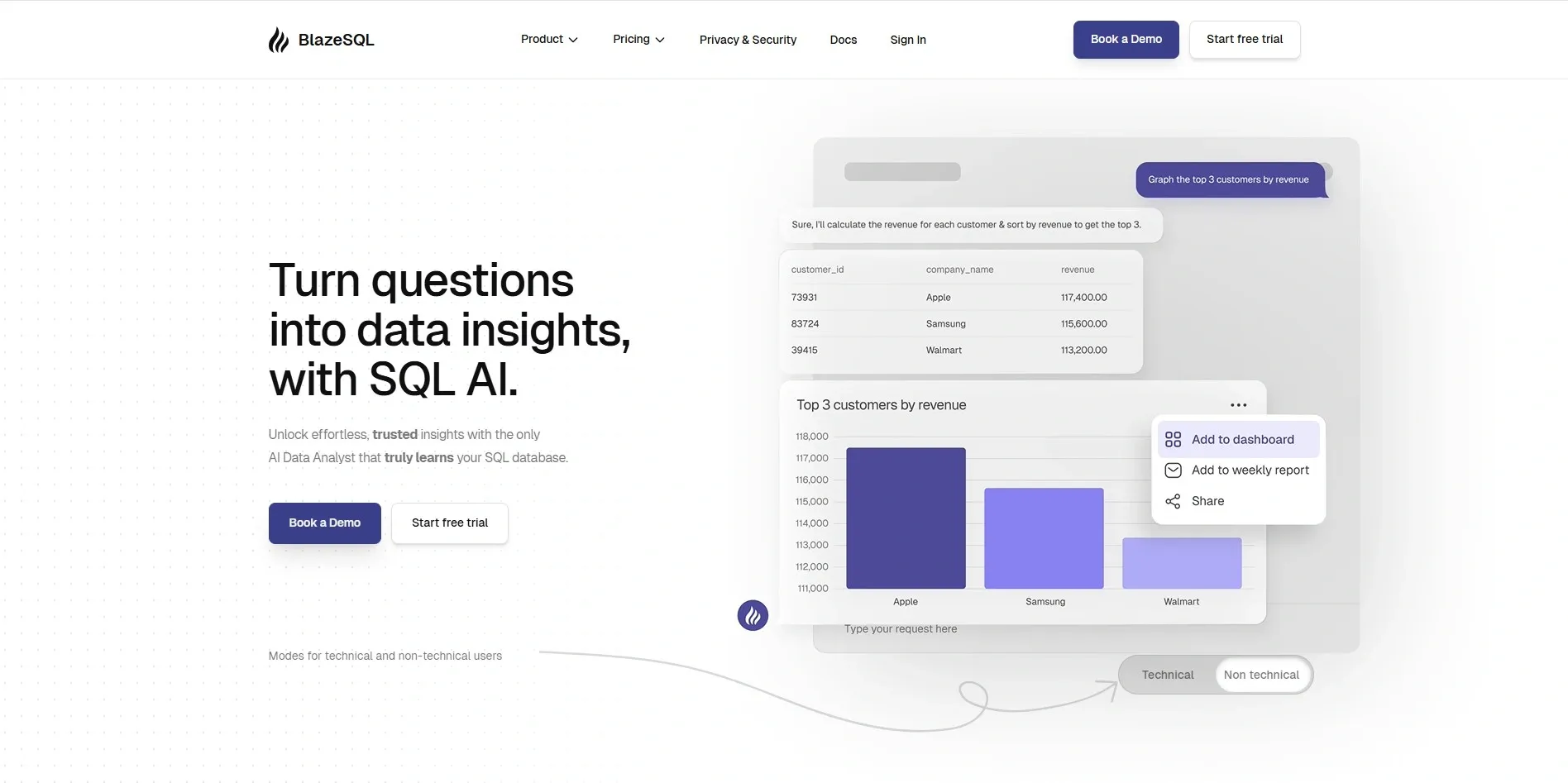
BlazeSQL converts plain English questions into SQL queries instantly and then visualizes the results. It is fast, clean, and very beginner-friendly.
-
Top Features: NLP to SQL, instant charts, and report generation.
-
Best For: Analysts who work with SQL databases but want to skip manual query writing.
-
Polymer
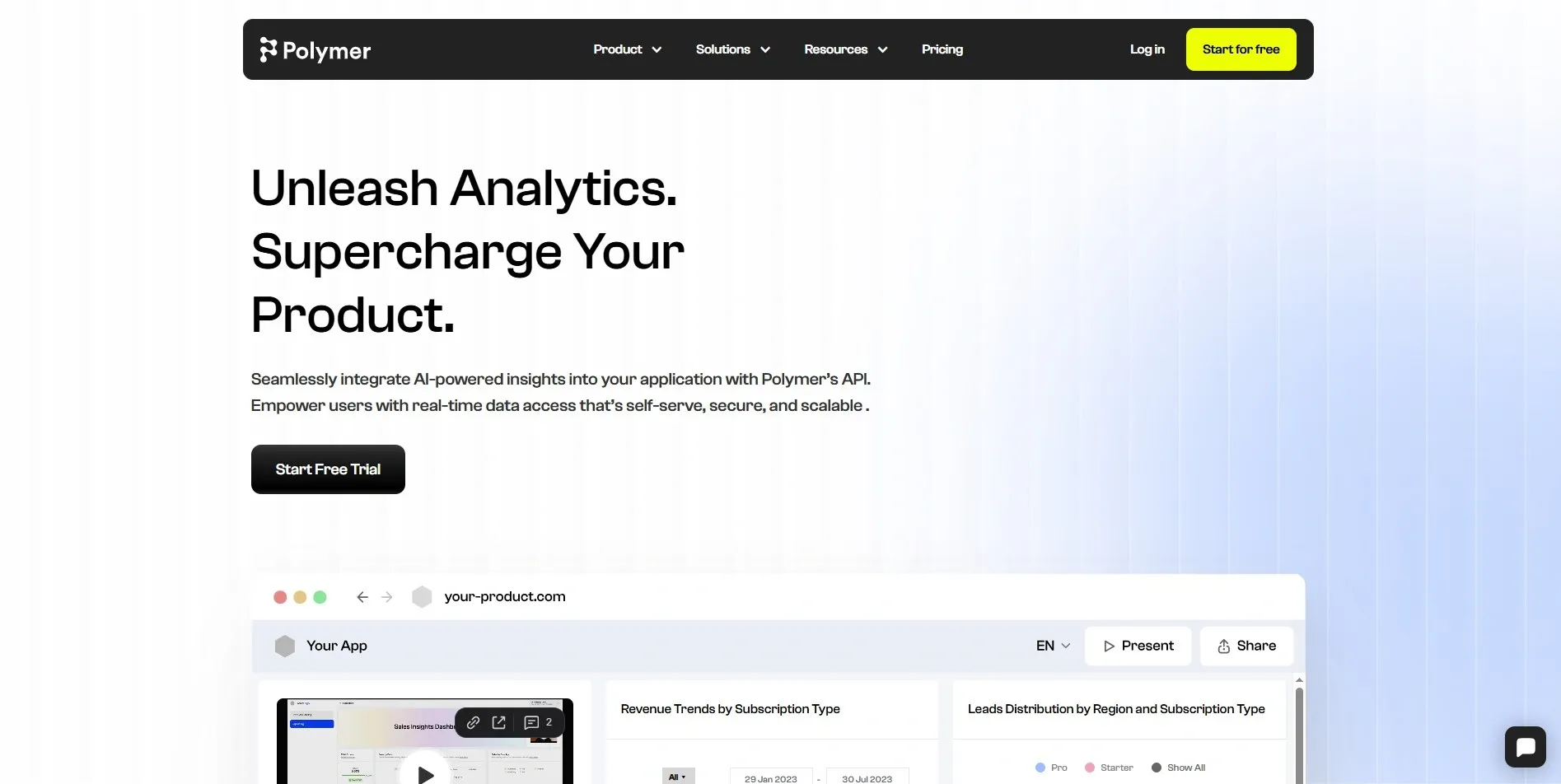
Polymer transforms spreadsheets into fully interactive dashboards automatically. You drag in your CSV or Google Sheet, and Polymer builds the visuals for you.
- Top Features: Auto-dashboard from spreadsheets, filters, and pivot-style exploration.
- Best For: Analysts who live in spreadsheets but want more visual power.
4. Workflow Automation and AI Assistants
The best AI tools for scaling service businesses automate the repetitive parts of an analyst's job, freeing up time for strategic thinking.
-
Excel Copilots
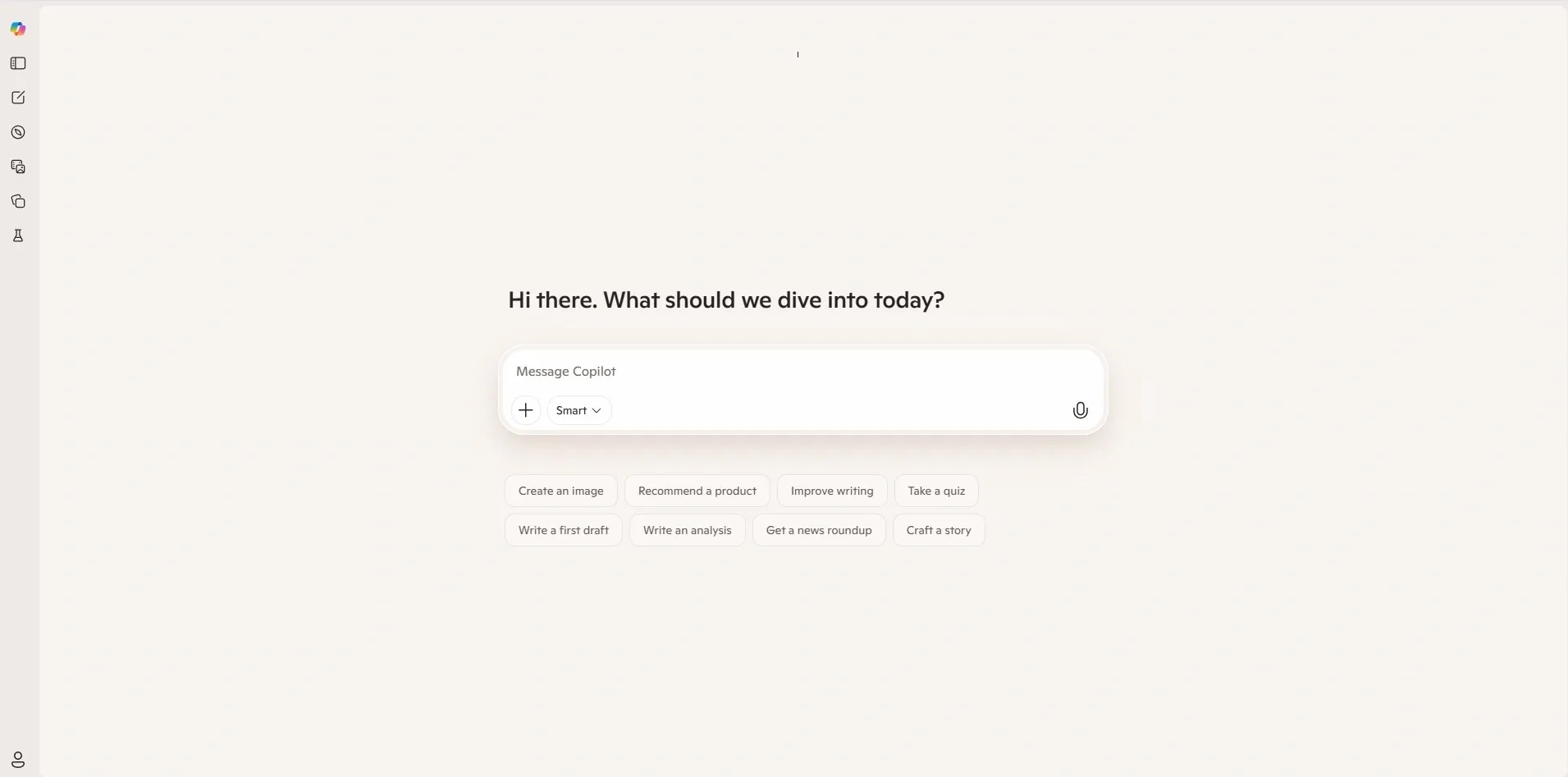
Microsoft Copilot for Excel and similar AI add-ons let you query your spreadsheet data using plain-English voice or text commands. Ask it to summarize a column, spot outliers, or create a chart, and it does it instantly.
-
Top Features: Voice queries, formula suggestions, automated pivot tables.
-
Best For: Analysts who spend most of their day in Excel and want AI without leaving the platform.
-
Lucidchart AI
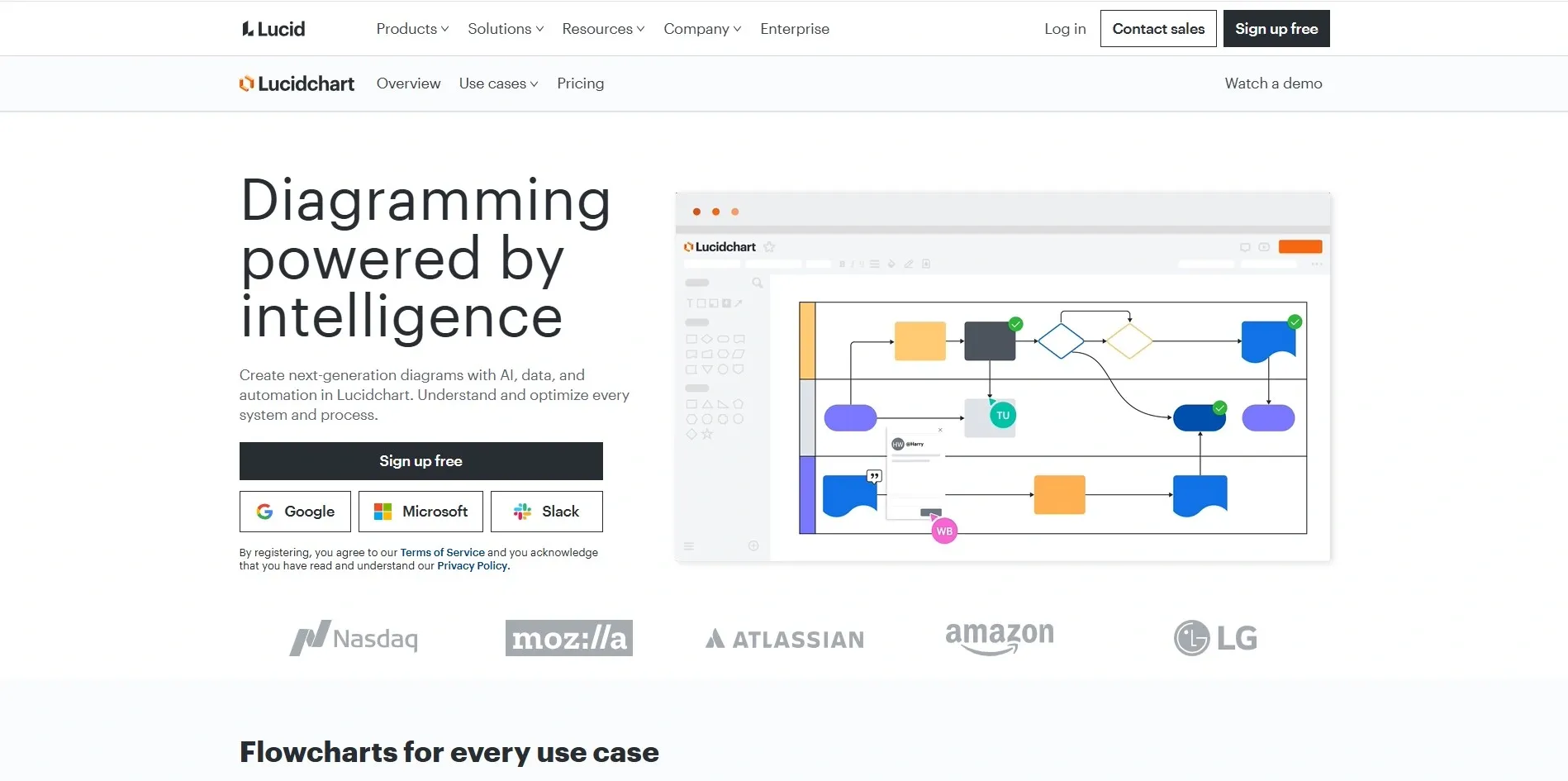
Lucidchart uses AI to automatically generate process flow diagrams, org charts, and data flow maps from simple descriptions. This saves hours when documenting business processes.
- Top Features: Auto-generated diagrams, collaboration features, and template library.
- Best For: Business analysts who document workflows and processes regularly.
How to Choose the Right AI Tool (Buyer's Guide)
Choosing the right tool from this list can feel overwhelming. I have been there. Here is a simple checklist to guide your decision:
- Ease of Use: Does it need coding? If your team is non-technical, prioritize no-code platforms like Akkio or Polymer.
- Pricing Tiers: Most tools offer free trials. Test before you buy. Tableau and Power BI have affordable options for smaller teams.
- Integrations: Does it connect with your existing stack Excel, SQL, Salesforce, Google Sheets? Check this before committing.
- AI Capabilities: Does it do what you need predictive analytics, NLP, automation? Match features to your actual use cases.
- Scalability: Will it grow with your team? Enterprise tools like DataRobot and Power BI scale well; simpler tools may hit limits.
Real-World Use Cases and Case Studies
Let me show you how AI tools for business analysts work in real life through three practical examples.
-
Forecasting Sales Trends
A retail analyst uses Akkio to upload the past two years of monthly sales data. The tool builds a predictive model in minutes and generates a 90-day sales forecast by region. What used to take a data scientist a week now takes the analyst an afternoon.
-
Building Stakeholder Dashboards
A financial analyst at a mid-size company uses Power BI Copilot to build an executive dashboard. She types: "Show me revenue by department for Q1 vs Q2" and gets an instant visual. She spends the saved time on analysis instead of formatting charts.
-
Automating Monthly Reports
A BI analyst at a logistics firm sets up an automated reporting workflow using RapidMiner and Power BI. Every month, the report is generated and distributed. The analyst's job shifts from creating reports to interpreting them — a much more strategic role. This is exactly what strong AI in business analytics enables.
Future Trends in AI for Business Analysis
The field of AI tools for business analysis is evolving fast. Here are the trends that will shape the next few years for analysts.
-
Growth of Generative AI and Copilots: Every major BI platform is embedding AI copilots that let you converse with your data. Power BI, Tableau, and Qlik are all moving in this direction. Expect natural language to become the primary interface for data analysis.
-
Augmented Analytics: AI will not replace analysts; it will augment them. Tools will automatically surface anomalies, suggest explanations, and recommend next steps. Analysts will spend less time finding insights and more time acting on them.
-
Ethical AI and Governance: As AI models influence bigger business decisions, organizations are placing more emphasis on explainability, bias detection, and compliance. Enterprise tools like DataRobot already offer built-in governance features, and this will become standard across all platforms.
The truth is analysts who embrace these trends now will be far better positioned in their careers. AI tools for business analysts are not a future skill; they are a present necessity.
Conclusion
The present moment represents the optimal opportunity for businesses to adopt AI tools that support their analytical work. The appropriate data analysis tool enables users to work with data through visual dashboards, which Tableau and Power BI provide, and through predictive models, which Akkio and DataRobot deliver.
The most effective solution requires organizations to select their tools based on three criteria: their operational procedures, their employees’ skill levels, and their actual business challenges.
My recommendation? Start with one tool that fits your biggest bottleneck whether that is reporting, forecasting, or visualization and try the free demo. The value will become clear within a short period of time. For deeper learning, explore certifications in AI in business analytics to build your skills further.
If your organization wants expert guidance in selecting, implementing, or scaling AI-powered analytics solutions, consider partnering with RejoiceHub. Our team helps businesses integrate AI tools strategically, automate workflows, and maximize ROI from data initiatives. Instead of experimenting blindly, work with specialists who understand both business goals and AI execution.
The future of business analysis is AI-assisted. The sooner you start, the faster you gain a competitive advantage.
Frequently Asked Questions
1. What are the best AI tools for business analysts in 2026?
The best AI tools for business analysts in 2026 include Tableau, Microsoft Power BI, Qlik Sense, Akkio, RapidMiner, DataRobot, BlazeSQL, Polymer, MonkeyLearn, and Excel Copilot. These tools help with data visualization, predictive analytics, automation, and natural language queries.
2. How do AI tools help business analysts?
AI tools help business analysts by automating data cleaning, generating dashboards, forecasting trends, and answering questions in natural language. This reduces manual work and allows analysts to focus on strategic insights instead of repetitive tasks.
3. Can AI replace business analysts?
No, AI cannot fully replace business analysts. AI automates repetitive tasks and provides faster insights, but analysts are still needed for critical thinking, stakeholder communication, decision-making, and interpreting business context.
4. What is the difference between AI analytics tools and traditional BI tools?
Traditional BI tools focus on reporting and visualization, while AI analytics tools add predictive modeling, automation, anomaly detection, and natural language processing. AI tools go beyond “what happened” to explain “why it happened” and “what will happen next.”
5. Do business analysts need coding skills to use AI tools?
Not necessarily. Many modern AI tools like Akkio, Polymer, and Power BI Copilot are no-code or low-code. However, having basic SQL or data knowledge can help analysts use advanced features more effectively.
6. What is the best AI tool for predictive analytics?
For predictive analytics, popular options include Akkio for no-code forecasting, RapidMiner for flexible ML workflows, and DataRobot for enterprise-grade automated machine learning with governance features.
7. Are AI tools for business analysts expensive?
AI tool pricing varies widely. Some platforms like Power BI and Excel Copilot offer affordable plans for small teams, while enterprise tools like DataRobot are more expensive. Many tools provide free trials to test before committing.
8. How does natural language processing (NLP) help in business analytics?
NLP allows analysts to ask questions in plain English instead of writing SQL queries. For example, you can type “Show revenue by region last quarter” and instantly receive a visual dashboard or summary.
9. What are the main benefits of AI in business analytics?
The main benefits include faster data processing, improved forecasting accuracy, automated reporting, real-time insights, and reduced analyst burnout. AI increases productivity while improving decision quality.
10. Which AI tool is best for Excel users?
Excel users benefit most from Microsoft Copilot for Excel, which allows natural language queries, automated formula suggestions, pivot table creation, and instant data summaries directly inside spreadsheets.
11. What skills should business analysts learn to use AI tools effectively?
Business analysts should develop skills in data literacy, basic statistics, SQL fundamentals, data visualization, and understanding machine learning concepts. Learning how to interpret AI-generated insights is just as important as using the tools themselves.