I still remember the days when I had to spend many hours writing a complete report because I needed to stare at an empty screen until I could rewrite the same section five times. Today, I observe an amazing thing because people who achieve the highest productivity levels do not require more work than others. People achieve their goals through intelligent work methods, while most of them use AI tools to transform their business operations to accomplish their tasks.
So what exactly are these tools? Simply put, AI tools for productivity are software applications powered by artificial intelligence that help you write faster, communicate better, manage tasks, and cut out the boring, repetitive parts of your day.
This guide is your go-to, practical resource for understanding and choosing the best AI tools for productivity in 2026. I have done the research, tested the options, and organized everything by category so you can find exactly what you need, fast.
How We Selected the Best AI Productivity Tools
You do not need to concentrate fully on every AI solution because some tools do not require your total focus. The available AI tools number in the hundreds, yet many of those tools make promises that they cannot fulfill. Here is my process for evaluating the most effective AI productivity tools that appear in this guide.
-
Performance and accuracy: The effectiveness of a tool depends on its ability to deliver results. I searched for tools that provided dependable and practical results instead of demonstration products, which failed during actual operational testing.
-
Ease of use and onboarding: The best productivity AI tools should not require a technical background. The time investment for watching a one-hour tutorial about email summary sending proves to be not worth your time.
-
Practical real-world value: Does this tool actually make someone's day easier? Not just in theory, but in practice, for writing, meetings, research, and daily tasks.
-
Integrations and ecosystem compatibility: The tools that made this list work smoothly with the apps you already use, like Gmail, Slack, Notion, and Google Docs. Because the last thing you need is another siloed app that creates more work.
Best AI Productivity Tools by Category
One of the most helpful ways to think about productivity tools is by what they actually do. Let me walk you through each category, with my honest take on the best tools in each.
1. AI Writing and Content Tools
The tools in this category will transform your life when you create any type of work content, which includes emails, blog posts, reports, and social media posts. The best AI tools for web development enable users to complete content generation, editing, rewriting, and content refinement tasks at a speed that is three times faster than traditional methods.
-
Jasper AI
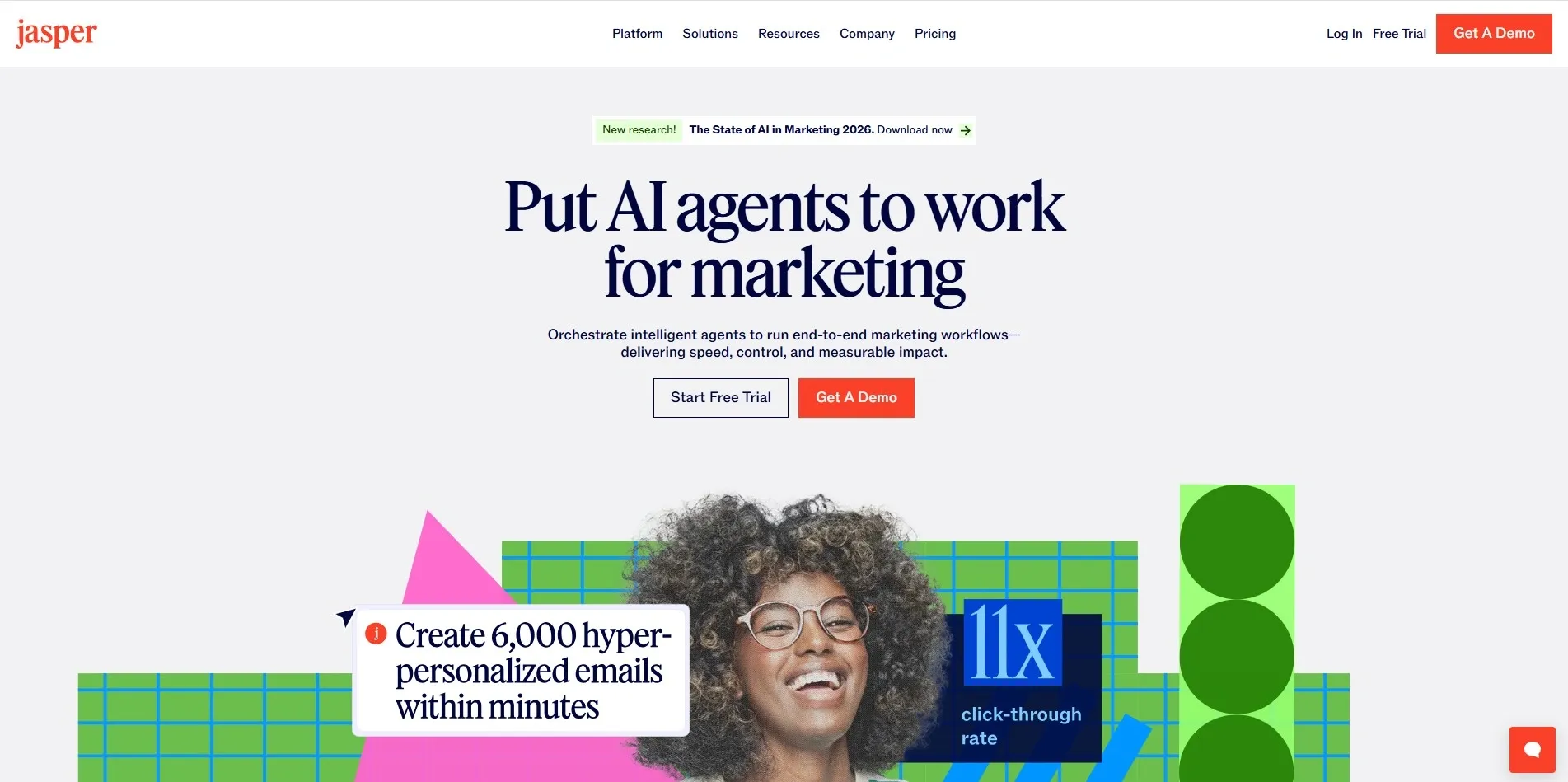
Jasper AI is built specifically for marketing teams. It comes with templates for ads, product descriptions, emails, and blog posts. If your job involves creating persuasive content at scale, Jasper is worth every penny.
-
Grammarly GO
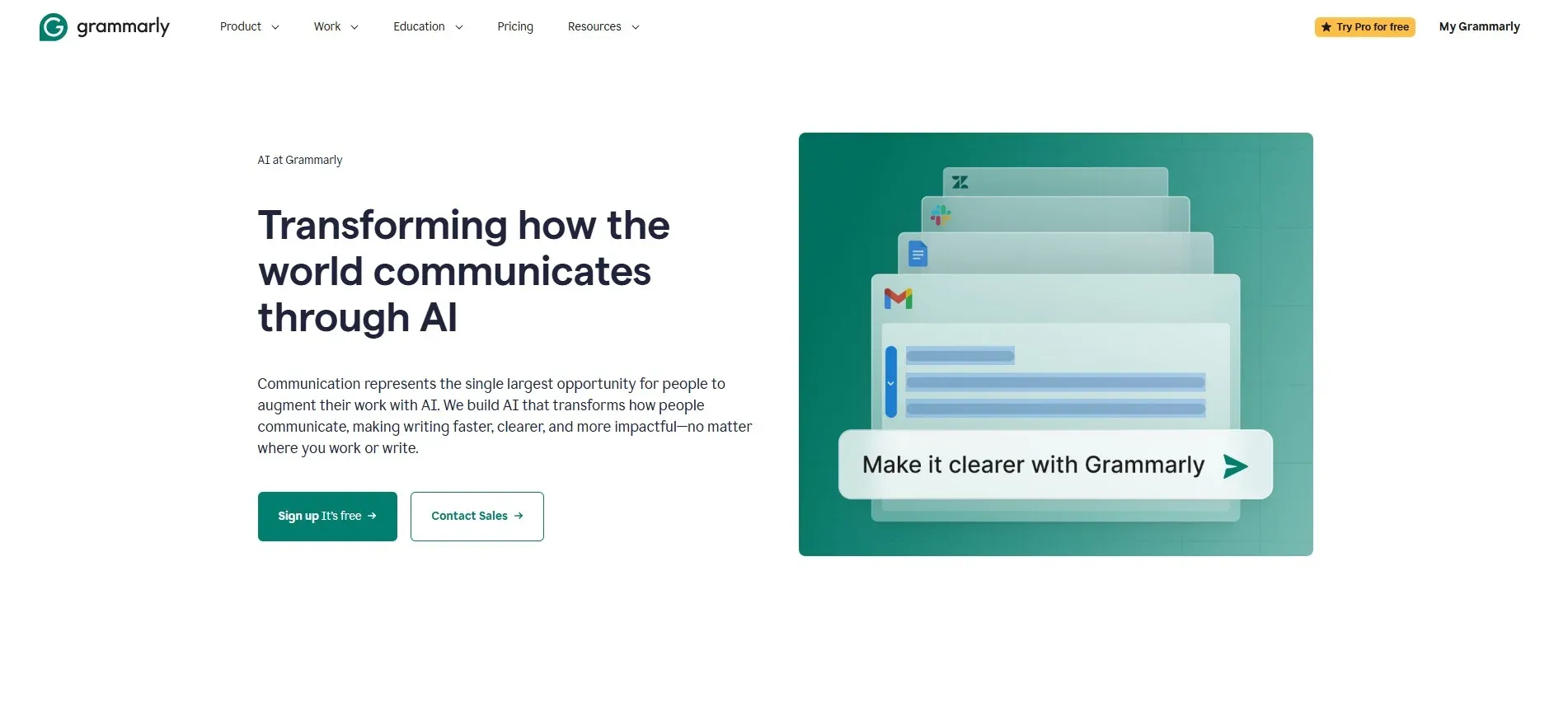
Grammarly GO goes beyond grammar checking. It now rewrites entire paragraphs, adjusts your tone, and helps you sound more professional or more casual, depending on what you need. Most people know Grammarly for spellcheck, but the AI features are where it really shines.
-
Writesonic
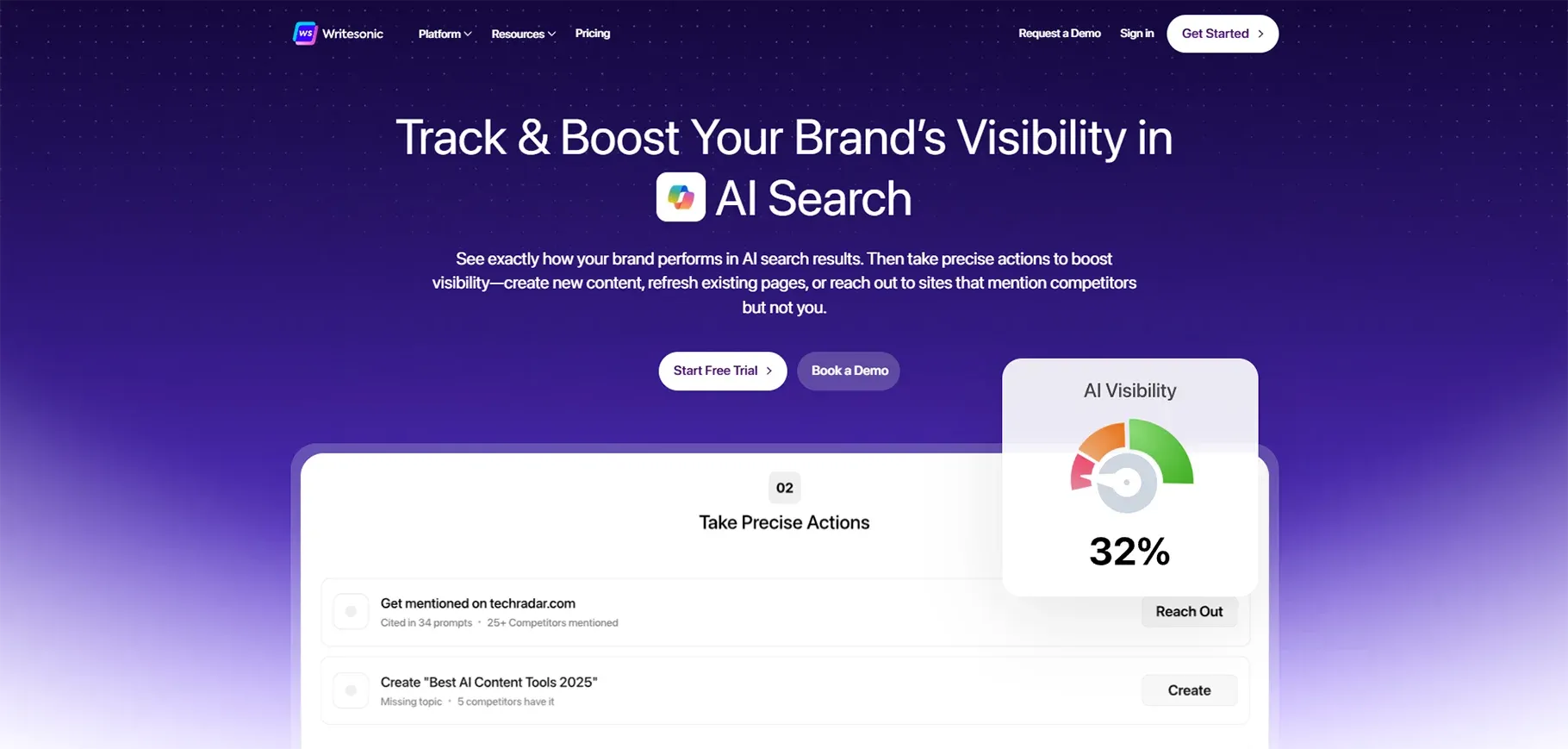
Writesonic is a great option for budget-conscious teams that need blog posts, landing pages, and ads without paying premium prices. It is fast, easy to use, and surprisingly accurate.
2. AI Chat Assistants
Think of AI chatbot assistants as the Swiss Army knife of productivity. They are conversational, flexible, and can help you brainstorm ideas, summarize documents, plan projects, and answer almost any question you throw at them.
-
ChatGPT
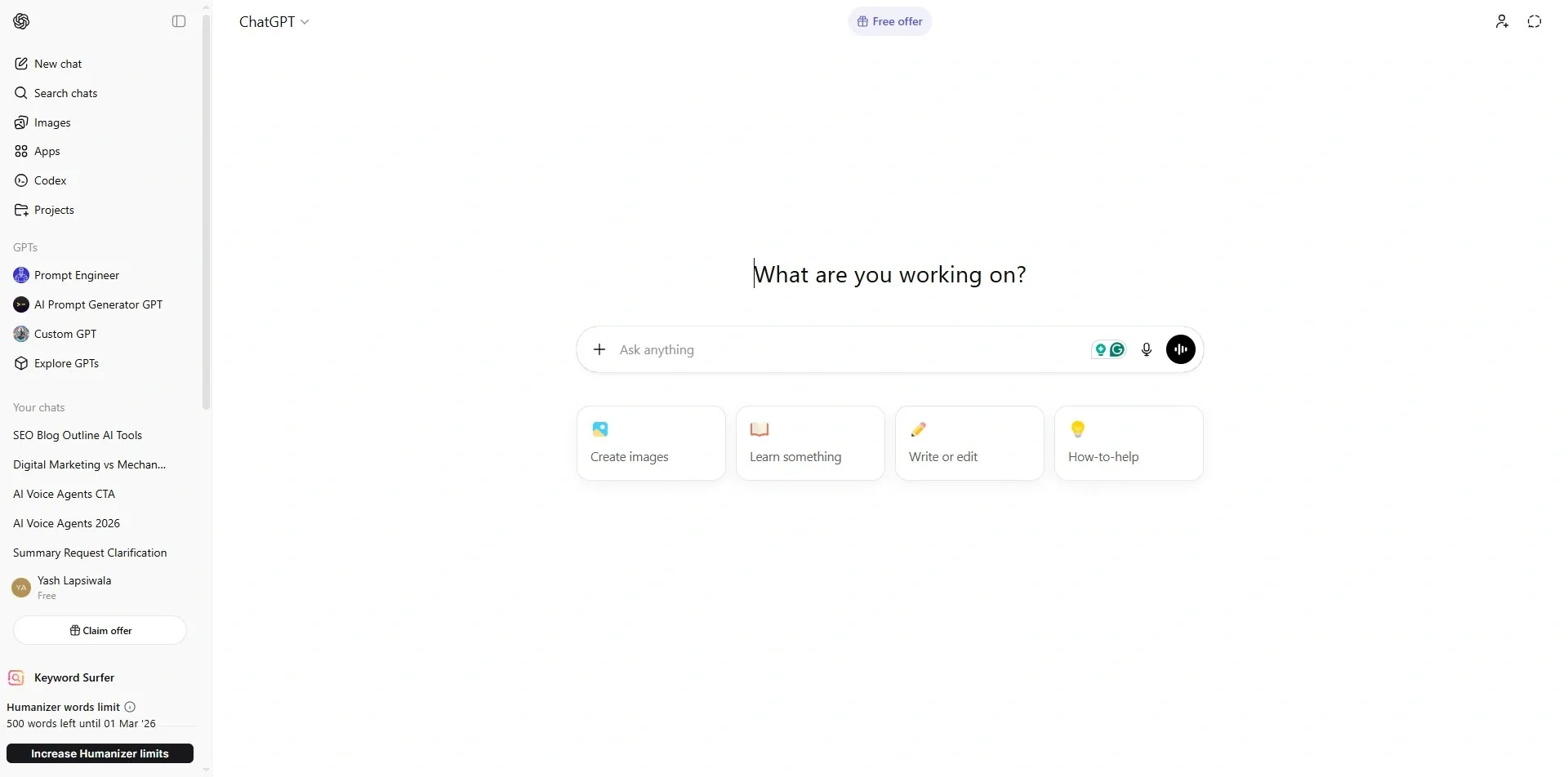
ChatGPT leads the pack here. It handles everything from casual brainstorming to detailed research summaries. The free version is solid; the paid version is genuinely impressive.
-
Claude AI
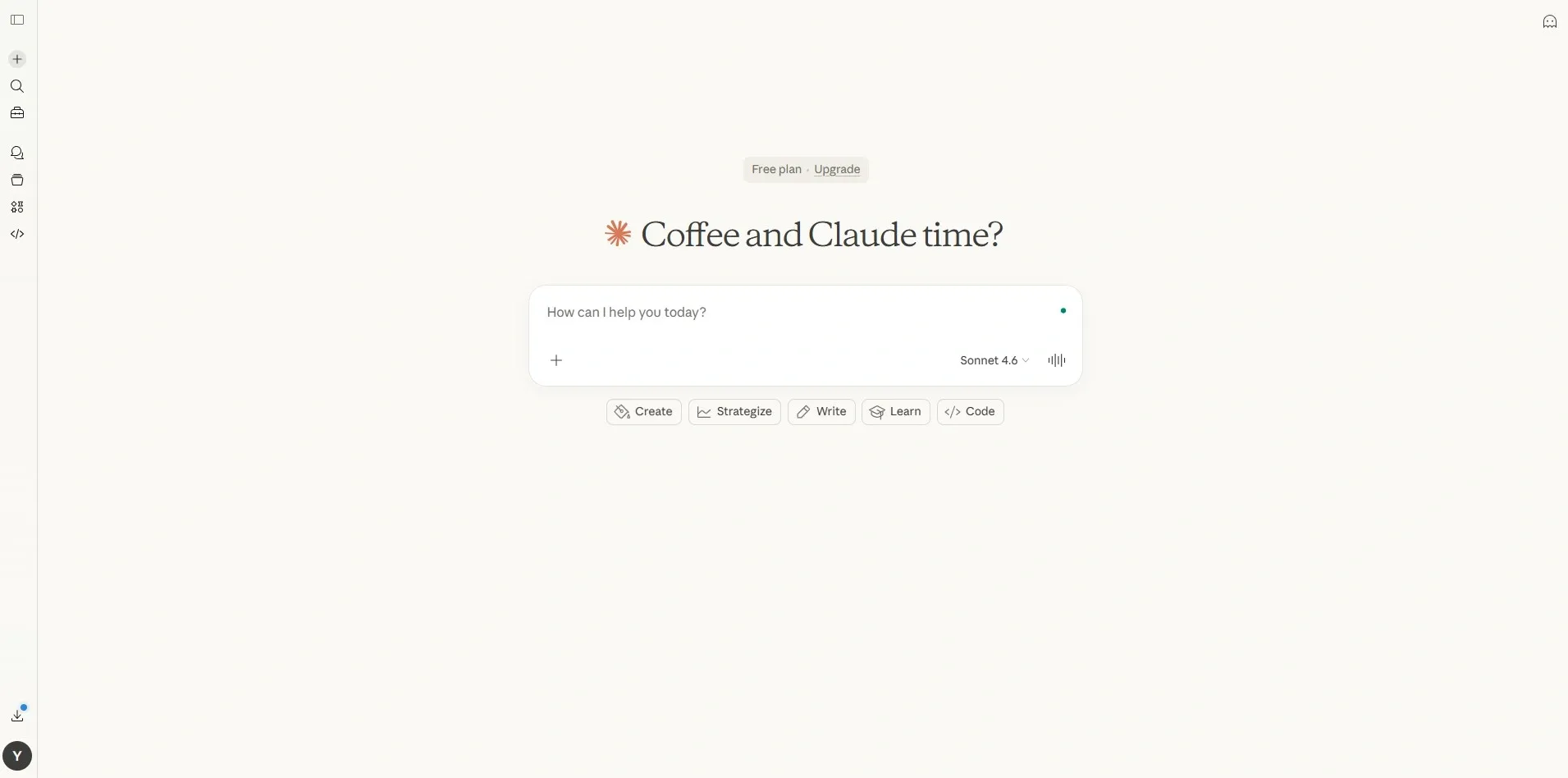
Claude AI is a strong alternative that many professionals prefer for longer documents and more nuanced conversations. It is especially useful for reading and analyzing large amounts of text quickly.
-
Google Gemini
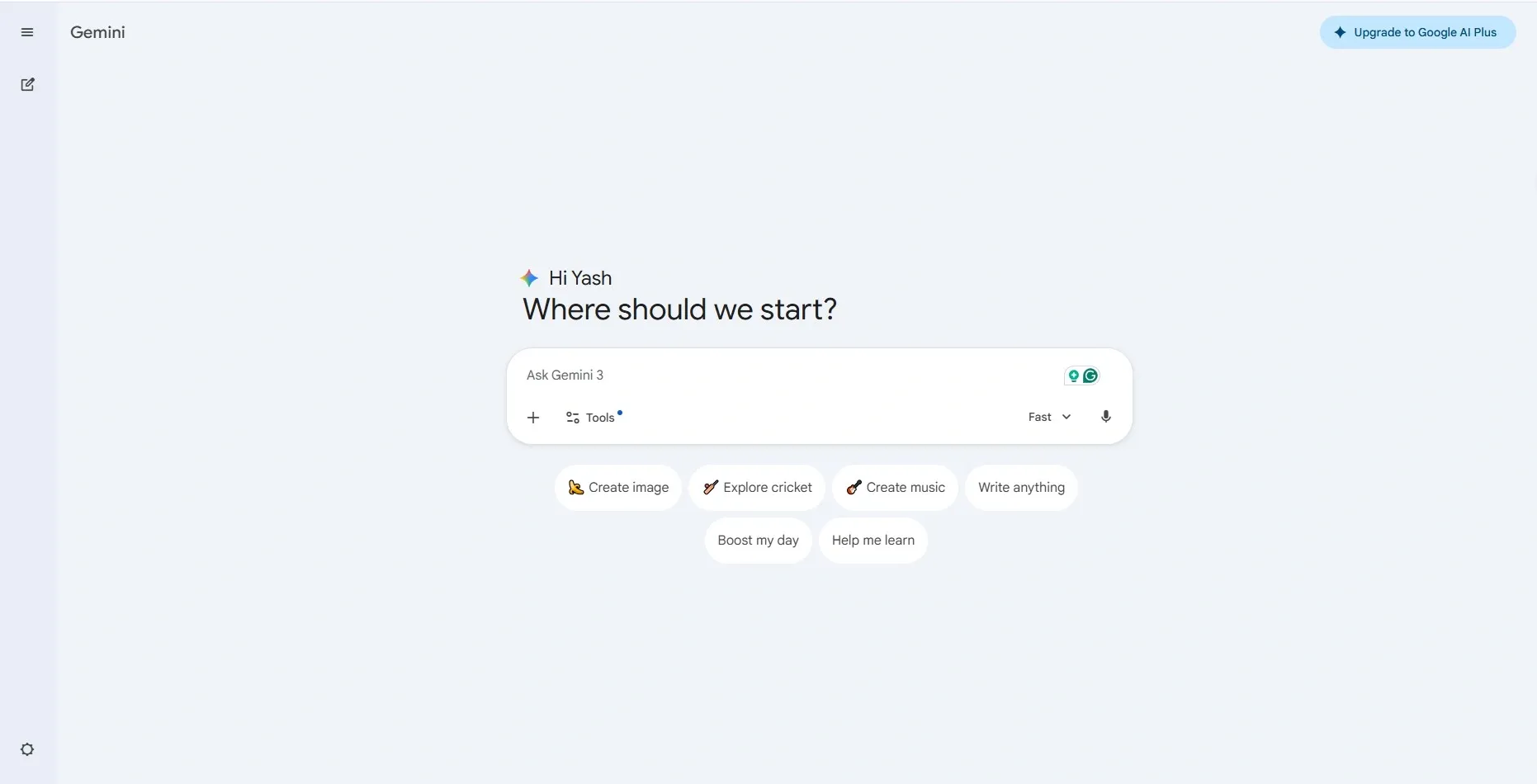
Google Gemini integrates directly with Google Workspace, which makes it a natural choice if your team lives in Google Docs, Gmail, and Drive. It is getting smarter with every update and is one of the best AI assistant options for Google-first workflows.
Most people struggle to pick just one AI productivity chatbot, so let me explain simply: try ChatGPT first. If you need deeper document analysis or to write long-form content, Claude is excellent. If your work revolves around Google tools, go with Gemini.
3. Project Management and Workflow Automation
The absence of proper tools makes it hard to handle work assignments for the entire team. Understanding how AI agents can automate your workflows is key these tools provide complete task automation, including assigning work, delivering notifications, creating progress reports, and identifying potential obstacles before they develop into major issues.
-
ClickUp
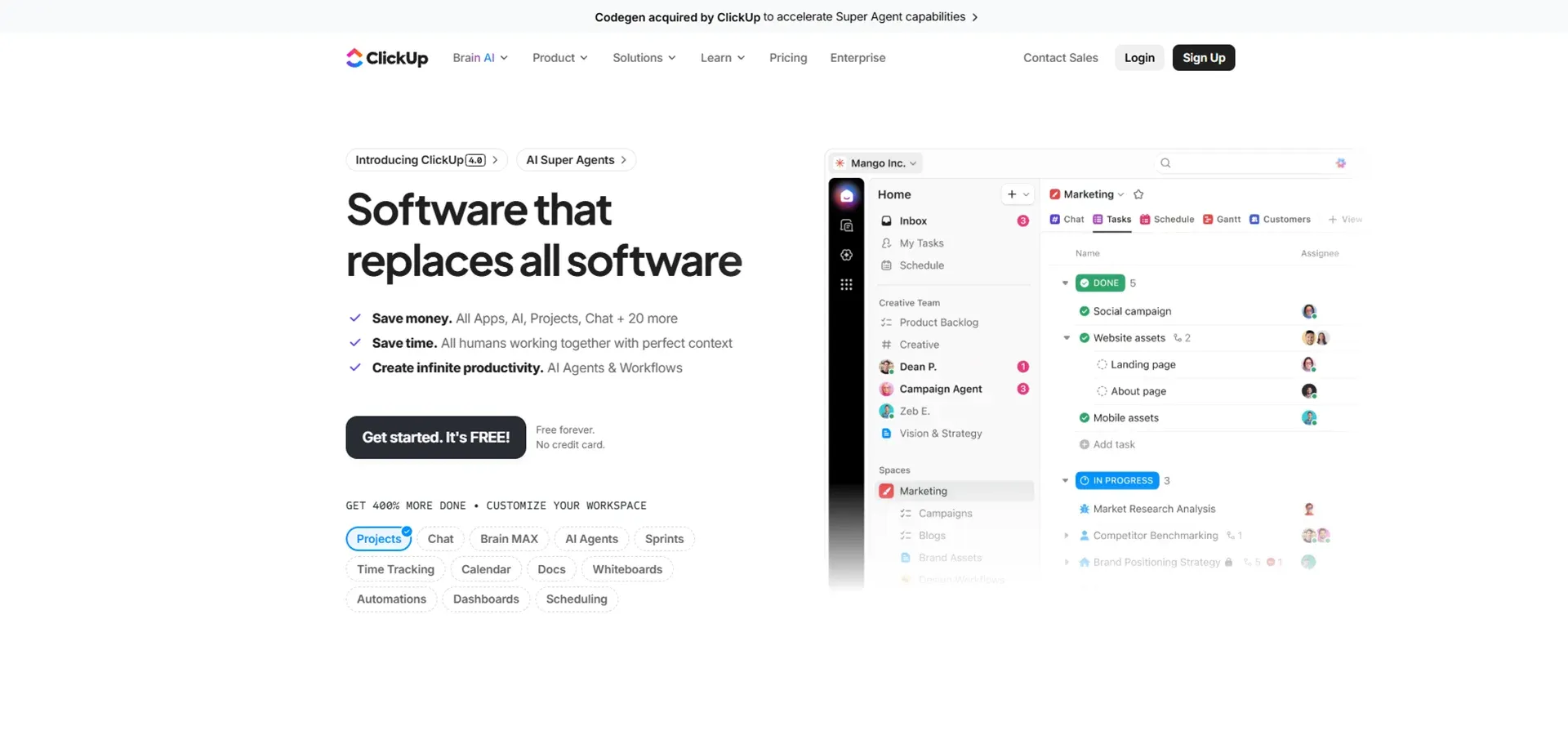
ClickUp is one of the most feature-rich project management platforms out there. Its AI features can auto-generate task lists from a brief description, write status updates, and even predict project completion dates based on your team's pace.
-
Asana
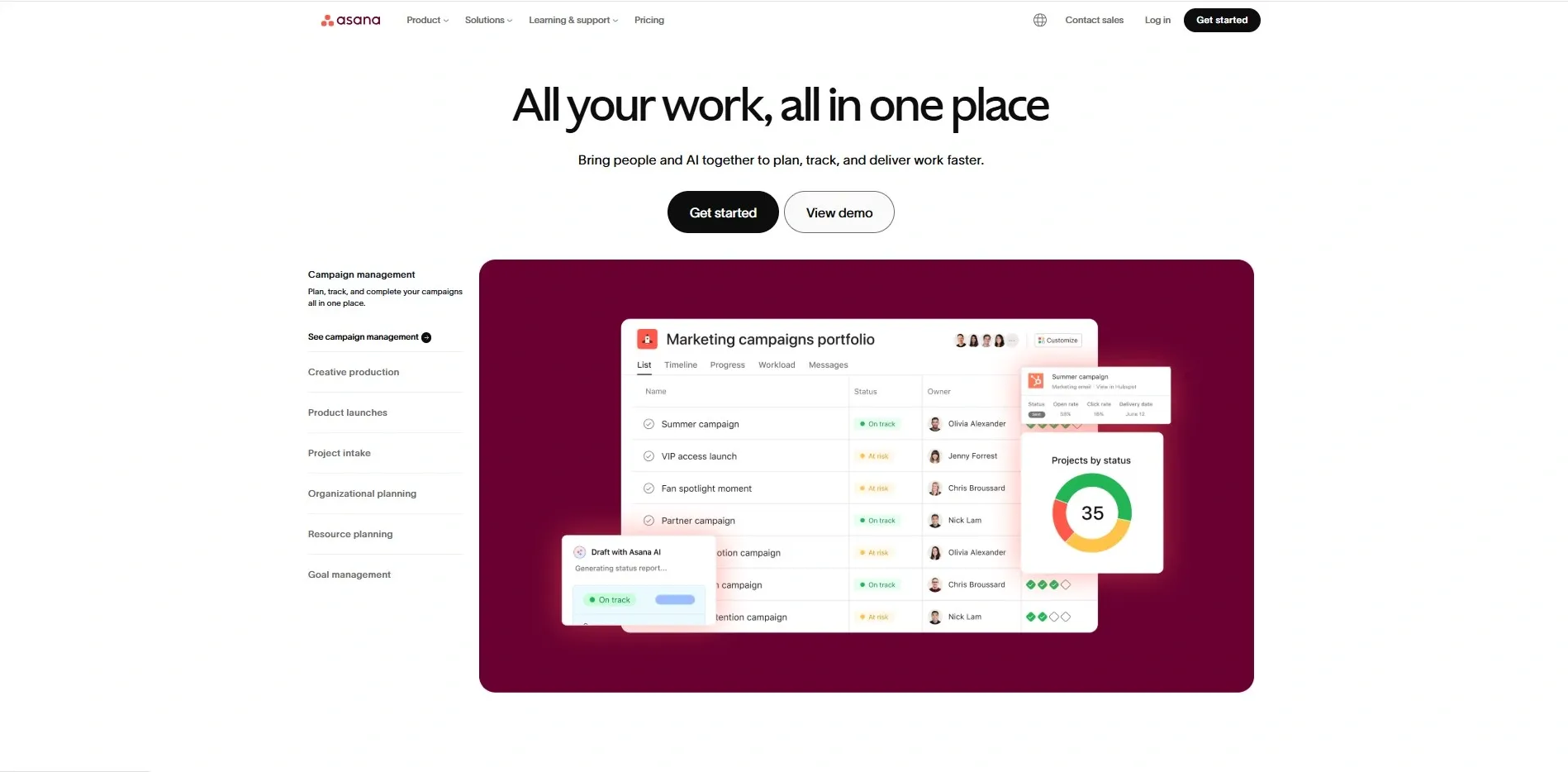
Asana recently added powerful AI capabilities that help prioritize tasks, detect risks in project timelines, and suggest what to work on next. For teams that value structure and clarity, Asana is hard to beat.
-
Notion AI
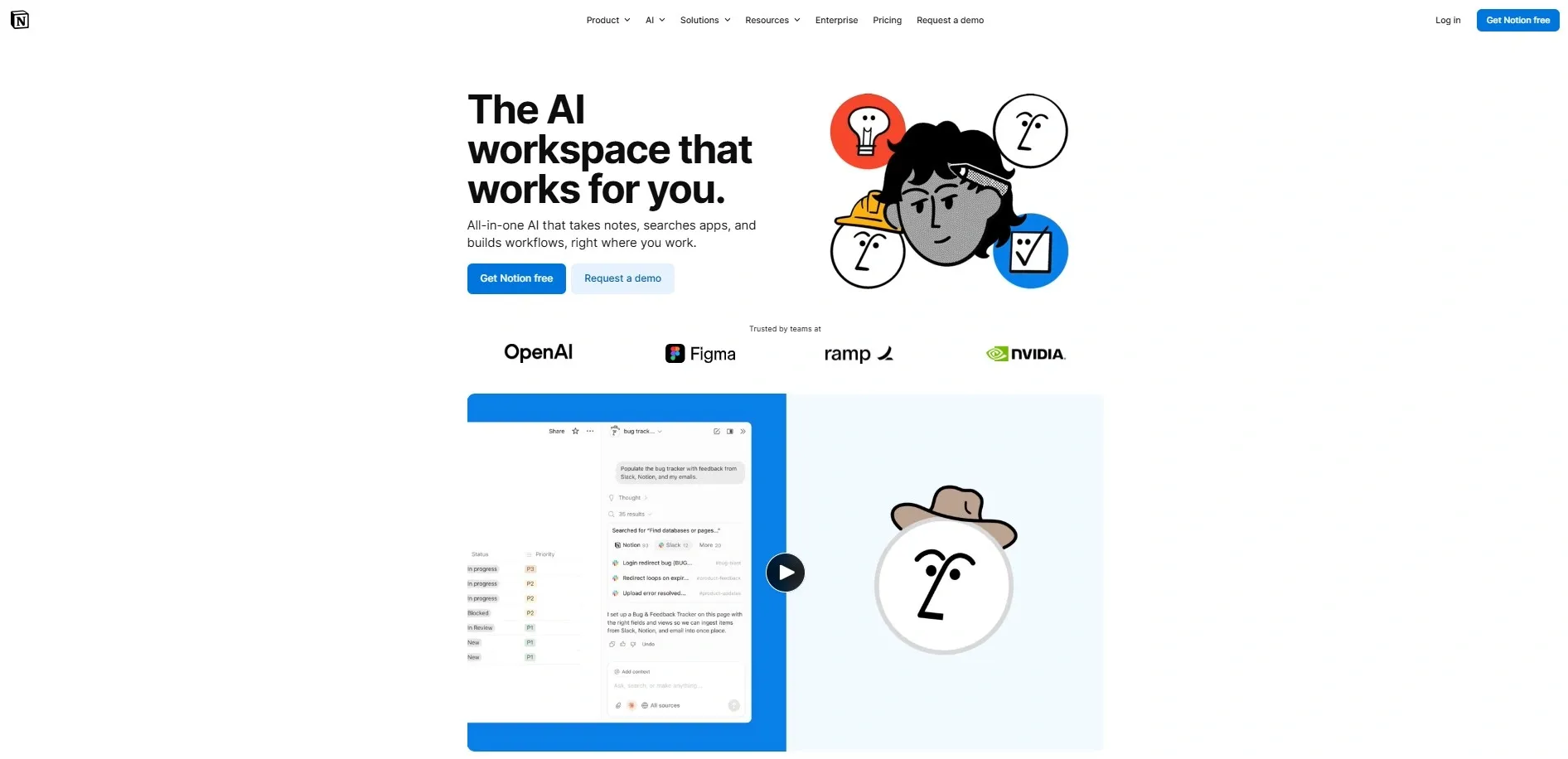
Notion AI blends notes, wikis, tasks, and databases into one workspace and its AI layer makes all of it smarter. You can ask it to summarize a meeting note, generate a project plan, or turn bullet points into a full document. In my experience, Notion AI is especially useful for solo professionals and small teams.
Also Read: Best AI Tools for Business Analysts in 2026 (Boost ROI)
4. AI Tools for Meetings and Collaboration
Raise your hand if you have ever left a meeting and immediately forgotten half of what was discussed. I have noticed this is one of the biggest hidden time-wasters in the modern workplace. AI meeting tools solve this problem completely.
-
Otter.ai
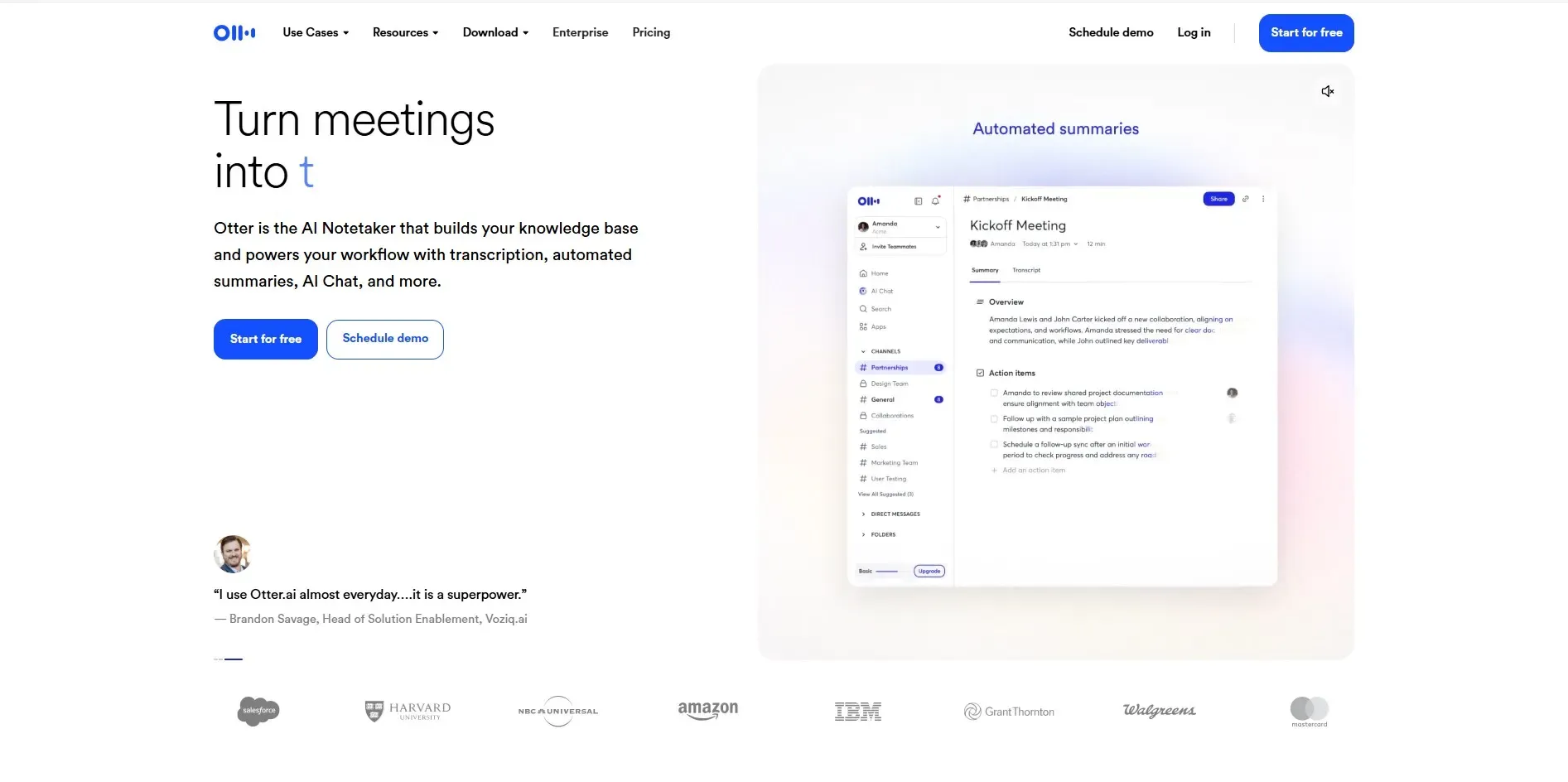
Otter.ai transcribes your meetings in real-time and creates summaries with action items automatically. It integrates with Zoom, Google Meet, and Microsoft Teams. After the call, you get a searchable transcript and a clean summary — no more frantic note-taking.
-
webex AI Assistant
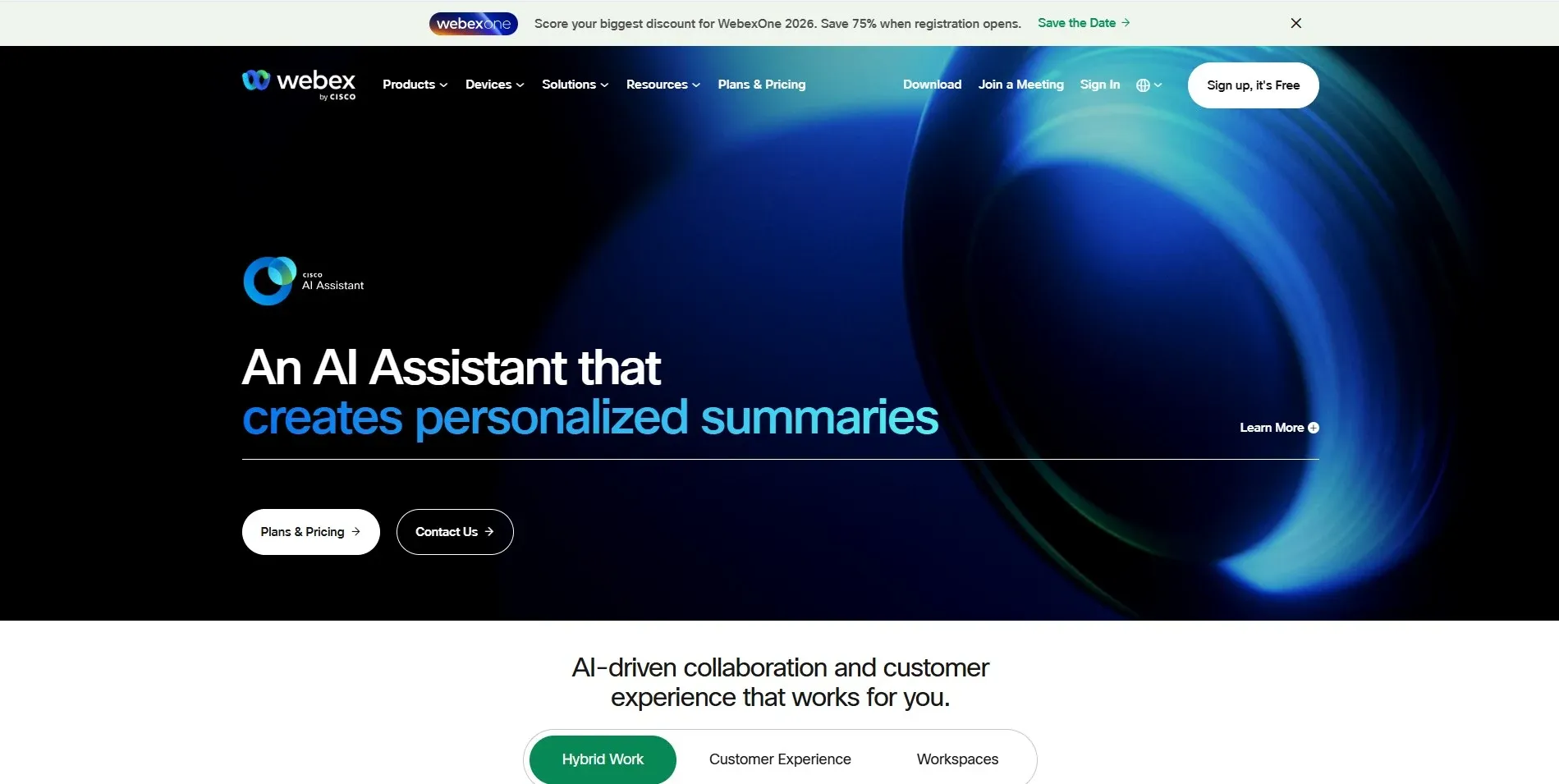
Cisco AI Assistant is a strong enterprise option. It handles real-time transcription, highlights key decisions, and even provides post-meeting insights that help teams follow up faster.
-
Zoom AI Companion
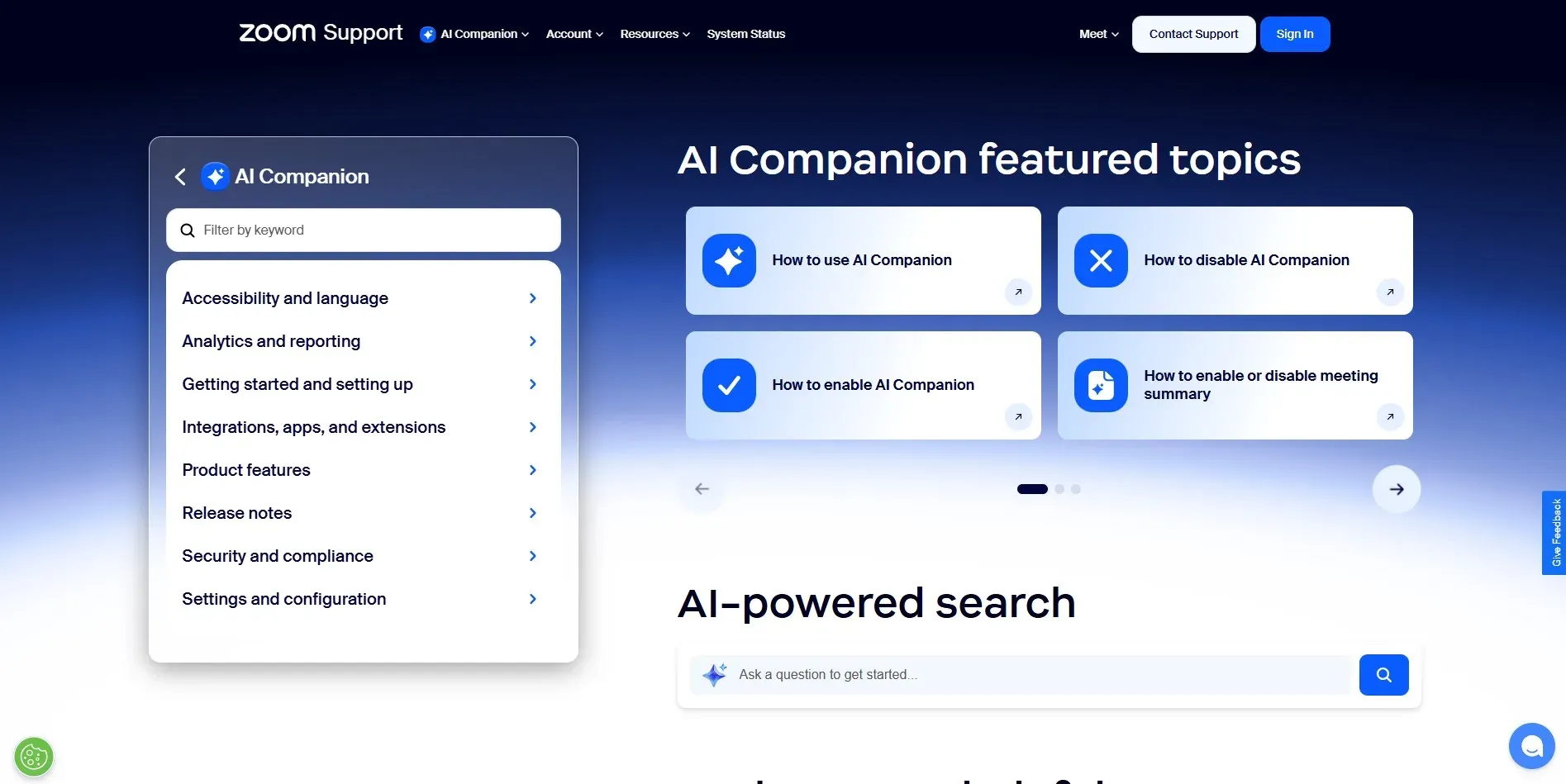
Zoom AI Companion is baked directly into Zoom, which most teams already use. It summarizes meetings, answers questions about what was said, and drafts follow-up emails all without leaving the platform.
5. Search, Research, and Knowledge Tools
Research used to mean opening twenty browser tabs and spending an hour synthesizing information. AI-powered search has made that process dramatically faster and more organized.
-
Perplexity AI
Perplexity AI is a personal favorite for research. Unlike traditional search engines, it gives you direct, sourced answers instead of a list of links to click through. You can ask follow-up questions, explore related topics, and get a comprehensive understanding of any subject in minutes.
-
Arc Search
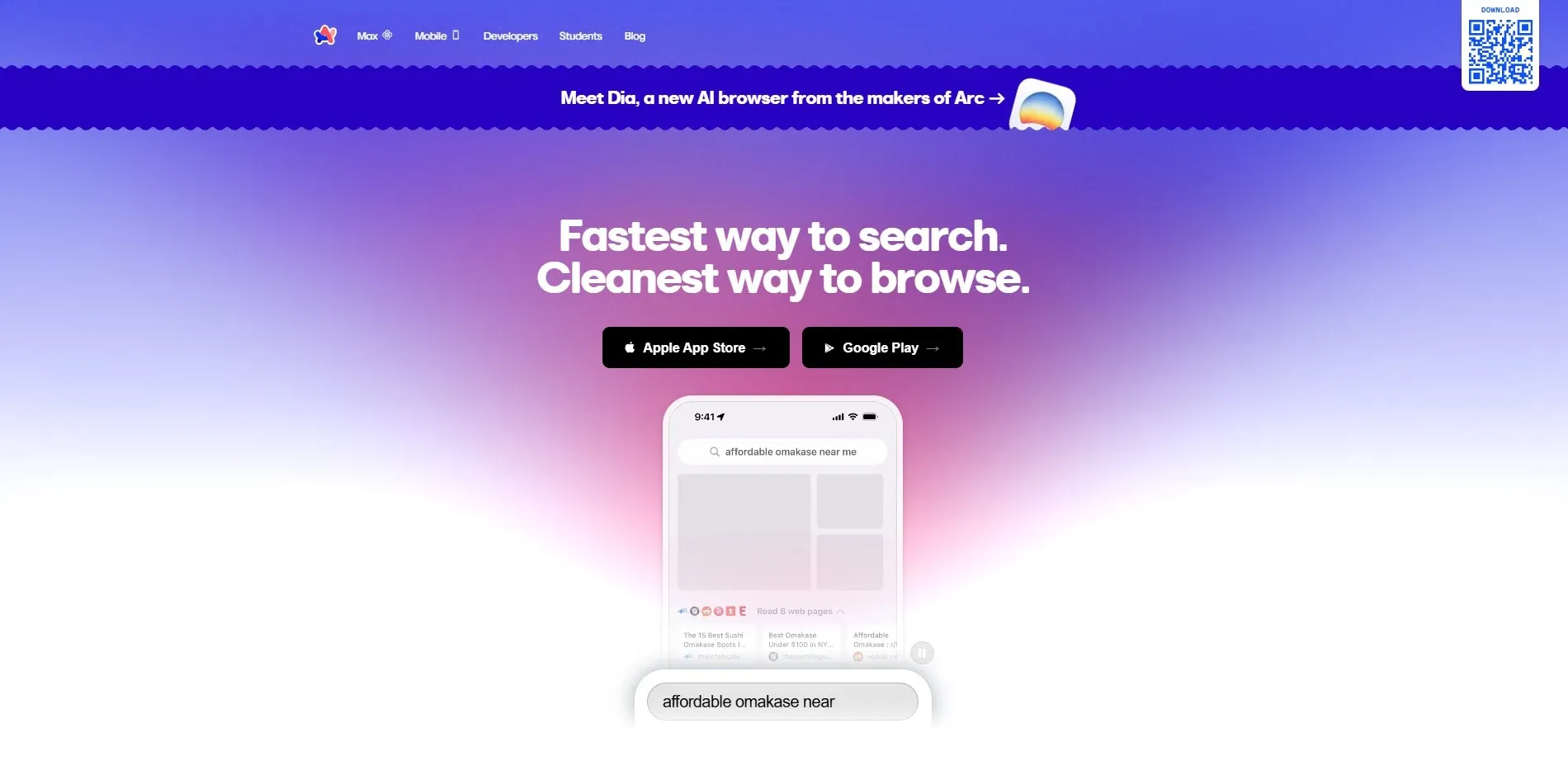
Arc Search is a smart browser that summarizes web pages for you before you even open them. It is especially useful when you are doing quick research and need the highlights without reading full articles.
The Real Benefits of Using AI Productivity Tools
Beyond the hype, here is what actually happens when you start using AI tools for productivity consistently in your work:
-
You save serious time on repetitive tasks: Things like summarizing reports, drafting routine emails, and scheduling meetings can be handled in seconds instead of minutes. Over a full week, those minutes add up to hours.
-
Your decision-making improves: When AI can quickly surface relevant information, compare options, and highlight risks, you make better calls faster. Less guesswork, more confidence.
-
Your writing and creativity get a boost: Even strong writers produce better work when they use AI as a thinking partner. It helps you overcome blank-page syndrome and refine your ideas more quickly.
-
Your manual workload drops: The most draining tasks data entry, copy-pasting between apps, and sending follow-up reminders can often be automated. That leaves more of your energy for the work that actually requires a human brain. To understand the full scope of benefits of AI for business, it is worth exploring how different industries are applying these gains.
How to Integrate AI Tools Into Your Workflow
Knowing which tools exist is one thing. Actually using them in a way that sticks is another. Here is a simple, step-by-step approach I recommend for anyone getting started:
-
Start with one primary AI assistant: Do not try to adopt five tools at once. Pick one — ChatGPT, Claude, or Copilot — and use it every day for two weeks. Get comfortable with how it responds to different kinds of prompts.
-
Automate repetitive tasks first: Look at your daily routine and identify the three things that eat the most time without requiring creative thought. Those are your first automation targets. Meeting summaries, inbox management, and status report drafting are great starting points.
-
Integrate with tools you already use: Most AI productivity tools now connect to Gmail, Outlook, Slack, Notion, and Google Drive. Set up those integrations early so the AI has context and can actually help you where you work.
-
Train your team for adoption: If you are a manager or team leader, adoption matters as much as the tool itself. Run a short demo session, share a few prompts that work well, and give people space to experiment. Teams that learn together stick with new tools longer.
Future Trends in AI Productivity
The productivity AI tools landscape is evolving fast. Here is what is coming over the next few years:
-
AI in hybrid work environments will become standard. As remote and in-office work continue to blend, AI tools that bridge the gap handling async communication, tracking project progress across time zones, and keeping distributed teams aligned will become essential infrastructure.
-
Deeper automation and tighter integrations are on the horizon. We are moving toward a world where your AI assistant does not just help you draft an email it sends it, schedules the follow-up, and logs the outcome in your CRM, all automatically. This aligns closely with the rise of agentic AI workflows that handle multi-step tasks with minimal human input.
-
AI agents that act like co-workers are already emerging. Tools like AutoGPT and Microsoft's Copilot agents can take on multi-step tasks independently: do research, compile a report, and send a summary to your team. This is not science fiction. It is happening right now, and it will only get more capable. You can explore real-world use cases of AI agents in business to see exactly how organizations are putting this to work today.
Conclusion
There is a lot to take in when it comes to AI productivity tools, but the most important thing to remember is simple: you do not need to use all of these tools to see a real difference in your work. Picking one or two that fit your daily routine can save you hours every week.
Whether you start with ChatGPT for writing, Otter.ai for meetings, or Notion AI for project planning, the key is to just start. The learning curve is shorter than you think, and the payoff is real.
The professionals who will thrive in the next five years are not the ones who resist these tools; they are the ones who learn to use them well. This guide gives you everything you need to take that first step.
And if you want expert guidance on choosing, implementing, or building AI-powered solutions tailored to your business, the team at RejoiceHub can help you turn AI tools into real productivity systems that drive measurable growth.
So pick a tool from this list, try it out this week, and see what changes. You might be surprised at what you can accomplish when you have the right AI productivity tools and the right strategy in your corner.
Frequently Asked Questions
1. What are AI productivity tools?
AI productivity tools are software applications powered by artificial intelligence that help users automate repetitive tasks, improve writing, manage projects, summarize meetings, and increase overall efficiency at work.
2. What is the best AI productivity tool in 2026?
The best AI productivity tool depends on your needs. ChatGPT is excellent for writing and research, Notion AI works well for project planning, and Otter.ai is ideal for meeting transcription and summaries.
3. Are AI productivity tools worth it for small businesses?
Yes. AI productivity tools help small businesses save time, reduce manual work, improve communication, and automate workflows without hiring additional staff.
4. How can AI tools improve workplace productivity?
AI tools improve productivity by automating repetitive tasks, summarizing information, generating content, prioritizing tasks, and providing data-driven insights for faster decision-making.
5. Can AI replace employees in productivity tasks?
AI can automate repetitive and rule-based tasks, but it does not replace strategic thinking, creativity, or human decision-making. Instead, it acts as a productivity multiplier.
6. Which AI tool is best for writing and content creation?
ChatGPT, Jasper, and Writesonic are among the best AI writing tools for creating blog posts, emails, social media content, and marketing copy quickly and efficiently.
7. What are the best AI tools for meetings?
Otter.ai, Zoom AI Companion, and Cisco AI Assistant for Webex are leading tools for real-time transcription, meeting summaries, and action-item tracking.
8. How do I start using AI productivity tools?
Start by choosing one primary AI assistant like ChatGPT or Claude. Use it daily for two weeks, automate repetitive tasks first, and integrate it with tools you already use like Gmail or Slack.
9. Are AI productivity tools secure for business use?
Most enterprise AI tools offer strong security features, including data encryption and compliance standards. However, businesses should review data policies before implementation.
10. What is the future of AI productivity tools?
The future includes AI agents that can handle multi-step tasks autonomously, deeper automation across platforms, and seamless integration with workplace ecosystems.