AI Tools for App Development have become common in the tech industry, according to your current knowledge of the field. App development used to require developers to create an application which took several months and cost more than 10000 dollars. You can create an app within minutes by explaining your concept in simple English. I have tested dozens of these platforms and the new features they offer create a genuine sense of excitement.
AI-powered no-code and low-code platforms, because of their development capabilities, now enable all users to build artificial intelligence applications. The guide provides instructions for startup founders who need to create minimum viable products, for SaaS developers who want to build their next product and for small business owners who require internal tools, and for all people who have excellent business ideas.
In this article, I will walk you through the 15 best AI app builders in 2026, what makes each one special, and how to choose the right one for your project. Let's dive in.
What is an AI App Builder?
An AI app builder is a platform that uses artificial intelligence to help you create web apps, mobile apps, or internal tools without writing complex code. You only need to explain your requirements because the AI will create your app through its design and functional structure generation.
The best ai tools for app development offer users two distinct options which include complete no-code tools and AI-assisted low-code development environments. The current period represents the most accessible time for people to enter into digital platforms.
How AI App Builders Work
Modern AI builders use prompt-based development as their main development approach. You type something like 'Build me a task management app with user login and a dashboard,' and the AI starts executing the task you requested.
Many platforms provide drag-and-drop UI creation tools that allow users to visually modify their layout designs. AI code generation manages the technical operations that run in the background, while backend automation tools enable users to link their workflows with data sources without needing to code for server operations.
AI App Builders vs Traditional Development
Here is a quick look at how these two approaches compare:
| Feature | AI App Builder | Traditional Development |
|---|---|---|
| Development Speed | Fast hours or days | Slow weeks or months |
| Coding Skills Required | Minimal to none | High (multiple languages) |
| Cost | Lower subscription-based | Higher team salaries |
| Customization | Moderate | Very high |
| Time to MVP | Days | Months |
How AI App Builders Are Transforming Software Development
We are in the middle of a software revolution. Here is why these tools are changing the game.
-
Faster App Development
AI tools for app development enable teams to create functional prototypes within hours. The process, which required two sprints, can now be completed within one afternoon. Fast development allows companies to conduct rapid testing of their concepts.
-
Reduced Development Costs
The annual salary range for hiring a full-stack developer starts at $80,000 and goes up to $150,000. Most AI app builder subscriptions run from free to a few hundred dollars a month. The cost difference between these two options creates significant advantages for startups and small businesses.
-
No-Code and Low-Code Accessibility
The no-code movement has been gaining momentum during the last several years, but AI gives it new momentum to grow. Today people without any technical skills can create actual working applications by using the best no-code app builders available. The process of creation is now open to all because good ideas will prevail over exceptional resources.
-
Faster MVP Creation for Startups
The operational success of startups depends on their ability to execute business activities at high velocity. The best artificial intelligence application development platforms enable entrepreneurs to create and launch their initial product version within a short time frame while they collect user feedback and improve their product without incurring substantial expenses for programming work.
Key Features to Look for in an AI App Builder
Not all platforms are created equal. Here is what I always look for when evaluating an AI app builder:
-
Natural Language Prompt-to-App Creation
The best tools let you describe your app in plain English and generate a working version. This is the core of prompt-based development and what separates true AI builders from older no-code tools.
-
Drag-and-Drop Interface
After the AI generates your base app, you should be able to tweak it visually. A good drag-and-drop editor gives you control without code.
-
API and Database Integration
Your app probably needs to talk to other tools. Look for platforms with strong API and database integration options payment processors, CRMs, data warehouses, and more.
-
AI Code Generation
AI code generation lets the platform write the underlying code so you do not have to. Platforms like Replit AI and Bolt.new excel here, letting developers jump in and edit if needed.
-
Deployment and Hosting
The best platforms let you deploy your app directly from within the tool. One-click deploy is a feature I always look for no separate hosting headaches.
10 Best AI App Builders in 2026
Here is my detailed breakdown of the top AI tools for app development in 2026, covering everything from enterprise powerhouses to lightweight tools for solo founders.
1. Softr — Best for Building Apps from Spreadsheets
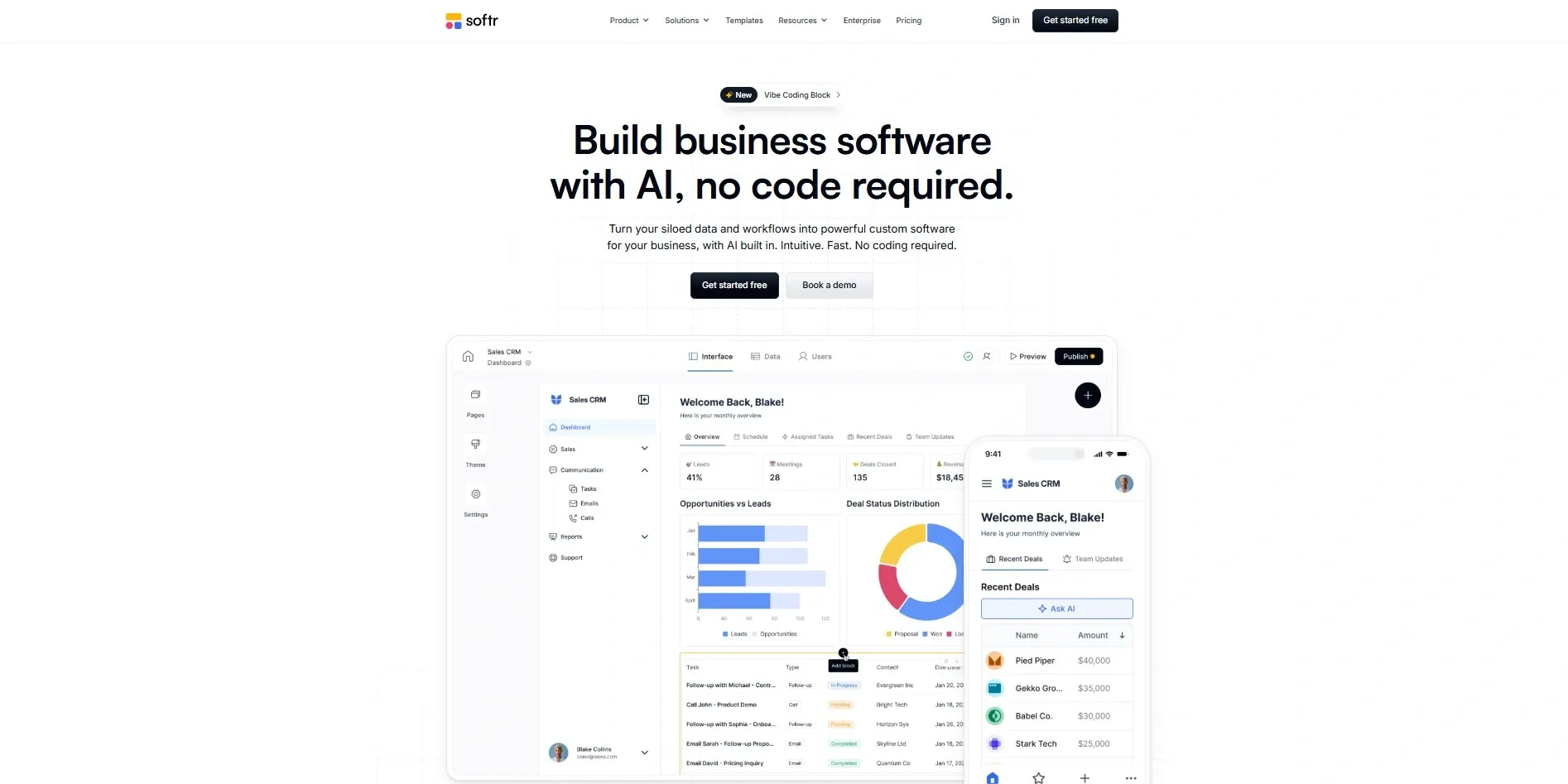
Softr is one of the most beginner-friendly AI app builders available. It connects directly to Airtable or Google Sheets and turns your data into a fully functional web app. No code, no complexity just your spreadsheet and a few clicks.
- Key Features: Airtable and Google Sheets integration, pre-built templates, user authentication, client portals, and membership sites.
- Pros: Extremely easy to use, great for non-technical users, fast setup.
- Cons: Limited for complex custom logic.
- Pricing: Free plan available. Paid plans start at $49/month.
- Best For: Small businesses, client portals, dashboards built on spreadsheets.
2. Microsoft Power Apps — Best Enterprise AI App Builder
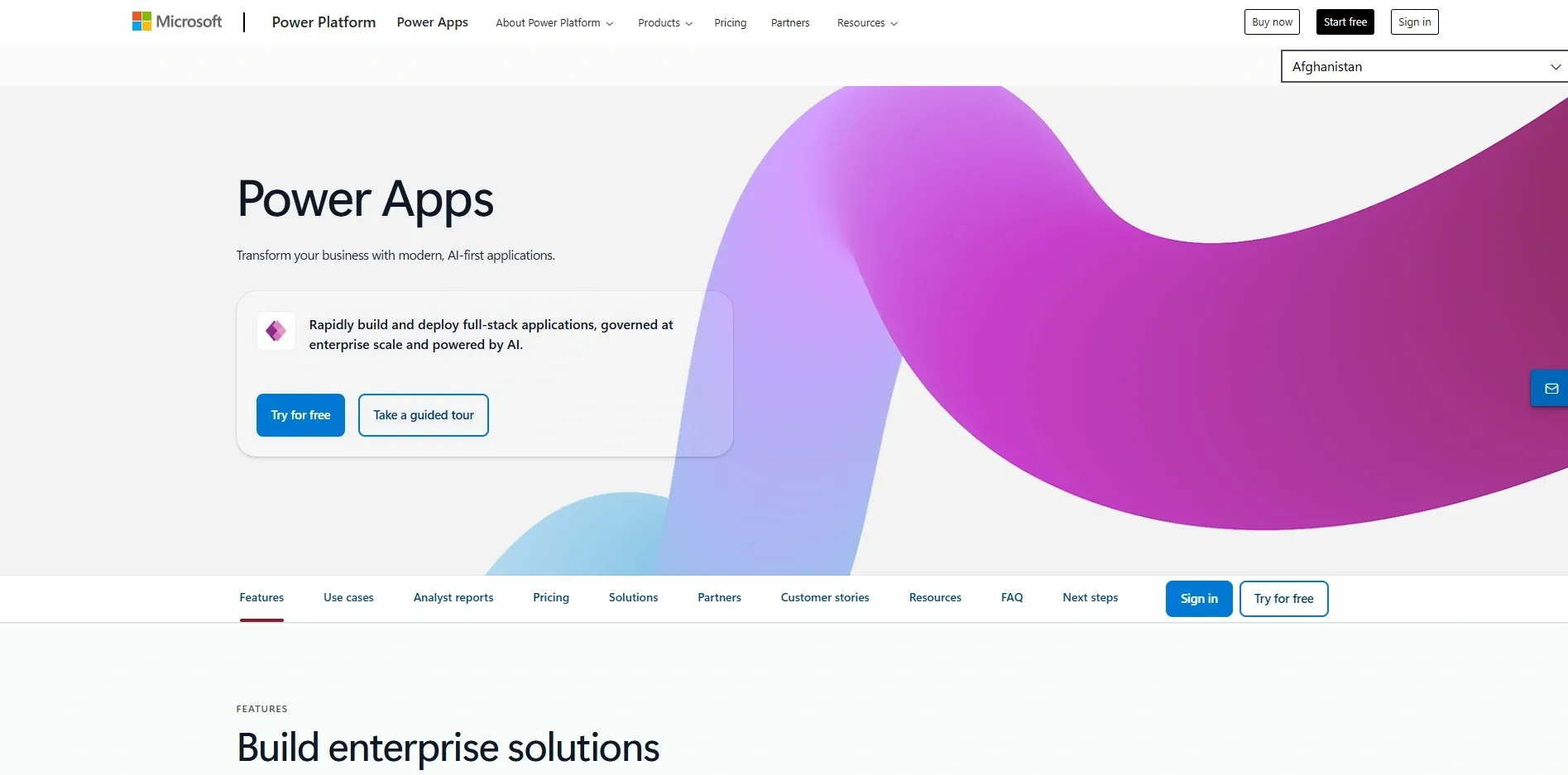
Microsoft Power Apps is the go-to choice for large enterprises already embedded in the Microsoft ecosystem. It connects natively with Office 365, SharePoint, Teams, and Dynamics, making it a powerhouse for enterprise app development.
- Key Features: Deep Microsoft 365 integration, AI Builder module, Power Automate workflows, enterprise-grade security.
- Pros: Best-in-class enterprise features, robust security, massive connector library.
- Cons: Steep learning curve, pricing can escalate.
- Pricing: Starts at $5/user/month.
- Best For: Enterprise teams, HR tools, operations apps within the Microsoft ecosystem.
3. Bubble AI — Best for MVP Development
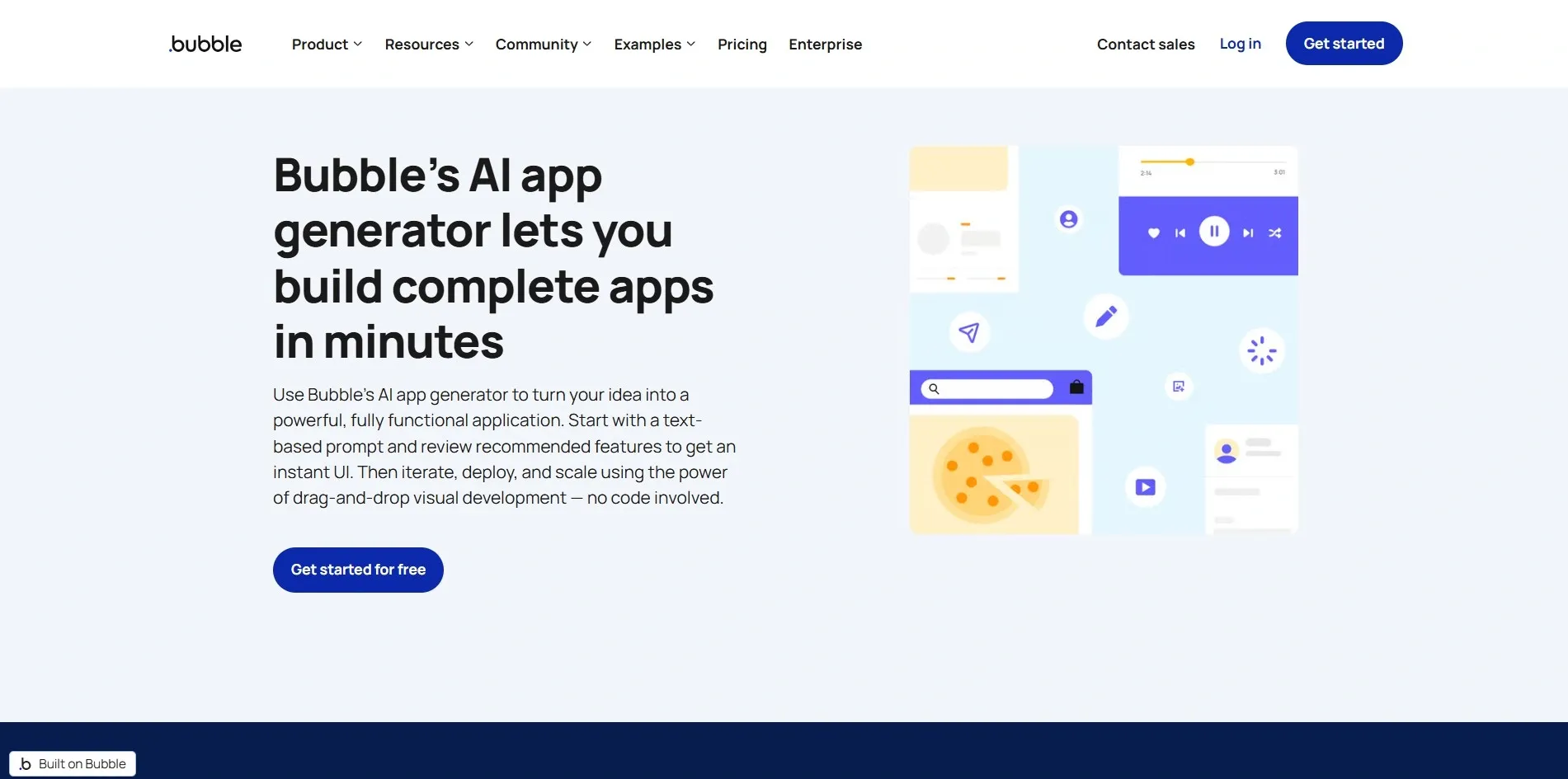
Bubble has been a no-code favorite for years, and its AI layer makes it even more powerful. You can build complex SaaS products and marketplaces without writing backend code. In my experience, Bubble is where serious non-technical founders go to build real businesses. If you are exploring AI business ideas for your startup, Bubble is worth considering early in your planning process.
- Key Features: Visual database, responsive design, plugin marketplace, built-in workflows, AI-assisted logic.
- Pros: Highly flexible, great community, supports complex apps.
- Cons: Performance can lag on complex apps, moderate learning curve.
- Pricing: Free plan available. Paid plans from $29/month.
- Best For: SaaS founders, marketplace builders, startup MVPs.
4. FlutterFlow — Best for AI Mobile App Development
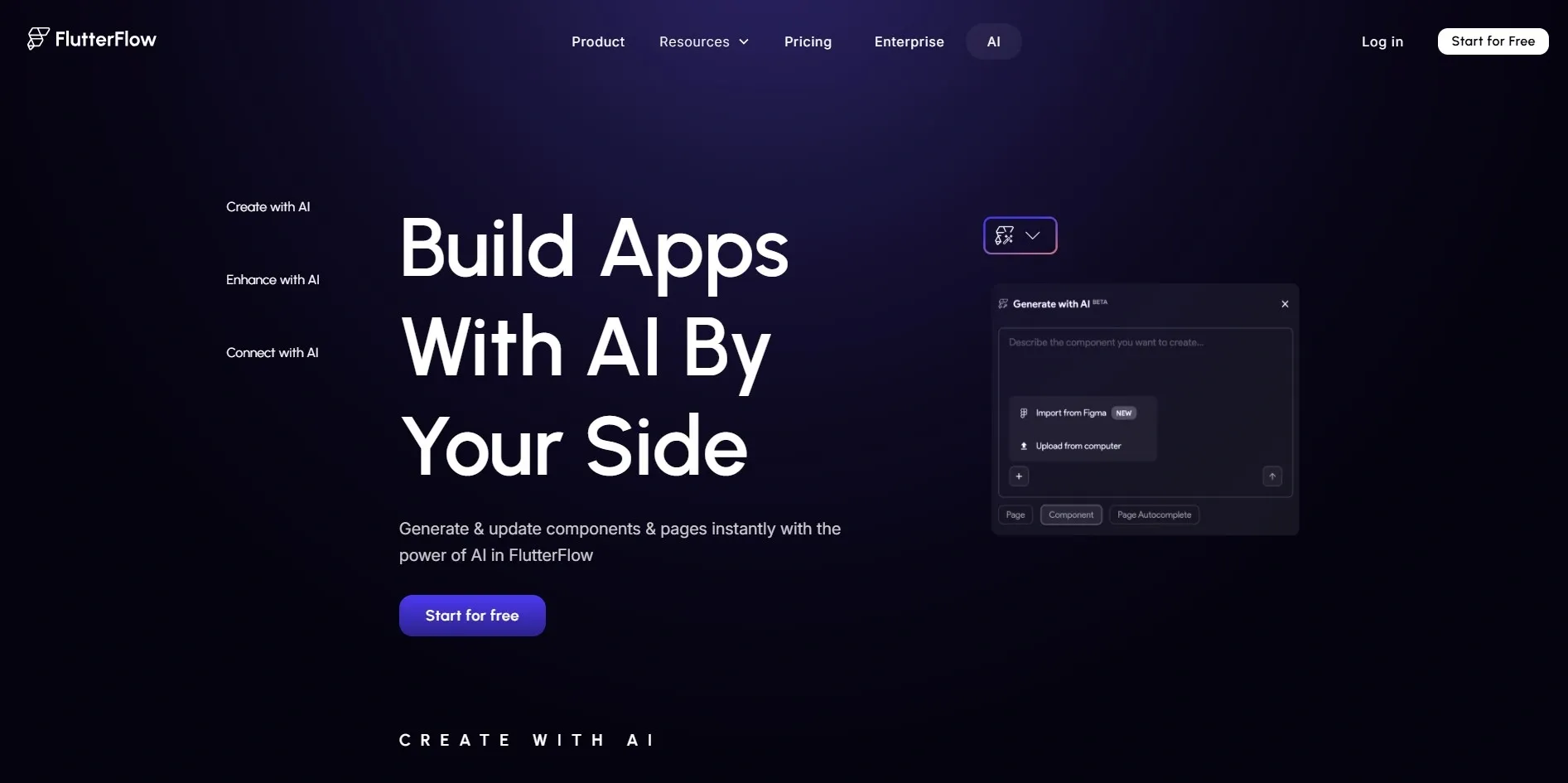
FlutterFlow is my top pick for AI mobile app development. It uses Google's Flutter framework and lets you build beautiful iOS and Android apps visually. The AI features help generate screens and logic faster than ever. Understanding the power of custom mobile app development for your business can help you make the most of what FlutterFlow offers.
- Key Features: Flutter-based output, Firebase integration, native mobile components, AI screen generation.
- Pros: Real native mobile apps, strong design tools, clean code export.
- Cons: Some Flutter knowledge helps, backend setup can be complex.
- Pricing: Free plan. Paid plans from $30/month.
- Best For: Mobile app startups, iOS/Android builders, Flutter developers.
5. Retool AI — Best for Internal Tools
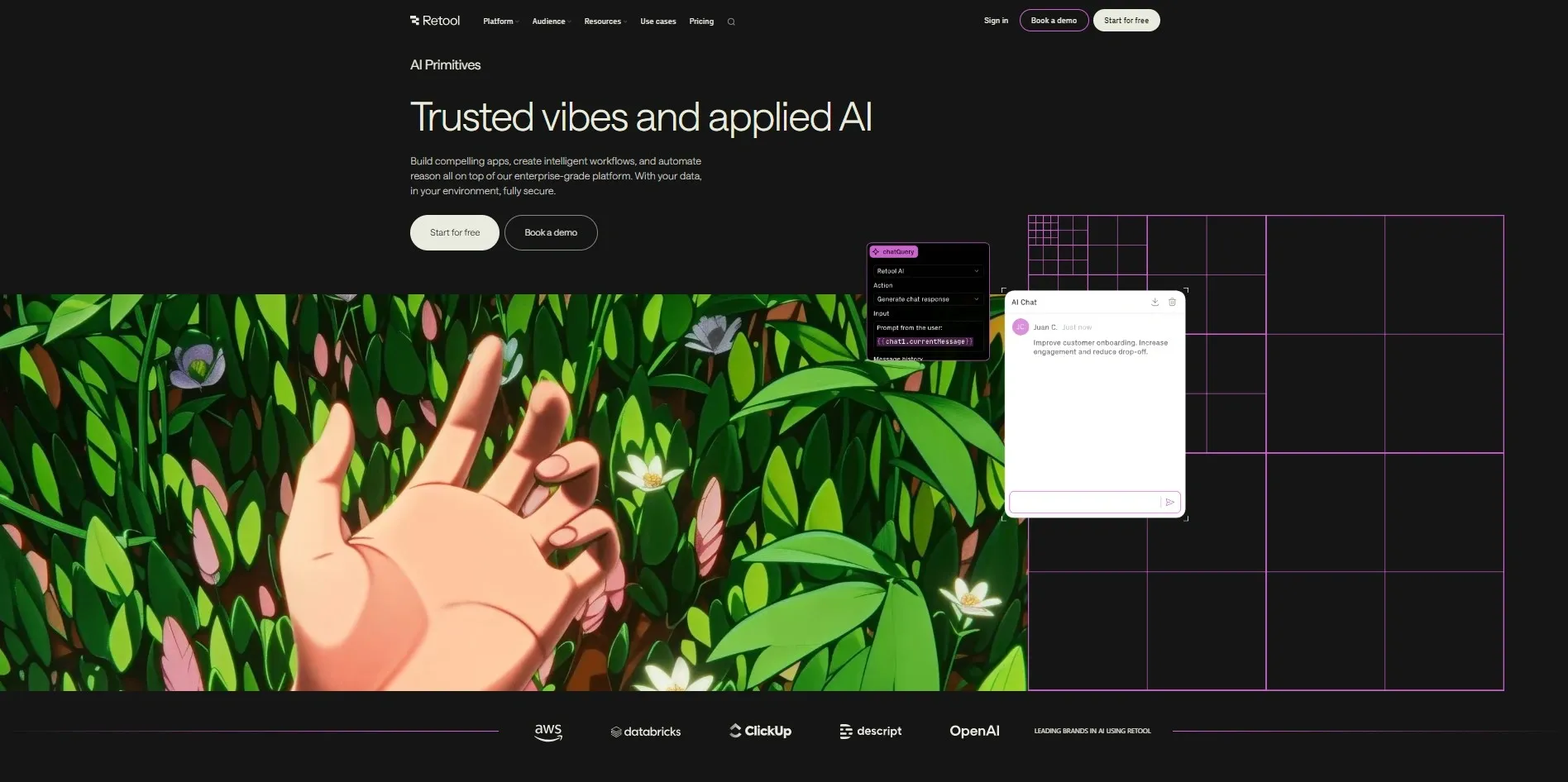
Retool is a legend in the internal tools space. Its AI features make it faster to build admin panels, dashboards, and ops tools. If your team needs a custom CRM, order management system, or data explorer, Retool will likely be your best friend.
- Key Features: Drag-and-drop components, SQL and API support, AI query generation, role-based access.
- Pros: Excellent for data-heavy tools, powerful integrations, loved by dev teams.
- Cons: Not ideal for public-facing apps, pricing scales up quickly.
- Pricing: Free for up to 5 users. Cloud plans from $10/user/month.
- Best For: Operations teams, internal dashboards, developer-led companies.
Also Read: Best AI Tools for Coding in 2026
6. Airtable Cobuilder
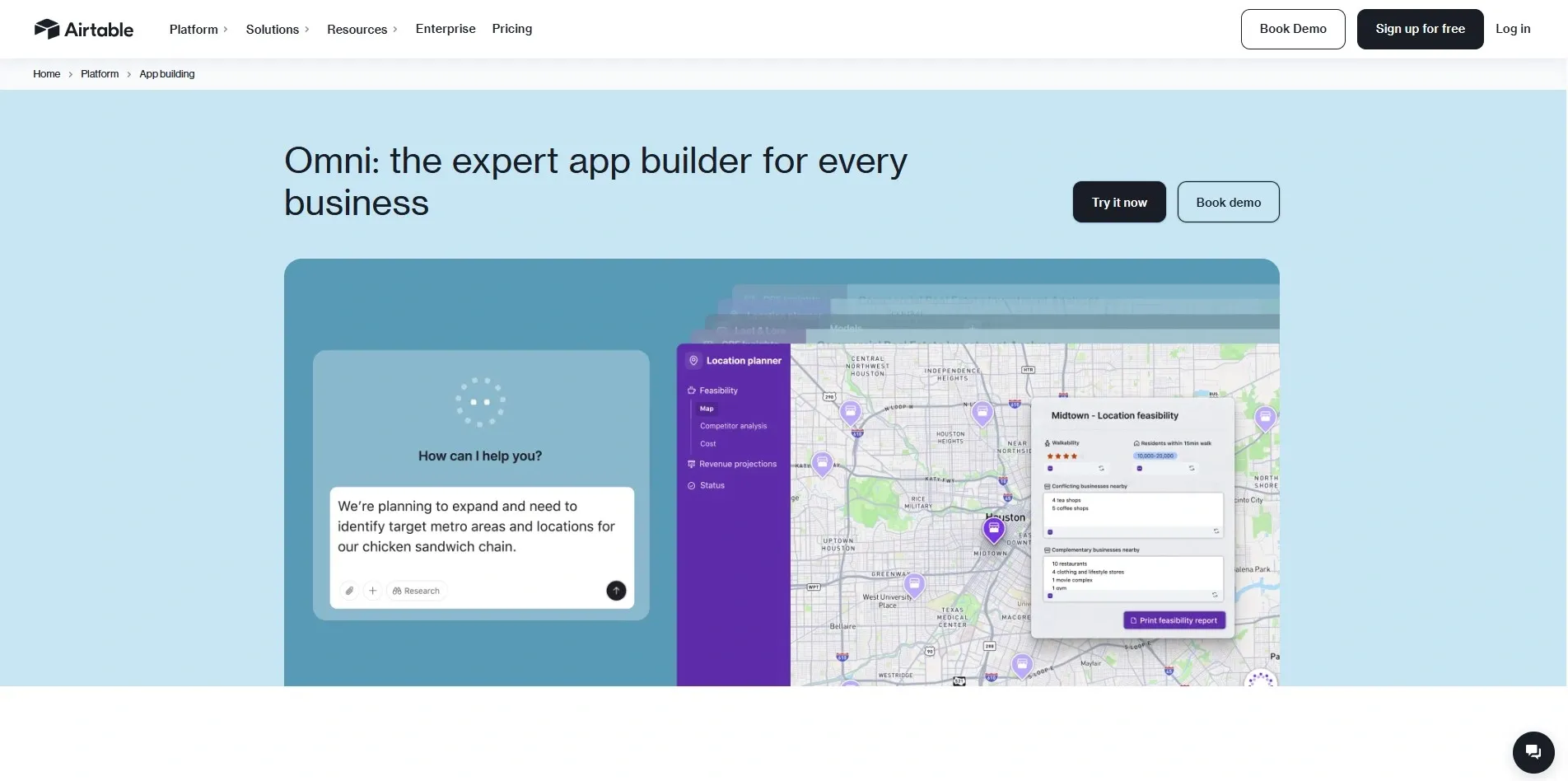
Airtable Cobuilder is Airtable's AI-powered app creation feature. You describe what you need, and it builds a custom Airtable app for you complete with views, automations, and data structure. Fantastic if your workflow already lives in Airtable.
Pricing: Included in Airtable plans starting at $20/seat/month.
Best For: Operations managers, project teams, data-driven small businesses.
7. DronaHQ AI
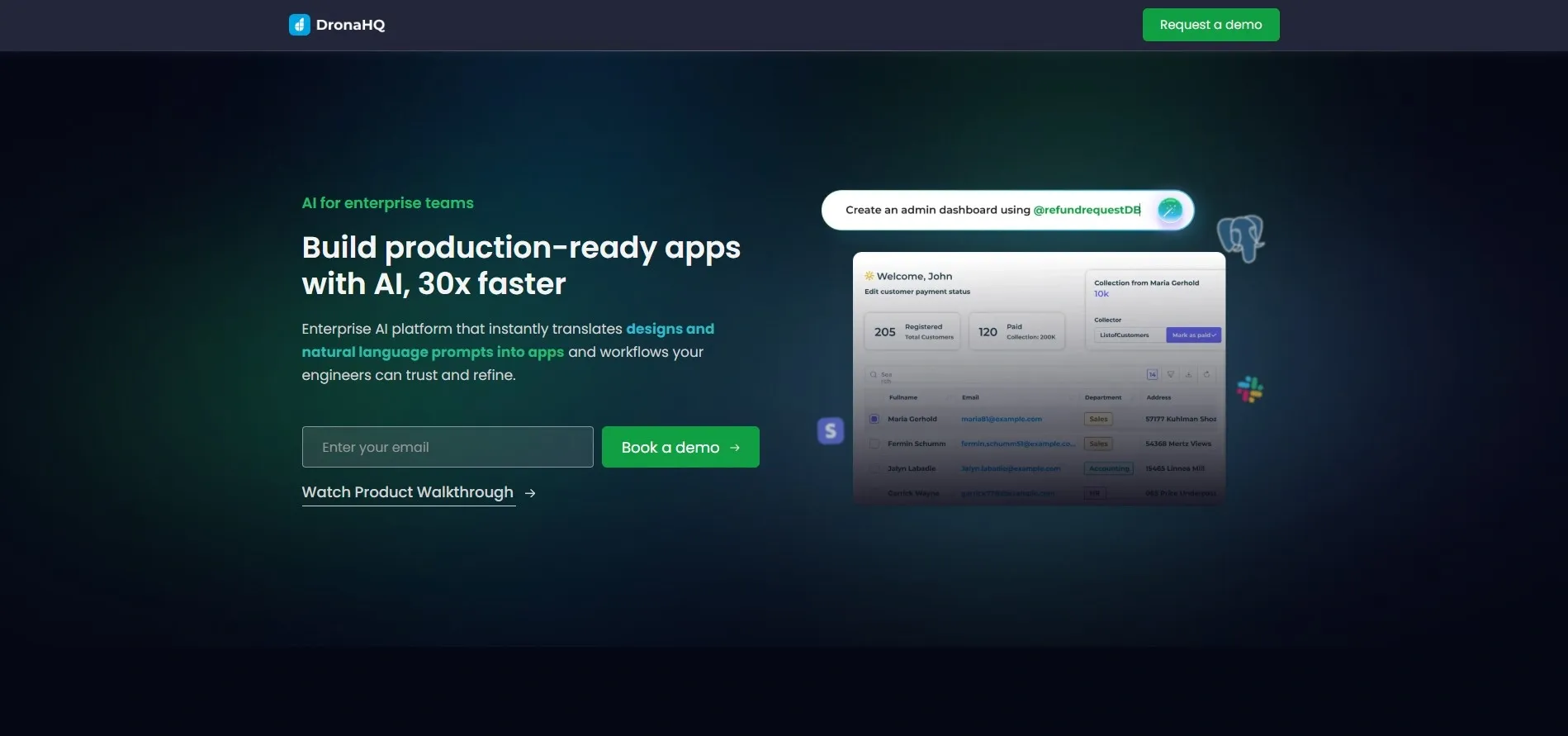
DronaHQ is a powerful low-code platform focused on building business apps at speed. Its AI assistant helps generate UI components and automate backend logic. I have noticed it is especially popular with engineering teams that need fast deployment cycles. Teams exploring DevOps as a Service will find DronaHQ fits naturally into their workflow.
- Pricing: Free plan available. Paid from $10/user/month.
- Best For: Internal business tools, field ops apps, enterprise teams.
8. UI Bakery
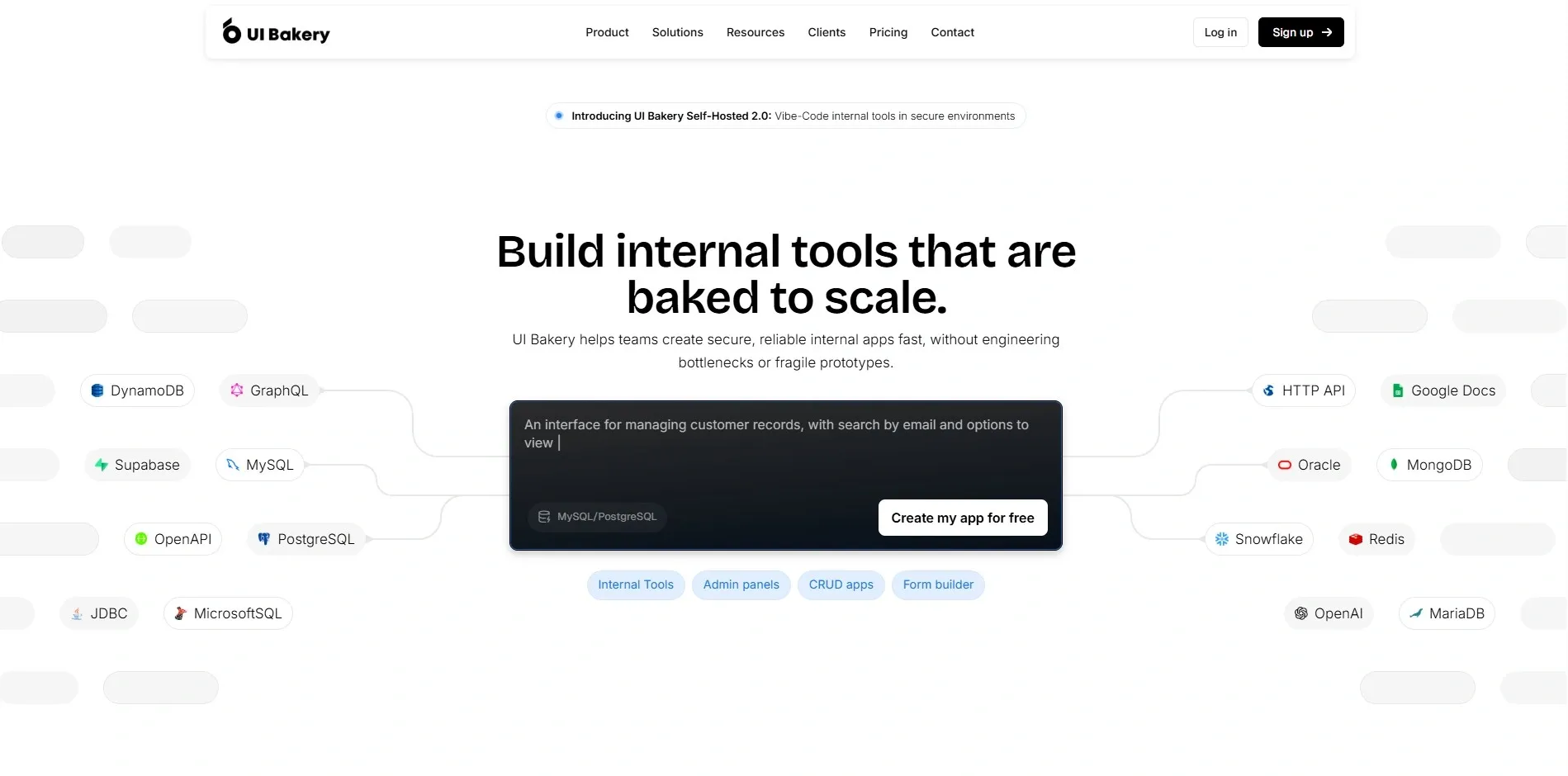
UI Bakery is a solid low-code platform for building internal web apps quickly. It offers a clean drag-and-drop interface with strong database and API connections. The AI layer helps generate components and page layouts from text prompts.
- Pricing: Free plan. Paid plans from $9.99/month.
- Best For: Internal admin tools, small business apps, startup ops teams.
9. ToolJet AI
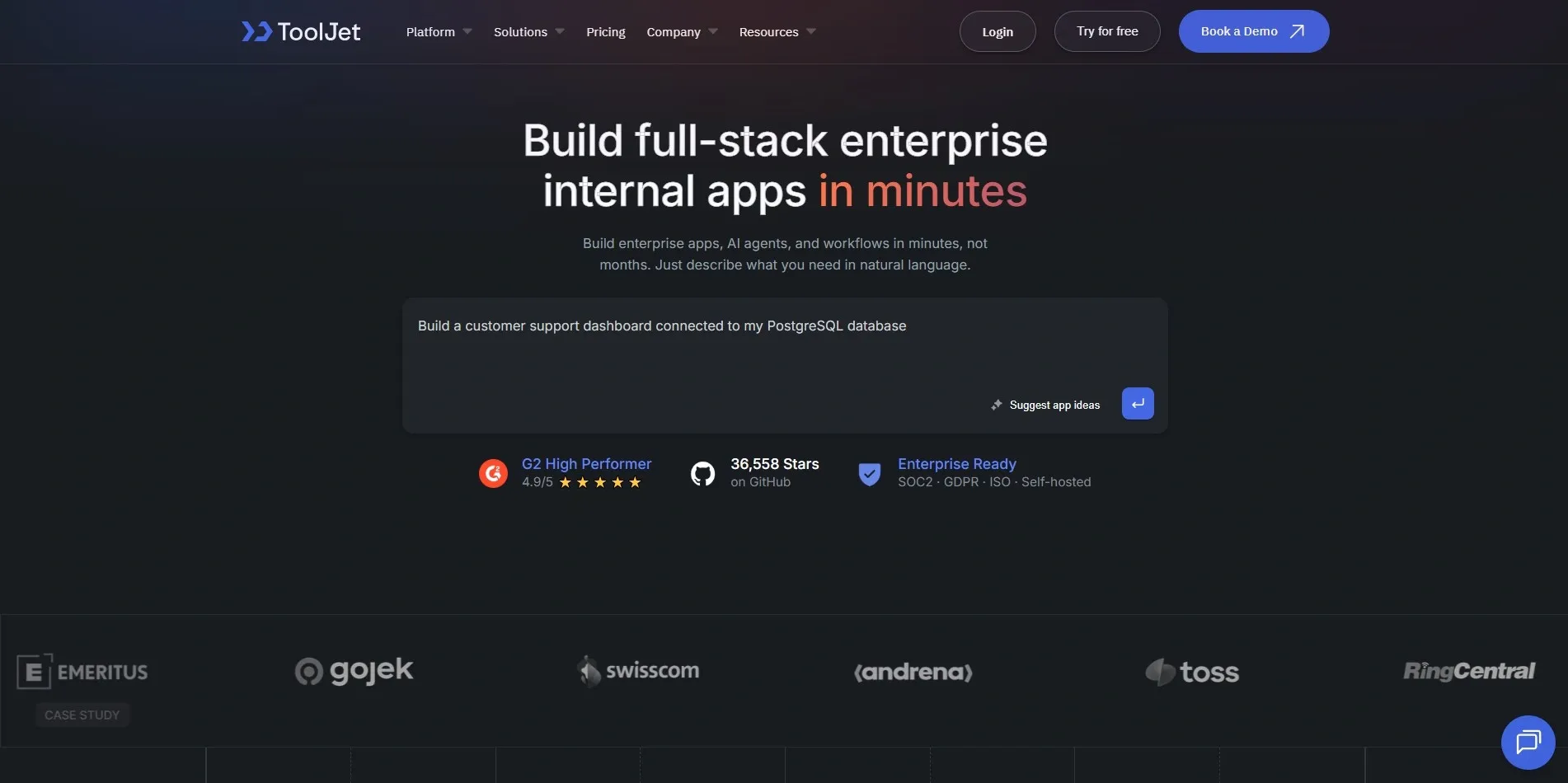
ToolJet is an open-source alternative for building internal tools. Its AI features let you generate queries, UI components, and workflows quickly. Since it is open-source, you can self-host it a huge plus for security-conscious teams. For more on the value of open collaboration, explore the world of open-source consulting services.
- Pricing: Free and open-source. Cloud plans from $20/month.
- Best For: Dev teams who want open-source control, internal tooling, data dashboards.
10. Replit AI
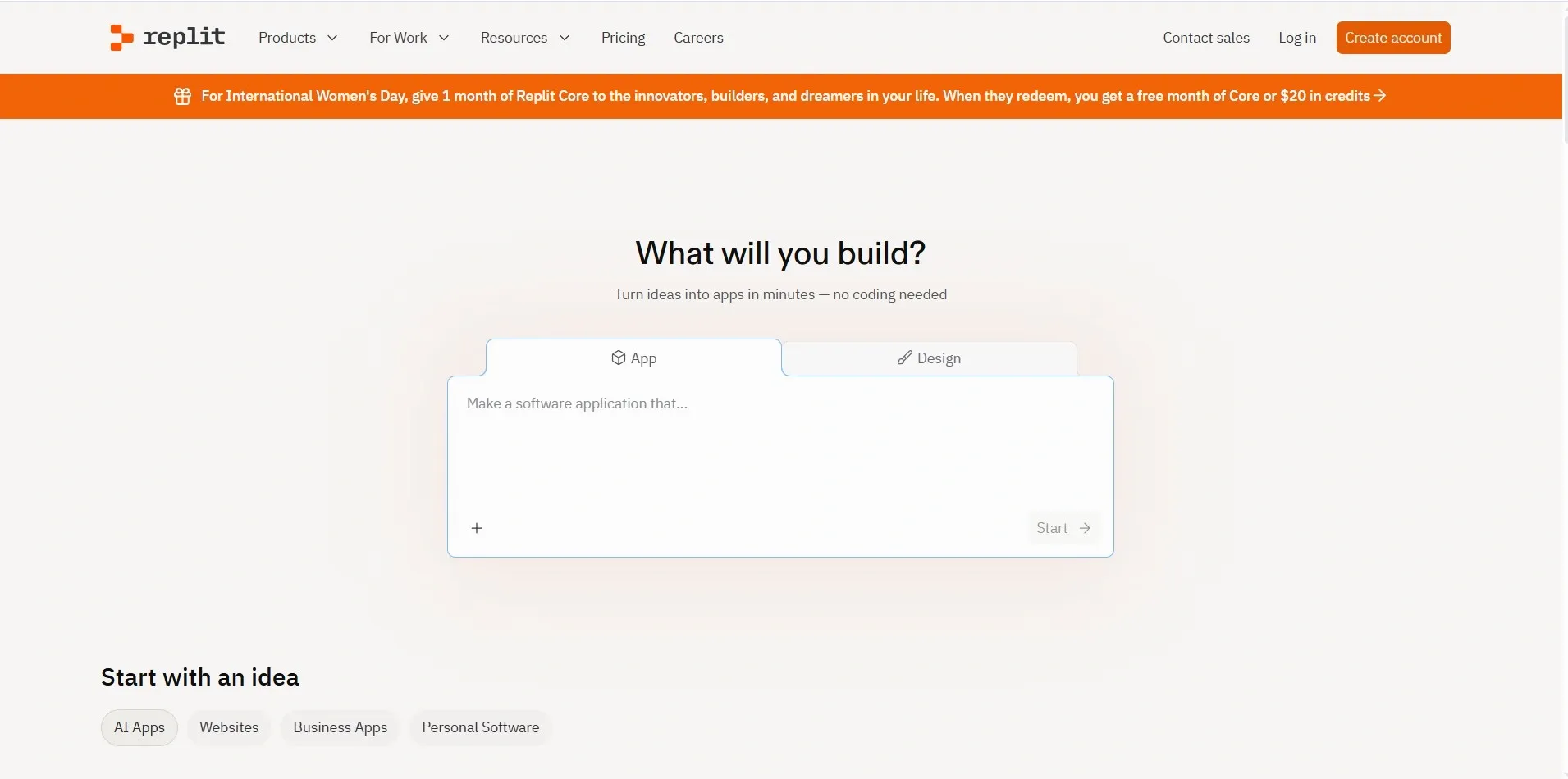
Replit AI is a developer's dream. It is a cloud-based coding environment that uses AI to generate, debug, and deploy code in real time. If you are comfortable with code but want AI to handle the heavy lifting, Replit is one of the best AI tools for app development available.
- Pricing: Free plan. Pro plans from $20/month.
- Best For: Developers, students, freelancers building web apps fast.
Best AI App Builders Compared
Here is a side-by-side comparison to help you decide at a glance:
| Tool | Best For | No-Code | AI Features | Starting Price |
|---|---|---|---|---|
| Softr | Spreadsheet apps | Yes | Moderate | $49/mo |
| Microsoft Power Apps | Enterprise | Yes | Strong | $5/user/mo |
| Bubble AI | MVP / SaaS | Yes | Strong | $29/mo |
| FlutterFlow | Mobile apps | Partial | Strong | $30/mo |
| Retool AI | Internal tools | Partial | Strong | $10/user/mo |
| Airtable Cobuilder | Data-driven apps | Yes | Moderate | $20/seat/mo |
| DronaHQ AI | Business ops | Partial | Good | $10/user/mo |
| UI Bakery | Dashboards | Partial | Moderate | $9.99/mo |
| ToolJet AI | Open-source tools | Partial | Moderate | Free |
| Replit AI | Developer projects | No | Excellent | $20/mo |
Use Cases of AI App Builders
-
SaaS Product Development
Bubble AI and Lovable platforms serve as perfect tools for creating software-as-a-service products. The platform enables you to develop subscription applications and multi-user systems and advanced web applications without needing a development team.
-
Internal Business Tools
The three platforms Retool AI, DronaHQ, and ToolJet demonstrate their best performance at this point. The companies implement these tools to develop their internal business applications which include order trackers and HR dashboards and inventory managers that enhance team productivity.
-
AI Chatbots and AI Agents
Multiple platforms currently enable users to create AI chatbots and AI agents through direct development. Databutton and Replit AI provide advanced capabilities because users can link their large language models with personal data and operational systems.
-
Mobile App Development
Best AI tools for app development for mobile app development, like FlutterFlow, let you build native iOS and Android apps visually. The number of mobile-first businesses that are currently emerging makes this use case one of the fastest-growing applications.
-
Workflow Automation Apps
Zapier AI App Builder and Airtable Cobuilder are excellent for workflow automation apps that trigger actions, send notifications, update records, and keep your team aligned automatically. Teams looking to deepen their automation strategy can also explore how AI agents help automate workflows end to end.
How to Build an App Using AI (Step-by-Step)
Most people overthink this. Let me walk you through the process simply and clearly.
Step 1: Choose an AI App Builder. Pick the platform that matches your use case and skill level. For beginners, Softr or Create.xyz are great starting points. For developers, Replit AI or Bolt.new offer more control.
Step 2: Describe Your App Idea. Write a clear prompt describing what your app should do. Be specific — mention features, user roles, and core actions. The better your prompt, the better your result.
Step 3: Generate UI and Backend. Let the AI do its work. Review the generated UI and backend logic. Most platforms let you regenerate sections you are not happy with.
Step 4: Connect APIs and Data. Integrate your data sources, databases, third-party APIs, or existing tools. This is where your app becomes truly functional.
Step 5: Test and Deploy the App. Test across devices and user flows. Then deploy with one click. Most platforms handle hosting, so you do not need to manage servers.
AI App Builders vs No-Code Platforms
The question arises whether an AI application builder functions as a no-code development platform. Standard no-code development platforms use visual editing tools together with ready-made design templates. You design everything manually by dragging and dropping.
AI app builders create applications through the integration of generative AI technology. The AI system builds your requested components after you describe your needs. The system provides you with visual editing capabilities that begin from a more advanced initial situation.
The process produces development work that is both quicker and more intelligent. Both tools have their specific applications, yet AI builders establish a new standard that makes traditional no-code tools operate at a slower pace.
Limitations of AI App Builders
These tools are powerful, but they are not perfect. Here are a few things to keep in mind before you commit:
-
Customization limits: AI-generated apps often hit a ceiling when you need highly specific functionality. Deep customizations may still require a developer.
-
Security considerations: Not all platforms offer enterprise-grade security. If you are handling sensitive user data, review each platform's compliance certifications carefully.
-
Scaling challenges: Some platforms struggle to handle high traffic or complex data at scale. Always test your app under real load before a major launch.
Future of AI App Development
The trajectory here is genuinely exciting. Here is where things are heading:
Prompt-based development will become the default way most apps are created. Writing code by hand will increasingly be reserved for edge cases and performance-critical systems.
AI agents autonomous systems that can plan, build, test, and iterate with minimal human involvement are already emerging. Platforms like Replit's agent features hint at this future strongly.
Most excitingly, autonomous app building is on the horizon. Imagine describing a business problem and an AI designing, building, and deploying the entire solution. We are not fully there yet, but we are closer than most people think.
Conclusion
AI app builders are genuinely democratizing software development. They are putting the power to create real, functional applications in the hands of founders, marketers, operations teams, and creators who previously had no clear path into the tech world. That shift is a big deal for innovation and entrepreneurship.
Whether you are a startup trying to ship your first MVP, a business building internal tools, or a creator with an idea you have been sitting on, there has never been a better time to start building. The best AI app builder for you depends on your use case, technical comfort level, and budget. Use the comparison table and tool breakdowns above to guide your decision.The tools are here, and the barrier to entry is lower than ever before. Now it is simply a matter of starting and turning your ideas into real products.
If you want to build AI-powered applications, AI agents, or custom automation solutions for your business, the team at RejoiceHub can help you design, develop, and launch scalable AI products faster. The future of app development is AI-powered, and businesses that start experimenting today will be the ones leading tomorrow.
Frequently Asked Questions
1. What are AI tools for app development?
AI tools for app development are platforms that use artificial intelligence to help users build web or mobile apps faster using natural language prompts, automation, and AI code generation.
2. What is an AI app builder?
An AI app builder is a platform that creates applications automatically after you describe your requirements. It generates UI, backend logic, and workflows using AI.
3. Can I build an app without coding using AI?
Yes. Many AI app builders like Softr, Bubble, and FlutterFlow allow users to create fully functional apps without writing code using drag-and-drop tools and AI prompts.
4. What are the best AI tools for app development in 2026?
Some of the best AI tools include Softr, Microsoft Power Apps, Bubble AI, FlutterFlow, Retool AI, Airtable Cobuilder, DronaHQ, UI Bakery, ToolJet AI, and Replit AI.
5. Are AI app builders better than traditional development?
AI app builders are faster and cheaper for MVPs and simple apps, while traditional development offers deeper customization and scalability for complex systems.
6. How much do AI app builders cost?
Most AI app builders offer free plans. Paid plans typically range from $10 to $50 per month depending on features, integrations, and team size.
7. Can AI build mobile apps?
Yes. Platforms like FlutterFlow allow users to create native iOS and Android apps using AI-assisted development tools.
8. What types of apps can be built with AI app builders?
You can build SaaS products, dashboards, internal business tools, client portals, workflow automation apps, and mobile apps.
9. Are AI app builders suitable for startups?
Yes. AI app builders are ideal for startups because they help founders quickly build MVPs, validate ideas, and launch products with minimal development costs.
10. Do AI app builders support integrations?
Most AI app builders support integrations with APIs, databases, CRMs, payment systems, and third-party tools.
11. Can developers use AI app builders?
Yes. Developers often use AI builders like Replit AI to speed up coding, debugging, and deployment while maintaining full control of the code.
12. What are the limitations of AI app builders?
AI app builders may have limitations in customization, scalability, and complex logic compared to fully custom software development.
13. What is the future of AI app development?
The future includes autonomous AI developer agents, prompt-based development, and AI systems that can design, build, and deploy complete applications automatically.