 In 2021, watching an AI tool finish a simple coding task felt like magic. Fast forward to 2026, and that "magic" has become table stakes. AI coding tools have evolved from glorified autocomplete into real development partners, ones that understand your entire codebase, not just the file you're editing a shift closely tied to what's now being called vibe coding.
After testing dozens of tools with real dev teams this year, I've narrowed it down to the 10 that actually move the needle. Whether you're a solo builder shipping your next big idea or part of a team managing a massive codebase, one of these tools will change how you code.
What to Look for in AI Coding Tools
Many people struggle to choose the best AI tool for coding because they focus on the wrong things. Let me explain what actually matters in 2026.
The development of context awareness technology is the fundamental innovation transforming everything in this field. The older tools I used a few years ago could only understand the document I was currently editing.
The best AI for coding today can analyze your complete project instead of working with a single file. This kind of context engineering allows a tool to understand the connections between your database layer, your frontend, and your API, tracking down bugs that live three files away from where the error actually shows up.
Top AI Coding Tools for 2026
I will explain about the best AI coding tools 2026 development tools, which have the greatest impact, because these tools should be tested by developers as their first choice. I have tested some of these tools myself because they demonstrate the latest advancements in coding tools.
1. Claude Code
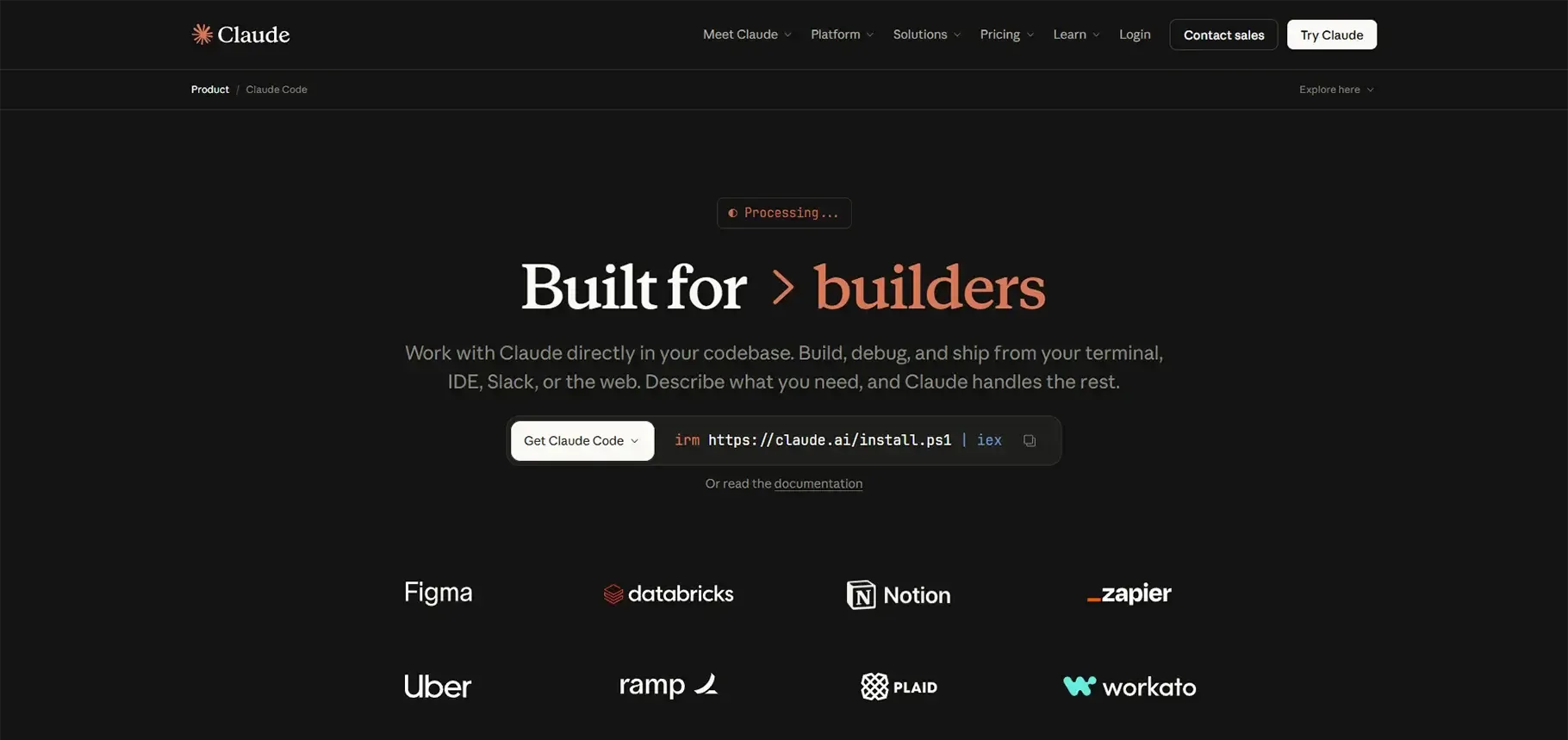
Category: AI Agent / CLI Tool
Developers who need to perform advanced refactoring work now consider Claude Code as their primary tool, according to my experience. The system provides special value because it enables teams to implement complete project modifications through its automatic editing functions.
I used it to transfer authentication functions across 47 different files. The tool recognized how the components interacted with each other while it fixed the imports and discovered hidden elements I would not have found on my own. Its ability to handle this kind of autonomous, computer-use style coding is what sets it apart.
2. Aider
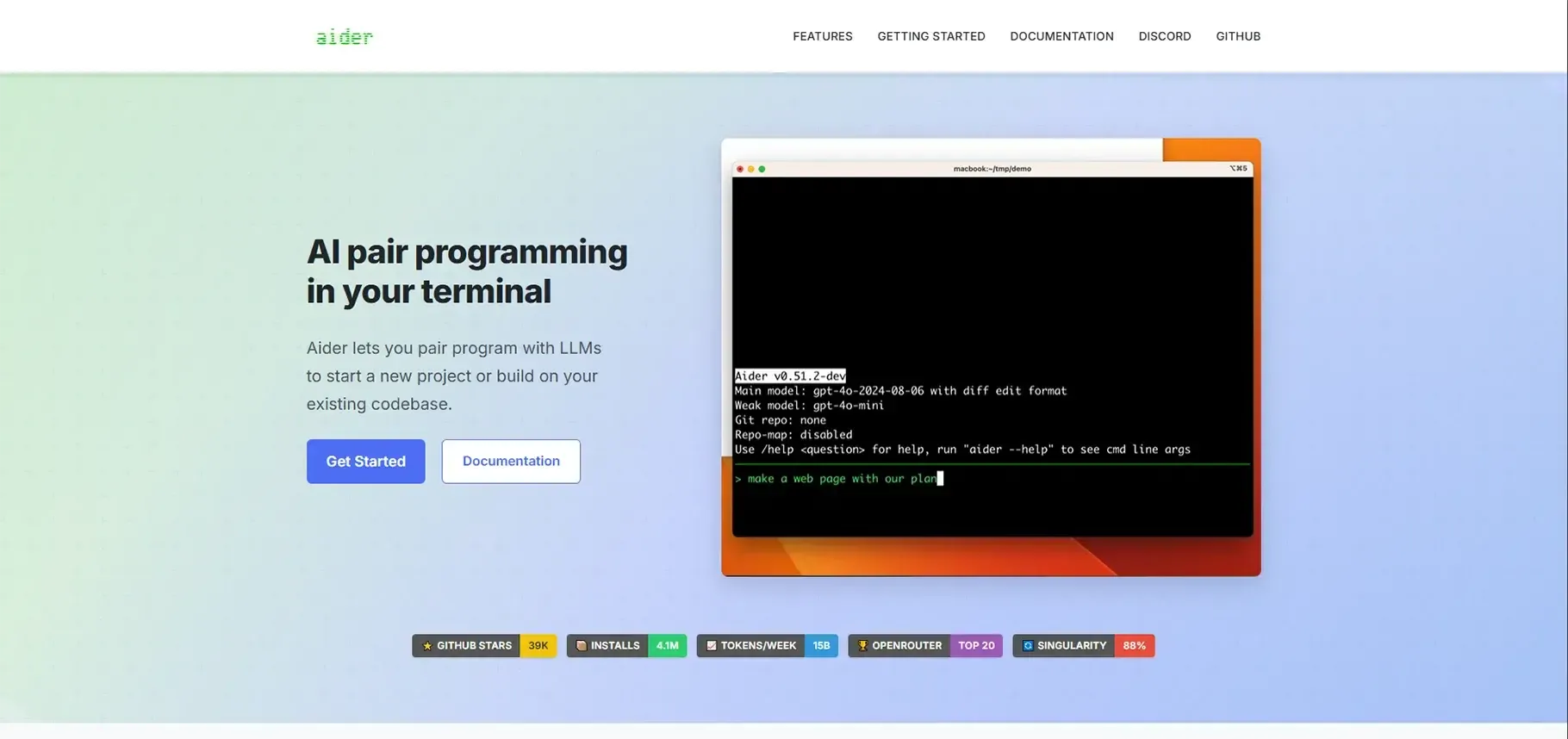
Category: Pair-Programming AI
Aider has established a unique role in my routine work. The tool is built to assist developers who need an AI companion that comprehends their Git workflow requirements beyond providing code recommendations.
Aider provides unique value through its ability to run automated tests and generate Git commit records. As one of the more capable open-source tools in this space, it lets you run your complete test suite while automatically creating properly structured commits after you implement your changes.
3. Cursor
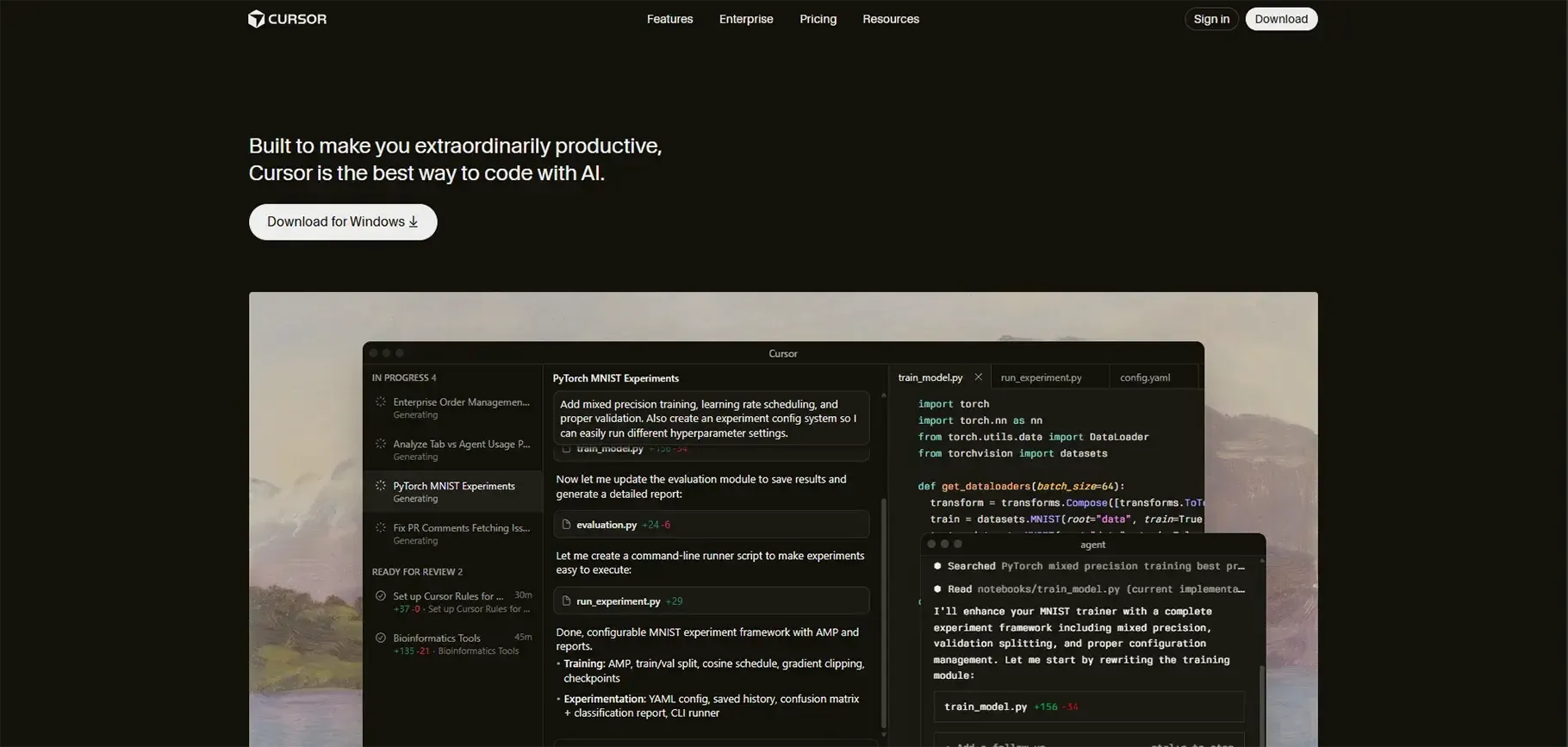
Category: AI-Powered IDE
Cursor functions as the AI-first IDE that should have existed from the beginning. It's built as an AI-driven system from the ground up, rather than having AI bolted on as an afterthought.
The system allows users to issue natural-language commands that are extremely easy to use. It works when you type things like "refactor this function to use async/await" or "add error handling to all API calls in this file." For a deeper look at how it stacks up against alternatives, see this Cursor Composer vs. GitHub Copilot comparison.
4. Windsurf
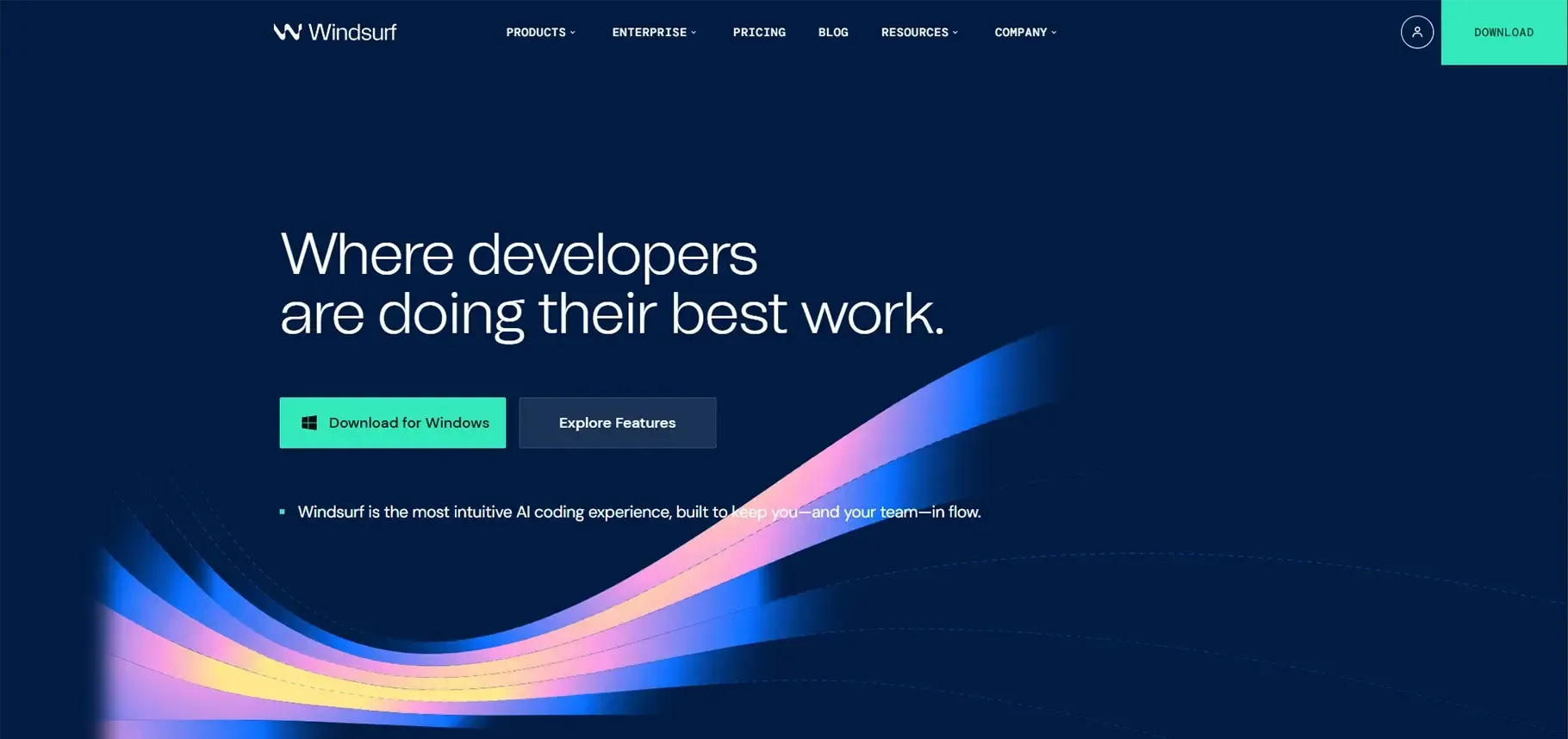
Category: AI Agentic IDE
Windsurf performs best when multiple developers work together with AI in team settings. The combination of real-time collaboration tools and advanced code understanding provides an exceptional interactive experience.
The system lets individual developers advance their own work while helping the entire team perform better. This is a byproduct of how AI agents operate handling extensive responsibilities without requiring constant status updates from users.
5. Zed
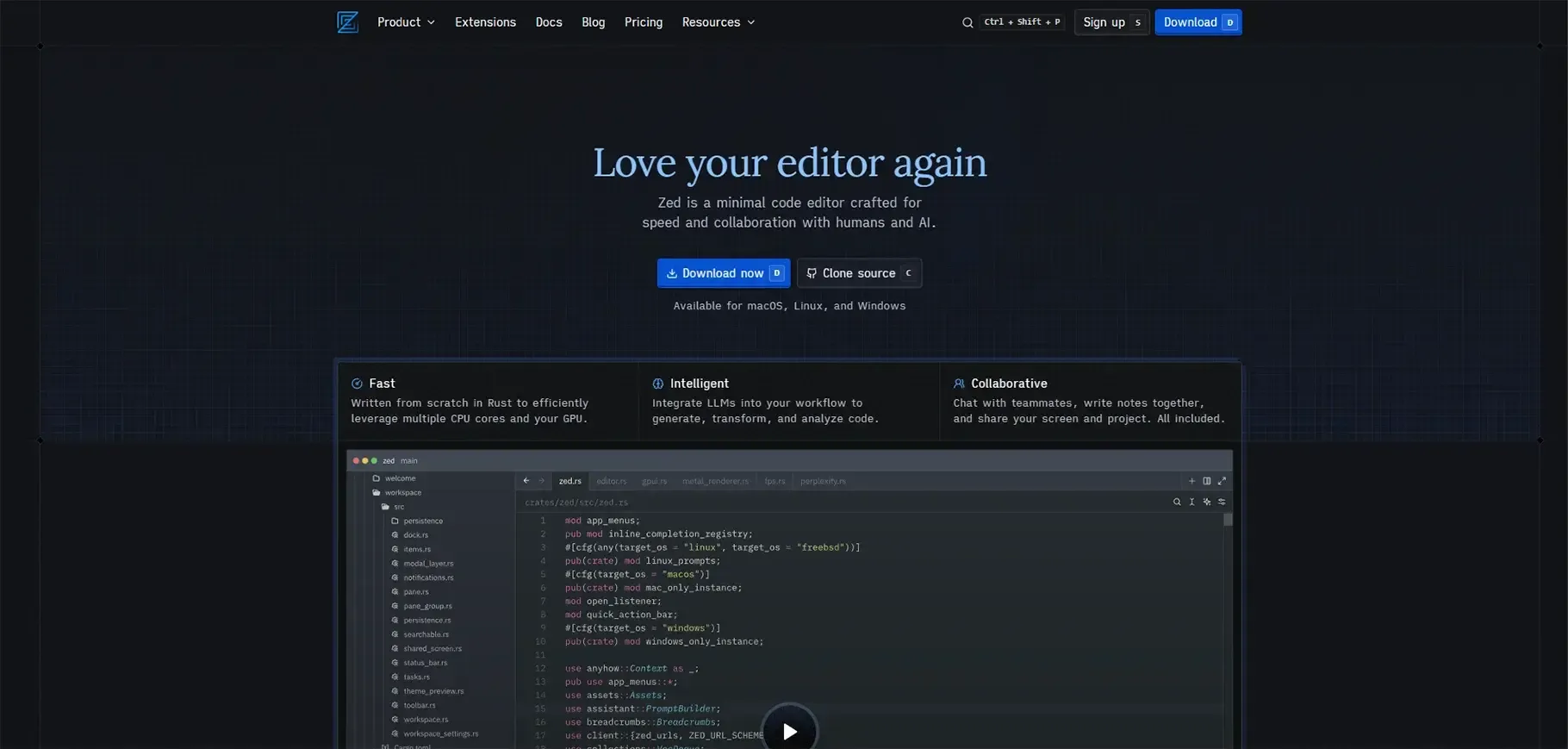
Category: Collaborative AI Editor
If speed is your priority, Zed deserves your attention. The editor reaches exceptional speed while still delivering strong AI-based contextual help.
The teams I observed made the switch to Zed because of its ability to handle large monorepositories, an increasingly common need across modern JavaScript-heavy web development stacks. It combines rapid processing with advanced AI functionality for developers who require fast performance during development.
Accelerate Your Workflows with Custom AI
Book a free consultation session with RejoiceHub. We'll map out a tailored automation roadmap for your company.
6. GitHub Copilot
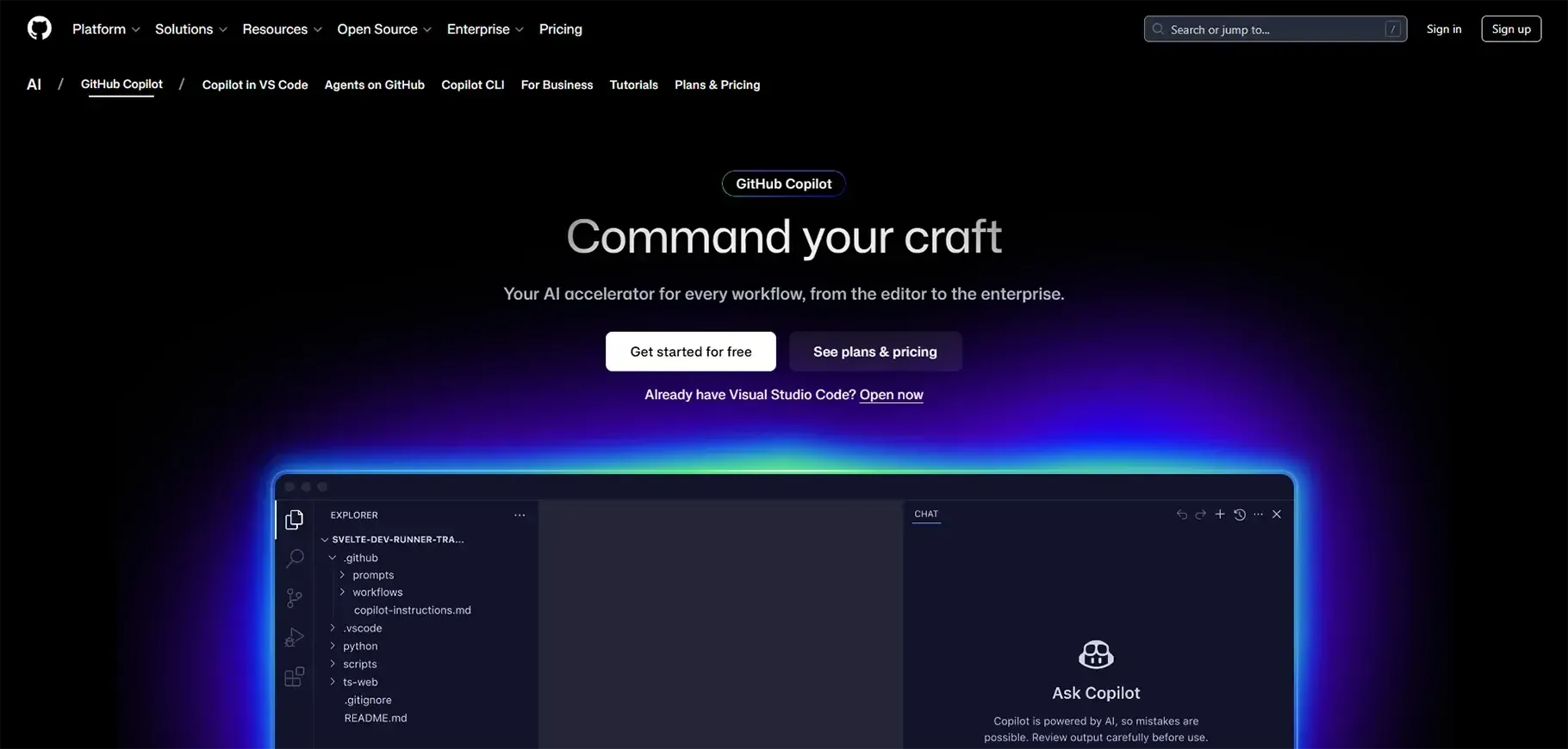
Category: AI Assistant/Plugin
GitHub Copilot is a veteran on every best AI tools for coding list, and it remains highly relevant thanks to its ongoing popularity and steady stream of new language capabilities and enhancements. It has become my dependable, everyday coding assistant.
Its inline suggestions provide intelligent, context-aware options that don't get in the way of your work. For a closer breakdown of how it compares to newer agent-based tools, check out this Claude Code vs. GitHub Copilot analysis.
Also Read: AI in Software Development: Tools, Benefits & Future
7. OpenAI Codex CLI
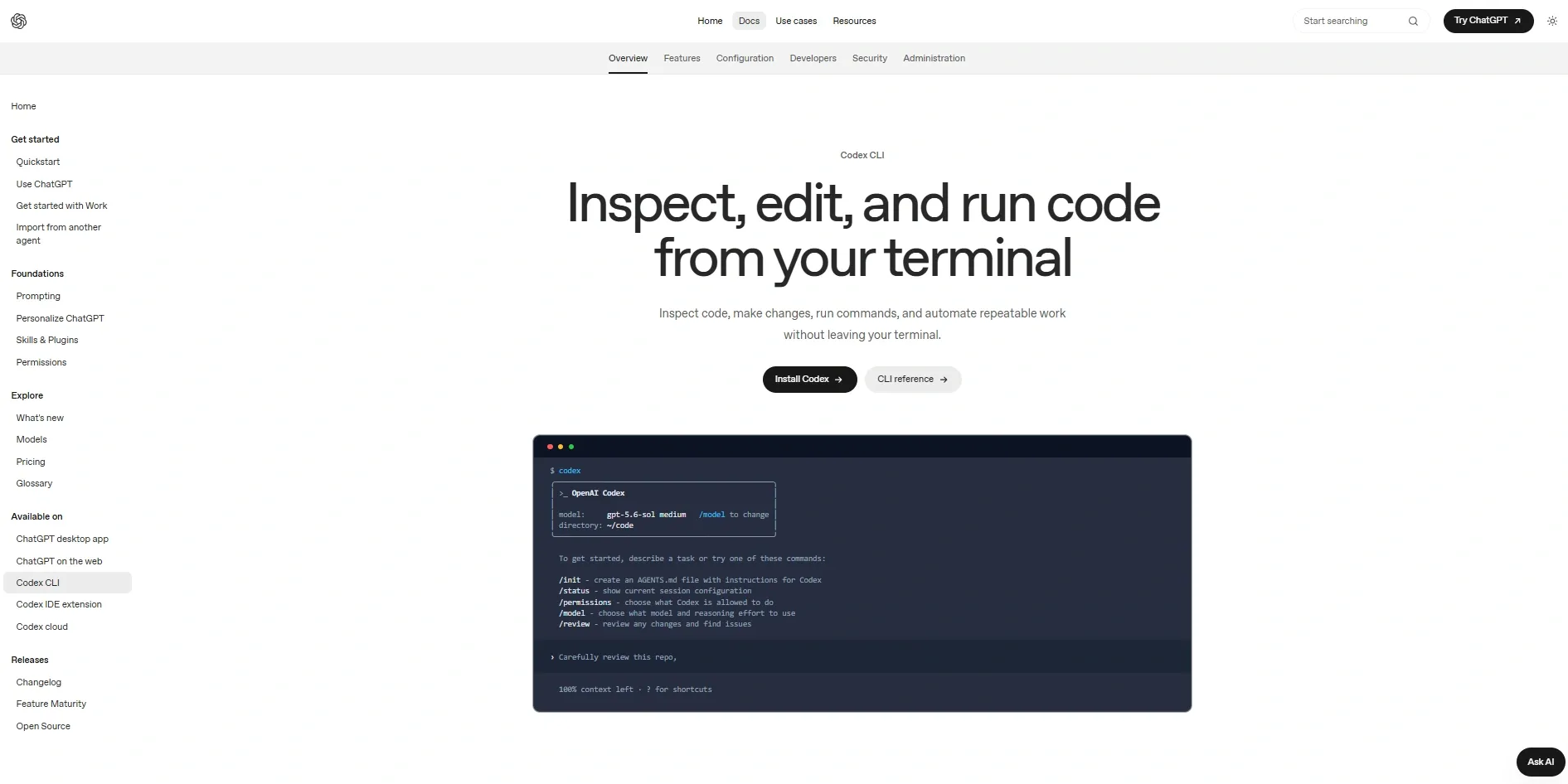
Category: AI Agent / CLI Tool
OpenAI Codex CLI has quickly become my go-to when I need a terminal-native agent that can plan and execute multi-step coding tasks without opening an IDE. It reads your repo, proposes a plan, and then runs the changes with your approval at each checkpoint, which makes it feel less like autocomplete and more like a junior dev sitting in your terminal.
What stands out is how well it handles sandboxed execution. I've used it to run test suites, install dependencies, and validate changes automatically before committing, all inside an isolated environment so nothing touches my production setup by accident. For teams already living in scripts and CI pipelines, it slots in naturally.
8. Cline
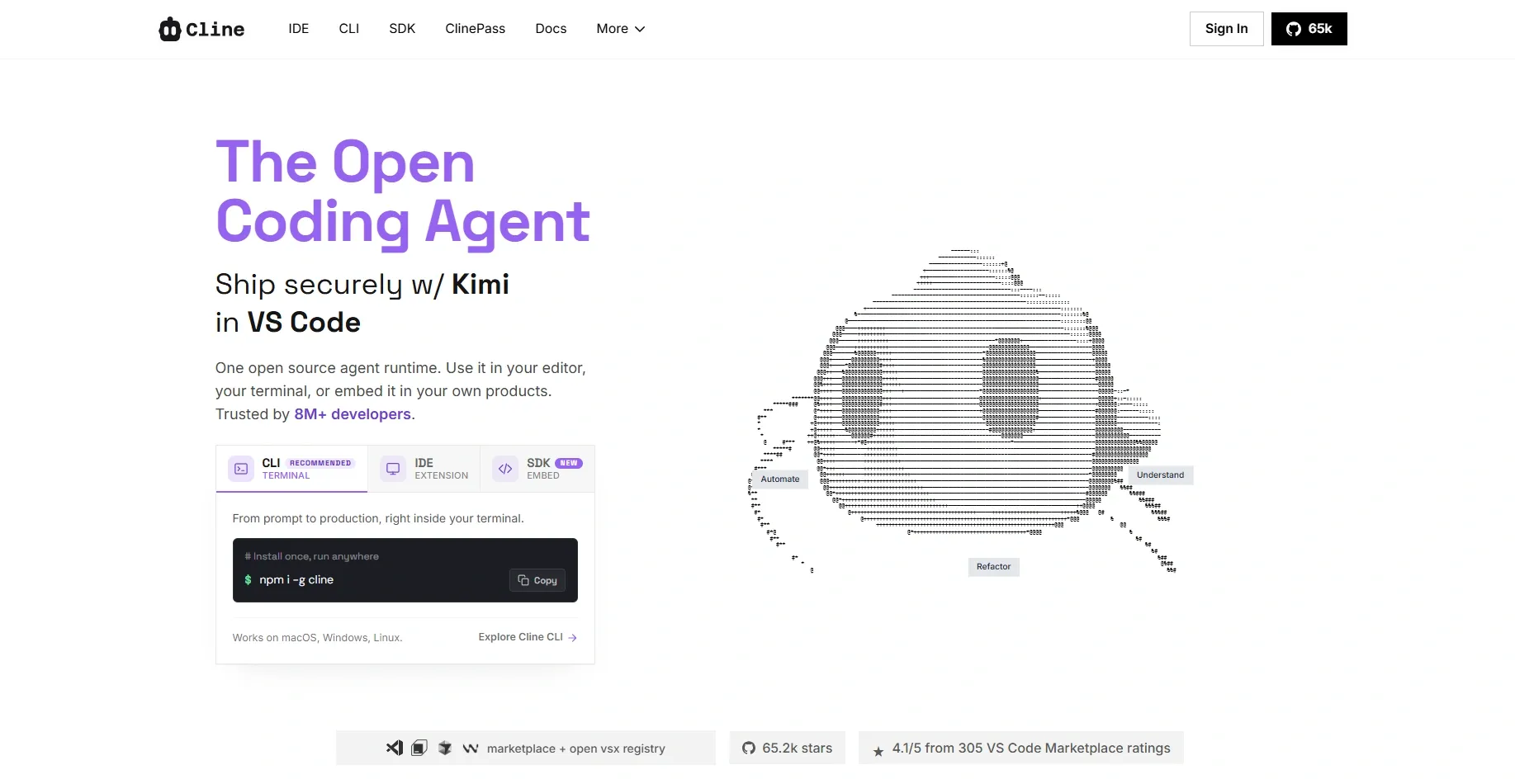
Category: Autonomous Coding Agent (VS Code Extension)
Cline earned its spot in my toolkit as one of the most transparent autonomous agents I've tested. Unlike tools that silently rewrite files, Cline shows you every terminal command and every file diff before it executes, so you stay in control even when it's working across dozens of files at once.
It's built around a human-in-the-loop approach: you approve each step, which slows things down slightly but builds real trust, especially on larger codebases where a wrong autonomous edit can be costly. It also supports multiple model providers, so you're not locked into a single backend.
9. Continue.dev

Category: Open-Source AI Coding Assistant
I already mentioned Continue.dev earlier for its privacy-first appeal, but it deserves a fuller look. It's fully open-source and lets you plug in any model, Claude, GPT, local Llama variants, whatever fits your budget or compliance needs, directly into VS Code or JetBrains.
What I like most is the customization depth. You can define your own context providers, slash commands, and even build custom workflows around your team's specific codebase conventions. For teams that want an AI assistant they can actually shape rather than just use as-is, Continue.dev gives you that control without vendor lock-in.
10. JetBrains AI Assistant
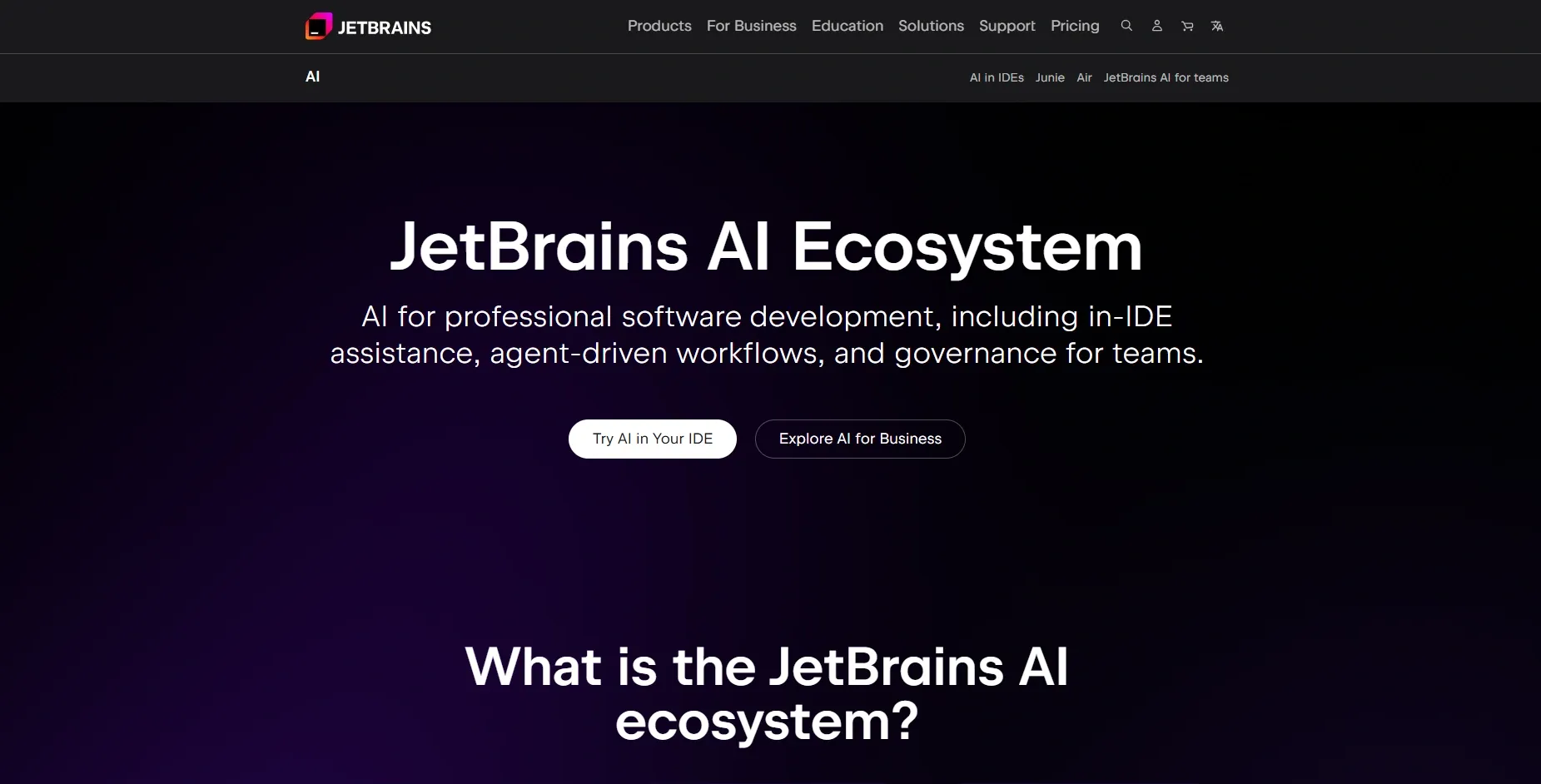
Category: IDE-Native AI Assistant
For developers who live inside IntelliJ IDEA, PyCharm, WebStorm, or any JetBrains IDE, this assistant feels like the most "at home" AI tool on this list. It's deeply wired into the IDE's own code intelligence, so refactoring suggestions, inline completions, and chat-based explanations all respect the project's existing structure and conventions.
Its strongest moment came when I used it to generate unit tests and commit messages directly from the IDE's context menu, no need to switch windows or copy-paste code into a separate chat. For teams already standardized on JetBrains tooling, it removes a lot of the friction of adopting a separate AI tool.
Other Useful Tools and Special Picks
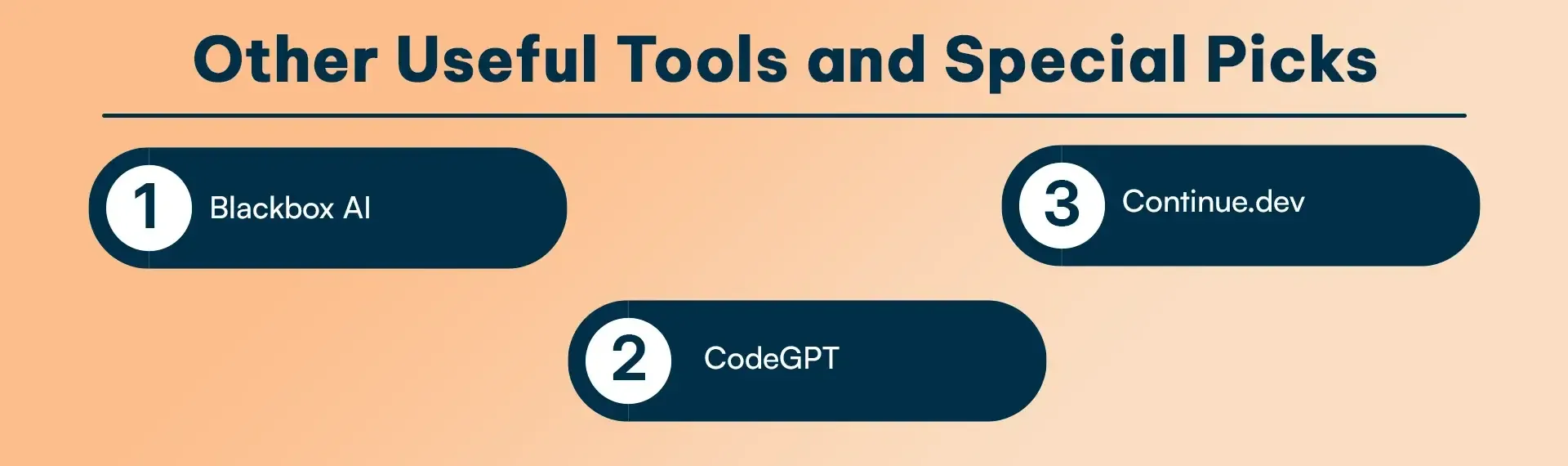
The tools from this collection remain outside of the main list because they effectively solve particular problems. I keep several of them in my toolkit for niche situations. The Kilo Code solution provides extremely lightweight support. The software operates optimally during brief editing tasks and on devices with limited processing power. The software requires minimal system resources, which enables it to maintain system performance without interruptions.
-
Blackbox AI
specializes in code search and question answering. The library testing tool demonstrates its full potential today when I research library functionality and document design patterns. The tool's search-based system works well with the coding tools that develop software.
-
CodeGPT
provides users with the ability to integrate various AI models into their IDE environment. The system enables users to switch between different service providers because some AI models perform better in specific programming languages. Phind
combines search with AI assistance. The system provides valuable support for users who need to learn new frameworks and those who need to diagnose complicated system failures. The system delivers developer-focused results that help users discover suitable solutions by eliminating unnecessary information.
-
Continue.dev
serves as the preferred choice for people who support online privacy rights. The software offers open-source access while enabling users to operate their software through local machine models, thus allowing complete control over their programming work and data. Developers who create programs that handle classified information or proprietary content require this control level to protect their work.
Comparison Chart of AI Tools
| Tool | Best For | Key Feature | Ideal User |
|---|---|---|---|
| Claude Code | Autonomous workflows | Deep context & CLI | Senior devs, large codebases |
| Aider | Pair programming | Git-integrated AI | Collaborative teams |
| Cursor | AI-first IDE | Natural language edits | Full-stack devs |
| Windsurf | Agentic IDE | Real-time collaboration | Teams & cross-platform work |
| Zed | AI editor | Ultra-fast + collaboration | Teams & performance-focused devs |
| GitHub Copilot | Daily coding | Inline suggestions | All developers |
| OpenAI Codex CLI | Terminal-based automation | Sandboxed autonomous execution | Devs comfortable in CLI/CI workflows |
| Cline | Transparent autonomous editing | Step-by-step approval + diffs | Teams needing control over agent actions |
| Continue.dev | Custom, open-source workflows | Bring-your-own-model + custom commands | Privacy-conscious, customization-focused teams |
| JetBrains AI Assistant | IDE-native assistance | Deep integration with JetBrains IDEs | JetBrains-standardized dev teams |
How to Choose the Right AI Tool
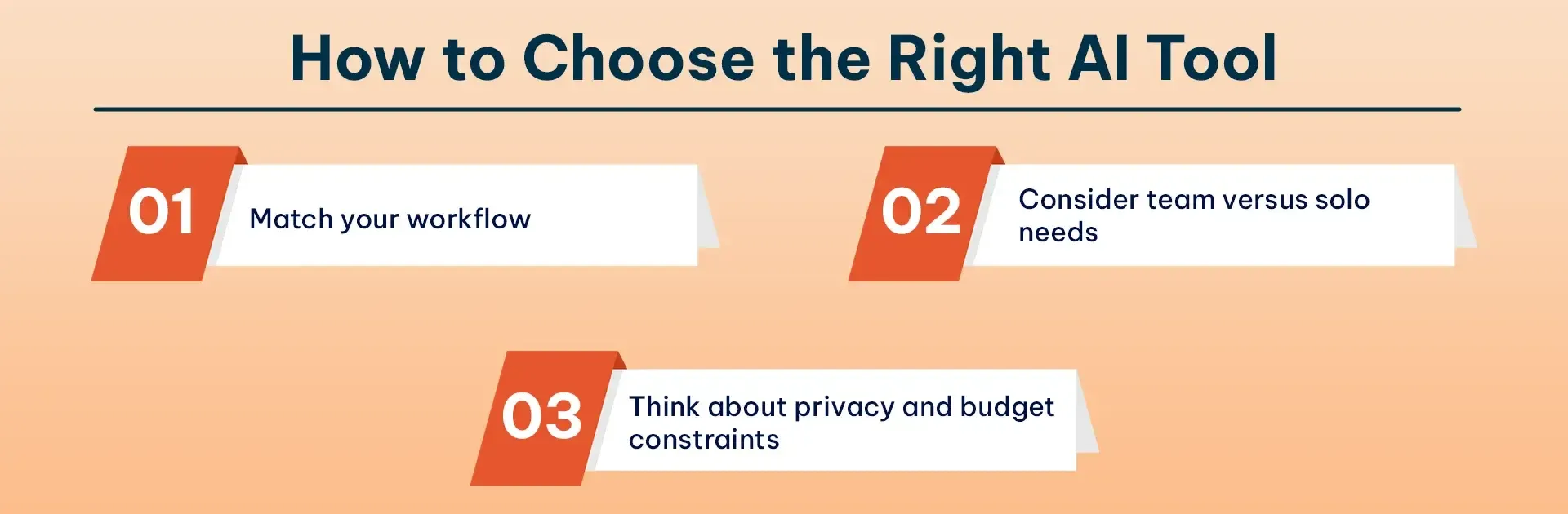
Choosing the right tool comes to perform the actual workflow, not defines shiny object. Let me help you make better decisions.
-
Match your workflow:
If you work mainly from the command line, Claude Code and Aider should be your top options. If you want an integrated development environment, evaluate Cursor and Windsurf.
-
Consider team versus solo needs
Users should operate the system at hand when they handle their work tasks. The system provides all necessary tools for users who work independently. The system requires users to work together with their colleagues because its partnership tools are essential for their success. Windsurf and Zed enable users to work together in real-time, which allows them to experience pair programming with AI in a seamless manner.
-
Think about privacy and budget constraints
realistically. Some tools require subscriptions, others are free with paid tiers, and a few are completely open-source. If you're handling sensitive code, tools like Continue.dev or Tabnine with local models might be worth the trade-off in features for the security they provide.
My advice? Start with GitHub Copilot if you're new to AI tools for coding. Once you understand the basics, experiment with Claude Code for complex refactoring and Cursor for a more integrated experience. You'll quickly discover what fits your style.
Future Trends in AI Coding (2026 and Beyond)
The development of autonomous task agents has progressed at a speed that exceeds my original predictions. Tools now offer capabilities that enable users to complete design tasks through their entire implementation process. My research shows that organizations increasingly combine code review with testing and release automation.
The future AI technology will develop capabilities that enable it to create code, evaluate pull requests, build complete test suites, and manage deployment processes. Development, testing, and operation activities now exist in a space that does not have clear boundaries. The use of AI technology for design work, code refactoring, and documentation creation has increased in recent years.
Conclusion
Choosing the best AI coding tools 2026, which isn’t a single platform, is about building a smart toolkit which aligns with your project complexity, team workflow, and long-term goals. From my experience, top-performing engineering teams experiment with multiple tools to assume right balance.
Github Copilot, which provides reliable inline support for everyday coding, Claude code excels at complex refactoring and deep code analysis, and Cursor stands out as a complete AI-first development environment.
If you want to go beyond tools and implement AI-driven development workflows that actually scale your business, RejoiceHub can help you design, integrate, and optimize AI coding solutions tailored to your product and growth strategy. Whether you're a startup or an enterprise, RejoiceHub bridges the gap between powerful AI tools and real-world business impact.
Frequently Asked Questions
1. What are the best AI tools for coding in 2026?
The best AI tools for coding in 2026 include Claude Code, GitHub Copilot, Cursor, Aider, Windsurf, and Zed. These tools go beyond code autocomplete by understanding entire codebases, automating refactoring, and assisting with testing, documentation, and collaboration.
2. Which AI coding tool is best for beginners?
GitHub Copilot is the best AI coding tool for beginners in 2026. It offers real-time inline code suggestions, supports most programming languages, and integrates easily with popular IDEs like VS Code without disrupting existing workflows.
3. What is the best AI tool for large codebases?
Claude Code is the best AI tool for managing large codebases. It understands deep project context, performs multi-file refactoring, and works efficiently through a CLI, making it ideal for senior developers and enterprise-scale applications.
4. Are AI coding tools safe to use for proprietary code?
Yes, AI coding tools can be safe if privacy-focused options are used. Tools like Continue.dev and Tabnine (local models) allow developers to keep code on local machines, ensuring sensitive or proprietary code is not sent to external servers.
5. Can AI tools replace human programmers in 2026?
No, AI tools cannot fully replace human programmers in 2026. Instead, they act as intelligent collaborators that speed up coding, reduce errors, and automate repetitive tasks while developers remain responsible for architecture, logic, and decision-making.
6. Which AI tool is best for refactoring code?
Claude Code is the best AI tool for refactoring in 2026. It can modify dozens of interconnected files, fix imports, and adapt legacy systems to modern frameworks while preserving application logic.
7. What is the best AI-powered IDE in 2026?
Cursor is considered the best AI-powered IDE in 2026. It allows developers to make changes using natural language commands and offers deep contextual understanding across frontend, backend, and APIs.
8. Which AI coding tools work best with Git workflows?
Aider works best with Git-based workflows. It integrates directly with repositories, runs automated tests, and generates clean, well-structured commit messages aligned with your coding style.
9. Are there AI coding tools that work from the command line?
Yes, several AI coding tools are CLI-based. Claude Code, Aider CLI, Amazon Q Developer CLI, and Gemini CLI are designed for terminal-first developers who prefer automation, scripting, and uninterrupted workflows.
10. What AI tool is best for team collaboration?
Windsurf and Zed are the best AI tools for team collaboration. They support real-time editing, agent-based workflows, and shared project understanding, making them ideal for distributed development teams.
11. Do AI coding tools work with Visual Studio Code?
Yes. Most leading AI coding assistants, including GitHub Copilot, Continue.dev, CodeGPT, Tabnine, and others, integrate seamlessly with Visual Studio Code through extensions or plugins.
12. Which AI coding tools support multiple AI models?
Tools like Aider, Continue.dev, and CodeGPT allow developers to connect different AI models, including Claude, GPT, Gemini, and local open-source models, giving users flexibility based on performance, cost, or privacy needs.
13. What is the future of AI coding tools?
AI coding tools are evolving from simple code assistants into autonomous development agents capable of planning features, writing code, reviewing pull requests, generating tests, fixing bugs, and supporting deployment workflows with minimal human intervention.