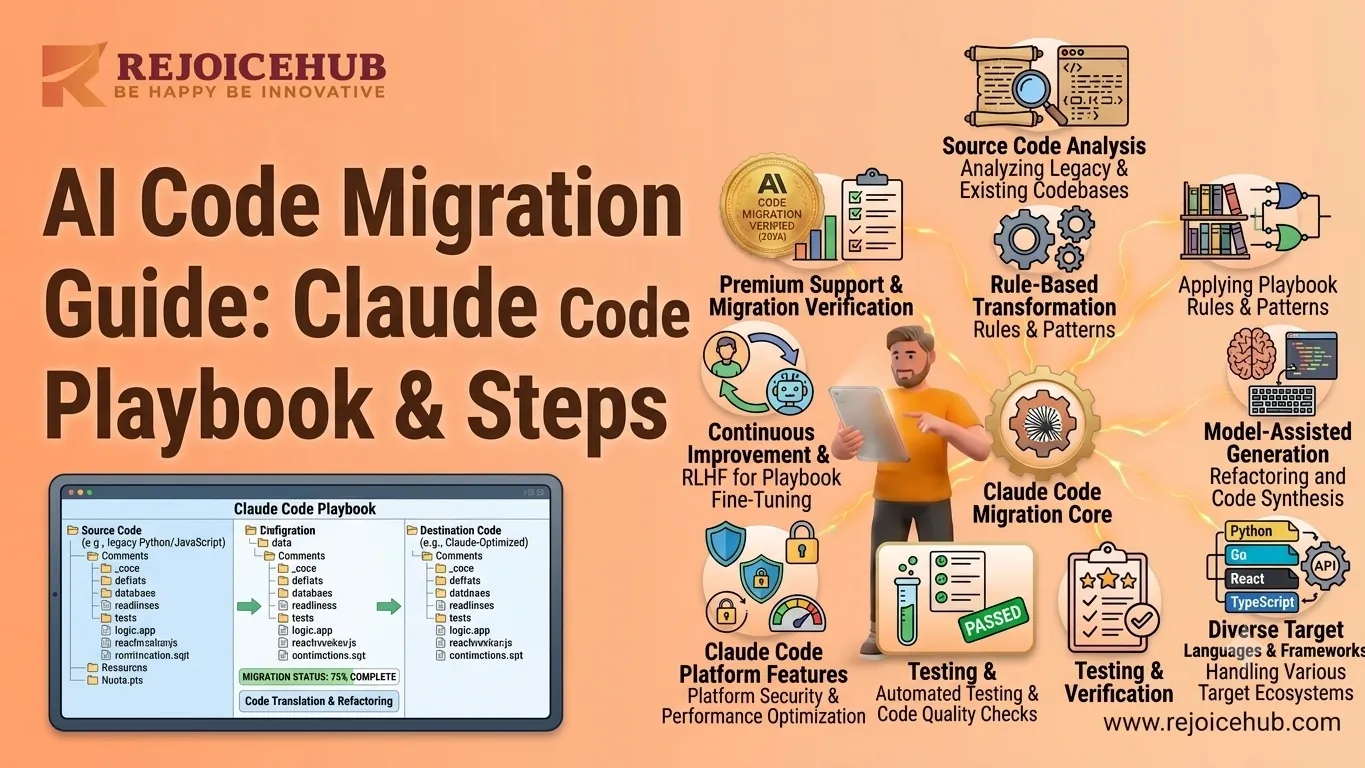
If you've ever had to migrate legacy code, you know how painful and time-consuming it can be. Often, it can take years, drain resources, and be prone to error at any step, with potentially devastating consequences for production.
With AI agents automating complex workflows, many teams are now able to migrate hundreds of thousands and millions of lines of code within a matter of weeks, while keeping full control and ensuring code quality.
In this guide, we cover precisely how large-scale code migration with AI coding agents works, what tools to use, and how to actually execute the migration from start to finish.
Whether you're looking to migrate legacy code, adopt a new framework version, or transition from one programming language to another, this guide will provide you with all the information you need to perform such a project.
What Is AI Code Migration?
AI Code Migration refers to the use of AI agents to analyze, rewrite, and verify code during the transition from one system, language, framework, or architecture to another.
Instead of manually rewriting each file, developers can instruct AI agents to:
- Analyze the code to be migrated
- Discover patterns and dependencies
- Rewrite the code in the target language or framework
- Test and verify the results
This is not simply a code completion or find-and-replace tool, but an agentic system that can perform complex tasks, execute commands, and self-correct. The difference between an agentic code migration assistant and traditional find-and-replace scripts is that the former can operate autonomously and perform multiple steps, while the latter are limited to simple text substitutions.
Why Large Scale Code Migration Is So Painful (Without AI)
Before we get to the solution, let's be honest about the problem.
Traditional large-scale code migration projects usually involve:
- Months (or years) of manual rewrites by senior engineers
- High risk of breaking changes across interconnected systems
- Massive opportunity cost your best developers stuck on migration instead of building new features
- Inconsistent code quality when work is split across multiple people
- Testing bottlenecks because manual QA can't keep pace with manual rewrites
For enterprise teams, this often means migration projects get delayed indefinitely. The codebase just gets older, riskier, and harder to touch.
This is exactly the gap AI software development tools were built to close.
Why Claude Code Is Built for This
Claude Code is Anthropic's agentic coding tool, and it's particularly well-suited for migration work because it can:
- Read and reason across an entire codebase, not just single files
- Execute terminal commands, run tests, and fix its own errors
- Work through long, multi-step tasks without losing context
- Follow project-specific rules and coding standards you define
This makes it a strong fit for enterprise code migration, where consistency and traceability matter as much as speed. If you're comparing options, it's worth understanding how Claude Code stacks up against GitHub Copilot before committing to a tool.
Quick tip: If you're evaluating AI coding agents for migration work, prioritize tools with strong context handling and command execution not just code generation. Migration is a systems problem, not a snippet problem.
If you're looking to build a custom AI agent tailored to your migration workflow, RejoiceHub can help you design and deploy one that fits your exact stack.
The Claude Code Playbook: Step-by-Step Migration Process
Here's the actual framework we recommend for running a large-scale code migration using AI coding agents.
Step 1: Audit and Map the Existing Codebase
Before any code moves, the AI agent needs full context.
- Feed the agent your repository structure, dependencies, and documentation
- Ask it to generate a dependency map and flag high-risk modules
- Identify dead code, duplicate logic, and outdated libraries
This step alone often saves weeks, because most legacy codebases have zero up-to-date documentation.
Step 2: Define Migration Rules and Guardrails
This is where most teams get AI migration wrong they let the agent run wild.
Instead, set clear rules:
- Coding standards and style guides
- Which files or modules are off-limits
- Required test coverage before merging
- Naming conventions for the new codebase
Claude Code performs significantly better when given structured instructions (often via a project rules file) instead of vague prompts. Getting this context right is closely tied to effective context engineering, which shapes how reliably an agent behaves across a long task.
Step 3: Run Migration in Small, Testable Batches
Never migrate an entire codebase in one shot. Break it into logical batches:
| Batch Type | Example | Risk Level |
|---|---|---|
| Isolated utilities | Helper functions, formatters | Low |
| Standalone modules | Auth service, payment logic | Medium |
| Core dependencies | Database layer, API routing | High |
Start low-risk, build confidence, then move up.
Step 4: Automate Testing at Every Step
This is non-negotiable for automated code migration.
- Run existing test suites against migrated code
- Have the agent write new tests for uncovered logic
- Use regression testing to compare old vs. new outputs
If a migrated module fails tests, the agent can iterate and fix it before a human ever reviews it.
Step 5: Human Review at Checkpoints
AI agents accelerate the work, but they don't replace engineering judgment.
Set review checkpoints at:
- The end of each batch
- Before merging into the main branch
- Before any production deployment
Think of this as "AI does the heavy lifting, humans do the sign-off."
Step 6: Monitor Post-Migration Performance
Once code is live, track:
- Error rates and exceptions
- Performance benchmarks vs. the legacy system
- Any behavioral differences in edge cases
This closes the loop and confirms the migration actually worked not just that it compiled.
AI Agents for Code Migration: What They're Actually Good At
To set realistic expectations, here's where AI coding agents genuinely shine versus where they need supervision.
AI agents are strong at:
- Repetitive, pattern-based rewrites across many files
- Framework version upgrades (e.g., old React to new React)
- Language-to-language translation of well-structured code
- Writing and running tests automatically
- Flagging inconsistencies a human might miss
AI agents still need human oversight for:
- Business logic decisions with unclear requirements
- Highly customized, undocumented legacy systems
- Architecture-level decisions (microservices vs. monolith, etc.)
- Final security and compliance review
Understanding this split is what separates successful AI-assisted code migration projects from failed ones — and it's the same distinction that matters when choosing between different types of AI agents for any automation project, not just migrations.
Legacy Code Migration: A Real-World Example
Let's ground this in a practical scenario.
Imagine a SaaS company running a 10-year-old PHP monolith. They want to migrate core services to a modern Node.js architecture.
Without AI agents:
- Estimated timeline: 8–12 months
- Team required: 4–6 senior engineers pulled off feature work
- Risk: High, due to manual rewrite errors
With Claude Code and a structured playbook:
- AI agent audits the codebase and maps dependencies in days, not weeks
- Migration runs in batches, with automated testing at each stage
- Senior engineers focus on review and architecture decisions, not line-by-line rewrites
- Estimated timeline: 6–10 weeks
The value proposition is twofold: accelerating delivery and reducing risk by eliminating manual, error-prone translation. But the real benefit is that it unlocks your best minds to focus on higher-value work.
That's the value proposition of AI-assisted code refactoring, and it mirrors the broader case for why businesses benefit from adopting AI agents across engineering-heavy workflows.
Codebase Migration Checklist
Use this as a quick reference before starting your own migration project.
- Full codebase audit and dependency mapping completed
- Migration rules and coding standards documented
- Batches defined by risk level
- Test coverage baseline established
- AI agent configured with project-specific guardrails
- Review checkpoints scheduled
- Rollback plan in place
- Post-migration monitoring set up
If you're missing more than two of these, it's worth getting expert help before you start.
Common Mistakes Companies Make With AI Code Migration
- Skipping the audit phase: Jumping straight into rewrites without mapping dependencies leads to broken integrations later.
- Giving vague instructions: "Migrate this to Python" is not a prompt it's a wish. Agents need structured, specific rules.
- Migrating everything at once: Big-bang migrations are high-risk. Batching is safer and easier to debug.
- No human checkpoints: Full automation without review invites subtle bugs into production.
- Ignoring post-migration monitoring: A migration that "compiles" isn't the same as a migration that "works correctly" under real traffic.
These same pitfalls show up across most enterprise AI adoption efforts, not just code migrations teams that skip structure and oversight tend to stall out regardless of the use case.
Is AI Code Migration Worth the Investment?
For most growing companies, yes and the ROI math is straightforward.
Consider the cost of:
- 4–6 senior engineers spending months on manual migration
- Delayed feature releases while your team is heads-down on legacy code
- Ongoing maintenance costs of an outdated tech stack
Against the cost of:
- A structured AI-assisted migration project
- A fraction of the engineering hours
- A modernized codebase that's cheaper to maintain long-term
For most enterprise code migrations, the investment in AI-assisted migrations is paid back many times over during the very first project. If cost is still a sticking point for your leadership team, it helps to walk through a realistic breakdown of what it actually costs to build an AI agent before scoping the project.
If you're at the point where you're deciding between trying to build this in-house or hiring an experienced third party, RejoiceHub will help you scope a migration project, design a successful AI agent workflow, and dramatically reduce the risk of any team's first attempts at large-scale code rewriting.
Conclusion
Large-scale code migration used to require months of painstaking manual work. With AI coding agents such as Claude Code, code migration becomes a more structured, expedited process, as long as you have the proper guide on how to leverage AI agents to migrate code.
The most successful code migration strategies using AI agents involve using AI agents in tandem with well-defined rules, smart code-batching, and human supervision when it comes to decision-making.
If you are planning on migrating code and need assistance designing an AI agent that can help your team migrate code faster and safer while minimizing the amount of code-migration related tasks that your developers have to handle, contact RejoiceHub - we can assist you in scoping out the problem, developing, and deploying a solution which will allow your team to complete the migration faster and with less human effort involved.
Frequently Asked Questions
1. What is AI code migration?
AI code migration means using AI agents like Claude Code to read, rewrite, and test code as you move from one system, language, or framework to another. Instead of manual line-by-line rewrites, the AI agent handles the heavy lifting while your team reviews and approves the results.
2. How does Claude Code help with legacy code migration?
Claude Code can read an entire codebase, run terminal commands, and fix its own errors as it works. This means it can audit legacy code, spot outdated patterns, and rewrite modules in batches while still adhering to the coding rules and standards your team sets.
3. Is AI code migration safe for large codebases?
Yes, if you follow a structured process. Break the migration into small, testable batches, set clear rules for the AI agent, run automated tests at every step, and add human review checkpoints before anything goes into production. This keeps risk low even for large codebases.
4. How long does an AI-assisted code migration take?
It depends on the size of your codebase, but AI-assisted migrations are much faster than manual ones. A project that might take 8 to 12 months to do manually can often be completed in 6 to 10 weeks with Claude Code, structured batches, and automated testing.
5. What is the first step in a code migration project?
The first step is a full audit of your existing codebase. The AI agent maps dependencies, flags high-risk modules, and finds dead or duplicate code. This gives your team a clear picture before any code is actually rewritten or moved.
6. Can AI agents fully replace human developers in migration?
No, AI agents are great at repetitive rewrites and pattern-based work, but they still need human oversight. Business logic decisions, architecture choices, and final security reviews should always involve real engineers. Think of AI as doing the heavy lifting, not the final sign-off.
7. How much does AI code migration cost compared to manual migration?
I code migration usually costs far less than hiring a full team of senior engineers for months. You save on engineering hours, avoid delayed feature releases, and reduce long-term maintenance costs. For most companies, the investment pays for itself within the first project.