I remember when I first started freelancing. My "office" was a kitchen table, my "marketing department" was a series of desperate cold emails, and my "accounting team" was a messy spreadsheet I updated once every three months. It was exhausting. Fast forward to 2026, and the landscape has completely shifted.
We're no longer just in the age of beginners we've entered the era of AI-powered freelancing. Today, the best AI tools for freelancers aren't fancy gadgets; they're the silent partners that handle the extra workload so you can focus on the work you actually love.
In this guide, I'm going to walk you through the top AI tools for freelancers that I personally vouch for. Whether you're a writer, a developer, or a virtual assistant, these tools will help you work smarter, not harder.
Why AI Tools Are Essential for Freelancers in 2026
The rising competition has created real challenges. Client expectations have skyrocketed. They want high-quality work delivered the moment they request it, presented in five different formats.
Freelancers shouldn't just see AI as a helper they need to use AI technology because it helps them accomplish tasks more efficiently. Your competitor will spend three hours creating a proposal while studying their specialized field. You can complete the same task in twenty minutes with AI.
This enables you to:
- Boost your income by acquiring additional clients who bring higher profits to your business.
- Use artificial intelligence to catch errors you'd miss during periods of fatigue.
- Establish your weekends as free time by automating all repetitive office work.
How We Chose These AI Tools
The selection process started by identifying common AI solutions, then assessing each tool's real-world performance. Three criteria guided the final list:
- Freelancer ROI: Does it generate more value than it costs?
- Learning Curve: Can users get up to speed within a single day?
- Versatility: Can it handle different types of work?
The 10 Best AI Tools for Freelancing in 2026
1. ChatGPT – The All-Around AI Assistant
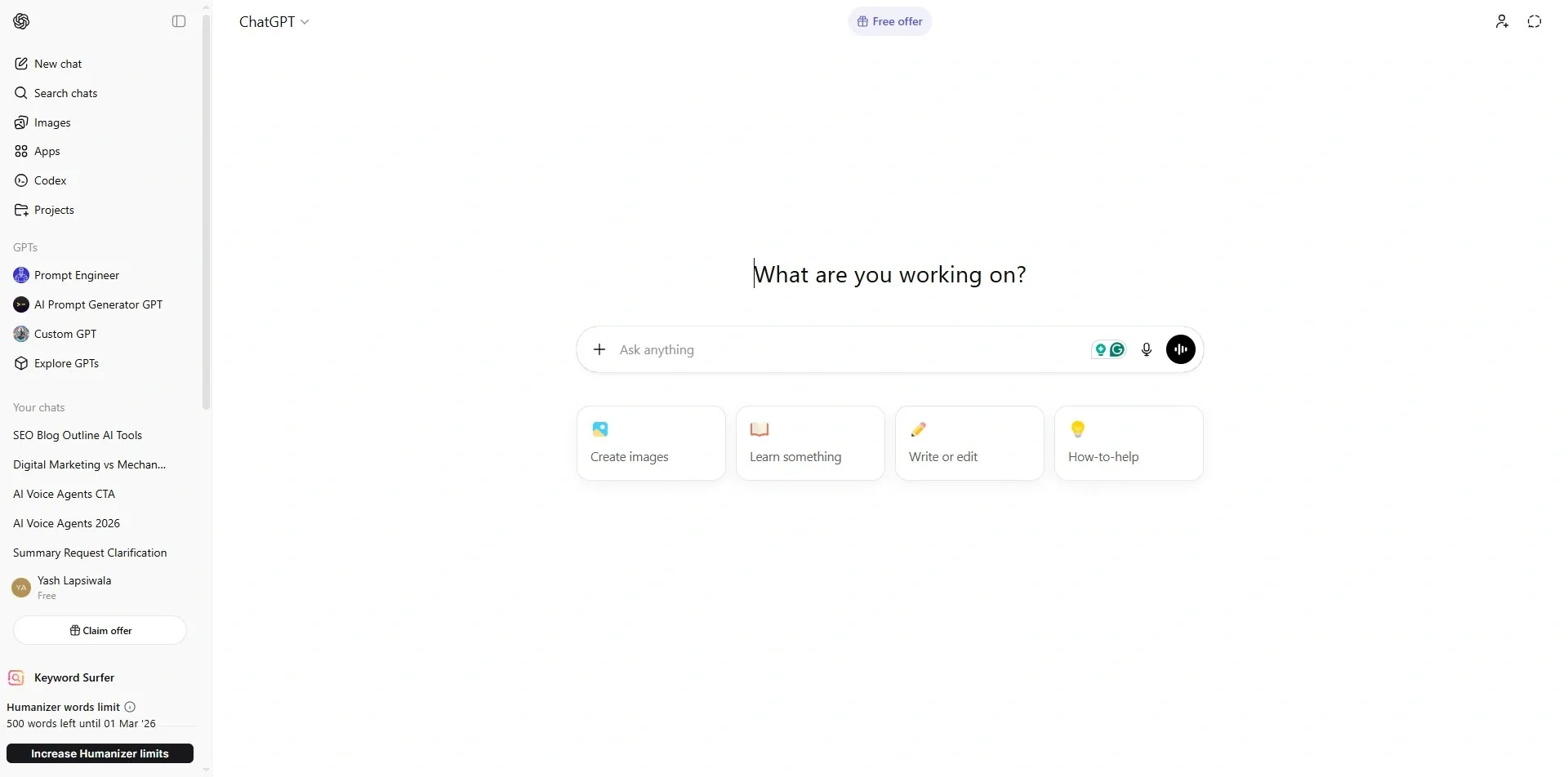
ChatGPT has evolved from its chatbot origins to become a powerful multimodal system in 2026. I use it as my "junior partner." It can read a client's disorganized PDF documents, help create a 12-month content plan, and write the first draft of a detailed project proposal.
- Key Features: Advanced reasoning (GPT-5.2), image generation with DALL-E, and "Memory" that remembers your specific brand voice over time.
- Use Case: A freelance marketer uses ChatGPT to turn one long-form blog post into ten social media captions and three email newsletters in seconds.
- Pricing: Free basic version; Plus plan at $20/month for priority access and deeper reasoning.
- Why it made the cut: It is the most versatile AI tool for freelancers on the market. If you only pay for one tool, this is usually it.
2. Notion AI – Your Brain, Organized
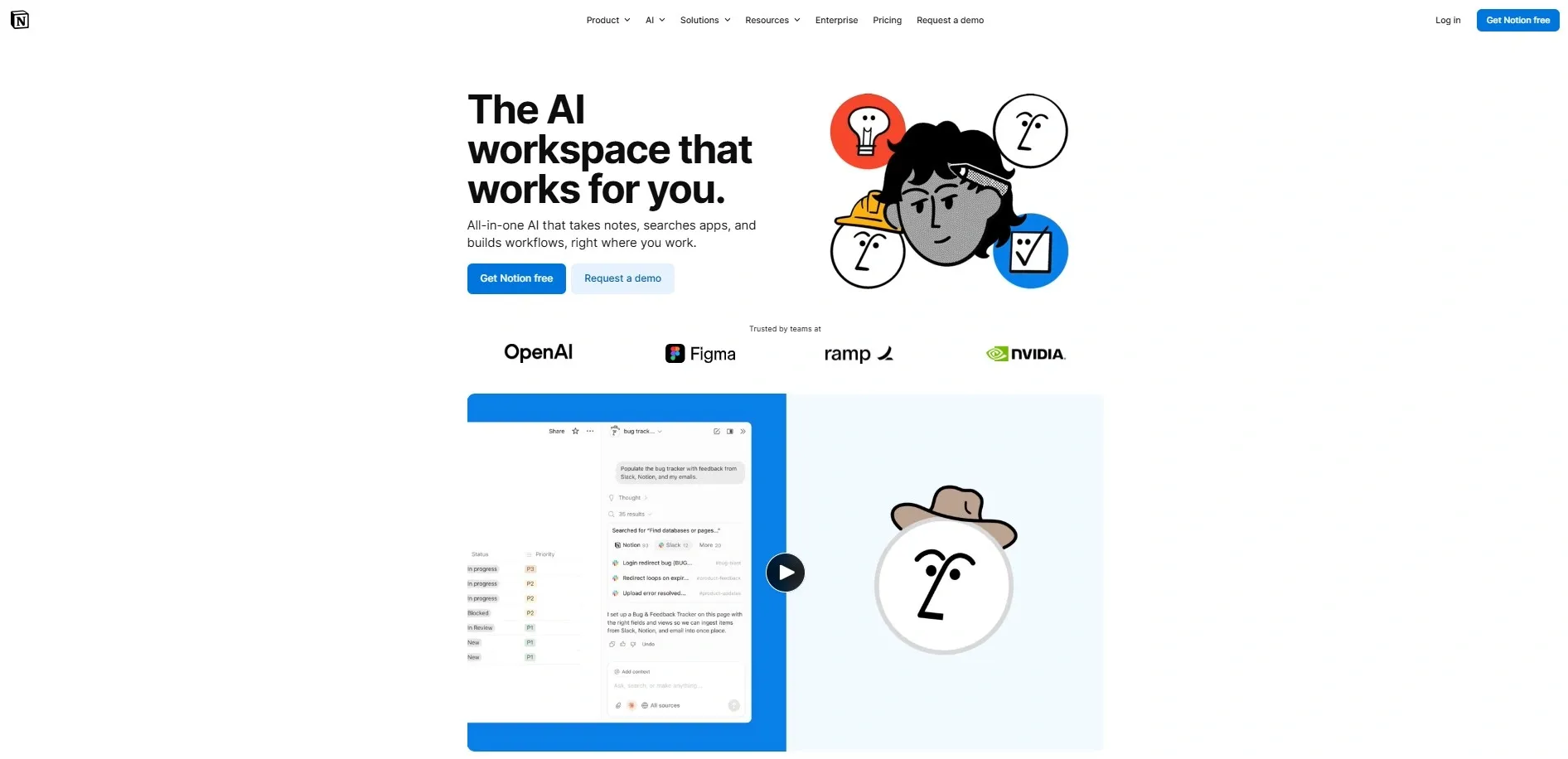
If your scattered notes exist across five different applications, Notion AI is built for you. This AI tool for productivity and organization helps you develop your thinking process and, most valuably, allows you to extract specific details from meeting notes or instantly generate action items on demand.
- Key Features: Automated project summaries, Q&A (ask your workspace questions), and AI-powered page generation.
- Use Case: A project manager uses it to automatically track deadlines and generate status reports for five different clients simultaneously.
- Pricing: Free for personal use; AI add-on for $20/month (Business tier).
- Why it made the cut: It eliminates "information overload," which is the #1 cause of freelancer burnout.
3. Grammarly – The Professionalism Guardrail
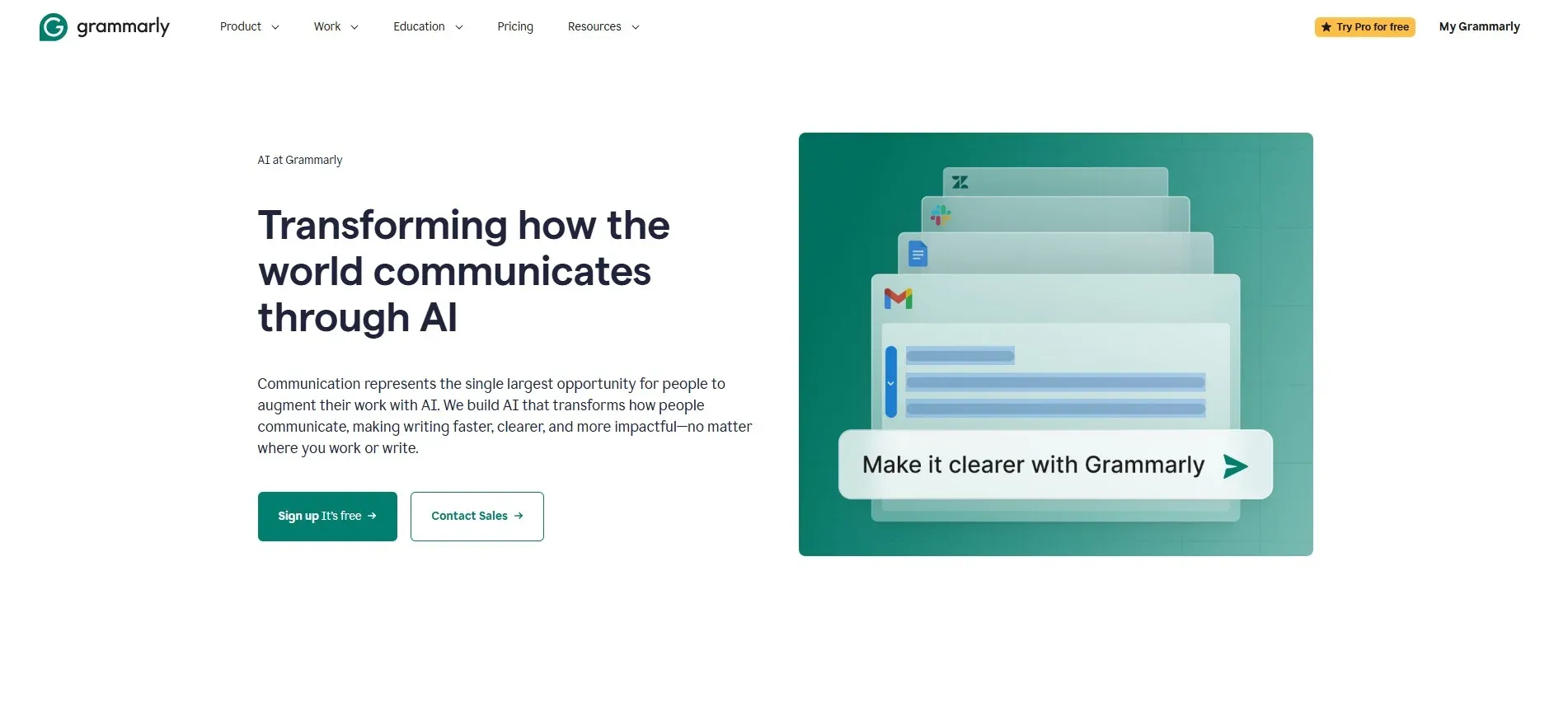
Let's be honest: when you're tired, your emails get sloppy. Grammarly's 2026 updates have moved well beyond fixing "your/you're" errors. It now understands "Strategic Tone," helping you sound firm but polite during those awkward payment follow-ups.
- Key Features: Tone detection, full-sentence rewrites, and a plagiarism checker.
- Use Case: A freelance writer uses it to ensure their tone matches the client's "corporate but friendly" style guide perfectly.
- Pricing: Free basic; Pro plan at $12/month (billed annually).
- Why it made the cut: It's the ultimate safety net for your professional reputation.
4. Canva AI – High-End Design for Everyone
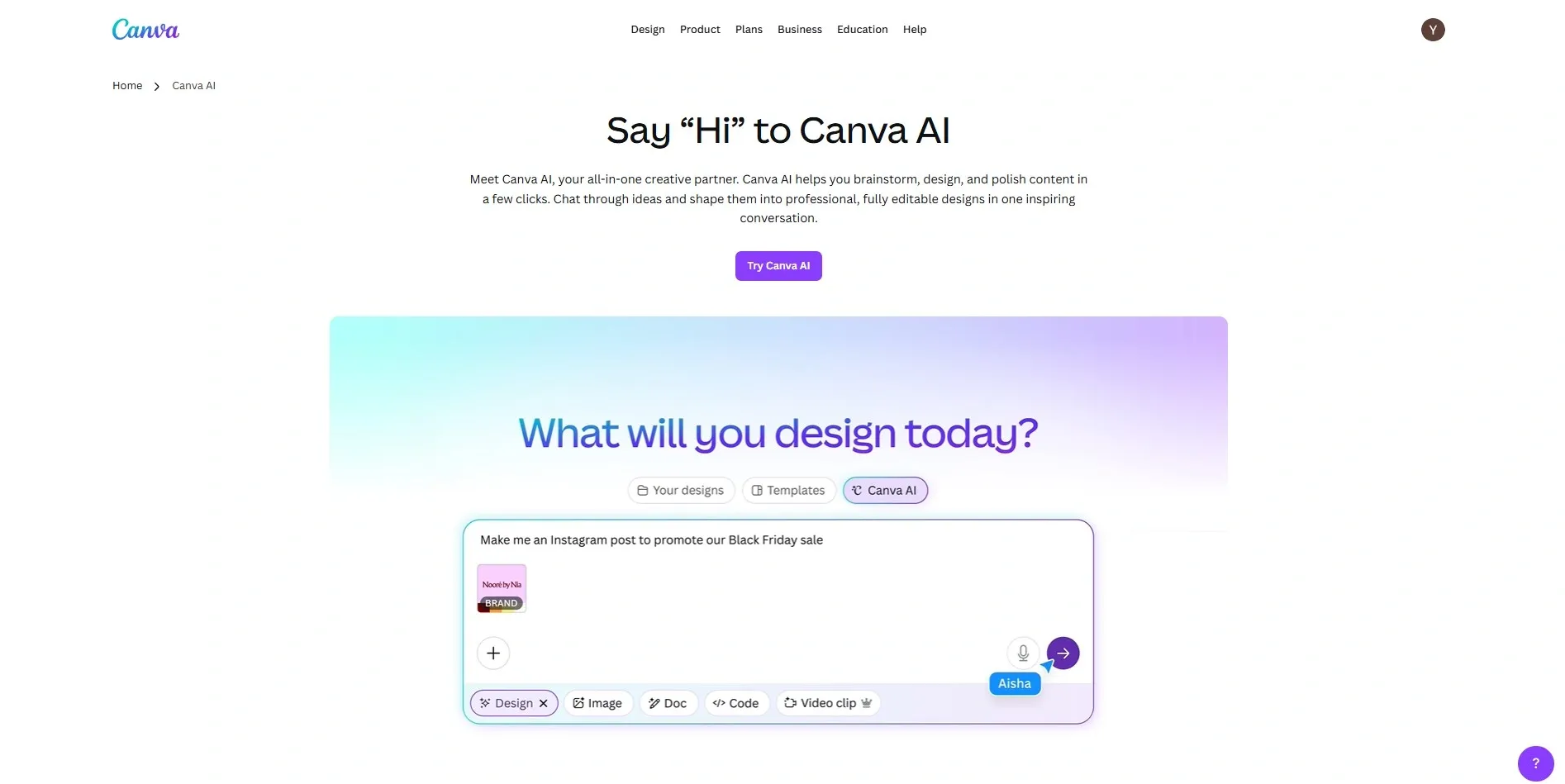
You no longer need Photoshop expertise to deliver great visuals. Canva's "Magic Studio" lets you describe a design in plain language and watch it come to life. It's especially powerful for fast client requests that previously required hours of hunting for stock photos. For freelancers looking to understand UI/UX design principles to complement their visual output, pairing Canva AI with foundational design knowledge goes a long way.
- Key Features: Magic Media (text-to-image/video), Magic Switch (resizes one design for all platforms), and Brand Kits.
- Use Case: A social media manager generates a full week of branded Instagram posts by simply uploading a client's logo and a short prompt.
- Pricing: Free; Canva Pro at $120/year.
- Why it made the cut: It allows non-designers to offer "design" as a high-value add-on service.
5. Perplexity – The Research Powerhouse
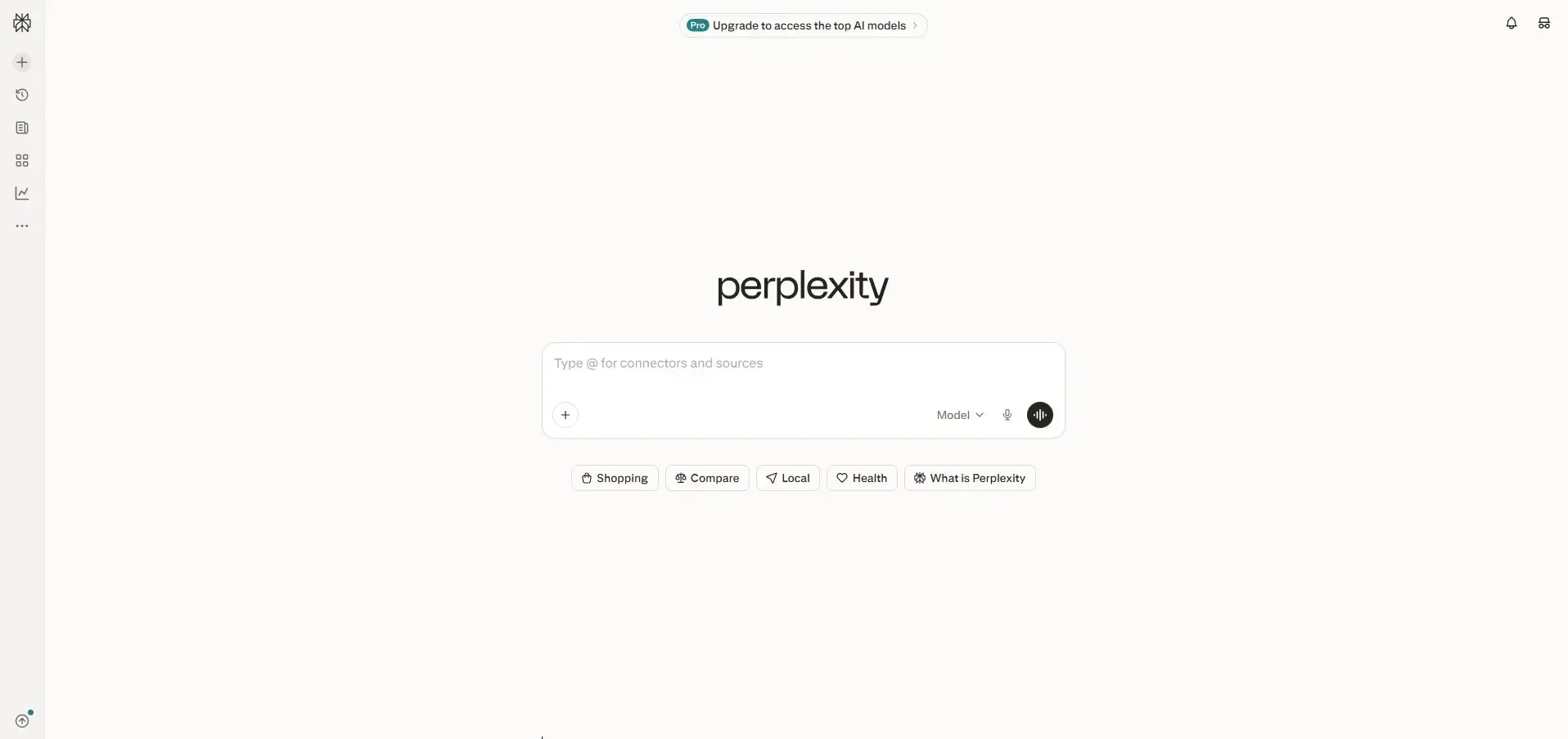
Google is a great search engine, but Perplexity delivers superior results for thorough research. Rather than just returning links, it searches the web and produces a structured, cited summary much like an academic document. Its instant fact-checking feature makes source verification faster than ever. This is especially useful for freelancers writing about fast-moving topics like generative AI advancements.
- Key Features: Real-time web search with citations, "Pages" for structured reports, and multiple AI model options (Claude, GPT, etc.).
- Use Case: A freelance journalist uses it to find three verified statistics and five expert quotes for an article in under two minutes.
- Pricing: Free; Pro at $20/month.
- Why it made the cut: It's arguably one of the best AI tools for freelancing when it comes to accuracy and speed.
Also read: Top AI Tools for Content Creation in 2026 for Faster Growth
6. Zapier AI – The "Auto-Pilot" for Your Business
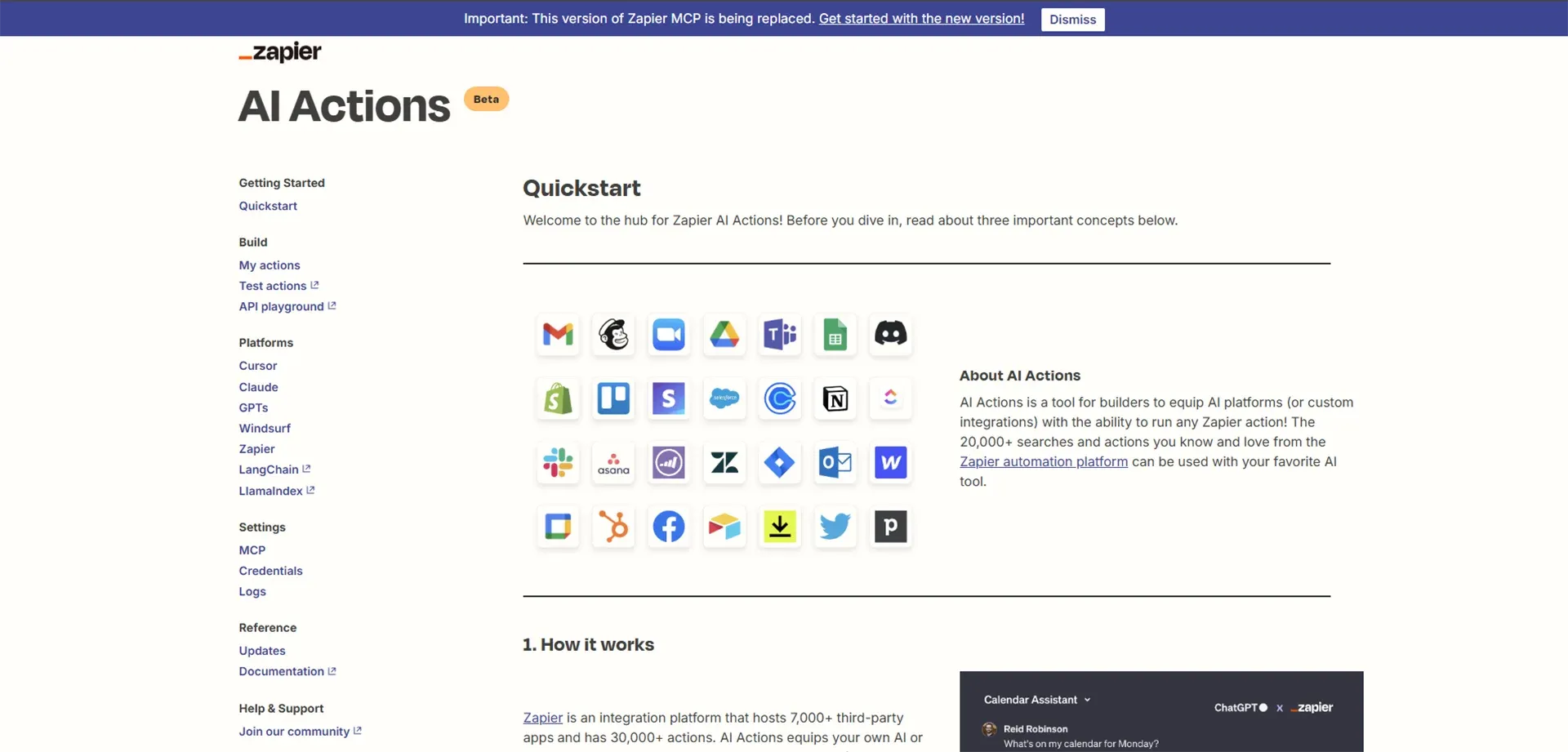
Zapier is the connective tissue that holds all your apps together. In 2026, you don't even need to know how to code a workflow — just tell Zapier, "When I get a new lead on my website, send them a welcome email and add them to my Notion board," and it builds it for you. Freelancers exploring AI automation for business workflows will find Zapier to be the most practical starting point.
- Key Features: Natural language "Zap" building and 8,000+ integrations.
- Use Case: An admin assistant automates the entire onboarding process — from contract signing to folder creation — without lifting a finger.
- Pricing: Free (100 tasks); Pro from $19.99/month.
- Why it made the cut: It's like having a 24/7 personal assistant that never sleeps.
7. Descript – Video Editing as Easy as a Word Doc
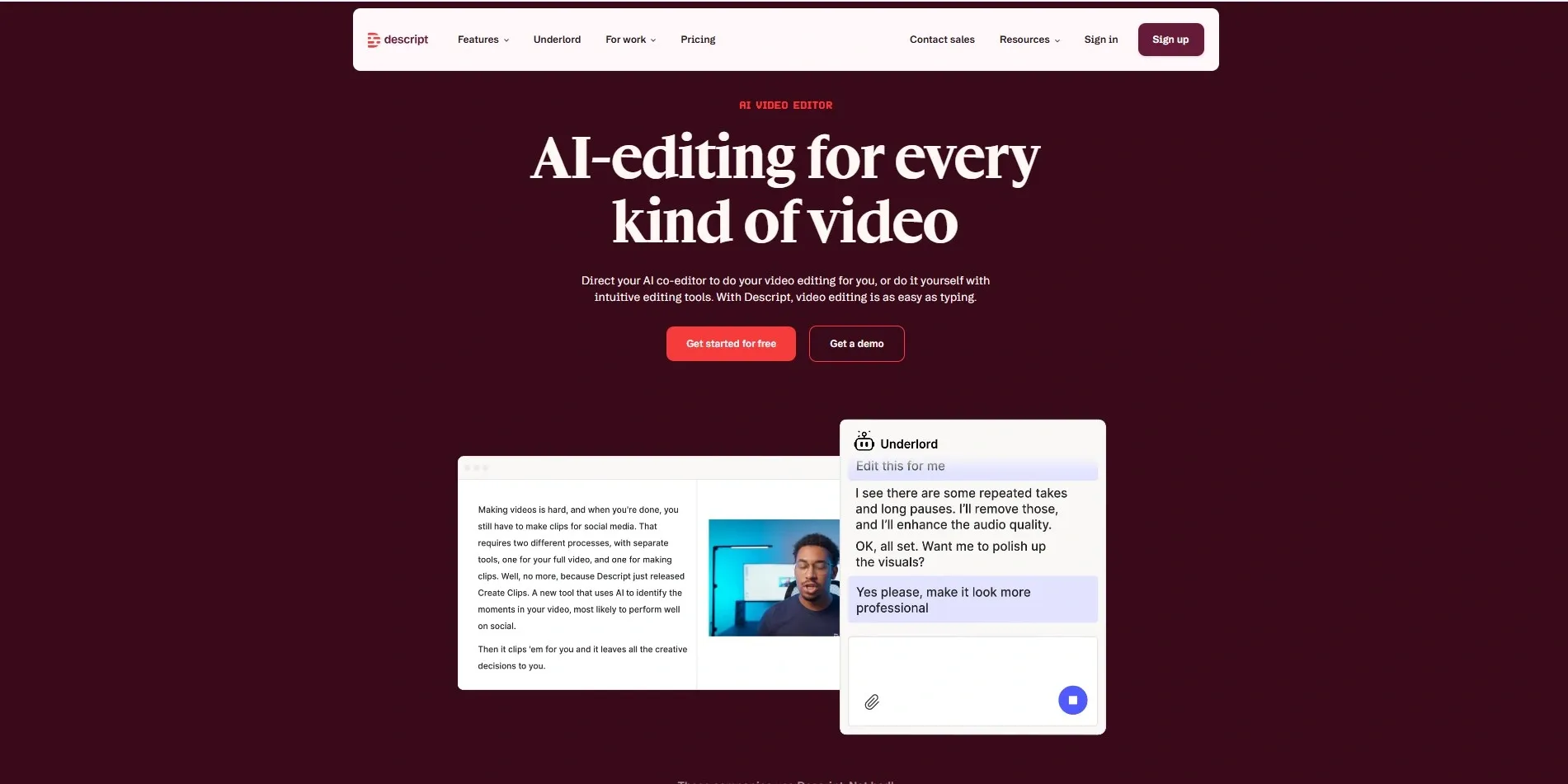
Descript is a game-changer for freelancers who produce video content or podcasts. It generates a full transcription of your recording, then lets you edit the footage simply by editing the text. There's even a one-click function to remove every "um" and "uh" from your audio automatically.
- Key Features: Filler word removal, "Underdub" (voice cloning for quick fixes), and studio-quality sound cleanup.
- Use Case: A YouTuber edits a 20-minute interview down to 10 minutes just by highlighting and deleting the dull sections of the transcript.
- Pricing: Free; Creator plan at $12/month.
- Why it made the cut: It turns a 5-hour editing job into a 30-minute task.
8 Motion – The AI That Builds Your Schedule
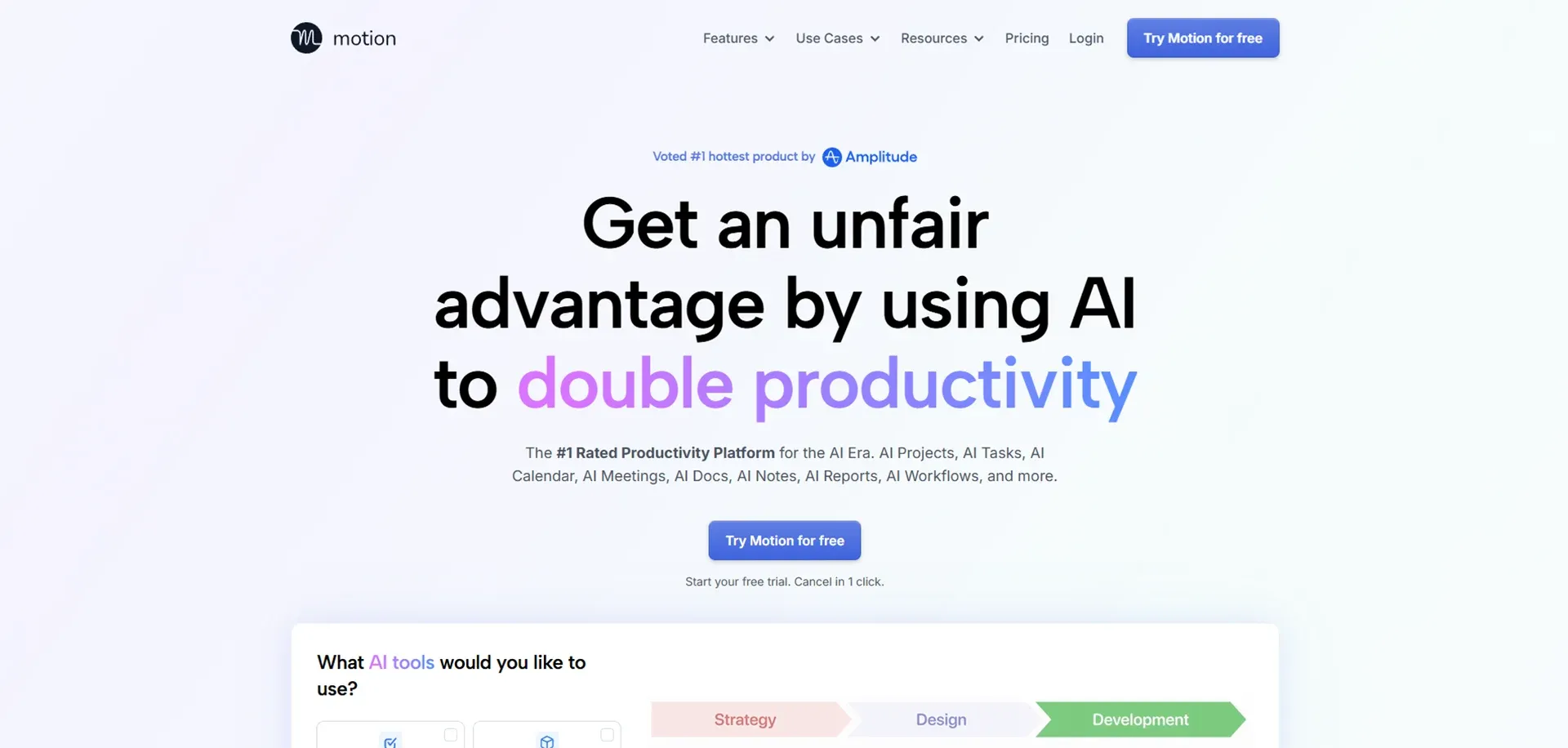
Most freelancers struggle not with talent, but with time management. Motion is an AI calendar that analyzes your task list and automatically schedules work into your free gaps. If a meeting runs long, your entire schedule adjusts automatically. For freelancers managing multiple client projects simultaneously, this kind of intelligent scheduling is a genuine lifesaver.
- Key Features: Intelligent task auto-scheduling and "Focus Time" protection.
- Use Case: A busy consultant uses Motion to balance three different client projects without ever missing a deadline.
- Pricing: $19/month (billed annually).
- Why it made the cut: It acts as a project manager that tells you exactly what to work on next.
9 GitHub Copilot – The Developer's Best Friend
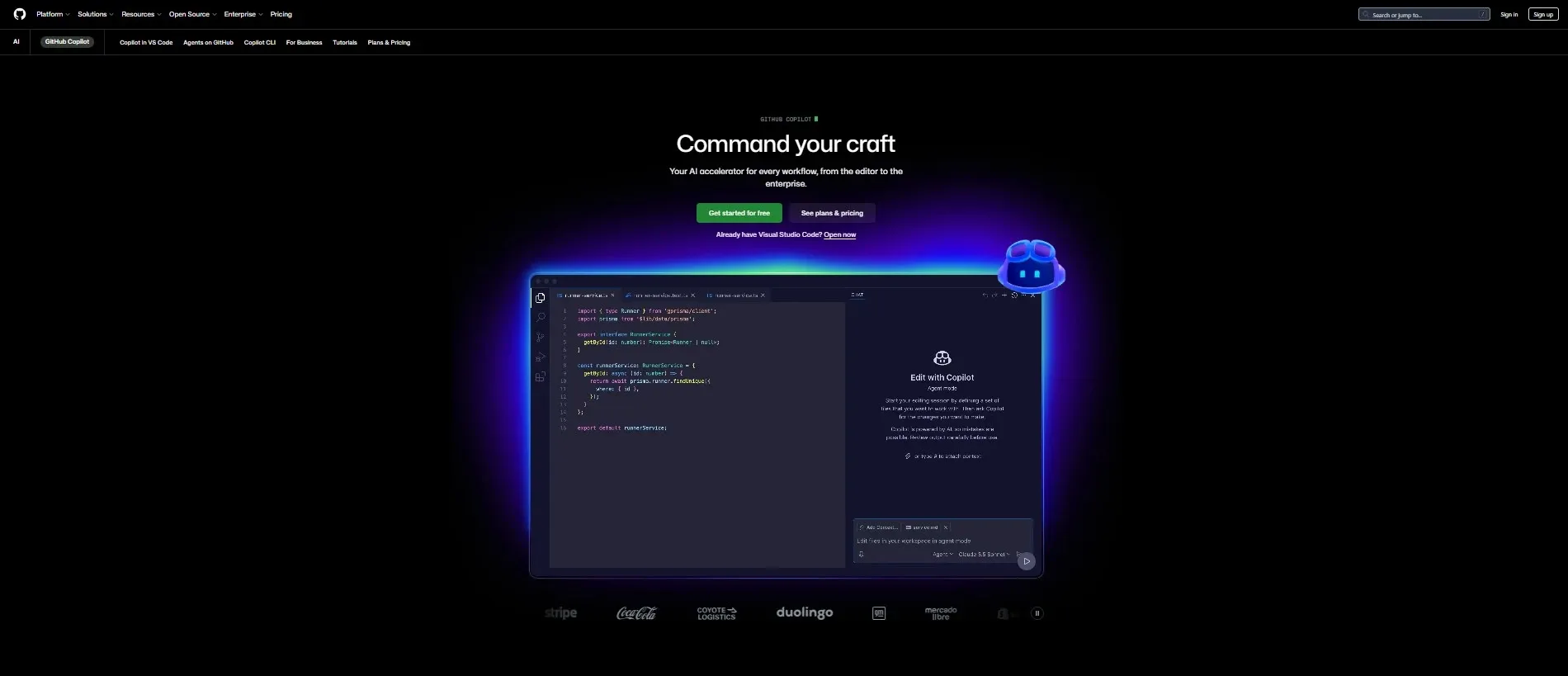
Freelance developers consider Copilot an essential tool. It functions like a senior developer sitting beside you, offering real-time code suggestions before you've even finished typing. Understanding the broader applications of AI in development workflows can help developers get even more out of tools like Copilot.
- Key Features: Real-time code suggestions and "Chat" for debugging complex errors.
- Use Case: A web developer uses Copilot to build a custom React component in half the time it would take to write from scratch.
- Pricing: $10/month (Hobby) or $20/month (Pro).
- Why it made the cut: It significantly reduces the "frustration time" spent on minor bugs.
10 ElevenLabs – Professional Audio on a Budget
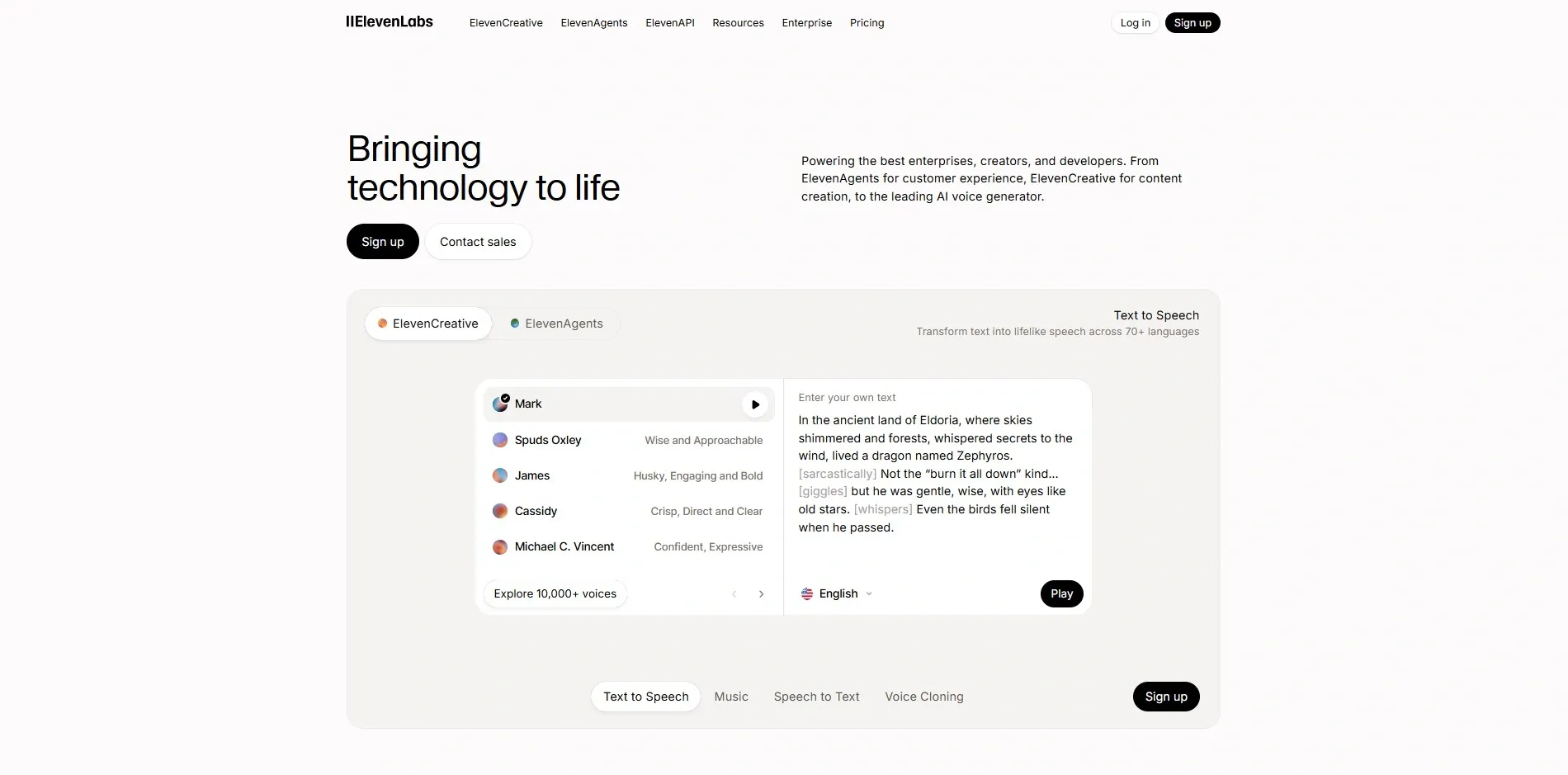
Need a voiceover for a client's explainer video but don't want to hire a voice actor? ElevenLabs produces AI voices that are virtually indistinguishable from human speech. You can even create voice clones, meaning you could theoretically record podcast content from anywhere in the world.
- Key Features: High-fidelity voice synthesis and instant voice cloning.
- Use Case: A content creator generates professional voiceovers for five different client ads in five different languages.
- Pricing: Free; Starter from $5/month.
- Why it made the cut: It opens up high-end audio services to freelancers with zero recording equipment.
AI Workflow Tips for Freelancers
Having the best AI tools is only half the battle you also need a smart method for using them. Here are three habits I follow every week:
- Protect Your Data: Never enter confidential client information (passwords, private financials) into a public AI system. Use "Private" modes whenever available.
- Save Your Prompts: Store prompts that consistently produce great results. Don't reinvent the wheel every morning.
- The 80/20 Rule: Let AI handle 80% of the workload. You complete the final 20% the human touch, fact verification, and final editing. This is the secret to AI-powered freelancing that never feels robotic.
Conclusion
The question in 2026 isn’t whether you should use AI it’s which tools will help you reach your goals the fastest. The best AI tools for freelancers give you two essential things: more time and more control over your daily work.
Don’t try to master everything at once. Pick one tool from this list that solves your most urgent problem right now. Your future self will thank you for it.
As AI continues to reshape freelancing, businesses and professionals are increasingly turning to expert partners like RejoiceHub to build AI-powered solutions, automate workflows, and scale digital operations faster.
For example, RejoiceHub’s AI-powered Upwork Agent solution helps freelancers and agencies automate lead discovery, generate personalized proposals, and manage client communication more efficiently. This allows freelancers to spend less time searching for projects and more time delivering high-quality work.
Frequently Asked Questions
1. What are the best AI tools for freelancers in 2026?
Some of the best AI tools for freelancers in 2026 include ChatGPT, Notion AI, Grammarly, Canva AI, Perplexity, Zapier AI, Descript, Motion, GitHub Copilot, and ElevenLabs. These tools help automate tasks, improve productivity, and streamline freelance workflows.
2. How do AI tools help freelancers increase productivity?
AI tools automate repetitive tasks such as research, writing, scheduling, and communication. This allows freelancers to focus more on high-value work and client projects.
3. Are AI tools necessary for freelancers in 2026?
Yes. With increasing competition and faster client expectations, AI tools help freelancers deliver work faster, maintain quality, and manage multiple clients efficiently.
4. Which AI tool is best for freelance writers?
ChatGPT, Grammarly, and Perplexity are among the best AI tools for freelance writers because they help with research, editing, content creation, and fact-checking.
5. What AI tools are useful for freelance designers?
Canva AI is one of the best tools for freelance designers. It offers AI-powered design generation, branding tools, and quick content creation for social media and marketing materials.
6. How can freelancers automate their workflow with AI?
Freelancers can use tools like Zapier AI to automate workflows such as client onboarding, email responses, lead management, and project tracking.
7. Is ChatGPT useful for freelancers?
Yes. ChatGPT acts as an all-around AI assistant that can help freelancers write proposals, generate content, analyze documents, and brainstorm ideas.
8. Which AI tools help freelancers manage time effectively?
Motion is a powerful AI scheduling tool that automatically organizes tasks, meetings, and deadlines, helping freelancers manage time more efficiently.
9. Can AI tools help freelancers get more clients?
Yes. AI tools can help freelancers create better proposals, automate outreach emails, optimize portfolios, and produce high-quality work faster, which improves client acquisition.
10. Are AI tools expensive for freelancers?
Most AI tools offer free plans or affordable monthly subscriptions. Many freelancers can start using powerful AI tools for under $20 per month.
11. What is the future of AI in freelancing?
AI will continue to automate routine tasks while helping freelancers scale their businesses. Freelancers who adopt AI tools early will have a competitive advantage in productivity and client delivery.