AI has evolved from being a mere industry term into a technology that changes product development processes for designers and developers. If your team continues to create UIs through manual methods in 2026 without using AI tools for web development, your organization will experience losses in efficiency and financial resources, and market position.
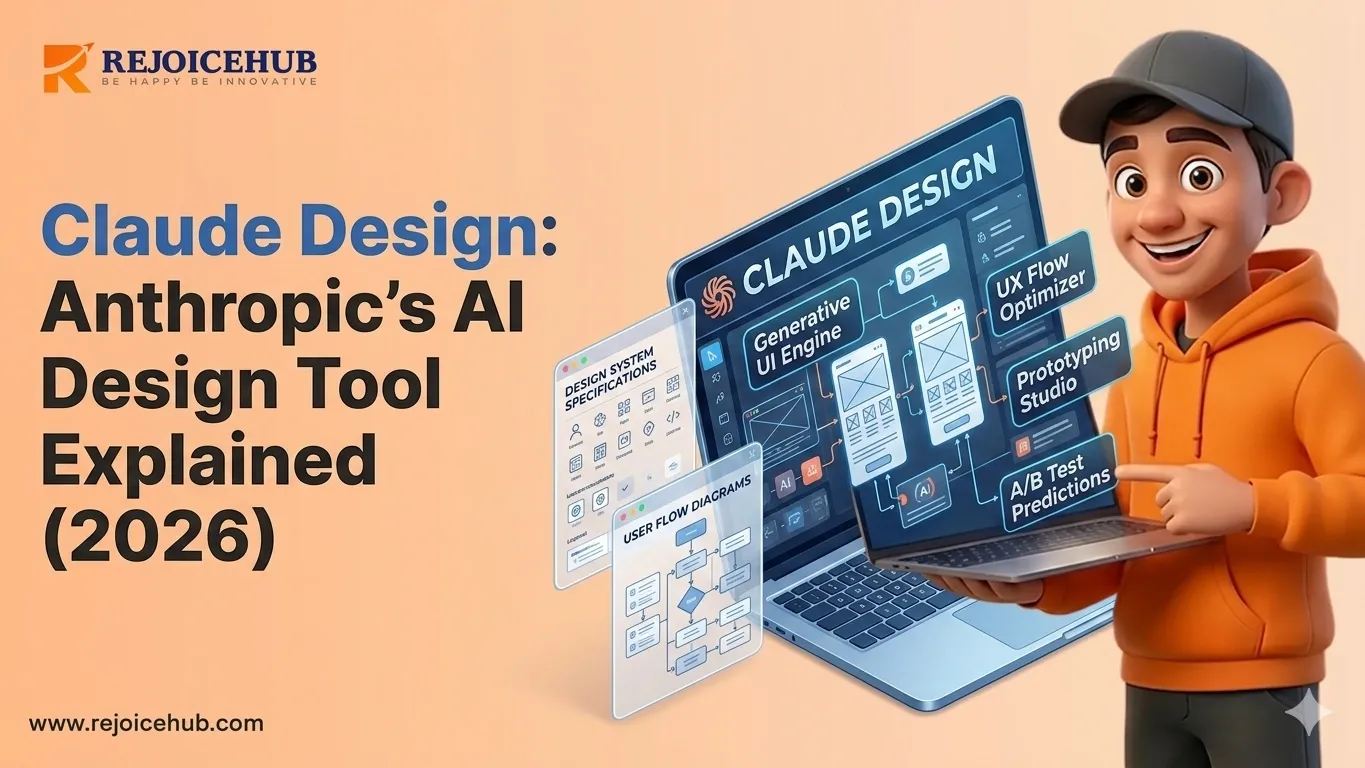
The design and development industry now experiences major excitement about Claude Design, which serves as an AI-powered design tool developed by Anthropic to enhance product development processes.
This guide explains Claude Design for startup founders, SaaS product teams, and developers who need to understand its functionality and suitability for their work in 2026.
What is Claude Design?
The team at Anthropic has developed Claude Design as an AI design assistant that creates design solutions through natural language input. The tool assists design professionals and product development teams through automated creation of user interface designs based on spoken commands.
You use plain English to tell it your requirements, and then it automatically creates your requested design through its intelligent system, which operates at high speed.
The tool permits design teams to create user interface elements through text input, which transforms into complete design systems. Claude Design functions as a design accelerator for teams because it streamlines design work through automated UI component creation.
The system combines AI technology with automated processes to create a product design tool that enables SaaS businesses, development agencies, and digital product teams to deliver their products at high speed.
Why Claude Design Matters in 2026
The design industry has experienced a complete transformation. Product teams in 2026 face three main challenges that they must overcome to succeed:
- They need to deliver products at an unprecedented pace.
- They need to cut operational expenses while maintaining product excellence.
- They need to achieve seamless teamwork between design teams and engineering teams.
- They need to develop additional UI elements that will support their expanding product range.
Designers need to spend multiple hours on traditional design tools, which require them to create wireframes, build high-fidelity mockups, and complete developer handoff processes.
The time needed for design work at Claude Design becomes more efficient because the system handles all repetitive tasks and the time-consuming elements of work.
This development brings significant advantages to startups. The founders and small teams now have direct access to prototype and design testing capabilities through Claude Design without needing to hire a complete design team. For those exploring AI business ideas for startups, tools like Claude Design are fast becoming a foundational part of the stack.
Key Features of Claude Design
1. Prompt-Based UI Generation
The main strength of Claude Design is that it creates user interface designs based on written descriptions. The user inputs a specific command that asks to design a SaaS dashboard with three components, and then Claude Design creates a complete functional design.
The process enables teams to develop multiple design options fast because it decreases the duration between the initial idea and the first version development.
2. AI-Powered Design Suggestions
Claude Design goes beyond layout creation because it provides design enhancement recommendations. The system uses design best practices along with accessibility standards and UX patterns to identify necessary design changes that affect spacing, color hierarchy, typography, and component structure.
To get the most out of these capabilities, it helps to understand the top skills for mastering UI/UX design so you can better guide and refine the AI's output.
The system operates like a dedicated senior UX consultant who works with you throughout your entire workday.
3. Deep Integration with Developer Workflows
One of Claude Design's standout advantages is how well it integrates with modern developer workflows. The system generates design specifications and development-ready elements and organizes information that developers can use to create their work, thereby reducing the distance between design and engineering teams.
SaaS teams that implement agile sprints will experience reduced handoff delays, which result in improved speed of their product delivery process.
4. Rapid Prototyping at Scale
The testing process requires evaluation of ten distinct landing page variations. The tool enables rapid creation of new onboarding pathways through its design capabilities. The system enables users to create and evaluate design concepts, which they can improve within the time needed to finish a single design.
Business experts recommend using Claude Design's fast prototyping system together with a tailored agentic AI workflow to create an automated design evaluation and authorization workflow. RejoiceHub specializes in building these kinds of end-to-end AI workflows.
How to Use Claude Design AI: Step-by-Step
The process of starting Claude Design has simple steps that users can easily follow. The following guide provides complete assistance to beginners who want to start using the program.
Step 1: Write Your Design Prompt
Start by describing what you want to build. The interface should be defined with its required components and its main function to be developed. The output quality improves when you provide additional context about your request.
Example: "Design a mobile-first pricing page for a B2B SaaS product with three pricing tiers, a feature comparison table, and a prominent CTA button."
Step 2: Generate Your Layout
The system creates a layout design that includes different design elements and their organizational structure, and fundamental design elements from your input. The process requires only a few seconds to complete.
You will receive a functional design prototype, which you can assess right away and disseminate to your team, and build upon for upcoming work.
Step 3: Refine with AI
Your first output is rarely the final version — and that's fine. Use follow-up prompts to refine:
- "Make the CTA button more prominent."
- "Switch to a dark color scheme."
- "Add a testimonials section between pricing and CTA."
While working with you in real time, Claude Design iterates with you, reacting to your feedback within the same environment without having to unnecessarily regather material.
Step 4: Export and Integrate
The export process requires you to select a format that matches your work requirements after you complete your design work — whether your team needs design specifications, your developers require component code, or your product needs assets that are ready for integration.
The export process for teams that develop custom automation on Claude Design can achieve complete automation through AI agents for business automation, which RejoiceHub assists companies in implementing regularly.
Benefits of Claude Design for Businesses & Developers
Why are businesses, especially SaaS solutions providers and startups, embracing AI design tools like Claude Design in 2026?
-
Faster Design Cycles
Designers can now create prototypes that used to require multiple days of work within a single day. The ideation-to-prototype process of Claude Design enables teams to develop their concepts into user testing stages at an accelerated pace.
-
Reduced Design Costs
The cost of employing senior UX designers remains high. Claude Design provides early-stage startups with design capabilities that enable them to achieve design results that would normally need a full design team.
Companies achieve cost reductions when they decrease the duration spent on repetitive design activities. Understanding the broader benefits of AI for business makes it clear why investing in tools like this pays dividends at scale.
-
Better Design-Dev Collaboration
Product development between designers and developers experiences its most difficult period during the handoff process. The developer-friendly outputs from Claude Design enable product teams to work together more effectively by reducing miscommunication, rework, and project delays.
-
Scalable UI Generation
Your SaaS product growth leads to increased user interface requirements. Claude Design scales with you whether you're building a single landing page or managing a complex multi-product design system. You can produce uniform on-brand user interface elements through your scaling process without reducing their excellence.
Looking to build a custom AI automation layer on top of Claude Design for your product team? RejoiceHub builds tailored AI agent workflows that integrate with your existing tools and processes. Let's talk.
Claude Design vs Other AI Design Tools
How does Claude Design stack up against other popular AI design tools in 2026?
| Feature | Claude Design | Figma AI | Adobe Firefly | Canva AI |
|---|---|---|---|---|
| Prompt-based UI | Native | Limited | No | Basic |
| Dev Integration | Full | Full | Partial | Limited |
| Automation | Advanced | Partial | Yes | Basic |
| Speed | Very Fast | Fast | Moderate | Fast |
| Pricing | Flexible API | Subscription | Subscription | Freemium |
-
Claude Design vs Figma AI
Figma is the industry standard for collaborative design work because its artificial intelligence tools provide effective design solutions. The primary function of Figma AI exists to improve current design workflows instead of creating new designs through user-generated prompts. Claude Design's strength in prompt-native generation enables faster creation of completely new designs.
-
Claude Design vs Adobe Firefly
Adobe Firefly produces visual assets through its AI system, which creates content for images and textures, and graphical components. The tool does not function as a user interface design application. SaaS teams and developers need to use Claude Design because it offers a dedicated interface and product design functions.
-
Claude Design vs Canva AI
Much like Firefly, Canva AI focuses on templated visual creation rather than structured UI design. For teams building custom vs off-the-shelf AI software solutions, Claude Design's prompt-native architecture and developer integrations make it a significantly more powerful choice.
Should You Use Claude Design in 2026?
Who Should Use Claude Design
- SaaS startups that need to move fast and ship frequently
- Development agencies building client products at scale
- Product teams looking to reduce design-to-dev friction
- Founders who need to prototype and validate ideas without a full design team
- Marketing teams that need rapid landing page and UI generation
Who Might Not Need It (Yet)
- Large enterprise teams with established design systems and dedicated resources
- Companies with highly bespoke, brand-critical design requirements that need extensive manual refinement
- Teams that have no existing need for rapid prototyping or UI automation
Future Potential
Claude Design is still evolving, and fast. As Anthropic continues to improve its underlying models, we can expect even greater precision in UI generation, better accessibility outputs, deeper integrations with design tools, and more sophisticated AI-driven design suggestions.
For businesses investing in AI-powered product development now, getting familiar with tools like Claude Design puts you ahead of the curve. The teams that learn to work with AI as a design collaborator today will be the ones shipping the best products tomorrow.
Strategic Insight: The real competitive advantage isn't just using Claude Design it's building automated AI workflows around it. Companies that combine AI design tools with custom AI agents can create end-to-end product pipelines that are nearly impossible to compete with manually.
Conclusion
The new business model that will dominate the future includes AI-native companies that require organizations to transform their operations instead of depending on fast execution as their sole competitive advantage. The first companies that adopt new practices will create complete system changes eliminating obstacles, making work easier, and maintaining performance standards that traditional systems cannot achieve.
The situation requires decisive action. The development of an AI Operating System for business targets businesses that need to use AI agents for work instead of relying purely on human workers, enabling complete automation throughout their operations while expanding beyond traditional team structures.
This is not about adding one more tool to your existing system. The business model requires organizations to adopt completely new processes ones that will establish new operational methods for contemporary businesses to use in their development and day-to-day activities.
Frequently Asked Questions
1. What is Claude Design, and who makes it?
Claude Design is an AI-powered design tool built by Anthropic. You describe what you want in plain English, and it creates a full UI layout for you. It's built for product teams, startups, and developers who want to move fast without hiring a big design team.
2. How does the Claude Design AI tool work?
You type a prompt, like "design a pricing page with three tiers," and Claude Design builds it for you in seconds. You can then refine it by adding more instructions. It keeps adjusting the design in real time based on your feedback, no design software knowledge needed.
3. What makes Claude Design different from other AI design tools in 2026?
Unlike tools like Canva AI or Adobe Firefly, Claude Design is built specifically for UI and product design. It creates full layouts from text prompts, connects well with developer workflows, and supports advanced automation making it a stronger pick for SaaS teams and dev agencies.
4. Can beginners use Claude Design without any design experience?
Yes, absolutely. Claude Design is made for people who are not professional designers. If you can describe what you want in simple words, the tool handles the rest. Startup founders and marketers use it regularly to prototype ideas without touching any traditional design software.
5. What are the main benefits of Claude Design for startups and SaaS teams?
Claude Design helps teams build and test designs much faster, cuts the cost of hiring senior designers, and reduces the back-and-forth between designers and developers. Startups especially benefit because they can go from idea to prototype in a single day instead of waiting weeks.
6. Is there a step-by-step tutorial for how to use Claude Design AI?
Yes — start by writing a clear prompt describing your design. The tool generates a layout, which you can refine with follow-up instructions. Once happy, export your design in the format your team needs. The whole process is beginner-friendly and does not require technical skills to get started.
7. Will Claude Design keep improving in 2026 and beyond?
Yes. Anthropic continues updating Claude's underlying models, which means Claude Design will keep getting better at generating accurate UI, improving accessibility, and connecting with more design and development tools. Teams using it now are building a strong head start over those still doing everything manually.