
Nimora AI / RejoiceHub products
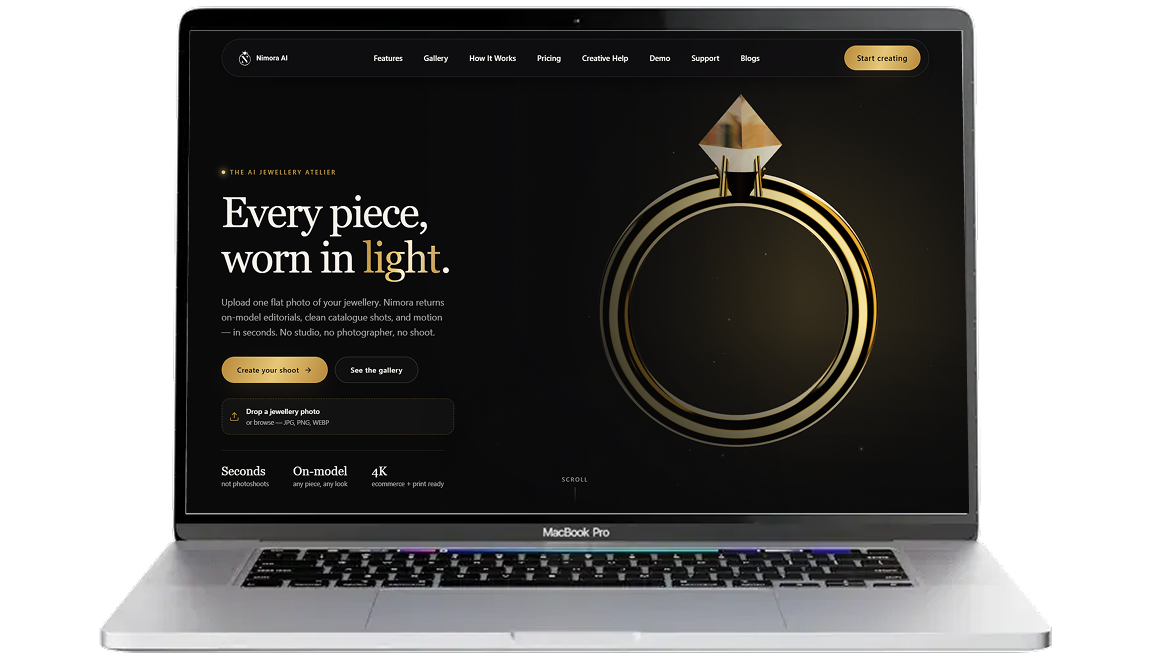
Nimora AI: create and review jewellery visuals
Generate jewellery model images, explore design concepts, and try different settings from product photos and references. Review dimensions, stones, metal color, and construction details against the actual design.
See the product website for current plans and availability.
Capabilities
What you can do with Nimora AI
Jewellery model images
Generate on-model presentations from a jewellery photo.Design concepts
Explore jewellery concepts using prompts and references.CAD visualization
Use supported design inputs to explore rendered presentations.New settings
Try changes to backgrounds, lighting, and image style.Variations
Compare different visual treatments of a product or concept.
HOW TO USE
How to get started
Add a reference
Upload a supported image or design input.Set the direction
Choose the presentation or describe the concept you want to explore.Generate variations
Review alternative compositions and styles.Check and export
Compare the chosen result with the product or design before use.
FAQs
Before you get started
Using Nimora AI and checking its current terms.
Treat it as a visual concept. A jewellery designer or manufacturer should review dimensions, materials, settings, and construction before production.
Visit Nimora AI using the link above for current plans, available features, and account requirements.
Read the privacy policy and terms on Nimora AI's own site before uploading sensitive data. Contact the product team if you need details about retention, processing, or account access.
Product enquiries
Questions about Nimora AI?
Ask about product access, integrations, or requirements for your team. For account and billing details, use the product's own support channel.