In a world where AI assistants have become more popular tools, Clawdbot offers something unique. Various apps like Siri, Google Assistant, or Alexa, Claudbot give you complete control over your data while delivering powerful automation capabilities.
In this blog, this explains what makes clawdbot stand out and whether it should be the right choice for you.
What is Clawdbot?
Clawdbot is an open-source and self-hosted AI assistant that has been developed by Peter Steinberger, founder of PSDPDFKit. Just think of it behaves as claude where the ability to actually do things, not just talk about, while traditional AI assistants waits your question, Clawdbot takes initiative and performs real-world tasks on your behalf.
Many of the terms are similar; Clawdbot runs only your own hardware. Whether if MAc and Mini setting on your desk or a cloud server that helps you control, whenever you own the entire system. This means that your conversations, perfrences and data savers never leave your control unless you decide otherwise.
Key Features of Clawdbot
Many of the key features that are available in Clawdbot AI, which are essential to understand, have been followed:
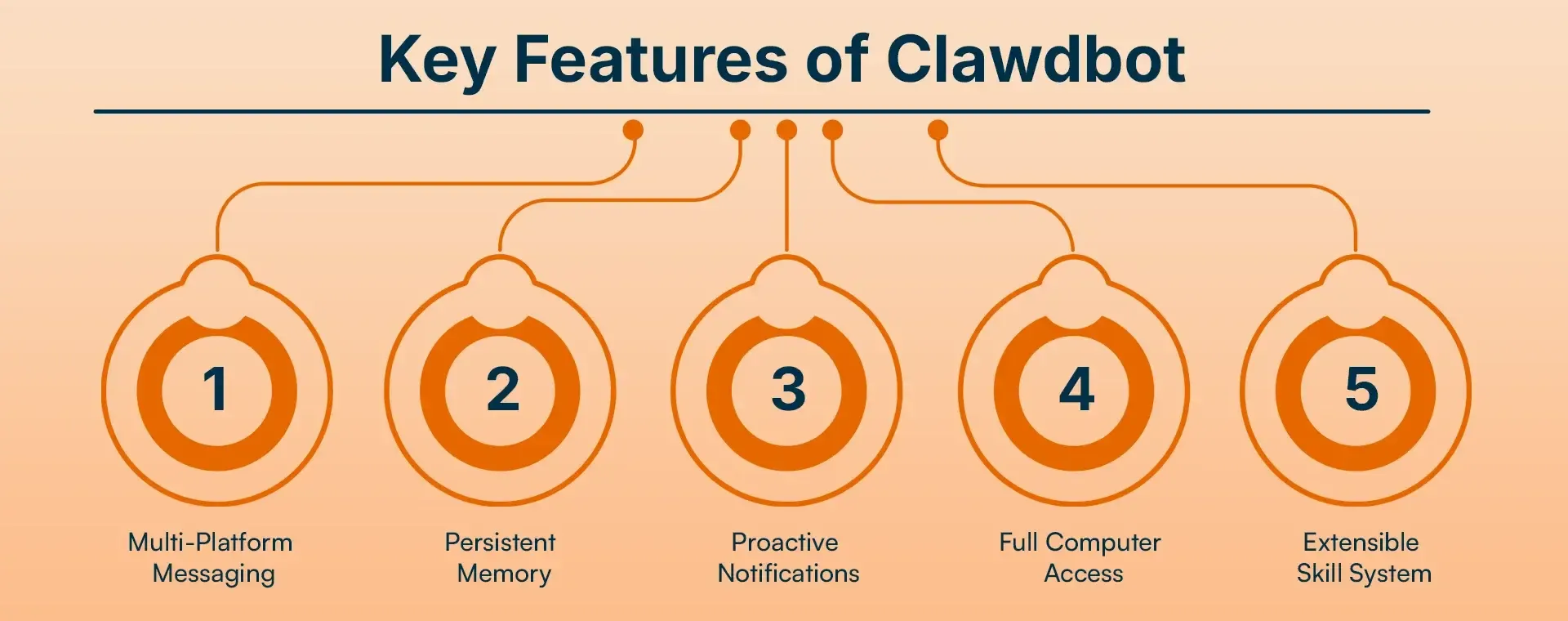
1. Multi-Platform Messaging
Clawdbot connects with over 13 messaging platforms through its ability to connect with WhatsApp, Telegram, Slack, Discord, Signal, and iMessage via BlueBubbles. You can communicate with your AI assistant through your preferred space because the system needs no application changes or interface training.
2. Persistent Memory
Most AI chatbots forget conversations after a few exchanges. Clawdbot remembers everything. Tell it about your upcoming meeting on Friday, and it will recall that detail weeks later. The system's ability to remember everything transforms simple talks into productive work as a personal assistant.
3. Proactive Notifications
This feature sets Clawdbot apart from passive AI assistants. Clawdbot provides users with morning briefings, important reminders, stock alerts, and weather warnings without waiting for their questions. The system operates like a personal assistant who can predict your requirements.
4. Full Computer Access
Clawdbot AI enables users to complete all their computer tasks through its various capabilities. The system handles content management and execution of programs, automated web browsing, and smart home device operation and execution of terminal commands. The system performs automated processes instead of conducting human dialogue.
5. Extensible Skill System
The ClawdHub marketplace offers hundreds of community-created skills. The extensions provide users with web search and email access, browser control, and various other capabilities. The skill system makes Clawdbot increasingly powerful over time.
How Does Clawdbot Work?
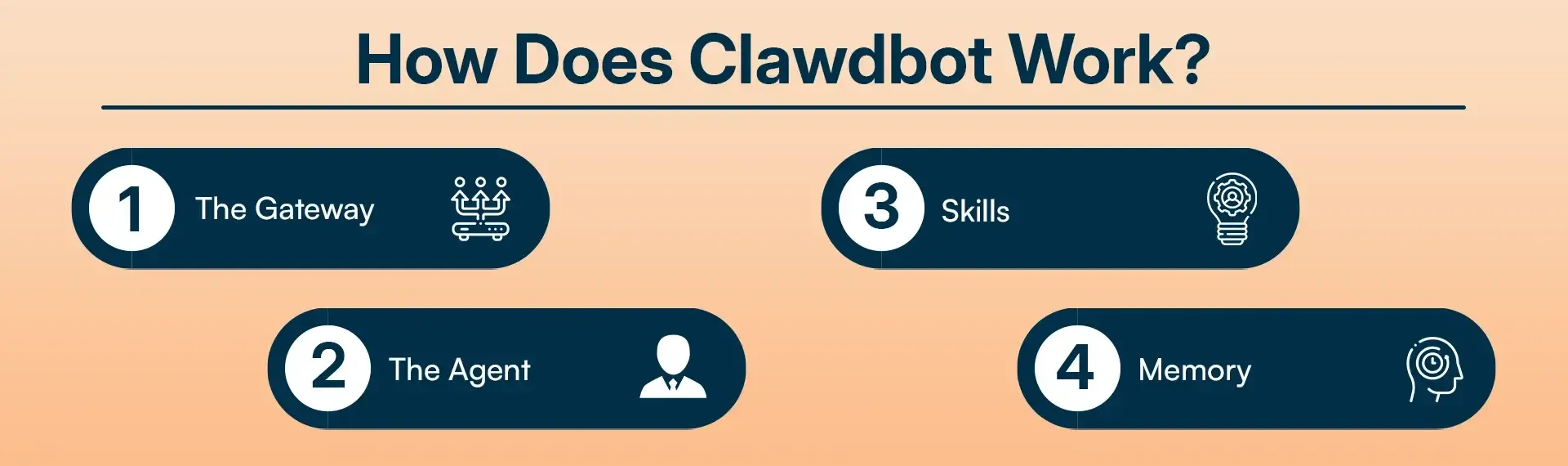
Clawdbot consists of four main components working together:
-
The Gateway
The system controls all your messaging platforms while it proceeds to handle schedule management. The system functions as a main entrance through which all your messages will be delivered.
-
The Agent
The term "brain" that we have universally accepted as appropriate for any AI's engine-effectively meaning: Claude, GPT, or a local model installed on one's hardware, to be whatever the case may be.
-
Skills
are really browser extensions that allow your agent to jump through various hoops like searching the web, sending, and reading e-mails, or controlling the browser.
-
Memory
Some conversations, all that stuff, and information are better stored. In a certain way, that particular thing can also pigeonhole things.
Installation and Setup
System Requirements
To set up Clawdbot, you'll need:
- Node.js version 22 or higher
- Your own hardware (Mac Mini, VPS, or old computer)
- Technical knowledge (Linux, Docker, or macOS)
Quick Installation
Basic commands:
- npm install -g clawdbot@latest
- clawdbot onboard install-daemon
Also Read: How Much Will AI Integration Cost Your Business in 2026
Real-World Use Cases of Clawdbot
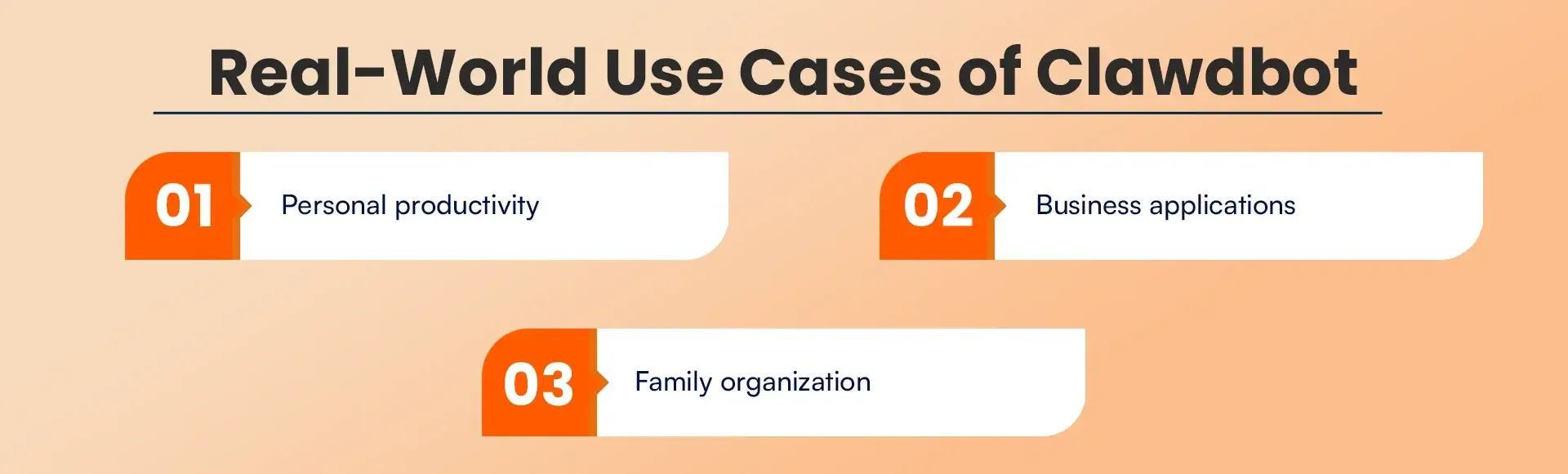
Many of people are using Clawdbot in creative and various practical ways:
-
Personal productivity:
The system operates through automatic email checking, which separates spam from legitimate messages. The system orders groceries when supplies reach their minimum threshold. Users can generate GitHub issues through their dialogue with the system. The user receives customized morning summaries that include their upcoming schedule and essential tasks.
-
Business applications:
One user reported saving $4,200 through Clawdbot's car dealer negotiation services. The others use it to investigate people before meetings while they create timeblock schedules that prioritize their tasks.
-
Family organization:
The service provides three main features, which include weekly meal planning, store-specific shopping lists, and outdoor activity weather forecasts, which include grilling night forecasts.
Pricing and Costs of Clawdbot
Actual costs:
| Cost Type | Amount |
|---|---|
| Hosting (VPS) | ₹400-500/month (~$5/month) |
| Mac Mini (one-time) | ₹50,000 (~$599) |
| AI API | ₹1,500-8,000/month (~$20-100/month) |
No subscription fees. The platform itself has no per-message limits
The cost of cloud hosting services ranges between ₹400 and ₹500 per month, which equals approximately $5. A Mac Mini costs approximately ₹50,000 as a one-time purchase. The usage of the AI API costs between ₹1,500 and ₹8,000 per month, depending on the extent of your usage.
The essential point to grasp is that subscription charges do not exist. Your hosting expenses and AI usage charges depend on your actual requirements. Clawdbot provides users with unlimited message access, which distinguishes it from commercial AI services that restrict users to a specific number of messages.
Security and Privacy of Clawdbot
Clawdbot protects its system through the implementation of multiple security measures. The DM pairing policy means unknown senders receive pairing codes before they can interact. You can configure an allowlist controlling exactly who can message your assistant. The application follows System privacy permissions on macOS devices. The local-first system design enables you to maintain complete control over your personal information.
Nevertheless, there exist genuine issues that demand evaluation. Clawdbot needs root access for its operations because this access grants complete control over the system, which leads to increased danger. Prompt injection vulnerabilities remain possible. The system requires 14,000 tokens for its initial operation, which results in higher API expenses.
Pros and Cons of Clawdbot
Pros:
- Runs on your own hardware (full control)
- Works with every major messaging platform
- Persistent memory that actually works
- Proactive notifications instead of just reactive chat
- Active community and skills
- Can keep your existing AI subscriptions
Cons:
- Requires technical setup
- You are responsible for hosting and maintenance
- Learning curve for skill system
- No mobile application
- Can be expensive initially
Alternatives to Clawdbot AI
1. Apple Intelligence / Siri
Free if you have Apple devices. But limited customization and is not as powerful as Clawdbot.
2. Google Assistant
Similar limitations. Locked into the Google ecosystem and less flexibility for power users.
3. Custom GPT Agents
Custom assistants on OpenAI's GPT Store. Easier to get started, but no self-hosting option.
4. n8n / Make / Zapier
Automation platforms. More visual workflow builders, but lacking a conversational interface and persistent memory.
Who Should Use Clawdbot?
This section defines who can use Clawdbot for commercial and business purpose and How can effectively use:
-
Clawdbot makes sense if you:
You want to develop your own AI assistant, which you can customize according to your needs. You enjoy working with complex systems while handling troubleshooting tasks. Complete data control matters to you. Your requirements include both automated systems and proactive assistance features.
-
Skip Clawdbot if you:
You require a basic AI assistant which can provide answers to your questions. The system requires only basic functions, which include memory storage and automatic operation capabilities. You choose cloud services because you want others to handle the system maintenance work. You view infrastructure management as a burden that will prevent you from achieving your goals.
Conclusion
The personal AI assistant Clawdbot introduces an innovative development that represents a significant transformation of this field. The project has become one of the fastest-growing initiatives in this field because it has received more than 29900 GitHub stars. People who dedicate their time to work on open-source projects will discover genuine opportunities through the combination of power and flexibility that exists in this system.
The system enables users to access powerful features, but users must handle essential duties that accompany this access. The organization needs to manage three essential elements, which include security maintenance, technical complexity, and infrastructure management. Most users find that existing AI assistants, which include Siri and Google Assistant, and ChatGPT, deliver enough functionality to meet their needs without adding extra requirements.
Looking to harness Clawdbot or similar AI systems without the technical burden? RejoiceHub specializes in AI integration services for businesses, helping you seamlessly implement, secure, and scale intelligent assistants and automation solutions. From custom chatbot development to enterprise AI workflows, RejoiceHub ensures you get maximum ROI with minimal complexity.
Frequently Asked Questions
1. What is Clawdbot in simple words?
Clawdbot is a self-hosted AI assistant that runs on your own computer or server and can perform real tasks like sending messages, browsing the web, managing files, and setting reminders instead of just answering questions.
2. Is Clawdbot free to use?
Yes, Clawdbot is open-source and free, but you still pay for hosting and AI API usage, such as cloud servers or AI models like Claude or GPT.
3. Who created Clawdbot?
Clawdbot was developed by Peter Steinberger, the founder of PSPDFKit.
4. Does Clawdbot store my data in the cloud?
No. By default, Clawdbot stores your data locally on your own hardware or server, giving you full control over your conversations and personal information.
5. What makes Clawdbot different from ChatGPT or Siri?
Unlike ChatGPT or Siri, Clawdbot can take real actions, such as sending emails, controlling browsers, managing files, and running commands, not just chatting.
6. Can Clawdbot work on Mac or Windows?
Clawdbot works best on macOS and Linux-based systems, including Mac Mini and VPS servers. Windows users typically need a Linux environment or virtual machine.
7. What messaging apps does Clawdbot support?
Clawdbot supports WhatsApp, Telegram, Slack, Discord, Signal, and iMessage (via BlueBubbles), along with several other platforms.
8. Does Clawdbot have memory?
Yes. Clawdbot has persistent memory, meaning it can remember past conversations, preferences, and important details over long periods of time.
9. Is Clawdbot safe to use?
Clawdbot offers strong privacy features like allowlists, pairing codes, and local data storage, but it requires system-level access, so proper security setup is important.
10. How much does Clawdbot cost per month?
Typical costs range from $5 for hosting and $20–$100 for AI API usage, depending on how much you use the system.
11. Can Clawdbot automate daily tasks?
Yes. Clawdbot can check emails, set reminders, order groceries, browse websites, manage files, and send messages automatically.
12. Is Clawdbot good for businesses?
Yes. Businesses use Clawdbot for meeting research, scheduling, automation, task management, and data gathering, helping save time and operational costs.
13. Who should not use Clawdbot?
Clawdbot is not ideal for users who want a simple, plug-and-play AI assistant without handling technical setup, hosting, or system maintenance.