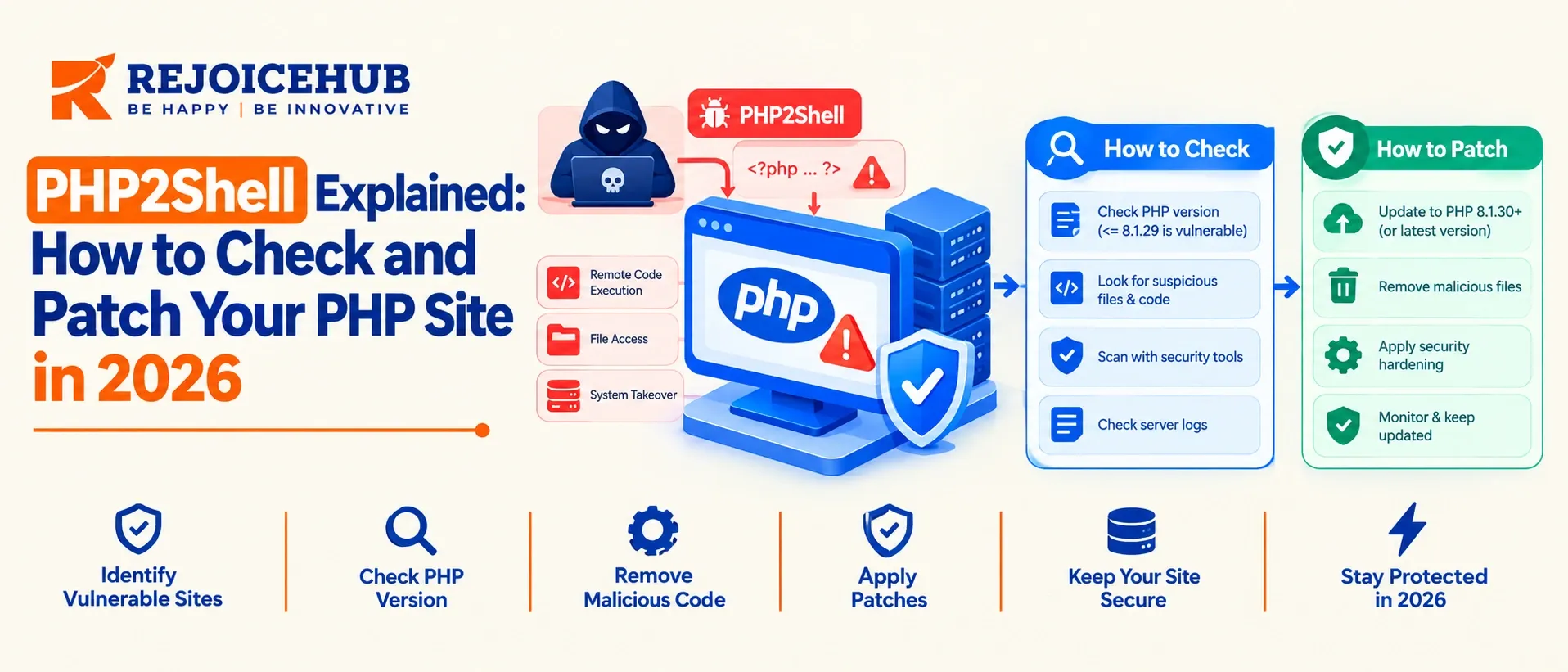
PHP2Shell is the name of two critical PHP vulnerabilities, CVE-2026-109618 and CVE-2026-109619. Both are the result of PHP failing to clean up its memory if a request ends unexpectedly, and both allow for remote code execution (RCE) with the privileges of the web worker account.
The PHP project released emergency fixes on October 21, 2026. The only complete fix is to upgrade to PHP 8.5.12, 8.4.27, 8.3.36 or 8.2.35, or a vendor build that backported the fixes explicitly.
Configuration changes reduce exposure but do not eliminate the flaws. After fixing, restart your PHP workers and look for signs of compromise, and bring in DevOps consulting services if you need extra hands.
Key Highlights
- What it is: Two memory-safety vulnerabilities in PHP's core runtime that can affect multiple PHP-based applications.
- Severity: The PHP team assigned a CVSS v4.0 score of 9.2 (Critical), while Watchtower rated it 10.0.
- No authentication required: An attacker may exploit the vulnerability by sending a single unauthenticated request before application code runs.
- Affected environments: PHP-FPM, Apache mod_php, php-cgi, FrankenPHP, and LiteSpeed.
- Potential impact: The flaws may allow attackers to trigger memory corruption in the PHP runtime.
- Affected versions: The vulnerabilities are believed to date back to PHP 5.4.0, although not every release has been tested.
- Fixed versions: Upgrade to PHP 8.5.12, 8.4.27, 8.3.36, or 8.2.35, as applicable, to address the vulnerabilities.
What Is PHP2Shell? (Context for Engineering Leaders)
PHP2Shell refers to two security vulnerabilities: CVE-2026-109618 and CVE-2026-109619. Researchers from Calif, OpenAI, and Wiz jointly reported them. Cloudflare’s report also credits Quarkslab.
Most PHP security issues come from applications or extensions. However, PHP2Shell affects PHP's core runtime, specifically how it handles errors.
When PHP encounters a serious error, such as exceeding the memory_limit, it stops processing the current request using an internal mechanism called a bailout. Researchers found that this process can leave behind outdated or invalid data. During cleanup, PHP may then treat this invalid data as valid, creating a security risk.
Two things make this different from a typical CVE:
- The bugs are old. Wiz's researchers said the underlying flaws had been present for decades. What changed is exploitability. They noted that building a working exploit required an exceptionally complex chain of steps, and that frontier AI models substantially lowered that barrier.
- The disclosure timeline collapsed. The PHP team pre-announced an emergency release for October 21 at 14:00 UTC. The embargo broke first, a proof-of-concept surfaced, and Cloudflare began seeing attack traffic before patches existed.
For security teams, the second point is the most important. AI tools can help attackers develop exploits faster, reducing the time between finding a security flaw and using it in an attack. That is why companies should fix critical PHP vulnerabilities within hours, ideally with patch automation, rather than waiting for the next development sprint.
PHP2Shell Affected Versions and Patched Releases
The PHP project's position: every installation that serves PHP web requests is affected. Here is the version picture as of this writing.
| PHP Branch | Status | Action |
|---|---|---|
| 8.5 | Supported | Upgrade to 8.5.12 |
| 8.4 | Supported | Upgrade to 8.4.27 |
| 8.3 | Supported | Upgrade to 8.3.36 |
| 8.2 | Supported | Upgrade to 8.2.35 |
| 8.1, 8.0, 7.4 | End of life | Move to a supported branch, or use a vendor/LTS build with a backport. The PHP team published minimal source backports for these three branches for teams building from source. |
| PHP 7.3 and older, PHP 5.x | End of life | No official fix. Reported as affected back to 5.4.0. Migrate, or get a vendor-backported build. |
Researchers believe these vulnerabilities may affect PHP versions going back to PHP 5.4.0, but they have not tested every version. If you are using an old PHP version that has not been updated, treat it as potentially vulnerable until your software vendor confirms its security status.
The risk is significant because PHP powers around 75% to 80% of websites. According to VirusTotal estimates, more than 5.1 million PHP hosts are exposed online, and around 3.8 million have at least one open port. This wide reach makes it important for website owners to check their PHP versions and apply security updates as soon as possible.
Need a second pair of eyes on your PHP estate? If you manage dozens of services across mixed PHP versions, RejoiceHub's security and compliance engineering team can help you inventory exposure and prioritize patching.
PHP Remote Code Execution Vulnerability: How the Two CVEs Work
PHP2Shell involves two security flaws in PHP's core runtime that can cause memory corruption during error handling and request cleanup. Attackers may exploit these flaws to execute malicious code on vulnerable servers without authentication.
CVE-2026-109618: Out-of-Memory Corruption
This one is a chain of weaknesses that triggers memory corruption when PHP runs out of memory at a bad moment. Successful exploitation yields code execution as the web worker account. It involves PHP's memory limit handling and large request bodies, which is why the interim mitigations focus on memory_limit and post_max_size.
CVE-2026-109619: Stale Global State
This is the more alarming of the two. A stale global state condition enables an unauthenticated heap use-after-free, memory disclosure, and RCE with the worker's privileges. The affected areas named in the research are PHP's session handling, OPcache class caching and fatal-error backtrace generation. The mitigations reference session.upload_progress and, on PHP 8.5, fatal_error_backtraces.
Why mod_php Carries the Highest Risk
The PHP team called out mod_php specifically: an attacker can trigger the attack before any application code runs. That means a hardened application, strict input validation and a clean codebase do not help. If the server accepts the request, the runtime is in play.
Practical impact: Code runs as your web worker user (often www-data, apache or nginx). From there an attacker can read application secrets, such as .env files and database credentials, modify site content, drop a backdoor, or pivot to anything that account can reach.
How to Check If Your PHP Site Is Vulnerable (7 Steps)
Follow these seven steps to check whether your PHP website is vulnerable to PHP2Shell. You’ll learn how to check PHP versions, confirm security fixes, upgrade affected systems, and look for signs of a possible attack.
After patching, restart your PHP services and verify that the fix is active across all servers. Keep a record of the updates to support future security checks and audits.
- Inventory all PHP environments: Check production and staging servers, cron jobs, CI runners, container images, and shared hosting accounts.
- Check the PHP version: Verify both CLI and web server versions. Check PHP-FPM, Apache mod_php, and installed PHP packages to identify the version handling web requests.
- Check for security fixes: Review your Linux distribution's changelog and security advisories to confirm whether the PHP vulnerability has been patched. Older version numbers may still include backported fixes.
- Upgrade PHP: Install a patched release, such as PHP 8.5.12, 8.4.27, 8.3.36, or 8.2.35, or a vendor-confirmed build containing the fix.
- Restart PHP services: Restart PHP-FPM, reload Apache, or redeploy container pods to ensure the updated code is running. Verify the version again afterward.
- Check for signs of compromise: Review web directories for unknown PHP files, inspect unusual processes and outbound connections, and check access logs for suspicious requests, server errors, or worker crashes. Rotate exposed credentials if an intrusion is confirmed.
- Record and verify the fix: Document the patched version for every affected server and retain verification records for security audits and compliance checks.
How to Fix PHP2Shell: Patch vs. Mitigation vs. WAF vs. Offline
Fixing PHP2Shell starts with upgrading to a patched PHP version or a vendor-confirmed security update. If you cannot patch immediately, use temporary protections such as a Web Application Firewall (WAF) and restrict public access where possible. For highly exposed systems, consider taking the affected service offline until the fix is applied.
| Option | Closes the flaw? | Best for | Main trade-off |
|---|---|---|---|
| Upgrade to patched PHP | Yes | Everyone | Needs restart, regression testing |
| Vendor backport (LTS distro) | Yes, if confirmed | EOL branches you cannot migrate yet | Verify CVE in changelog |
| PHP config mitigations | Partially | Short bridge until patch window | Can break features, not complete |
| WAF rules | No (stopgap) | Reducing exposure while patching | Cloudflare itself calls them temporary |
| Take the service offline | Yes (until restored) | Business-critical, unpatchable systems | Downtime. The UK NCSC advised this when patching is not possible. |
Temporary PHP Configuration Mitigations
The PHP security team published interim measures. They reduce exposure on some attack paths only. A core PHP developer said plainly that no mitigation fully blocks attacks and that patching is the only permanent defense.
| CVE | Mitigation | Notes |
|---|---|---|
| CVE-2026-109618 | Set memory_limit=-1, ideally via php_admin_value so apps cannot override it | Counterintuitive: it removes a hard memory ceiling, so pair it with the next item |
| CVE-2026-109618 | Set a low post_max_size (8M without uploads, 32M with uploads) | Limits large-body attack paths |
| CVE-2026-109618 | Use a container or cgroup memory limit, ideally killing only the affected worker | Gives you an availability boundary instead of PHP's own limit |
| CVE-2026-109619 | Set session.upload_progress.enabled=0 and restart all workers | Closes one session-related path |
| CVE-2026-109619 | On PHP 8.5, set fatal_error_backtraces=0 and restart workers | Blocks only the confirmed fatal-backtrace path |
| CVE-2026-109619 | Remove invalid or deprecated per-request settings that emit diagnostics before initialization | Hiding errors with error_reporting, display_errors or @ does not help |
| CVE-2026-109619 | Fix attacker-reachable fatal errors and timeouts (callbacks, upload or import processing, cleanup) | Real code work, not a quick toggle |
One point worth repeating from independent analysts: changes to .ini files alone should be understood as ineffective for preventing exploitation. Use them as a bridge, never as a conclusion.
About WAF Protection
Cloudflare enabled managed WAF rules by default for free and paid WAF customers on October 21, around nine hours before the public disclosure. These rules can help block known attack patterns, but they are only a temporary defense. You still need to update PHP to a patched version because a WAF cannot fix the underlying vulnerability.
PHP Website Security After Patching: A Hardening Checklist
PHP2Shell shows how a security flaw in PHP can put your server at risk. After applying the patch, follow these steps to improve security and reduce the damage a future attack could cause.
- Limit web user access: Allow the PHP worker account to access only the files and data it needs.
- Separate applications: Run each application in its own PHP-FPM pool with a separate user to prevent attacks from spreading between apps.
- Protect website files: Make code directories read-only wherever possible to prevent attackers from adding malicious files.
- Set resource limits: Limit the memory and CPU that each container can use to prevent excessive resource consumption.
- Protect sensitive information: Store passwords, API keys, and other secrets in a secure secrets manager instead of regular files.
- Track PHP versions: Include the PHP runtime in your software inventory and keep track of security updates.
- Set a patching deadline: Define a clear deadline for fixing critical vulnerabilities. For example, patch or isolate internet-facing systems within 24 hours of a critical remote code execution (RCE) vulnerability being confirmed.
What a PHP Security Response Covers
If you bring in outside help for an incident like this, scope it concretely. A solid engagement should include:
- Asset discovery across all environments (VMs, containers, shared hosting, CI)
- Version and backport verification per host, with evidence
- Patch planning with a rollback path
- Post-patch compromise assessment (file integrity, process and network review, log analysis)
- Credential rotation guidance where needed
- A written patch-verification record for audit and compliance
Conclusion
PHP2Shell highlights the risks of security flaws in PHP's core runtime. Since these vulnerabilities may allow attacks without login, updating PHP should be a priority. Upgrade to a patched version, restart your PHP services, verify that the fix is active, and check your logs and files for signs of earlier attacks.
Beyond this incident, businesses need to improve how quickly they respond to critical security issues. AI-assisted research may help attackers develop exploits faster, leaving less time to act. Review your patching process, set clear deadlines, and prepare a response plan before the next vulnerability appears.
Frequently Asked Questions
What is the PHP2Shell vulnerability?
PHP2Shell is the name for two critical PHP flaws, CVE-2026-109618 and CVE-2026-109619. They leave PHP memory in a bad state after a web request ends unexpectedly, which can let attackers run their own code on your server without logging in.
Which PHP versions are affected by PHP2Shell?
Researchers believe PHP versions back to 5.4.0 are affected, though not every release was tested. Any PHP setup serving web requests is considered at risk, including PHP-FPM, Apache mod_php, php-cgi, FrankenPHP, and LiteSpeed. Unpatched versions should be treated as vulnerable.
Which PHP versions fix PHP2Shell?
Upgrade to PHP 8.5.12, 8.4.27, 8.3.36, or 8.2.35, depending on your branch. You can also use a vendor build that clearly confirms the fix was backported. PHP 8.1 and older versions no longer get official updates from the PHP project.
How do I check if my PHP site is vulnerable to PHP2Shell?
Check your PHP version for both the command line and the web server, then compare it with the fixed PHP releases. Also review your Linux distribution package changelog, because some vendors backport the security fix without changing the version number.
How do I fix PHP2Shell?
Upgrade PHP to a patched release right away, then restart PHP-FPM, Apache, or your container pods so the new code actually runs. Afterward, check the running version again and look for unknown PHP files, strange processes, or suspicious log entries.