
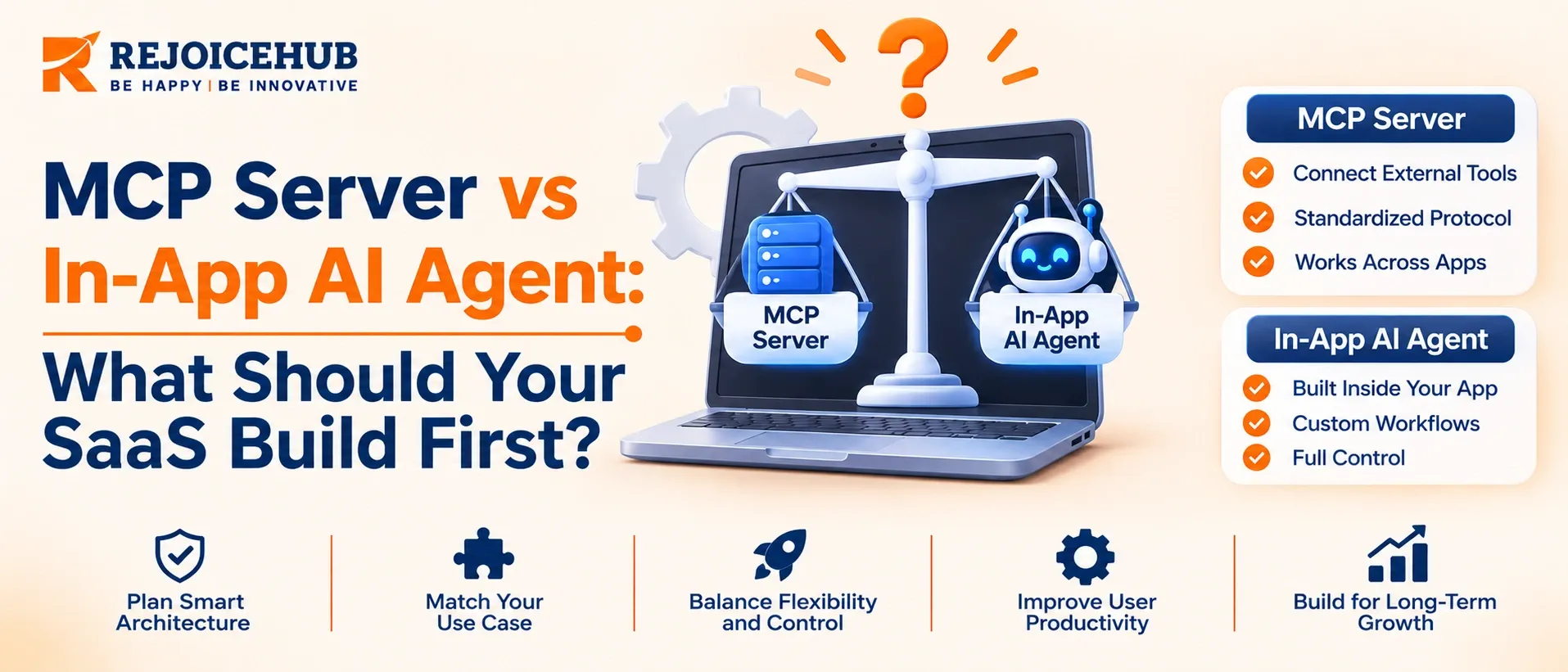
An MCP server allows external AI tools like Claude, ChatGPT, Cursor, and VS Code to access your product's features, data, and workflows. It gives users more ways to interact with your SaaS without building a separate AI experience for every platform.
An in-app AI agent, on the other hand, works directly inside your product. You build and manage it, choose the AI models, design the user experience, and set the rules for what it can do.
Both serve different purposes, and they can work together. Think of an MCP server as the door that connects your product to external AI tools, while an in-app agent is the worker that handles tasks for your users.
So, the real question isn't which technology is better. It's which one should your SaaS build first?
Key Highlights
- MCP is now an open standard supported by the Linux Foundation.
- A basic MCP server can take 2–4 weeks to build, while an in-app AI agent may take 6–10 weeks.
- With MCP, the AI client usually pays the model costs. With an in-app agent, your business pays.
- MCP cannot fix a weak API. Make sure your API works well first.
- Build an MCP server when external AI tools need access to your SaaS features.
- Both need a strong and secure tool layer. Build it once and reuse it.
Why This Decision Is Harder in 2026
A year ago, building an MCP server was mostly a developer experiment. Today, it has become a business decision. Enterprise buyers now ask about MCP support during security reviews, and more than 10,000 MCP servers have been published.
The protocol has also changed. The 2026-07-28 update removed the old session-based setup, making it easier to run MCP servers behind standard load balancers and API gateways. It also improved alignment with OAuth 2.1 and deprecated the older HTTP+SSE transport. Many online tutorials still use the previous version, so always check the latest specification before following them.
These changes make MCP easier to build and manage. But they do not mean every SaaS company should build an MCP server before an in-app AI agent. The right choice depends on your users, their needs, and the tools they already use.
MCP Server vs In-App AI Agent: What Each One Actually Is
What Is an MCP Server?
The Model Context Protocol (MCP) is an open standard that helps AI applications connect with external tools and services. It allows AI tools to discover available features, access data, and perform tasks through a common interface. An MCP server makes your SaaS product's features available to AI clients in this format.
An MCP server does not make decisions or think on its own. It simply provides access to the tools and data that an AI model can use. The AI client handles the reasoning and decides which actions to take.
What Is an In-App AI Agent?
An in-app AI agent is an AI-powered assistant built directly into your SaaS product. It can understand user requests, choose the right tools, perform tasks, and check the results before moving to the next step.
You control how it works, which AI model it uses, what information it remembers, and how users interact with it. You also decide what actions it can perform and when it should ask for human help. This gives you more control but also adds development and maintenance work.
How Do They Work Together?
Both rely on the same foundation: a set of secure and well-defined actions that your product can perform, such as creating an invoice, searching support tickets, or updating a subscription.
An in-app AI agent uses these actions to complete tasks for your users, while an MCP server makes them available to external AI tools. This means you can build the core functionality once and connect it through different interfaces, including your SaaS dashboard, AI agent, and MCP server.
Cost, Timeline, and Ownership: The Core Numbers
The following table shows RejoiceHub's estimated costs and timelines for US-based SaaS teams. These estimates assume a team of 2–4 engineers and an existing REST API. The final cost depends on API quality, security requirements, the number of tools, and project complexity.
| Build type | What it includes | Timeline | Estimated cost (USD) | Who pays for AI usage? |
|---|---|---|---|---|
| Basic MCP server | 5–15 tools, REST API connection, OAuth, and basic access | 2–4 weeks | 15K–40K | Client |
| Production MCP server | 15–30 tools, multi-user access, security, and activity logs | 6–10 weeks | 50K–120K | Client |
| In-app AI agent (one workflow) | One main task, testing, safety rules, and human approval | 6–10 weeks | 40K–100K | SaaS company |
| In-app AI agent (multiple workflows) | Multiple tasks, memory, approval steps, monitoring, and cost control | 3–6 months | 120K–300K+ | SaaS company |
There are two important things to understand here. First, MCP usually shifts AI model costs to the client because users connect through their own AI subscriptions. Your main expense is maintaining the API and server. Second, with an in-app AI agent, your company pays for model usage and is responsible for the quality of its responses. If the agent gives users incorrect information, it becomes a product issue that your team must handle.
If you want to understand the cost for your SaaS product, RejoiceHub's AI agent development team can help review before you commit budget.
MCP Server vs In-App AI Agent: Head-to-Head
| Dimension | MCP server | In-app AI agent |
|---|---|---|
| Primary user | People working in Claude, ChatGPT, Cursor, or another AI client | People working inside your product |
| Who controls the UX | The AI client | You |
| Who controls the model | The client | You |
| Distribution | Discoverable by any compatible client | Limited to your own users |
| Time to first value | Short, if the API is stable | Longer, evals and guardrails take time |
| Differentiation | Low to moderate (a checkbox buyers increasingly expect) | High (your data, your workflow, your design) |
| Main risk | Exposing a messy API and weak auth to clients you do not control | Hallucination, cost overruns, unclear ownership of failures |
| Context cost | Tool definitions load into the client's context on every turn | You decide which tools load, and when |
| Best fit | API-first products, devtools, data platforms | Workflow-heavy SaaS, vertical software |
The case for MCP first
MCP-first works when AI clients you do not control already consume your operations. In that situation, the protocol gives you one integration instead of one custom connector per assistant. If your core value is already exposed through a stable API, the server is a thin standardization layer, not a new product.
The case for in-app agent first
If a single agent in your own app reaches a single backend, MCP adds protocol overhead you may not need. Native function calling with the OpenAI or Anthropic tool APIs reaches the same operations with fewer moving parts. You also get the benefits that matter early: owning the experience, collecting usage data, and tuning behavior against your own evals.
When neither should come first
If your API is unstable, an MCP server multiplies its rough edges and creates support load without adoption. If your buyers run on email, phone, and your web UI, an MCP server is closer to a press release than a feature. Fix the foundation, then choose.
The Three-Layer Architecture Behind Both Builds
Teams that ship cleanly treat this as three layers, not two products.
Layer 1: The tool layer
A set of narrow, typed, permission-checked operations with clear input schemas and predictable errors. This is where authorization lives. Do not let the model or the protocol enforce permissions on its own; check them in your own service, per user, per tenant, per call.
Layer 2: The interfaces
The in-app agent calls the tool layer through function calling. The MCP server publishes the same operations to external clients. Keep protocol code behind a thin internal adapter. The spec has gone through five dated revisions since November 2024, so expect more movement and budget for migrations.
Layer 3: The orchestration
For an in-app agent, this is the loop: planning, tool selection, retries, human approval, and tracing. For MCP, orchestration belongs to the client. Your job is to make tools easy to choose correctly through clear names, descriptions, and schemas.
One practical trap: an agent that loads a server's tool definitions carries them in context on every turn. A server with 80 loosely described tools wastes tokens and degrades tool selection. Fewer, sharper tools outperform a mirror of your whole API.
Engagement Models
| Model | Best for | Typical shape | Example planning figure |
|---|---|---|---|
| Fixed-scope sprint | A thin MCP server or one agent workflow | 4–8 weeks, defined deliverables | 25k–80k |
| Dedicated pod | Ongoing agent roadmap with several workflows | 2–4 engineers plus a part-time architect | 25k–60k per month |
| Architecture and strategy review | Teams that need the decision made before budget is approved | 1–3 weeks, written recommendation and roadmap | 8k–20k |
These are starting points. The biggest cost drivers are API quality, authorization complexity, and how many tools you expose.
Security and Governance: The Checklist Before You Launch
An MCP server allows external AI tools like Claude, ChatGPT, and code editors to access your product. This means your security system must protect your data even when requests come from tools outside your control. Before launching, make sure you cover these points:
- Use OAuth 2.1 for secure access. Let AI clients identify your login system and get the right access tokens.
- Set permissions for every user and account. Make sure users can only access the data and actions they are allowed to use.
- Give limited access. Keep read and write permissions separate. Ask for confirmation before deleting data or making major changes.
- Protect against harmful instructions. Text from support tickets, CRM notes, or other sources may contain hidden instructions. Never let this text trigger sensitive actions without proper checks.
- Set usage limits. Add limits for each user and AI client to prevent agents from making too many requests.
- Keep activity records. Track which AI tool performed an action, which user it acted for, and what data it accessed or changed.
- Check the returned data. Use clear output formats and validate responses before sending them to AI clients.
- Test account security. Make sure users from one account cannot access another account's private data.
- Keep your MCP version updated. Follow specification updates and plan changes before upgrading your server.
For an in-app AI agent, you also need spending limits, task timeouts, an emergency stop option, and human approval before important actions. These controls help prevent unexpected costs and unwanted changes.
If your team needs help setting up AI security rules and governance policies, RejoiceHub's AI strategy consulting team can help you plan the right approach.
Conclusion
Choosing between an MCP server and an in-app AI agent is not about which technology is better. It is about deciding what your SaaS product needs first. If external AI tools like ChatGPT, Claude, or Cursor need access to your product, start with an MCP server. If you want to help users complete tasks directly inside your SaaS, an in-app AI agent may be the better choice.
In both cases, build a secure tool layer with clear user permissions. It will support both solutions and make future development easier.
Start by reviewing your users' needs, existing APIs, security requirements, and development budget. Then choose the approach that fits your product and review its results after 90 days. If you need help making this decision, the RejoiceHub team can review your requirements and suggest the right approach.
Frequently Asked Questions
What is the difference between an MCP server and an in-app AI agent?
An MCP server connects your software to external tools like ChatGPT so users can access your features outside. A built in AI assistant works inside your product dashboard to handle automated tasks, manage user workflows, and run internal processes safely.
Which one should your SaaS build first, an MCP server or an agent?
You should build an MCP server first if external AI tools already consume your operations and users want external access. Build an inapp agent first if you want to deliver automated workflows directly inside your own product dashboard for customers.
How much does it cost to build a basic MCP server?
A basic MCP server typically costs between fifteen thousand and forty thousand dollars. The final price depends on your API quality, security needs, the number of tools you expose, and the complexity of your current software architecture and backend systems.
Who pays for the AI model usage when using an MCP server?
The AI client pays for model costs when users connect through their own subscriptions. Your business only pays to maintain the underlying API and server infrastructure, which keeps your monthly operational expenses much lower than running custom AI agents today.
How long does it take to build a production MCP server?
Building a production MCP server usually takes between six and ten weeks. This timeline includes setting up multi user access, connecting fifteen to thirty tools, adding robust security measures, and configuring detailed activity logs for your software product team members.
