
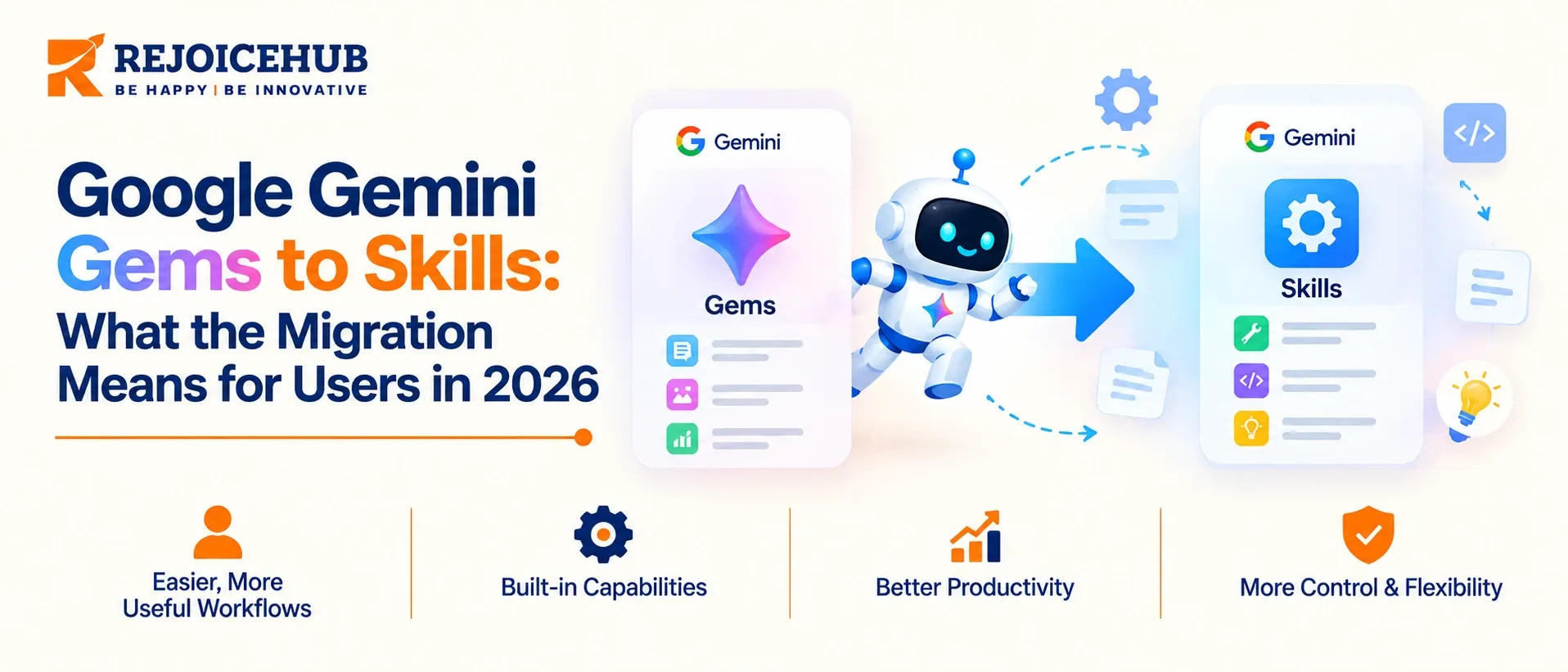
If you trained a Gemini Gem to provide support responses, review content, or field internal questions, those Gems are being retired.
Google will begin automatically converting Gems on personal accounts to Skills on November 17, 2026. Workspace accounts will be converted at a later date.
The new tools have some important differences. Although a Skill might seem similar to a Gem, there are notable exceptions.
This article explains the timeline and differences, and provides guidance for what you should do before Google converts your Gems into Skills.
Quick Summary
Google is replacing Gemini Gems with Skills, a reusable, stackable way to save your custom instructions. You can continue using Gemini Gems until you migrate your instructions.
Personal accounts will migrate first, then business, enterprise and nonprofit accounts, then education. Skills are invoked directly inside any chat, so the separate Gemini Gem window disappears.
Most instructions and knowledge files should convert automatically. Sharing, tool support and some file types require verification before you rely on them.
Key Highlights
- Nov 17, 2026: automatic conversion of personal-account Gems begins.
- March 1, 2027 at the earliest: business and enterprise users can no longer create, edit, or use Gems. Education follows no sooner than June 1, 2027.
- Migrated Gems arrive as inactive drafts. Creators must review and activate each one before using or sharing it.
- Not everything is supported yet. GitHub files are unsupported, and Canvas, Deep Research, Guided Learning, Create video and Create music don't work with skills yet.
- Skills use the open SKILL.md format, so your instructions are portable.
- Rebuild business-critical Gems manually first. That is Google's own recommendation for admins.
Why Is Google Replacing Gemini Gems with Skills?
Google has announced Gemini in August 2024, as saved, named personas you open in a separate window. They are a natural outgrowth of the "agent" pattern, but have a fundamental design flaw in that they are endpoints, not building blocks.
You can't combine two gems in a single task, and gems can't be embedded in workspace apps,
Skills fix this by baking custom instructions into the base chat experience. You access skills by typing / (soon @) and the skill's name in a chat, and can use multiple skills in a single prompt.
Gemini can also be instructed to use one or more enabled skills when it determines the context requires it,
Engineers will see the analogy to the breakdown of "monolithic" assistants into composable, single-purpose "agents" which is already underway at many companies.
Gemini Gems Migration Timeline: Key Dates
Dates differ by account type, and the sources mix them up. Personal accounts and Workspace accounts follow different schedules:
| Date | What happens |
|---|---|
| Oct 5, 2026 | Skills begin rolling out in Workspace (Rapid Release domains, complete by Oct 12) |
| Oct 13, 2026 | Skills roll out in the Gemini app for all users, completing by mid-November. Gems and skills both work. |
| Oct 19, 2026 | Workspace rollout starts for Scheduled Release domains, completing by mid-November |
| Nov 17, 2026 | Personal-account Gems begin converting to skills. For Workspace, Gems move to Settings but can still be created and edited. |
| Mar 1, 2027 (earliest) | Business and enterprise: Gems can no longer be created, edited, or used. Remaining Gems convert to draft skills. |
| Jun 1, 2027 (earliest) | Education: same cutoff, including Google Classroom and LMS integrations |
One Workspace detail matters for automation: you can no longer add the "Ask a Gem" step to new Workspace Studio flows, though existing flows keep working until 2027.
If you run Gemini across a company, treat March 2027 as your real deadline and November as your rehearsal window.
Gemini Gems vs Skills: What Actually Changes?
| Dimension | Gemini Gems | Gemini Skills |
|---|---|---|
| How you use it | Open a separate Gem window | Type /skill-name in any chat |
| Combining | One Gem at a time | Multiple skills in one prompt |
| Auto-application | No | Gemini can apply an enabled skill when relevant |
| Workspace apps | Not supported | Supported (no sync with Gemini app yet) |
| Format | Proprietary | Open, Markdown-based SKILL.md |
| Minimum age (personal) | 13 or local minimum | 18 |
| Keep Activity | Not required | Required |
| Uploaded knowledge files | Supported | Supported, GitHub files excluded |
| Canvas, Deep Research, video/music creation | Supported | Not yet |
Google's docs say that Gem can be used from age 13, but skills require a minimum age of 18, and Google has not mentioned what will happen to the Gems that its users already own in the meantime. This gap is worth watching if your users include younger accounts.
7 Steps to Prepare Before the Migration
- Inventory every Gem. List the name, owner, purpose, and who uses it. Most teams find a third are abandoned.
- Rank by business impact. Customer-facing and compliance-adjacent Gems come first.
- Export the instructions. Copy each Gem's instructions and keep the source files. Google's own guidance for admins is to manually copy instructions and re-upload knowledge files for critical Gems to verify prompts before automation runs.
- Rebuild the top 3 to 5 manually as skills. Test them against real inputs from last month's work.
- Check tool dependencies. If a Gem leans on Canvas, Deep Research, or GitHub files, note it. Those workflows may not work as skills yet.
- Review sharing. Google's documentation doesn't guarantee that existing Gem sharing links keep working unchanged. Re-share deliberately after migration.
- Check Keep Activity. Skills need it on. If your policy turned it off on purpose, decide that trade-off before November, not after.
What Are Gemini Skills? The Four Building Blocks
For anyone searching "what are Gemini Skills", here is the short version. A skill is a saved set of instructions Gemini can load on demand. Four properties define it:
- Reusable instructions. Write the rules once, such as tone, format or review criteria, and apply them across tasks.
- Flexible invocation. You call a skill manually with /, or Gemini applies it when it matches the task.
- Stackable. You can combine skills in one chat, for example a brand-voice skill plus a contract-review skill.
- Portable. The SKILL.md format is plain Markdown, so you can create, customize, and move instructions across tools without platform lock-in.
The stackability changes how you design them. Gems encouraged one big persona per job. Skills reward small, narrow units: one skill for tone, another for a compliance checklist, another for an output template.
What Carries Over and What Doesn't
When the process of automated migration gets initiated, the converted skills will retain their original names and description, any custom instructions, and uploaded knowledge files. The Drive permissions and sharing settings will also be migrated.
Google has announced that it will publish the migration details for all converted skills at least 30 days before its start. All the following information is therefore currently considered as tentative.
| Item | Status |
|---|---|
| Name, description, instructions | Carries over |
| Uploaded knowledge files | Carries over (GitHub files excluded) |
| Drive sharing permissions | Stated to transfer |
| Existing share links | Not guaranteed |
| Canvas, Deep Research, Guided Learning, video, music | Not supported with skills yet |
| Skill sharing, Google Drive files, Gemini Notebook support | Google says these are coming in the next few weeks |
| Workspace Studio "Ask a Gem" flows | Must be rebuilt with skills or other actions |
Also note that migrated skills arrive inactive. Nothing breaks silently, but nothing runs until a human activates it.
Who Can Use Gemini Skills?
Early reports suggested that skills require a paid Google AI Pro or Ultra plan, but Google has subsequently clarified that skills in Gemini chats do not require a paid plan although Gemini Spark, tasks and schedules do.
Skills in the Gemini app are available across all Workspace editions for Workspace, but require that the user is aged 18 years old and above and have a Business Starter, Standard or Plus, Enterprise Standard or Plus, AI Pro for Education, or the AI Expanded Access add-on for Workspace apps.
If the claims contradict information that is published online, it might be wise to double check when the article was published, as it could have changed within weeks.
Skills in the Wider AI Ecosystem
Google isn't the only vendor converging on this pattern; public catalogs of skills, such as those from JetBrains, show skills from multiple vendors and open-source maintainers. This suggests that while Google may well dominate the market for a period, instruction packages are becoming a de facto standard.
But that's a benefit to buyers: if you write your instructions as a SKILL.md file, they aren't "locked in" to Google's product.
The reality is that there's no way to write a skill that grants durable system access, orchestration, or auditing capability; those are features of an agent, not a skill.
If you need those capabilities, you should be looking at an agent. But teams looking to connect Gemini into their existing systems should be able to leverage existing integration services for this layer.
Migration Audit and Governance Checklist
For teams treating this as a governance task rather than a personal-productivity change:
- Ownership: every migrated draft skill needs a named owner. Drafts without an owner never get activated.
- Data handling: confirm what knowledge files were attached to each Gem. Those files move with the skill.
- Activity settings: skills require Keep Activity, and Google says future chats aren't used for model training when it's off unless the user sends feedback, so decide your policy deliberately.
- Sharing review: audit who can access each skill after conversion. Don't assume permissions match your intent.
- Surface mismatch: skills don't currently sync between the Gemini app and Workspace apps, so a skill that works in chat may need to be recreated in Workspace Studio.
- Regression tests: keep 5 to 10 representative prompts per critical skill and compare outputs before and after migration.
Conclusion
Gems to Skills is an appropriate architectural improvement that enables smaller, composable, and portable elements instead of single-use personas.
The danger is the middle in the chain, not the end. Files, links, and tooling around the transition are the weak points in the system where a converted Gem could perform differently.
Take advantage of the preceding weeks before November 17 to inventory, rebuild your top Gems manually, and test them.
Should your organization be using Workspace, you have until at least March 2027, but the cost of starting early is low.
Should you need assistance auditing Gem-dependent processes or identifying those that should graduate to a full agent, contact RejoiceHub.
Frequently Asked Questions
What is the difference between Gemini Gems and Skills?
Gems open in a separate window and run one at a time. Skills work inside any chat with /skill-name, can be stacked in one prompt, and use the open SKILL.md format, so your instructions are easy to move across tools.
When will Google convert Gemini Gems to Skills?
Google starts converting personal account Gems to Skills on November 17, 2026. Business and enterprise accounts follow later, with Gems stopping on March 1, 2027 at the earliest. Education follows no sooner than June 1, 2027, with the same cutoff.
Will my Gemini Gems be deleted?
No, they are not deleted. Google converts them into Skills automatically, keeping names, descriptions, instructions, and uploaded knowledge files. Converted Skills arrive as inactive drafts, so you must review and activate each one before you can use or share it.
How do I use Gemini Skills in a chat?
Type / followed by the skill name in any Gemini chat. Soon you can also use @ the same way. You can call several skills in one prompt, and Gemini can apply an enabled skill itself when the task matches.
What are Gemini Skills?
A Gemini Skill is a saved set of instructions that Gemini loads when needed. You write rules once, like tone, format, or review criteria, and reuse them across tasks. Skills use plain Markdown, so they stay portable across different tools.
Do Gemini Skills need a paid plan?
No. Skills in Gemini chats do not need a paid plan, though Gemini Spark, tasks, and schedules do. Users must be 18 years or older. Workspace users also need an eligible edition, such as Business Starter, Standard, or Plus, among others.
Can I use more than one Gemini Skill at a time?
Yes. Skills are stackable, so you can use several in one chat, such as a brand voice skill plus a contract review skill. Gems only allowed one Gem at a time, which is why Skills suit smaller, narrow tasks better.
What does not work with Gemini Skills yet?
GitHub files are unsupported. Canvas, Deep Research, Guided Learning, Create video, and Create music do not work with Skills yet. Skills also do not sync between the Gemini app and Workspace apps right now. Test these gaps before you migrate.
How do I prepare my Gems before migration?
Inventory every Gem, rank them by business impact, and copy their instructions. Rebuild your top three to five important Gems manually as Skills, then test them against real inputs. Also check tool dependencies, sharing links, and your Keep Activity settings.
Will my Gem sharing links still work after migration?
Not guaranteed. Google says Drive sharing permissions should transfer, but existing Gem share links are not guaranteed to work unchanged. Review who has access after conversion and re-share each Skill deliberately once it is active. Skill sharing is coming soon.
