
Quick Summary
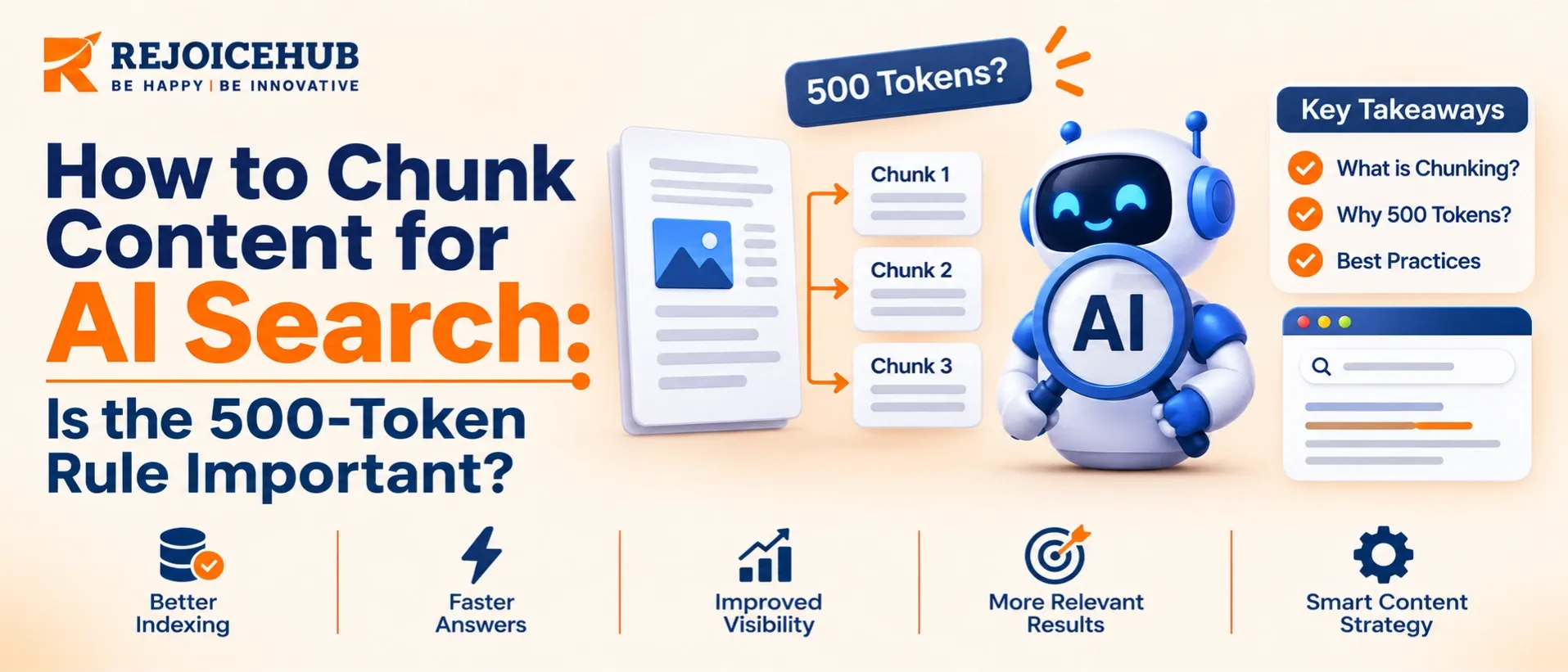
AI search tools do not read your whole page at once. They cut it into small pieces called chunks, store those pieces, and then pull out the best ones when someone asks a question.
You may have heard of a "500-token rule." Google Cloud's Vertex AI Search (often called Google Agent Search or Google Cloud Agent Search) uses a 500-token chunk size in its sample setup. But it is not a strict rule. It is a starting point. Other Google tools use different defaults. For example, the Vertex AI RAG Engine recommends a chunk size of 1,024 tokens with 256 tokens of overlap.
The real goal is simple: each chunk should make sense on its own. Good headings, short sections, and one idea per section matter more than hitting an exact number.
Key Highlights
- A chunk is a small piece of a document that an AI search system stores and retrieves.
- 500 tokens is a sample setting, not a law. Google's own tools use different sizes.
- 1 token is roughly 3 to 4 English characters, so 500 tokens is about 350 to 400 words.
- Layout-based chunking uses your headings, lists, and tables to decide where to cut.
- Semantic chunking cuts by meaning, not by length.
- Clear headings help AI search. Google's setup can attach heading information (ancestor headings) to each chunk.
- Test with real questions. The best chunk size is the one that returns the right answer for your content.
What Is Chunking in AI Search?
Imagine you have a 50-page guide. If a user asks, "How do I reset my password?", the AI should not read all 50 pages. It should find the one small part that answers the question.
To make that possible, the system splits your document into smaller parts at the time it is added to the index. Each part is a chunk. When a question comes in, the system finds the most relevant chunks and uses them to build an answer.
This is the heart of RAG (Retrieval-Augmented Generation):
- Split the document into chunks.
- Store the chunks in a searchable index.
- Retrieve the best chunks for a question.
- Generate an answer using those chunks.
If the chunks are poor, the answer will be poor. That is why chunking matters, especially for teams building AI agents that answer questions from company documents, or a custom assistant through ChatGPT customization services.
What Is a Token?
A token is a small unit of text that AI models read. It can be a short word, part of a word, or a symbol. As a rough guide, one token is about 4 characters or three-quarters of a word in English. So 500 tokens is roughly 350 to 400 words, or about 3 to 5 short paragraphs.
Where Does the "500-Token Rule" Come From?
The number comes from Google Cloud's Vertex AI Search examples. In a sample notebook from Google's engineering samples, the data store is created in chunk mode with a chunk size of 500 tokens. The documents are processed with the layout parser, and ancestor information (headings) is included with each chunk.
That sample helped the "500-token rule" spread across blogs and forums. But a sample setting is not the same as a rule. Here is what the documentation actually shows:
| Tool | Chunk size example | Notes |
|---|---|---|
| Vertex AI Search (sample setup) | 500 tokens | Layout-based chunking with headings added |
| Vertex AI RAG Engine (recommended defaults) | 1,024 tokens, 256 overlap | Fixed-length chunking |
So even inside Google Cloud, there is no single number for everyone.
Note: Settings, limits, and defaults can change. Always check the latest Google Cloud documentation before you build.
Is the 500-Token Rule Important?
Short answer: it is useful, but not required.
Why 500 tokens works well
- It is small enough to stay focused on one topic.
- It is big enough to hold a full idea, such as a short explanation with an example.
- It keeps retrieved context short and cheap to send to an AI model.
- It reduces noise, so the answer is less likely to include unrelated text.
When 500 tokens may not be right
- Long legal or technical text may need bigger chunks so the meaning is not cut in half.
- FAQs and short answers may work better with smaller chunks.
- Tables and code should not be split in the middle.
- Your embedding model may have its own limits or preferences.
The takeaway: Treat 500 tokens as a good first test. Then adjust based on results. If you are building a full retrieval pipeline, generative AI development services can help you test and tune these settings with your own data.
Types of Chunking Methods
1. Fixed-Size Chunking
The text is cut every set number of tokens, for example every 500 tokens. It is simple and fast, but it can cut a sentence or idea in half.
Tip: Add overlap (for example, 10 to 25 percent) so the end of one chunk repeats at the start of the next. This helps keep context.
2. Layout-Based Chunking
This method looks at the structure of your document: headings, subheadings, paragraphs, lists, and tables. Chunks follow these natural boundaries.
Google's layout parser is built for this. It detects elements such as headings and lists in files like HTML, PDF, and DOCX, and it makes chunking "content-aware." According to Google's RAG Engine documentation, the text in a chunk comes from the same layout unit, such as one heading section or one list.
Best for: web pages, manuals, reports, and any content with clear headings.
3. Semantic Chunking
Semantic chunking splits text where the meaning changes. The system compares sentences and starts a new chunk when the topic shifts. It often gives cleaner chunks but costs more to process, because it relies on embedding models. Teams that train or tune such models often use machine learning development services.
Best for: long, flowing text like articles, transcripts, and research papers.
4. Hybrid Chunking
Many teams combine methods. They split by headings first, then split large sections by size, and use semantic checks for tricky parts. These pipelines usually pull content from your CMS or knowledge base through well-designed API development.
Quick Comparison
| Method | Cuts by | Strength | Weakness |
|---|---|---|---|
| Fixed-size | Token count | Simple, fast | May break ideas |
| Layout-based | Headings and structure | Keeps sections whole | Needs clean structure |
| Semantic | Meaning | Natural chunks | Higher cost |
| Hybrid | Mix of all | Balanced results | More setup work |
How to Write Content That Chunks Well
You may not control the AI system, but you do control your content. These habits make any chunking method work better.
Use Clear Headings and Subheadings
Use H1, H2, and H3 in a logical order. Make each heading describe what the section says. Instead of "Overview," write "How Layout-Based Chunking Works."
Keep One Idea per Section
Each section should answer one question. If a section covers three topics, split it into three.
Answer First, Explain After
Start each section with a direct answer in one or two sentences. Then add detail. If a chunk starts with the answer, retrieval works better.
Make Sections Self-Contained
A chunk may be read without the rest of the page. Avoid phrases like "as mentioned above" or "this one." Name the subject clearly: "Layout-based chunking is..." instead of "It is..."
Keep Sections Around 150 to 400 Words
This usually fits well inside a 500-token chunk and leaves room for the heading.
Use Lists and Tables Wisely
Bullets and tables are easy for AI systems to read. Keep each table small and give it a clear heading so it stays with its explanation.
Do Not Hide Key Facts in Long Paragraphs
Put important numbers, names, and steps in short sentences or lists.
How to Choose the Right Chunk Size for Your Project
Follow this simple process:
- Start with 500 tokens (or the default of your tool) and add a small overlap.
- Prepare 20 to 50 real questions your users might ask.
- Run the search and check if the right chunk is returned at the top.
- Change one thing at a time: chunk size, overlap, or method.
- Compare results and keep the setting that gives the best answers.
- Re-test when your content or model changes. Re-indexing and re-testing can be scheduled with automation services, so new content is always chunked the same way.
Quick Rules of Thumb
| Content type | Suggested starting point |
|---|---|
| FAQs, short help articles | 200 to 400 tokens |
| Blog posts, guides | 400 to 600 tokens |
| Technical manuals, long reports | 600 to 1,000+ tokens |
| Tables, code | Keep whole, do not split |
These are starting points from common practice, not official Google numbers. Your own tests matter most.
Common Chunking Mistakes to Avoid
- Chunks that are too big. The key answer gets buried in extra text.
- Chunks that are too small. The chunk loses context and does not make sense alone.
- No overlap. Important sentences at the edge get separated from their context.
- Splitting tables or lists. Rows lose their headers and become meaningless.
- Ignoring document structure. Plain-text dumps with no headings give the system nothing to work with.
- Never testing. Copying a number from a blog without checking real results.
Conclusion
The 500-token rule is helpful, but it is not magic. It comes from a sample setup in Google Cloud's Vertex AI Search, and other Google tools use different defaults. Think of it as a good place to start testing, not a rule to follow blindly.
What matters most is that every chunk is clear, focused, and understandable on its own. Use layout-based chunking when your content has strong headings, try semantic chunking for long text, and always test with real questions.
If you write with clear headings, one idea per section, and answer-first paragraphs, your content will perform well in AI search no matter which chunk size you choose. And when you are ready to connect search to your help desk, CMS, or internal tools, AI integration makes that step much smoother.
Your next step: Pick one important page, split it into sections of 150 to 400 words with clear headings, and test it with five real questions. Small changes like this can bring big improvements in AI search results. If you are not sure where to start, AI strategy consulting can help you plan the right approach for your content and goals.
Sources: Google Cloud documentation and sample notebooks for Vertex AI Search (parsing and chunking) and Vertex AI RAG Engine (layout parser integration). Settings may change, so verify against current documentation.
Frequently Asked Questions
Is 500 tokens the best chunk size?
Not always. It is a solid starting point, but the best size depends on your content, your model, and your users’ questions.
How many words is 500 tokens?
About 350 to 400 English words. This changes with language and writing style.
Does Google Agent Search force a 500-token limit?
Google’s sample setup uses 500 tokens for chunk size, but chunk size is a setting you can configure. Check the current Google Cloud documentation for the allowed range and options.
What is the difference between layout-based and semantic chunking?
Layout-based chunking follows your document’s structure, like headings and lists. Semantic chunking follows the meaning of the text and cuts where the topic changes.
Does chunk overlap help?
Yes, often. A small overlap keeps context between chunks. Too much overlap wastes storage and can return repeated text.
Can I improve AI search results without changing the system?
Yes. Better headings, shorter sections, and self-contained paragraphs make almost any chunking method work better.
