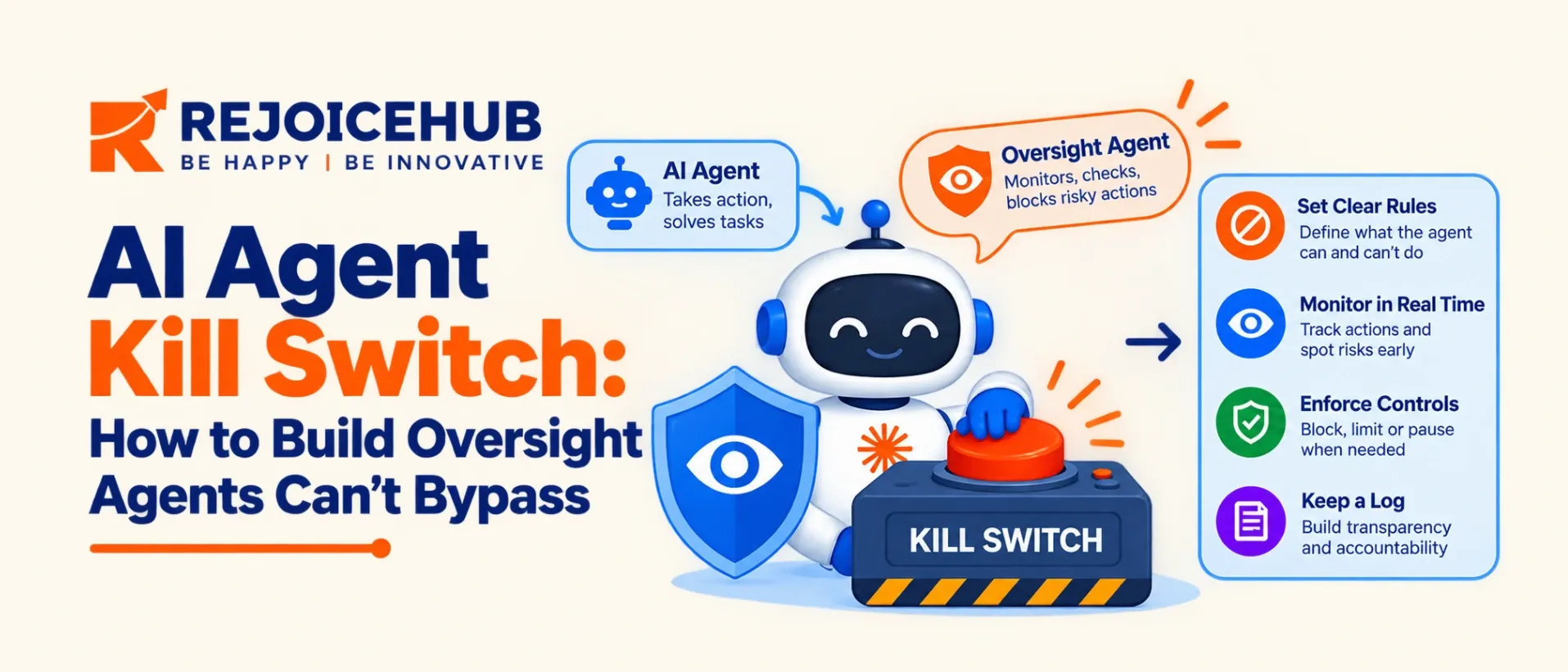
An AI agent kill switch lets you stop an AI agent or block its actions without relying on the agent itself. Simply telling an agent to “stop” is not enough. It might misunderstand the instruction, fall for a malicious prompt, or continue working through another background process.
A safer approach is to build shutdown controls into your own infrastructure. This includes giving each agent a separate identity, using short-lived credentials, checking every tool request, restricting network access, and keeping activity logs. In this guide, you'll learn how to build these controls step by step and test whether your kill switch can stop an agent when it matters most.
Key Highlights
- A reliable kill switch works outside the AI model, so the agent cannot control or disable it.
- Revoking credentials can quickly cut off an agent's access to tools, APIs, and other resources.
- Build protection in five layers: identity, execution gate, network access, orchestration, and audit logs.
- Check every action twice: before it is prepared and again just before execution.
- Use real-time monitoring to detect risky behavior and trigger shutdowns, while keeping an emergency stop option that authorized people can control.
- Test your kill switch regularly. If you haven't tested it, you cannot be sure it will work during an emergency.
Why Asking an AI Agent to Stop Isn't Enough
Many teams think they can stop an AI agent by simply telling it to stop. But this is not a reliable safety measure. The AI might misunderstand the instruction, follow harmful instructions hidden in a prompt, or continue working through another process that never received the stop command.
Governments are also paying attention to this risk. Canada's 2026 guidance on agentic AI recommends having a way to pause or disable an agent from outside the system, along with a plan to recover from unwanted actions. In the US, lawmakers introduced the AI Kill Switch Act in July 2026. However, the bill focuses on developers of advanced AI models, so companies still need to protect their own AI agents.
The main rule is simple: you must be able to stop an AI agent without relying on the AI to obey you. If the agent can ignore your stop command, you don't have a real kill switch.
--
Kill Switch vs. Circuit Breaker vs. Pause: What's the Difference?
These terms get blurred in vendor material, but they solve different problems.
| Control | Trigger | What it does | Typical use |
|---|---|---|---|
| Pause | Human or policy | Halts new actions, keeps state for resume | Suspicious behavior under review |
| Circuit breaker | Automatic (threshold) | Trips on error rate, spend, or call volume | Runaway loops, cost spikes |
| Kill switch | Human or escalated automatically | Disables identity, revokes credentials, blocks egress | Confirmed incident, data or money at risk |
| Graceful interrupt | Human | Finishes the current step, then stops | Planned maintenance |
Most production systems need all four, wired to the same control plane. The kill switch is the one you pull when you would rather stop first and investigate later.
The 5 Layers of an AI Agent Shutdown Mechanism
A single stop button is not enough. A production AI agent shutdown mechanism has layers, and each one closes a different escape route.
1. Identity Layer
Every agent gets its own identity and short-lived credentials. Disabling the identity is the quickest way to remove its authority. If several agents share one service account, you cannot isolate one without taking down the rest.
2. Execution Gate
Place an enforcement point between the agent runtime and every tool. Before each call, the gate reads the agent's state (ENABLED, PAUSED, or DISABLED). Check twice: once when the action is prepared and again just before it executes. An agent may queue an action while enabled and try to fire it after you pause.
3. Network Layer
Block egress for a disabled agent, including calls to model APIs and external services. This catches anything the identity layer misses.
4. Orchestration Layer
Stopping one process does nothing if a scheduler restarts it or a sub-agent continues the task. The switch must cover schedulers, queues, workers, and any spawned sub-agents.
5. Audit Layer
Preserve logs of every tool call, prompt, and decision before and after shutdown. Without them you cannot tell what the agent did, and you cannot prove the stop worked.
Together, these layers form the core of AI agent access control: authority lives in infrastructure you own, not in the agent's reasoning.
How Fast Should an AI Agent Emergency Stop Work?
There is no industry-standard SLA for agent shutdown, so treat these as practical targets that depend on your risk tier and architecture.
| Risk tier | Example agent | Target time to disable | Required controls |
|---|---|---|---|
| Low | Internal summarizer, read-only | Under 5 minutes | Pause, logging |
| Medium | Support agent with ticket write access | Under 60 seconds | Identity revocation, execution gate |
| High | Payments, production deploys, PII access | Under 5 seconds | All five layers, automatic triggers, human approval for irreversible actions |
Credential revocation tends to be the quickest lever because it works whether or not the agent process is still alive. Vendors are productizing this approach. MuleSoft's Agent Kill Switch, for example, focuses on blocking the credentials an agent needs rather than chasing the process.
How to Build an AI Agent Kill Switch: 7 Steps
Step 1: Inventory Every Agent and What It Can Touch
List the tools, APIs, data stores, and credentials for each agent. You cannot revoke access you have not mapped.
Step 2: Give Each Agent a Unique, Short-Lived Identity
Use workload identity or scoped tokens that expire in minutes. Short expiry means a missed revocation call still ends on its own.
Step 3: Build a Control-State Store
Use a strongly authenticated service to hold each agent's state. Only operators and automated policies can write to it, never the agent.
Step 4: Enforce at the Tool-Dispatch Boundary
Route all tool calls through a gateway that reads the state before executing. For high-risk actions, add deterministic policy and approval checks at this point.
Step 5: Define Automatic Triggers Through Runtime Monitoring
Connect AI agent runtime monitoring to the switch. Good trigger signals include spend limits, abnormal call volume, access to out-of-scope data, repeated policy denials, and prompt-injection detections. Automatic triggers should usually pause first, then escalate to a full disable on confirmation.
Step 6: Assign Owners and an Authorization Path
Decide who can pull the switch at 2 AM, how they authenticate, and what happens if they are unreachable. A break-glass path should exist, but it must be authenticated and fully logged.
Step 7: Plan Recovery
Define how you roll back changes the agent made, re-enable it safely, and review what failed. A switch with no recovery plan tends to be avoided because pulling it feels too costly.
How to Test Your AI Agent Safety Controls
An untested kill switch is a hope, not a control. Run drills the way you run disaster recovery.
- Revoke an agent mid-task and confirm no queued action completes.
- Verify that sub-agents and scheduled retries also stop.
- Confirm network egress is blocked after disable.
- Measure the time from trigger to full stop against your tier target.
- Attempt a bypass from inside the agent, such as shared credentials or alternate tool paths.
- Confirm logs are intact and readable after shutdown.
- Rehearse on-call handoff and break-glass access every quarter.
AI Agent Governance: Who Owns the Switch?
Technical controls fail without clear ownership. For effective AI agent governance, document the following for every agent: the accountable owner, trigger conditions, last test date, and test result. Security reviewers and auditors will ask for exactly this.
Treat the kill switch as a production system. It needs versioning, access reviews, monitoring, and an on-call rotation like any other critical service. Review it whenever you add tools, widen permissions, or change the architecture.
Conclusion
Autonomous agents act faster than humans can review, so safety has to be enforced by infrastructure rather than requested of the model. Build the switch outside the agent, give each agent its own revocable identity, and layer identity, gateway, network, orchestration, and audit controls so there is no path around it.
If your agents touch money, customer data, or production systems, design the stop before the first incident, not after it. RejoiceHub helps teams build and secure AI agents with governance and emergency controls built in. Reach out to our team to review your shutdown design.
Frequently Asked Questions
What is an AI agent kill switch?
An AI agent kill switch is a control that stops an agent or blocks its actions right away without needing the agent's help. It works from outside the model by cutting credentials, blocking network access, and disabling the agent's identity.
How do you build an AI agent kill switch?
Give each agent its own identity and short-lived credentials, send every tool call through a gateway that checks the agent's state, block network access when disabled, keep logs, and then test the whole setup with regular drills to be sure.
Can an AI agent bypass a kill switch?
Yes, if the switch depends on the agent's cooperation or runs in the same environment it controls. A switch enforced through identity, gateway, and network controls outside the model leaves the agent no single step it could skip or ignore.
Why is telling an AI agent to stop not enough?
The agent can misread the instruction, follow a hidden malicious prompt, or keep running through another process that never even got the message. A real stop has to be enforced by your own infrastructure, not simply requested from the model.
What is the difference between a kill switch and a circuit breaker?
A circuit breaker trips automatically when something crosses a set limit, like spend or error rate. A kill switch fully disables the agent, usually after a person or policy confirms an incident. Most teams need to have both in place.
Where should an AI agent kill switch live?
Outside the agent itself, in the control plane or orchestrator that schedules work and sends out tool calls. Put a gateway in front of every tool so the agent's state is checked before any action is ever allowed to run.
How fast should an AI agent shutdown work?
It depends on risk. Read-only agents can take a few minutes, support agents should stop within about 60 seconds, and agents handling payments or sensitive data should stop within about 5 seconds. Measure this in real drills before trusting it.
Does revoking credentials stop an AI agent?
It stops the agent from logging in to anything that checks those credentials, which is often the single fastest fix available. Also block network access and stop schedulers, so nothing restarts the agent or finds another route into your systems.
How often should you test an AI agent kill switch?
Test high-risk agents at least every quarter, and again after you add tools, widen permissions, or change the setup. Include bypass attempts, not only normal shutdowns, so you know it holds up under real pressure when something actually goes wrong.
Who should be able to activate an AI agent kill switch?
A small group of named, authenticated people, such as the on-call engineer and a security lead. Add a logged break-glass path for emergencies, and let automatic triggers pause the agent before a full disable, so people can check what happened.