 I remember spending 8 hours editing a simple 10-minute video just a few years ago. Cutting out silences, syncing multiple camera angles, and adding captions, it was so hard. Then I discovered AI tools for video editing, and honestly, my entire workflow changed overnight.
The best AI tools for video editing have become so sophisticated that they can now do things I never thought possible, like understanding the narrative flow of your content or automatically creating highlight reels that actually make sense.
In this guide, I'm going to walk you through the top AI-powered video editing tools available right now. I'll share which ones I actually use, which ones are worth the money, and most importantly, which AI tool is best for video editing based on your specific needs.
Why Use AI Tools for Video Editing?
AI hasn't replaced editors, but it has made us far more efficient. After two years of daily use, the biggest surprise is how AI tools for video editing unlock creativity. By handling repetitive grunt work, AI frees mental energy for storytelling, pacing, and emotional impact.
Key benefits I've seen:
- Speed & efficiency: Automated trimming, silence removal, and rough cuts in minutes. I now edit twice as many videos in the same time.
- Enhanced storytelling: AI analyzes footage and suggests better narrative flow, pacing, and emotional beats.
- Accessibility: Accurate auto-captions and translations expand reach without extra effort.
How We Choose These Tools
- For beginners: Start with Descript. If you can edit a Word document, you can edit a video here without overwhelming timelines.
- For intermediate editors: AutoPod works great for podcasts, while Eddie AI suits other content types without requiring new system learning.
- For professionals: Single AI integrates with your existing NLE workflow in Premiere Pro, Final Cut, or DaVinci Resolve.
- For YouTube creators: Use Descript for vlogs and talking-head content, or Eddie AI for complex multi-camera productions.
- For podcasters: Descript handles audio podcasts perfectly. For video podcasts, combine it with AutoPod for multi-camera switching.
- For social media: Choose tools with highlight generation and automatic aspect ratio conversion for TikTok and Instagram.
Best AI Video Editing Tools: A Deep Dive
Let me walk you through the tools that actually impressed me. These aren't just exciting products, they're tools I've tested thoroughly and would recommend to specific types of creators.
1. Eddie AI – Your AI Assistant Editor
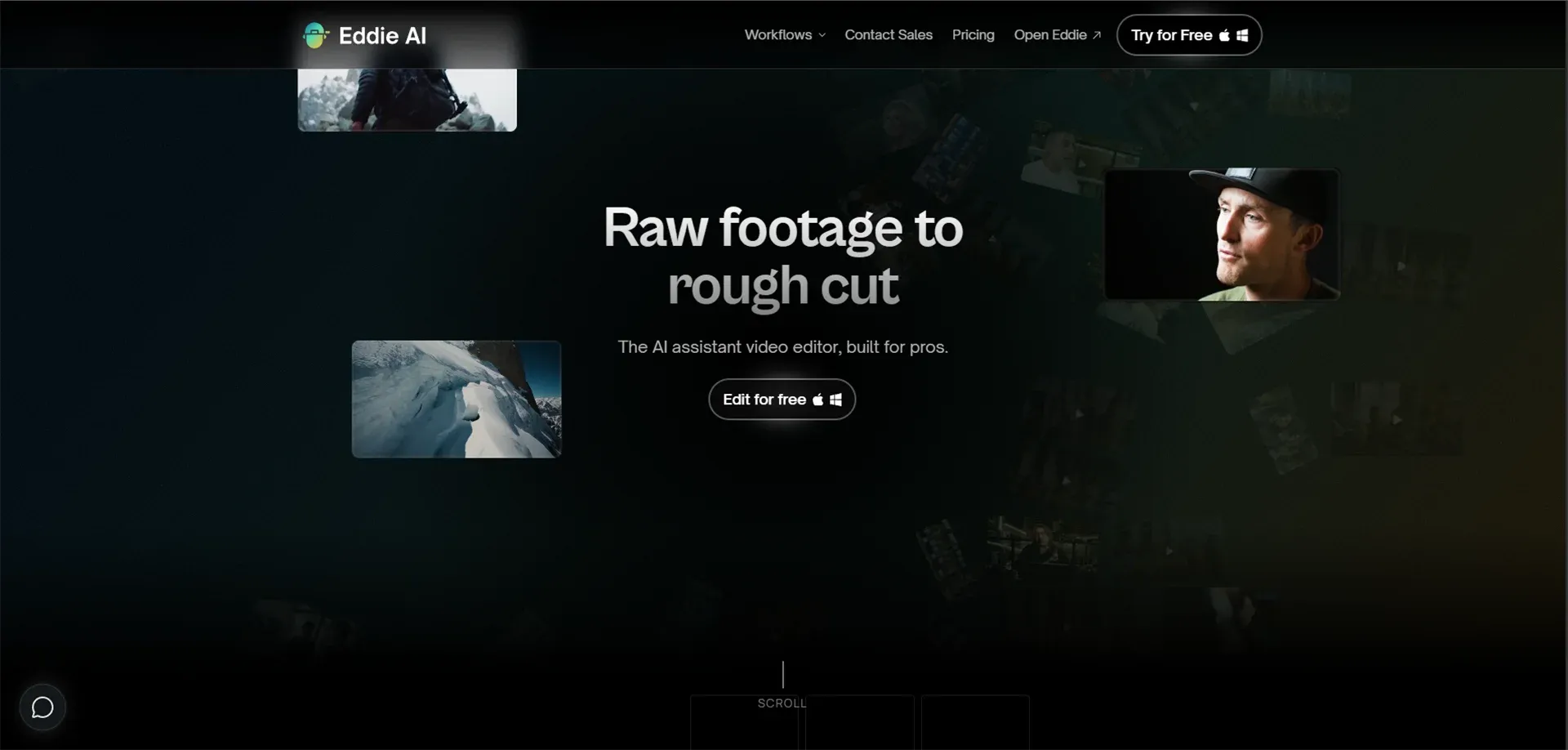
Eddie AI feels like having a junior editor who never gets tired. This tool is specifically designed to handle the early stages of video editing, the parts that are time-consuming but don't require much creativity.
-
What it does: Eddie analyzes your raw footage and creates rough cuts based on speech patterns, visual quality, and even emotional tone. It's particularly strong with multi-camera setups.
-
Best for: Multi-camera interview workflows, documentary editors, and anyone dealing with large amounts of raw footage who needs to create assembly cuts quickly.
-
Pricing: Typically starts around $50–100/month, depending on usage, with enterprise options available.
2. Descript (Underlord) – The Transcript-Based Powerhouse
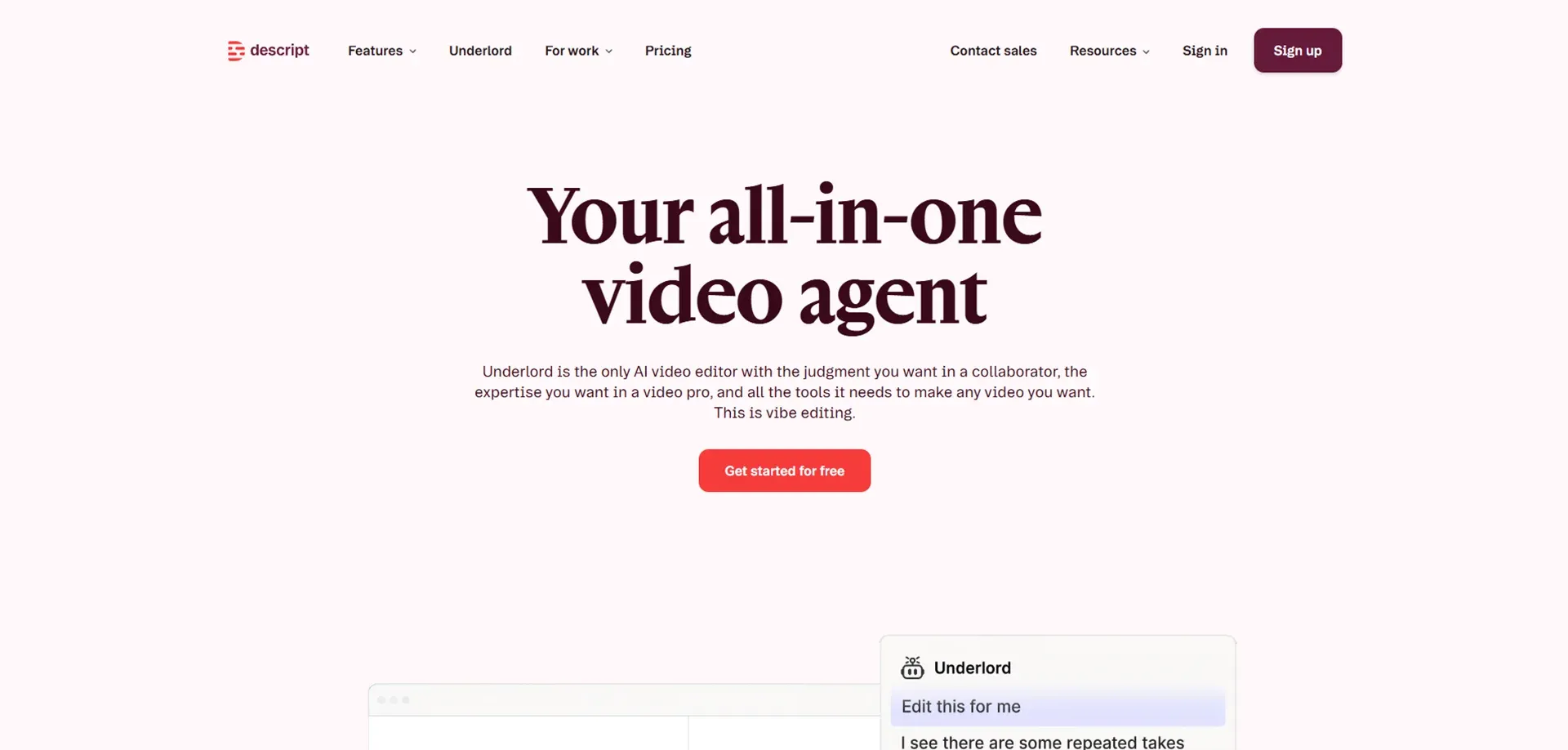
Descript fundamentally changed how I think about video editing. Instead of working with a traditional timeline, you edit the transcript like a text document, and the video changes accordingly. It sounds weird until you try it, then it's brilliant.
-
What it does: Descript transcribes your video with impressive accuracy, then lets you edit by simply deleting words from the transcript. Want to remove that awkward pause? Delete the silence in the text. Want to rearrange sections? Cut and paste like you're in Word.
-
Best for: Podcasters, video podcasters, interview content, talking-head videos, educational content, and anyone who works primarily with speech-based content.
-
Pricing: Free tier available, paid plans start around $12/month for creators, with professional tiers up to $40/month.
This is definitely one of the best AI tools for video editing if you work with dialogue-heavy content.
3. Electric Sheep – AI-Generated Content Meets Traditional Editing
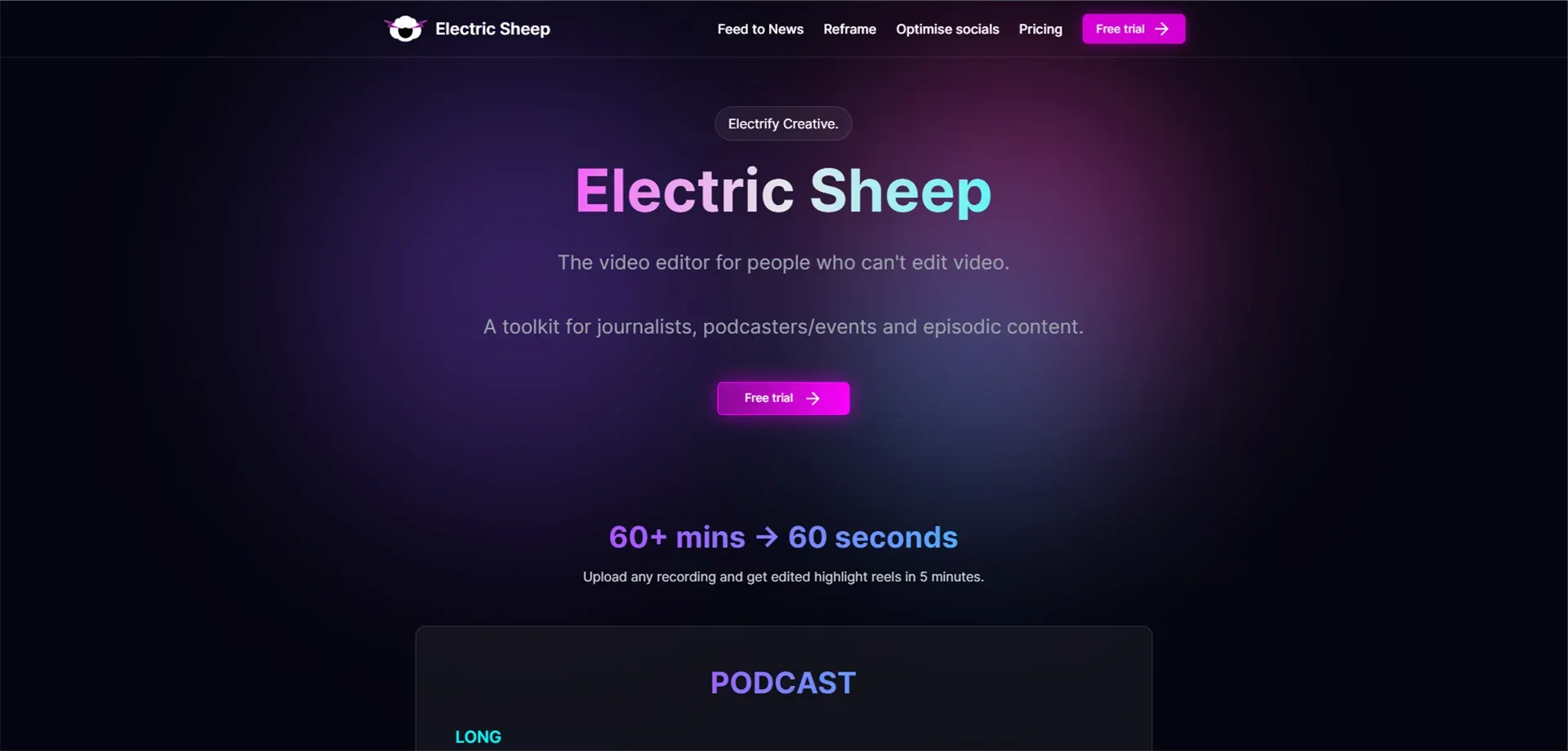
Electric Sheep is experimental and fascinating. This isn't just an editing tool; it's a platform that combines traditional video editing with generative AI capabilities.
-
What it does: Electric Sheep allows you to generate video clips using AI, then integrate them seamlessly into your edit. You can create B-roll, visual effects, or even entire scenes that didn't exist in your original footage. It's particularly strong at creating stylized visuals and effects that would normally require expensive VFX work.
-
Best for: Creative content creators, experimental filmmakers, YouTubers who want unique visuals, and anyone working on projects where AI-generated content adds value rather than just filling gaps.
-
Pricing: Varies based on usage and features, typically starting around $30–50/month.
4. Single AI – Professional-Grade Selects and Cleanup
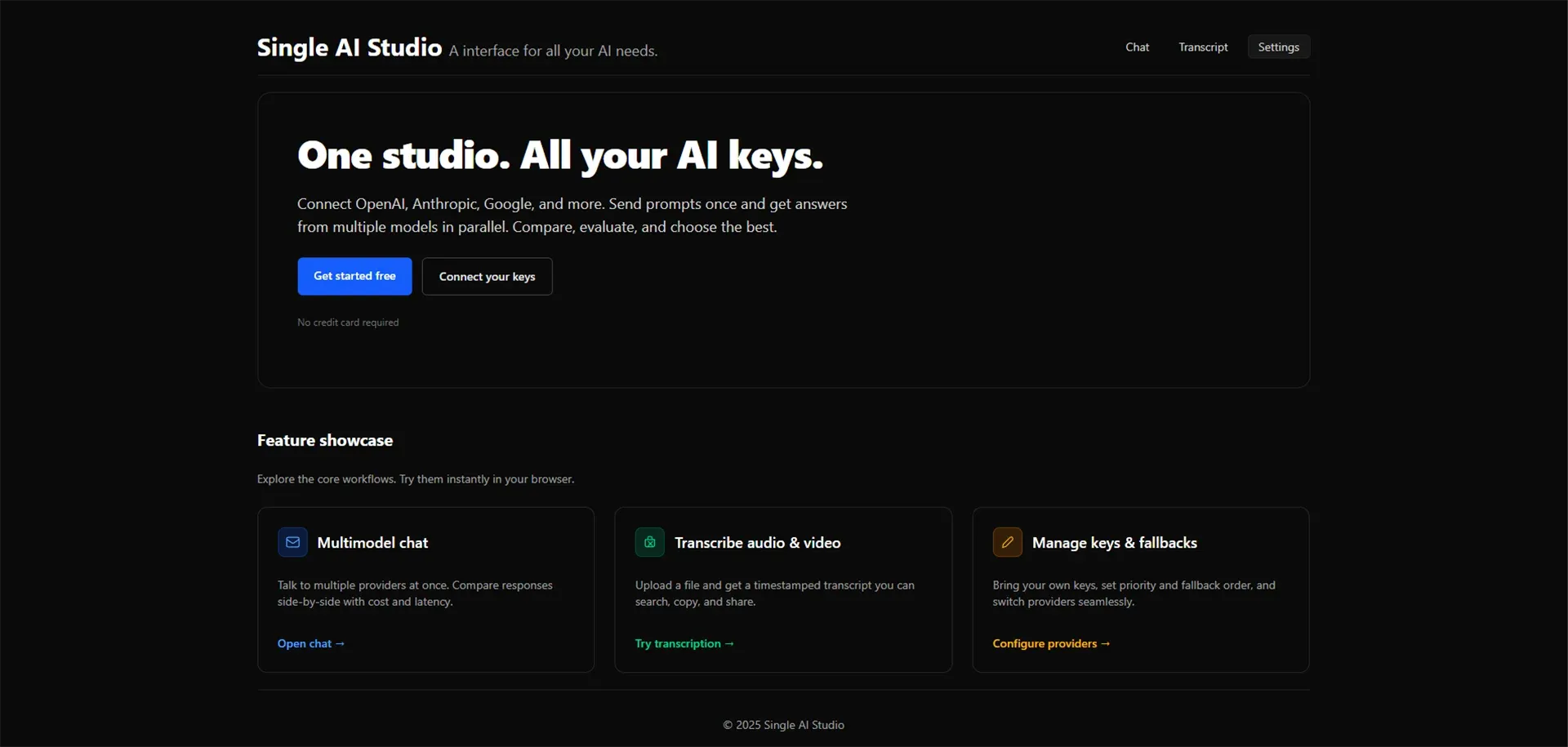
Single AI is designed for professional editors who want to keep using their favorite NLE (non-linear editor) but add AI assistance to their workflow.
-
What it does: Single AI analyzes your footage and creates selects, essentially a curated list of your best shots organized by quality, content, and usability. It can identify shaky shots, poor focus, bad lighting, and other technical issues automatically.
-
Best for: Professional editors working in Premiere Pro, Final Cut, or DaVinci Resolve who want to speed up their selection process without abandoning their existing tools.
-
Pricing: Professional tool with pricing typically in the $100–200/month range.
Also Read: 11 Best AI Tools for Graphic Design in 2026
5. AutoPod – The Podcast Editor's Best Friend
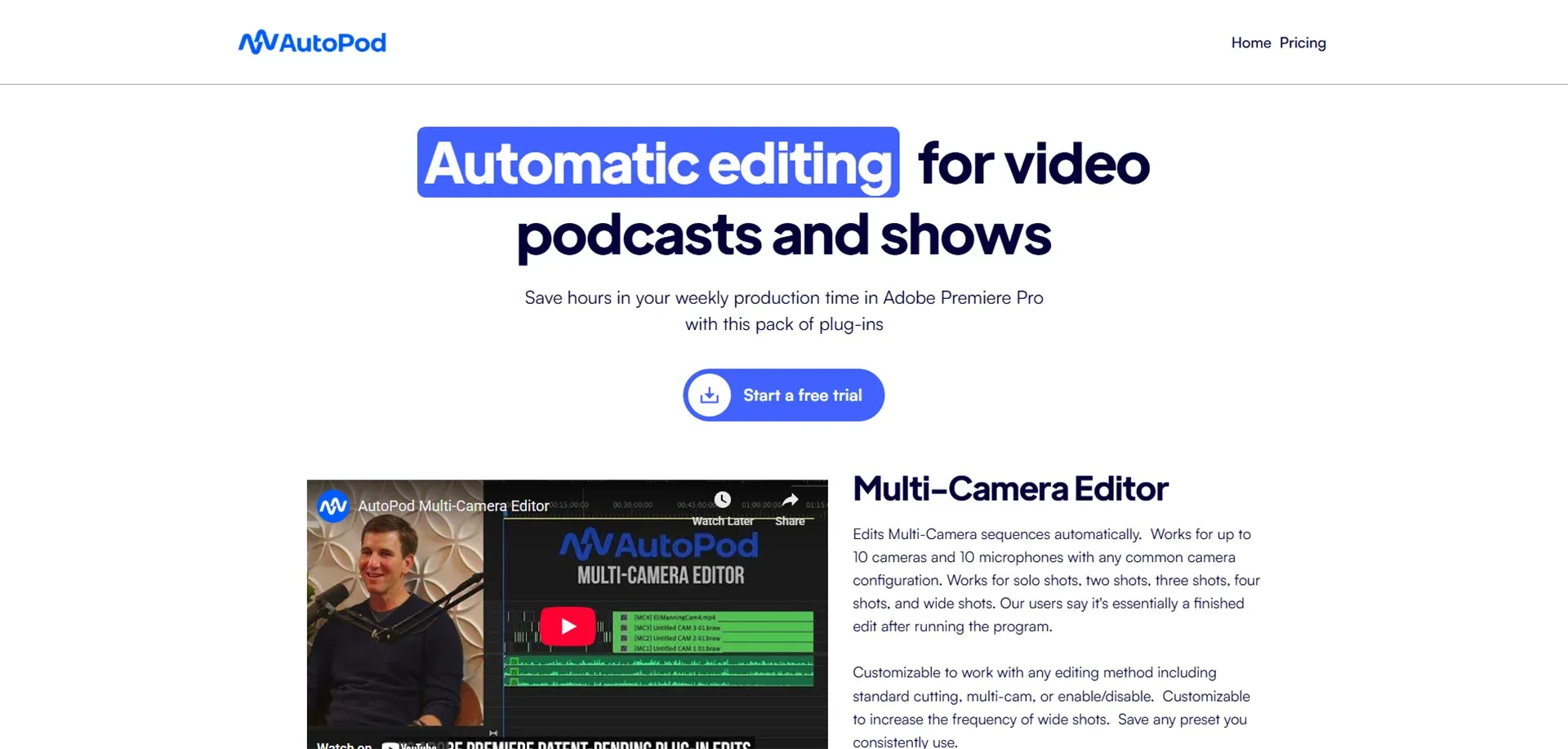
AutoPod is laser-focused on one thing: making podcast and interview editing as fast as possible. And it does that one thing exceptionally well.
-
What it does: AutoPod automatically cuts between multiple cameras or audio sources based on who's speaking. If you're recording a conversation between two or three people, AutoPod handles all the camera switching, cutting to whoever is talking at any given moment.
-
Best for: Video podcasters, interview producers, panel discussions, and anyone regularly producing multi-person conversation content.
-
Pricing: One-time purchase or subscription, typically around $30–80, depending on the package.
If you're asking which AI tool is best for video editing podcasts specifically, AutoPod is my answer.
AI Features That Are Changing Video Editing
Beyond specific tools, certain AI capabilities are revolutionizing video editing workflows.
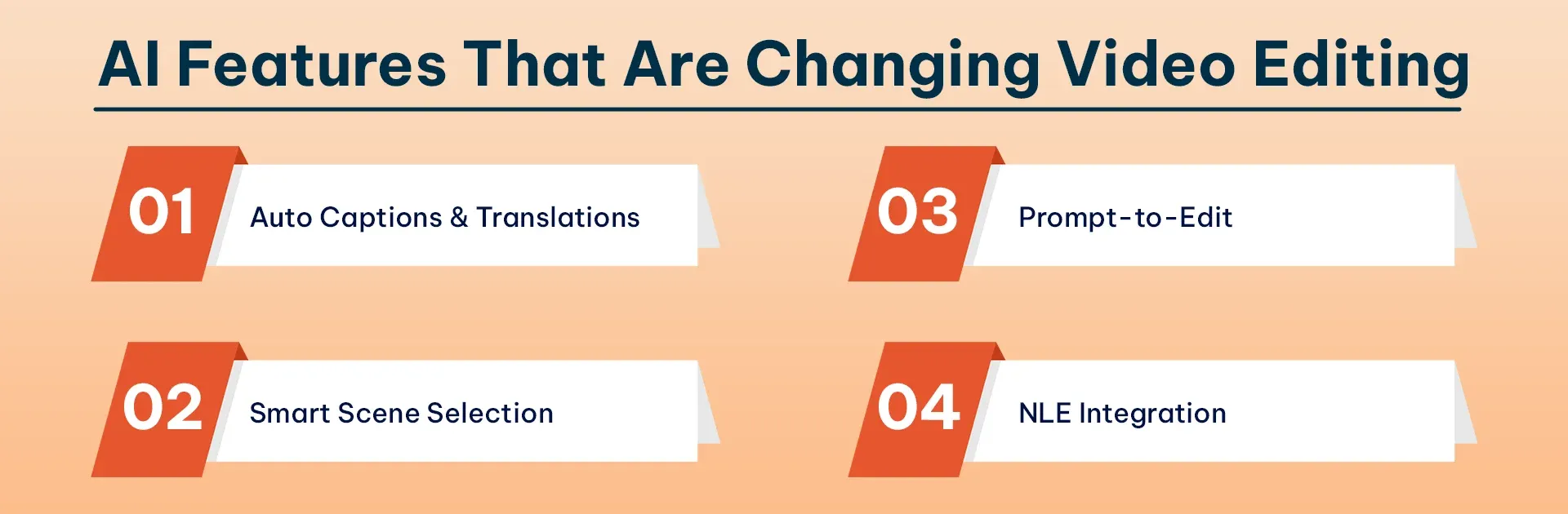
- Auto Captions & Translations: AI generates captions with 90–95% accuracy in seconds and can translate into dozens of languages automatically.
- Smart Scene Selection: AI analyzes footage to identify engaging moments based on narrative structure, emotional beats, and viewer engagement patterns, not just technical metrics.
- Prompt-to-Edit: Describe what you want in plain language ("Create a 2-minute version focusing on emotional moments with soft music") and AI executes it.
- NLE Integration: AI tools now integrate with Premiere Pro and Final Cut, letting you combine AI efficiency with professional precision in your existing workflow.
How to Choose the Right AI Video Editor
Not everyone needs the same tool. The right choice depends on what you're editing, your experience level, and your budget. Let me help you figure out which AI tool is best for video editing your specific content.
Based on Experience Level
If you're a beginner who's just starting with video editing, go with Descript. The transcript-based editing is incredibly intuitive; if you can edit a Word document, you can edit a video in Descript. You won't get overwhelmed by complex timelines and tools, and the results look professional.
If you're intermediate and already comfortable with basic editing, consider AutoPod (for podcasts) or Eddie AI (for other content). These tools will speed up your workflow without requiring you to learn complex new systems.
If you're a professional editor, look at Single AI or the integration features of your existing NLE. You don't need a complete replacement for Premiere or Final Cut; you need intelligent assistance that works with your established workflow.
Based on Content Type
- For YouTube creators: Eddie AI or Descript, depending on whether your content is dialogue-heavy or more visual. Descript excels at vlogs and talking-head content. Eddie AI is better for more complex productions.
- For podcasters: Descript (Underlord) is the clear winner for audio podcasts. If you're doing video podcasts, AutoPod is essential for multi-camera switching.
- For social media creators: Look for tools with strong highlight generation and aspect ratio conversion. Many AI-powered video editing tools now automatically reformat vertical video for TikTok or Instagram Stories.
Cost vs Value Considerations
- Free options: Descript has a capable free tier. It's limited but genuinely useful for small projects.
- Budget-conscious ($0–50/month): Descript's paid tiers, AutoPod's one-time purchase option, or basic Eddie AI plans offer excellent value.
Tips for Using AI Video Tools Like a Pro
I've learned some important lessons about working with AI tools for video editing. Here's what actually matters after you've chosen your tool.
-
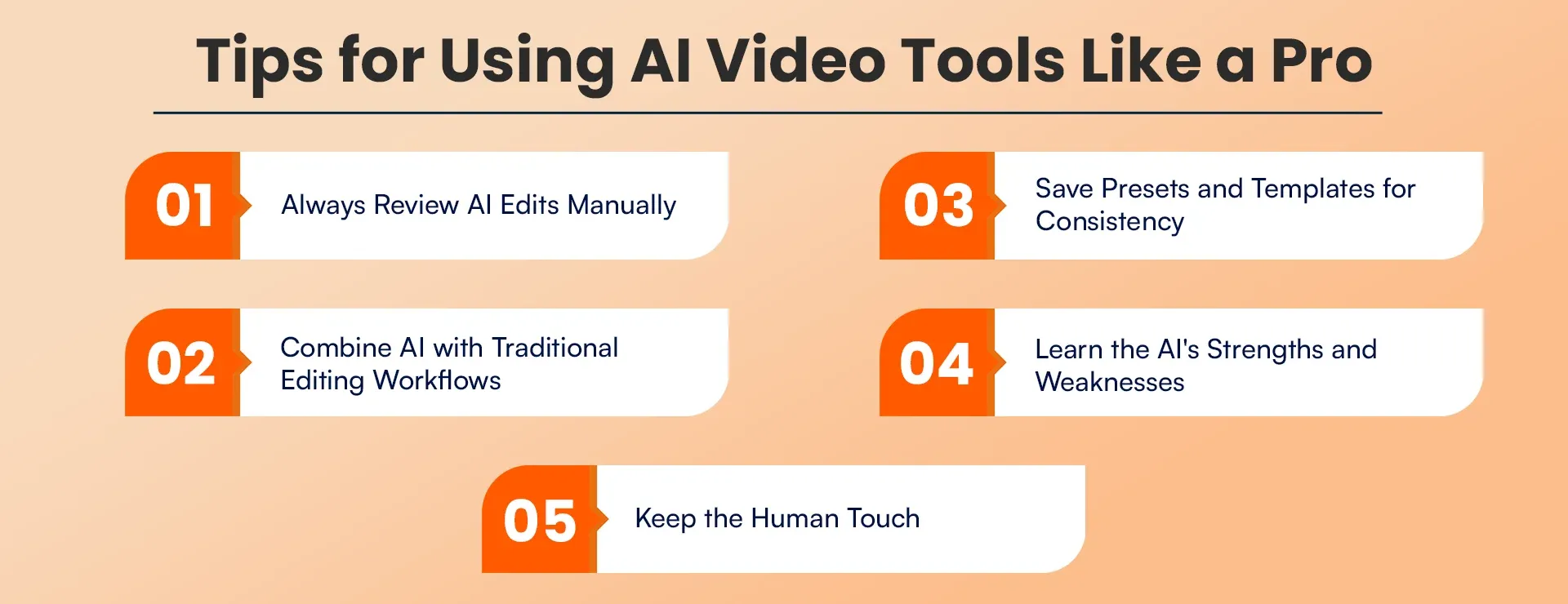
Always Review AI Edits Manually
This is critical. AI is impressive, but it's not perfect. It might miss important moments, make awkward cuts, or misunderstand context.
Specifically watch for: awkward pauses or cuts that AI created, important context the AI might have removed, pacing issues where the AI cut too aggressively or not enough, and caption errors on proper nouns, technical terms, or industry jargon.
-
Combine AI with Traditional Editing Workflows
The most powerful approach I've found is using AI for specific tasks within a traditional editing workflow, not replacing the entire process. This hybrid approach gives you the speed of AI with the quality of human creative decisions.
-
Save Presets and Templates for Consistency
Once you find AI settings that work well for your content type, save them. Most AI-powered video editing tools let you create presets.
I have different presets for different content types:
-
An interview preset for my podcast (specific filler word removal, caption style, music levels)
-
A YouTube vlog preset (pacing, cut frequency, caption position)
-
Learn the AI's Strengths and Weaknesses
Every AI tool has things it does brilliantly and things it struggles with. Eddie AI is amazing at multi-camera switching but not great at understanding subtle emotional moments. Descript is perfect for removing filler words, but it can sometimes cut too aggressively. AutoPod handles straightforward conversations well, but can get confused during crosstalk or simultaneous speaking.
-
Keep the Human Touch
The best videos still need human creativity, judgment, and storytelling instinct. AI can handle the technical execution, but you need to guide the creative direction. Your job as an editor is evolving from technical execution to creative direction, and that's actually more interesting work.
Conclusion
AI tools revolutionize video editing because they introduce entirely new methods for creating videos. Video production processes now require only a few hours instead of needing multiple days to complete. Basic tasks that demanded costly expert knowledge can now be completed through simple button activation.
The best AI tools for video editing do not perform all tasks; instead, they assist with work that you should not be spending time to complete. The process requires essential steps cutting silences, syncing cameras, generating captions, and creating rough cuts but these steps do not serve as the foundation of artistic expression.
If you're looking for AI automation services and build custom AI solutions, or streamlining your business operations with intelligent systems, RejoiceHub can help. Our AI expert team implements scalable automation solutions tailored to your goals — whether you're a content creator, agency, or growing business.
Frequently Asked Questions
1. Which AI tool is best for video editing?
The best AI tool depends on your content type. Beginners love Descript, professionals benefit from Single AI, and multi-camera setups work best with Eddie AI. Choose based on workflow, experience, and budget.
2. Can AI tools replace human video editors?
Not fully. AI tools speed up technical work, like cutting silences or syncing cameras. Human editors are still needed for creative decisions, pacing, and storytelling to keep the video engaging.
3. Are AI-powered video editing tools expensive?
Prices vary. Descript starts around $12/month, AutoPod $30-$80, Eddie AI $50-$100, and professional tools like Single AI cost $100-$200/month. Many tools have free or low-cost tiers for beginners.
4. How do AI tools speed up video editing?
AI tools automate repetitive tasks, generate captions, select the best shots, and even suggest story pacing. This reduces hours of work into minutes, allowing editors to focus on creative decisions instead of manual cutting.
5. Can AI video editors handle multi-camera projects?
Yes. Tools like Eddie AI and AutoPod excel at multi-camera editing. They automatically switch angles based on who's speaking, sync footage, and create rough cuts, saving significant time in complex projects.
6. Do AI tools support 4K video editing?
Most modern AI video editors support 4K and higher resolutions. Some features, like real-time playback, may require proxy files, but cloud-based tools handle heavy processing without overloading your hardware.
7. Which AI video editing tool is best for beginners?
Descript is ideal for beginners. Its transcript-based editing makes it easy to cut, rearrange, or remove sections by editing text, eliminating the need for complex timelines or editing knowledge.
8. Are AI-generated captions accurate?
Yes, most AI tools provide 90–95% accurate captions. They can auto-translate into multiple languages, making content more accessible for global audiences while saving hours of manual captioning work.
9. Can AI tools improve storytelling in videos?
Yes. AI analyzes footage to suggest better pacing, highlight emotional beats, and organize clips logically. This helps editors enhance storytelling while leaving creative decisions in human hands.
10. Which AI video editor is best for YouTube creators?
Descript works well for talking-head or vlog-style videos, while Eddie AI handles multi-camera and visual-heavy content. AutoPod is perfect for video podcasts. Your choice depends on content style and workflow.
11. Do I need a powerful computer to use AI video editors?
Not always. Many tools like Descript, Eddie AI, and Electric Sheep are cloud-based, meaning your hardware is less important. Tools integrated with NLEs may require your usual editing system specs.
12. Can AI tools automatically remove silences and filler words?
Yes. Tools like Descript can instantly detect and remove pauses, filler words, and awkward moments. This saves hours of editing while keeping the video natural and easy to follow.
13. Are AI tools suitable for social media videos?
Absolutely. Many AI-powered video editing tools automatically generate highlights, adapt videos to different aspect ratios, and optimize content for platforms like TikTok, Instagram, or YouTube Shorts.
14. What’s the main benefit of AI in video editing?
The biggest benefit is efficiency. AI handles repetitive and technical tasks quickly, freeing editors to focus on creative storytelling. It saves time, reduces costs, and helps produce high-quality videos faster.