Graphic design is evolving faster than ever, and now AI is playing a major role in this transformation. In 2026, many designers no longer have limited access to manual tools. Various platforms for design purpose can help to create logos, social media posts, example and presentations in a couple of minutes.
The best AI tool for graphic design exists to simplify work for designers instead of replacing them. The technology exists to improve our work efficiency while delivering enjoyable experiences.
In this blog, we'll explain the top AI tools for Graphic design in 2026 that actually helps designer which may work faster, stay creative, and deliver high-quality visuals with less effort.
What is AI in Graphic Design?
Before we proceed to the tools, we need to explain our top AI tools for graphic design to graphic design work.
AI graphic design tools create visual content through machine learning algorithms, which process data input from users.
You provide the AI with a text prompt that says "create a minimalist social media post about coffee," and it produces design elements through its understanding of existing designs, which it learned from millions of existing designs.
How I Tested These AI Graphic Design Tools
The evaluation process for the best AI tool for graphic design should be explained before any AI graphic design tool recommendation is made. The list of tools exists independently from all forms of sponsorships and promotional activities, and paid partnership agreements.
Evaluation Criteria
Each AI design tool was evaluated using the following key factors:
-
Ease of Use: Can a complete beginner understand the interface within 10 minutes? I looked at whether the tool required special training or whether it offered intuitive workflows and clear instructions.
-
Design Quality: I assessed the visual quality of the output, including layout balance, typography, color usage, and overall creativity.
-
Customization & Control: I checked how much creative control the tool gives users, such as editing text, adjusting styles, refining layouts, and modifying design elements.
-
Speed & Performance: How quickly can the tool generate usable designs? Faster output without quality loss was a major advantage.
The 11 Best AI Tools for Graphic Design
1. Canva AI
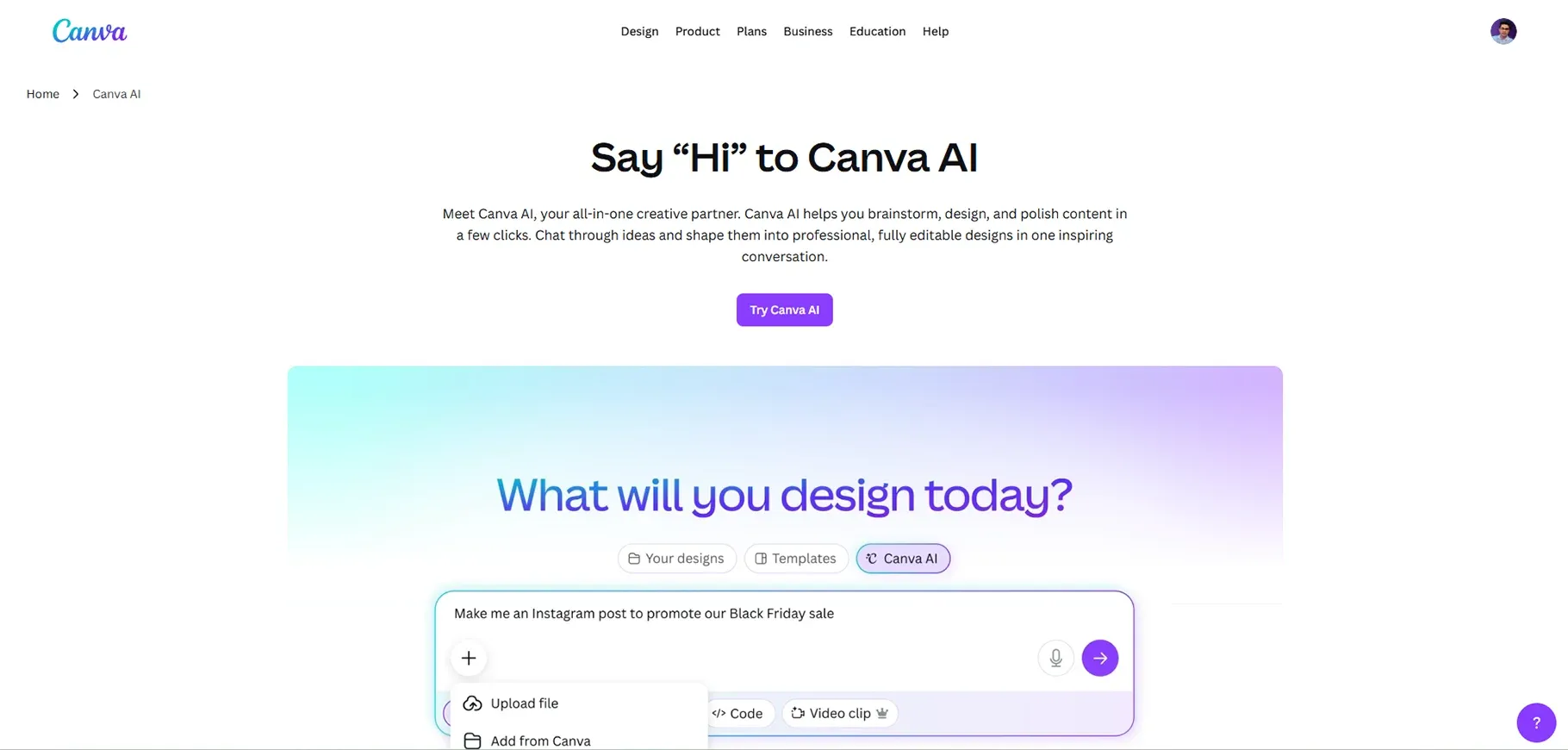
Canva has transformed into an all-in-one design platform that provides advanced artificial intelligence functions because of its evolution from a basic template system. The software has become the most recognized name that provides design tools for users with disabilities.
My Testing Results:
The blog banner test showed decent results for its layout and typography design. The design elements functioned adequately, but they did not create anything exceptional. The background needed major improvements because it appeared standard and failed to reflect the atmosphere I wanted to create.
Key AI Features:
The AI toolkit of Canva provides multiple beneficial tools, which include the following features:
- Magic Media for AI image generation from text prompts
- Text-to-image generation with various artistic styles
- One-click background removal that actually works pretty well
Best For:
Based on my experience, I find that Canva AI provides its best performance when users create social media graphics and design reusable visual elements. This tool serves as an essential resource for small business owners, social media managers, and content creators who require rapid production of visual materials.
Pricing:
Canva provides a free plan, which includes restricted access to its artificial intelligence features. The Pro plan costs $5.81 per month (or $120 annually), but the paid plans restrict your monthly AI usage. The limit requires you to wait until the next month or pay additional fees.
Pros and Cons:
The positive aspect of Canva is that its interface provides users with an extremely user-friendly design. The tool enables users to perform direct image editing without the need to use different software programs. The template library offers extensive content options because it enables users to connect with multiple marketing solutions through its integration capabilities.
Real-World Use Case:
I use Canva AI when I need to create social media graphics that I can complete within 15 minutes. The AI Tools for Graphic Design provides users with an effective method to design Instagram and LinkedIn carousel posts that require identical visual design throughout their entire presentation.
2. ChatGPT
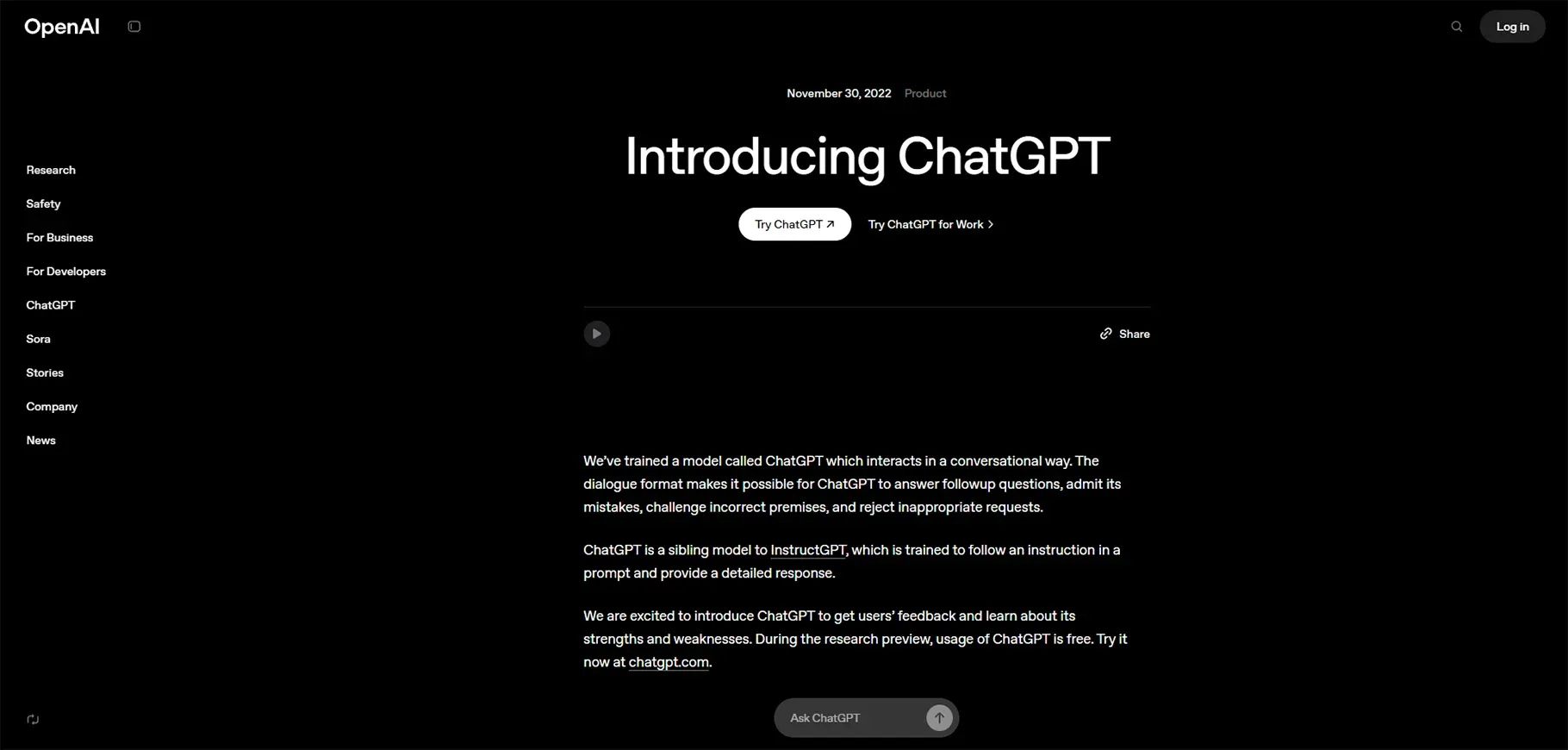
Yes, ChatGPT, the chatbot everyone knows. The system supports image creation through its DALL-E 3 integration as a hidden feature. I wanted to observe the ability of conversational AI to handle visual design work.
My Testing Results:
The AI tool for graphic designers achieved a satisfactory result. The design used a minimalist style, which succeeded, but the text needed better placement for better reading. I needed to edit the image because ChatGPT did not provide direct editing tools for me to use.
Key AI Features:
- Text-to-image generation powered by DALL-E 3
- Conversational design guidance and brainstorming
- Image analysis, where you can upload an image and get feedback
Best For:
If you already work with ChatGPT during your daily tasks, you can easily add image generation to your workflow. The solution works best for brands that require quick design concepts through their ideation process rather than complete production designs.
Pricing:
ChatGPT Plus costs $20 per month, while heavy users need to pay $200 per month to access ChatGPT Pro. The free tier provides limited access, but users cannot create images through this service.
Pros and Cons:
The main advantage of ChatGPT lies in its ability to function without interruptions in existing workflows that people use for their daily tasks. The system produces results at a fast pace while delivering high-quality output when users supply effective reference images.
Real-World Use Case:
I use ChatGPT to create design briefs, generate variations of a concept, and create quick mockups when I need to visualize an idea before investing time in proper design software.
3. Ideogram
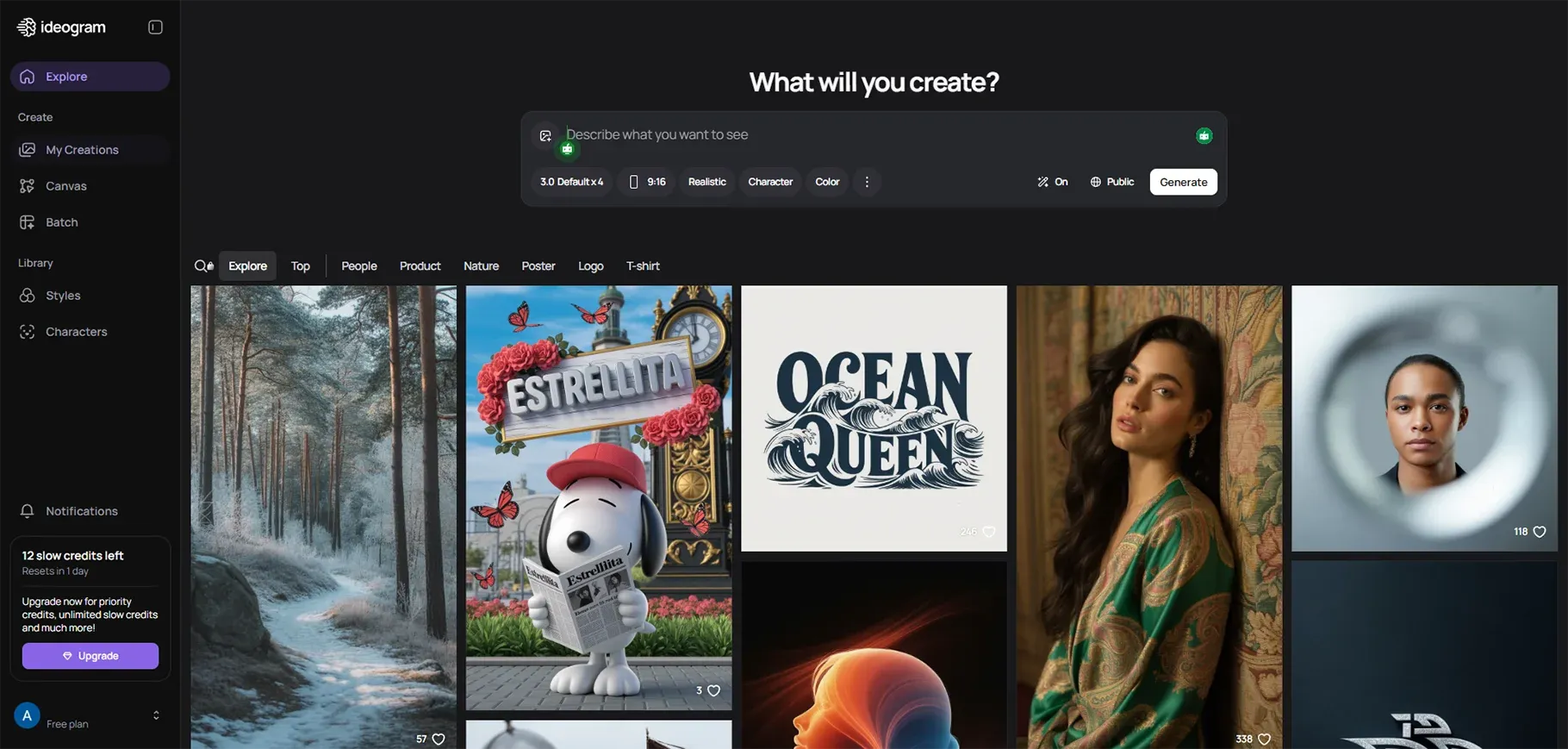
Ideogram does text-heavy graphics particularly well, made of AI-created images.
My Testing Results:
I found this particular statement to be unexpected. The blog banner displayed an unprofessional design yet maintained high-quality text. The text displayed complete clarity with each character being distinct and properly arranged. The design produced by AI systems generates designs that are not commonly found.
Key AI Features:
- Superior text rendering that actually gets typography right
- Thoughtful font choices that match the design aesthetic
- Vibrant color palettes that grab attention
- Original creative elements and suggestions
Best For:
Ideogram serves as the optimal AI graphic design tool for users who need to create text-heavy banners and social media posts with quotes and billboards, and design projects that showcase typography as their primary design element.
Pricing:
Ideogram provides a free plan, which includes restricted 'slow' generation credits. The subscription cost for paid plans starts at $7 and reaches up to $42 per month based on your requirements.
Pros and Cons:
Ideogram's text rendering is genuinely best-in-class. The colors are vibrant and scroll-stopping in a good way. It offers creative suggestions that can spark new ideas. There's even a mobile app for on-the-go design generation.
Real-World Use Case:
I use Ideogram for social media announcements, text-based Instagram posts, and quote graphics. Anything where the words are the main visual element.
4. Kittl AI
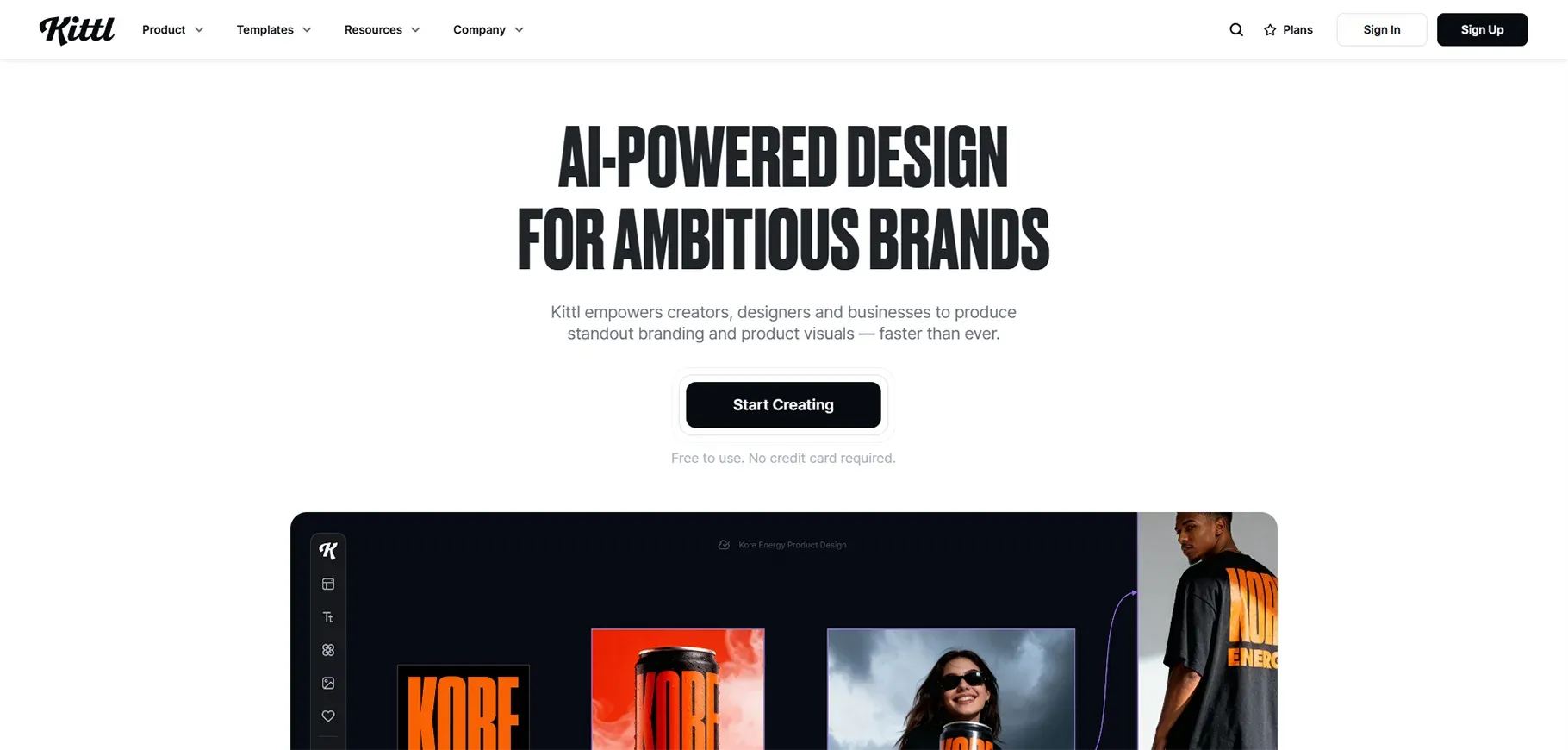
Kittl functions as an all-in-one design software that provides multiple AI design tools for users to create their projects. The system offers a complete design solution through its various artificial intelligence capabilities that operate in harmony with each other.
My Testing Results:
I tested several of Kittl's AI features and found that all functions performed excellently across multiple use cases. The output the system produced showed me its professional-grade standard.
Key AI Features:
Kittl packs a lot into one subscription:
- AI Text-to-Image Generator
- AI Image Upscaler for improving low-resolution images
- AI Logo Generator
- AI Quote Generator for social media
- AI Writing tools for design copy
- Ready-made design bundles
Best For:
Kittl provides complete AI tools that professional designers need without requiring them to manage multiple subscription services. The platform provides easy access to its features because it offers extensive tutorial materials that help beginners learn.
Pricing:
The free plan provides users with 20 credits to try the service. The Pro plan costs $10 per month and provides users with 30 AI credits every day, which offers more credits than other companies provide.
Pros and Cons:
The drag-and-drop interface of Kittl proves to be completely user-friendly. The results maintain their professional appearance in all cases. The tutorial library offers a wide range of content that proves to be useful for users. The customer support team provides quick responses to customer inquiries.
Real-World Use Case:
I use Kittl for complete design projects from concept to final deliverables. The tool becomes especially beneficial for my work when I need to create a logo and design complementary graphics while enlarging all assets for printing purposes.
5. Adobe Firefly
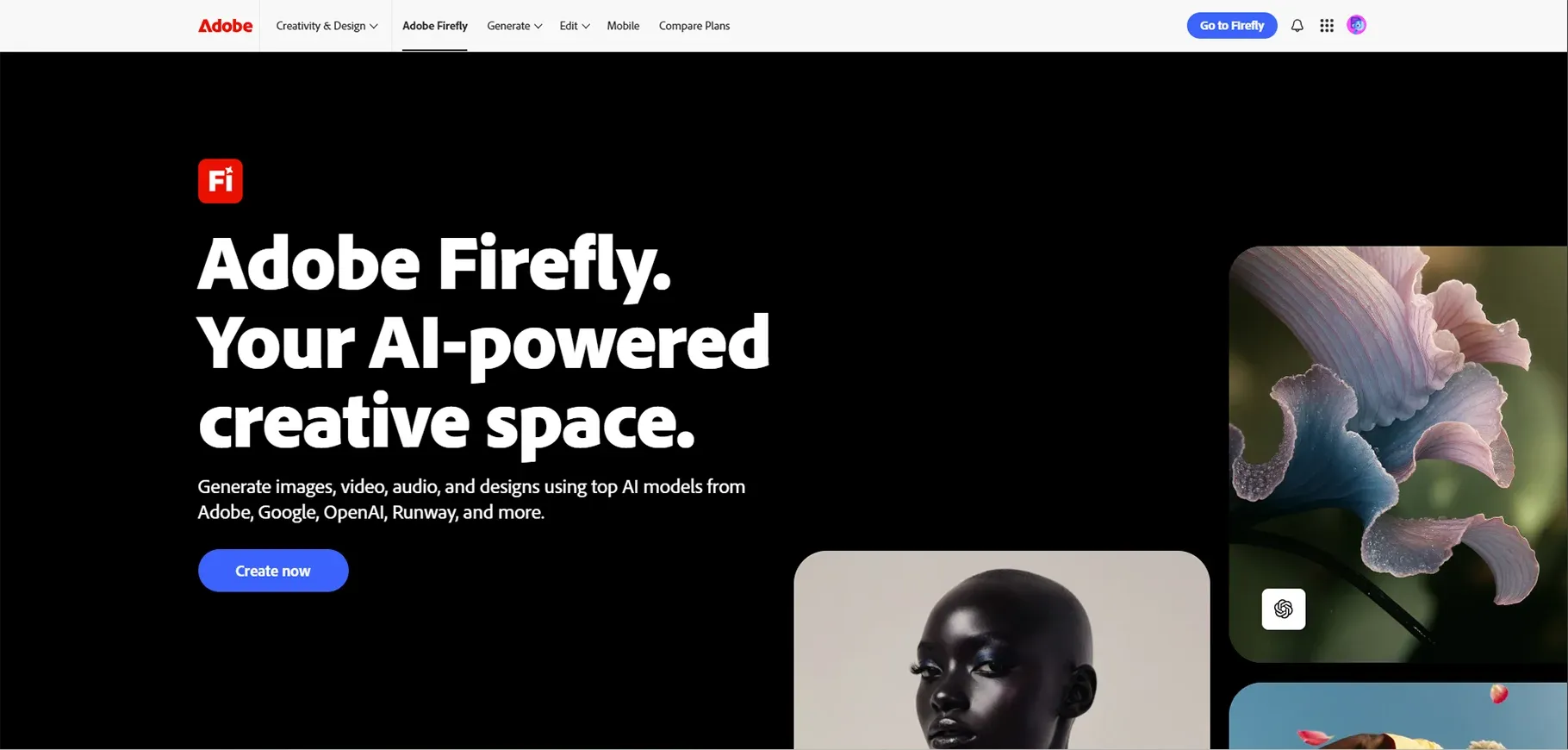
Adobe's AI image generator, integrated into the Creative Cloud ecosystem. If you're already in the Adobe world, this is their answer to the AI design revolution.
My Testing Results:
I had high expectations for Adobe Firefly given Adobe's reputation. The results were... mixed.
The blog banner had a busy background that distracted from the message. Despite providing a
Key AI Features:
- Text-to-image generation with Adobe's proprietary model
- Generative Fill for extending and modifying images
- Text effects for creating stylized typography
- Seamless integration with Photoshop and Illustrator
Best For:
Adobe Firefly makes sense for existing Adobe users working on corporate design projects. If you're already paying for Creative Cloud and want AI features without learning a new platform, it's convenient.
Pricing:
Creative Cloud subscription costs $54.99 per month, which includes Firefly along with other Adobe applications.
Pros and Cons:
When Firefly works, the images are high-quality and polished. The Adobe integration is genuinely seamless. Templates are professional-grade. The commercial viability is clear. Adobe has licensing figured out.
But the learning curve is steep, especially for beginners. Prompt adherence is poor in my testing. The outputs lack the artistic flair you see from tools like Midjourney. At $55 per month, it's expensive if you're only using it for AI generation. The interface isn't beginner-friendly.
Real-World Use Case:
I use Firefly primarily for corporate presentations and design work that needs to stay within the Adobe ecosystem. If I'm already working in Photoshop, having AI features right there is convenient.
Also Read: What Is Generative Design? Process, Benefits, and Use Cases
6. Gemini (Google)
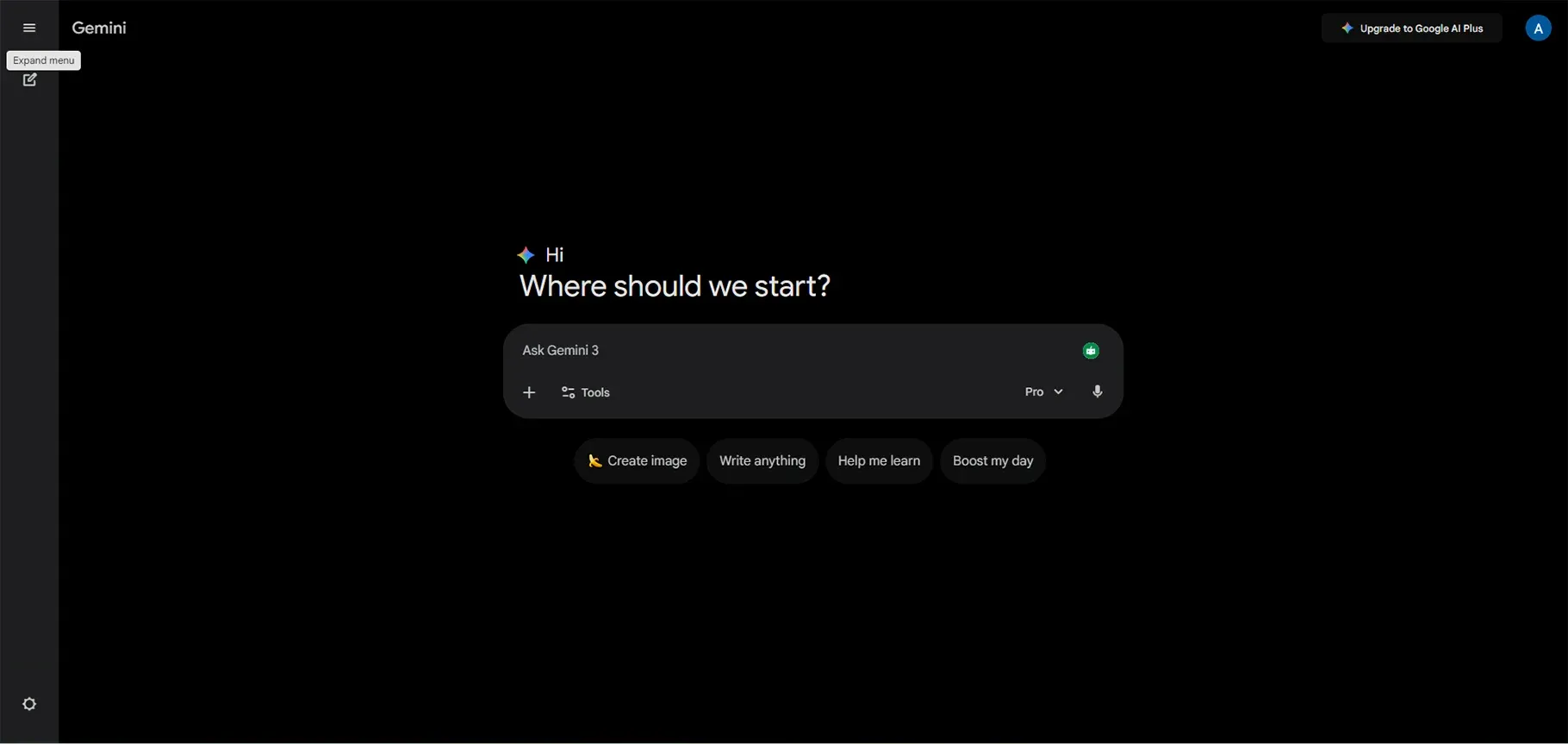
Google's AI-driven chatbot includes photo and video-making skills. This makes Google's attempt to challenge ChatGPT and DALL-E.
My Testing Results:
The blog banner did not meet my expectations because it used an excessively simple design. The work appeared to be an unfinished draft instead of a completed product.
The social media post showed improvement compared to the previous one, yet I would still give it a rating of 6 out of 10. The product functions properly, but it does not deliver any remarkable features.
Key AI Features:
- Text-to-image generation
- Video generation with Veo-3 (includes native audio)
- Integration with Google Workspace tools
- Deep research capabilities for gathering design inspiration
Best For:
The Gemini tool provides graphic designers with an all-inclusive solution that enables them to create both images and videos. The Google Workspace integration becomes essential for users who operate within the Google ecosystem.
Pricing:
The nowhere-audible $8.00 Elite plan, or the soundproofed $15.00 HQ Elite plan that protects from where the sound went because of no exterior noise.
Pros and Cons:
The user experience is intuitive and familiar if you use Google products. The free tier lets you test the service before making a purchase. The platform offers video generation that combines native audio with its visual content. The integration of Google Workspace functions in a seamless manner.
Real-World Use Case:
I first used Gemini for quick visual aspects within Google Docs or Slides; I need things very fast (like in a jiffy), and I'm already working in Google Workspace.
7. AutoDraw
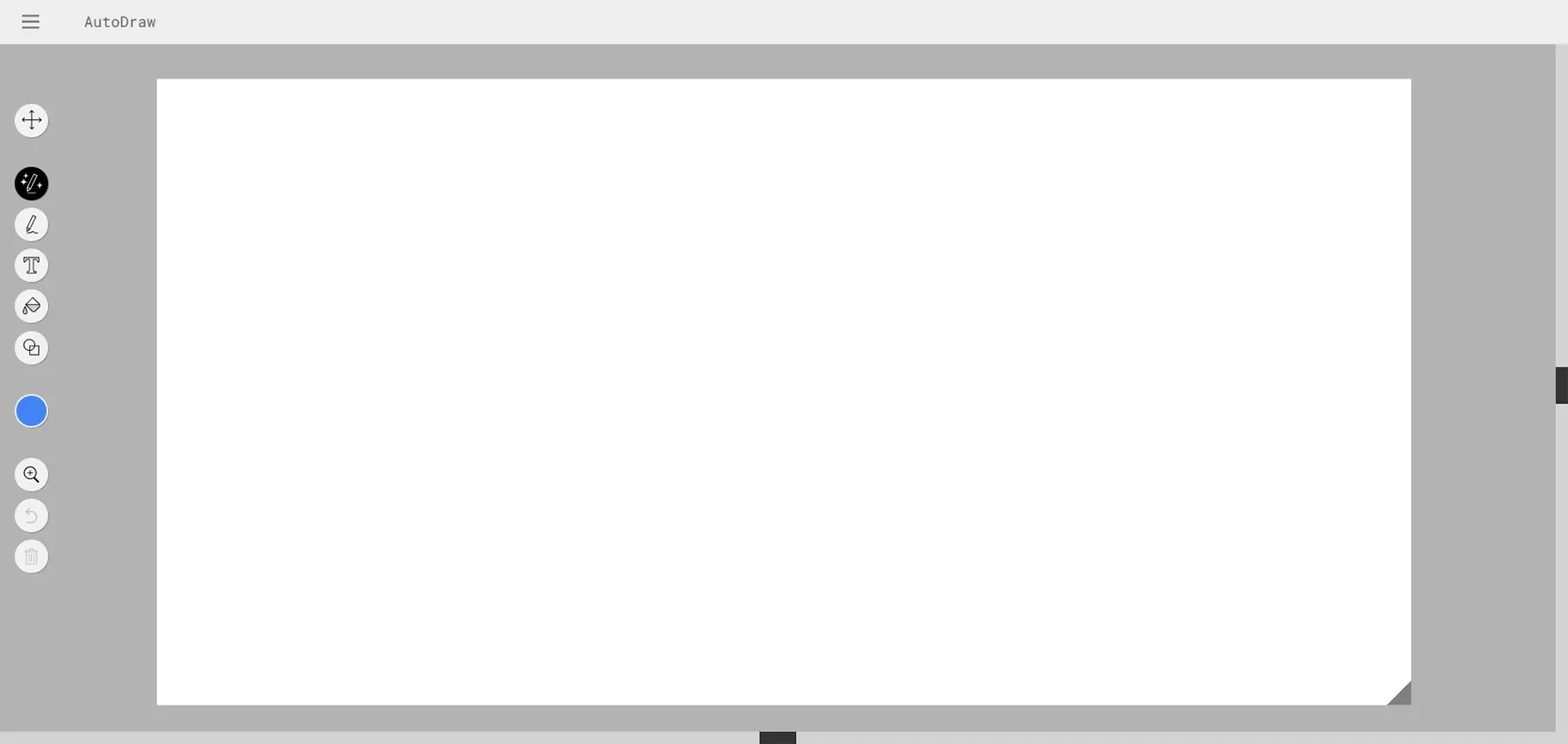
AutoDraw is a fascinating experiment from Google. It uses AI to suggest professional shapes and icons based on your rough doodles.
My Testing Results:
I tried drawing a simple smiley face, and AutoDraw suggested several clean, professional versions. That worked well.
I noticed that using a graphics tablet or stylus dramatically improves the experience compared to drawing with a mouse.
Key AI Features:
- Machine learning trained on actual artist drawings
- Real-time shape suggestions as you draw
- Large library of professional icons and illustrations
Best For:
Speeding up simple icon design and creating basic illustrations quickly.
Pricing:
Completely free, which is rare and appreciated.
Pros and Cons:
It's free, which is the biggest selling point. It's fun and simple to use. The suggestions are good for basic shapes. The icon library is large and diverse.
But it only considers individual shapes, not whole artworks. You still need artistic skill for complex designs. You can't upload custom images for recognition.
Real-World Use Case:
I occasionally use AutoDraw for quick icon creation when I need something simple and don't want to search through stock icon libraries.
8. MidJourney
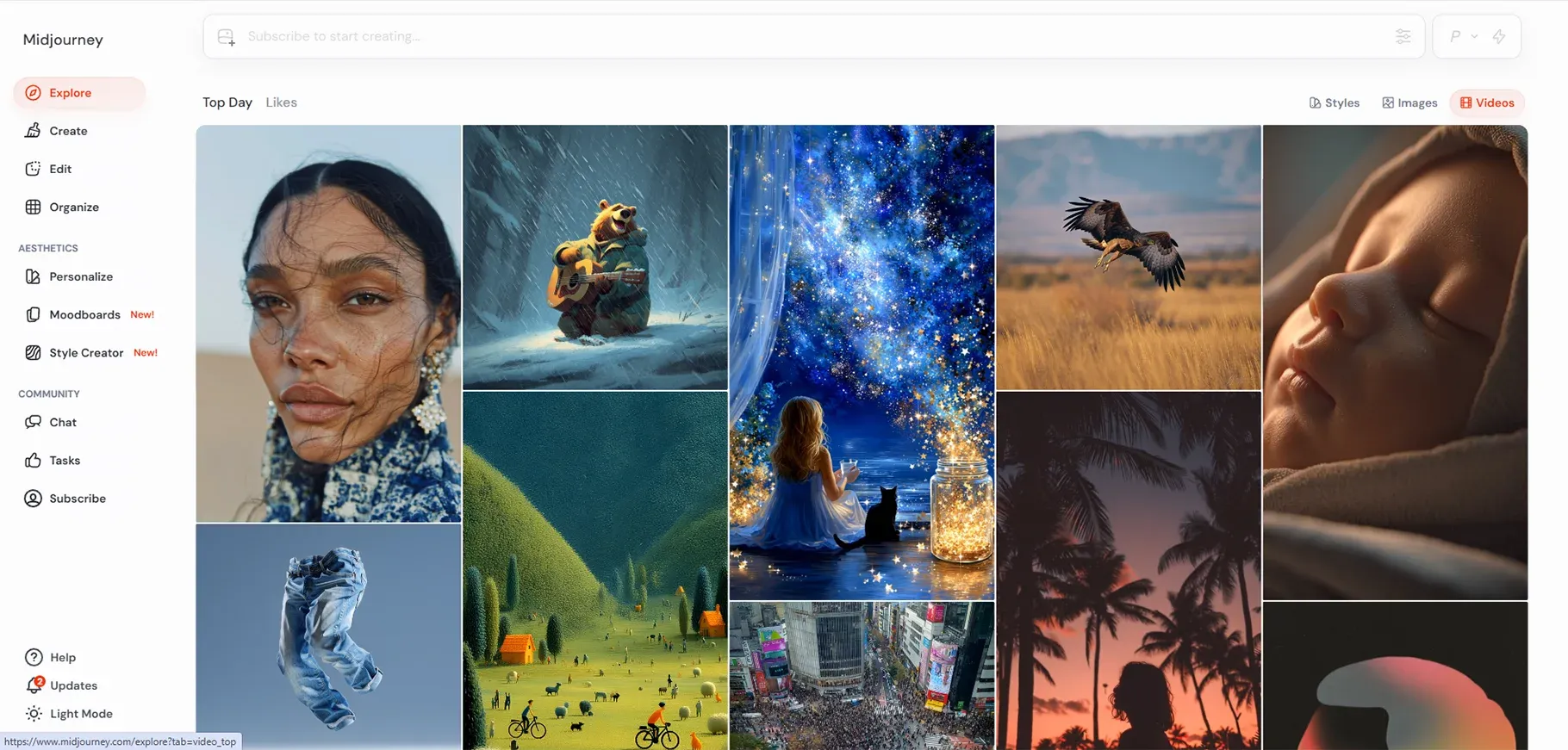
The MidJourney AI graphic design tool creates designs that designers either adore or view as completely unusable. The application produces beautiful artistic images through its operation on Discord.
Key AI Features:
- Dreamlike, abstract image generation
- Artistic, painterly quality that feels more like fine art
- Command-based interface using text prompts
- Active community sharing prompts and techniques
Best For:
Artistic projects, together with creative exploration and concept art, work together to create artistic expression. The tool should not be used for commercial branding or advertising purposes.
Pricing:
Packages ranging from $10 per month to others costing more, depending on usage parameters, are available.
Pros and Cons:
The visuals created by MidJourney are really beautiful, and the engaged community is creative and supportive. The style is very specific; the majority of MidJourney artwork has a certain look, which makes it relatively easy to see at a glance that the artwork was created by MidJourney.
Real-World Use Case:
I use MidJourney for high art, innovation, and conceptual design, for cases where stock photography won't be enough.
9. DALL·E
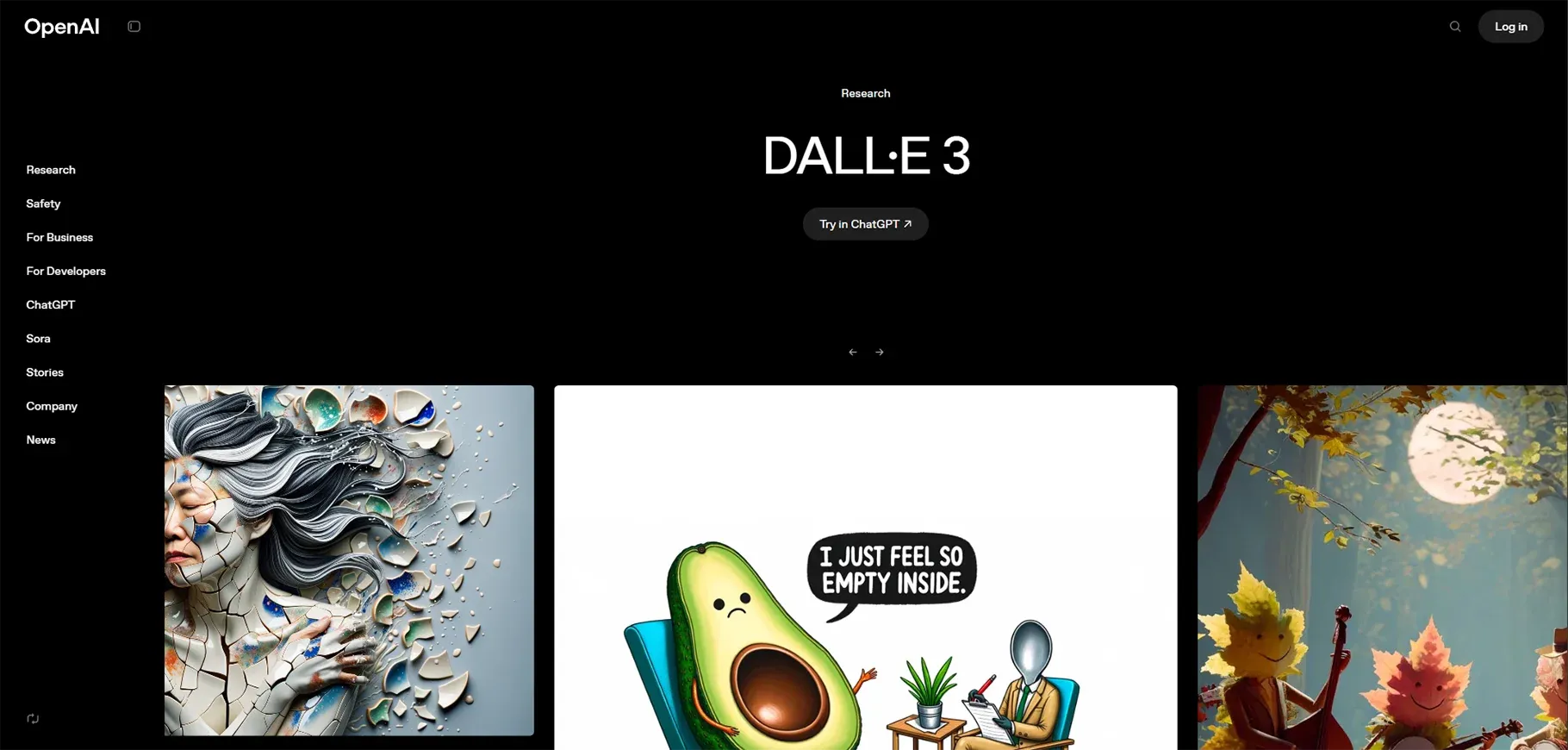
OpenAI's standalone image generator, which exists as a separate product, functions through its integration with ChatGPT. This location serves as the starting point for the AI technology, which generates images.
My Testing Results:
When designing prompts for DALL·E, you can achieve incredible images. The opportunity exists; however, there is an inconsistency in the quality of the generated images.
It is common to have to try several times before generating an acceptable result. While there are occasions where the first attempt at generating an image will be satisfactory, more often than not, I have or will have completed eight or more attempts before the result is satisfactory (or final).
Key AI Features:
- Text-to-image generation with various artistic styles
- Pay-as-you-go credit system
- Integration with ChatGPT for conversational image creation
Best For:
creative experiments and studies, perhaps, when you don't need consistent results each time.
Pricing:
The system requires payment through credits, which users must purchase during their usage of the service. The system benefits occasional users through its cost-effective pricing model, but it becomes costly for users who need to create images on a daily basis.
Pros and Cons:
The interface provides users with an easy-to-use design that supports their needs. The system produces excellent results when DALL·E operates at its optimal performance level. The flexible pricing works for occasional users.
Real-World Use Case:
I have turned to DALL·E to embark on some experimental projects or try some creative explorations whenever I have some available iterative time with me.
10. Designs.ai
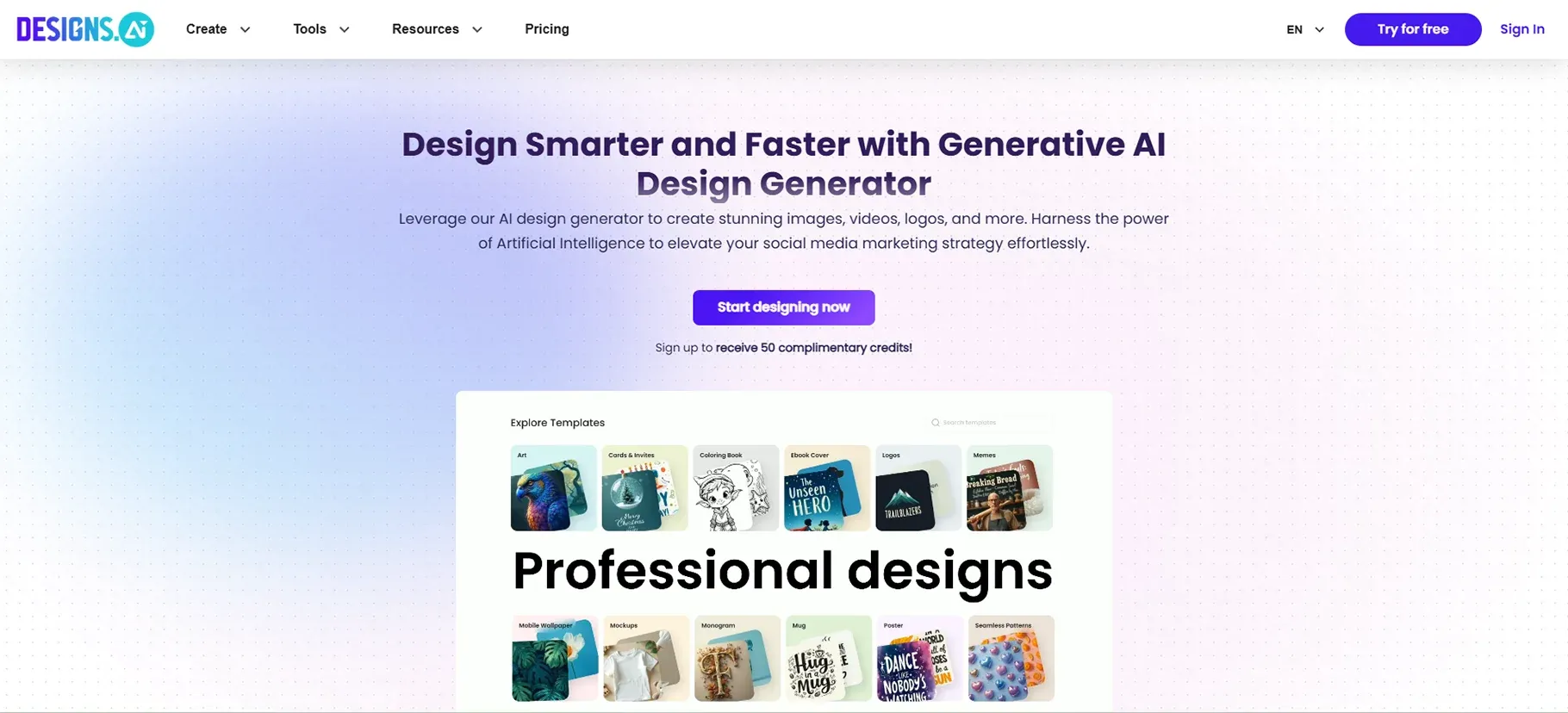
The platform functions as an Agency-as-a-Service business model, which provides customers with AI-powered solutions for logo development, video production, content creation, and voice synthesis.
My Testing Results:
The all-in-one solution excited me, but the actual implementation of the system failed to meet my expectations. The platform applies 10 credits as a charge for every single edit. The trial system consumed all my free credits after I made three attempts. The system forces users to pay for resources that should be available without cost.
Best For:
The concept is great multimedia campaigns all in one place. But based on my testing, I can't recommend it for anything.
Pricing;
The service offers a 7-day trial, which requires users to provide their credit card information. The monthly subscription costs 29 dollars, while the annual subscription costs 228 dollars.
Pros and Cons:
The all-in-one concept is appealing in theory. The combination of different services will provide customers with greater savings. The system produces outputs that lack originality while delivering substandard results.
Real-World Use Case:
Designs.ai cannot be recommended as a solution based on my testing. The platform fails to provide better solutions than its existing capabilities.
11. Looka (Logo Design)
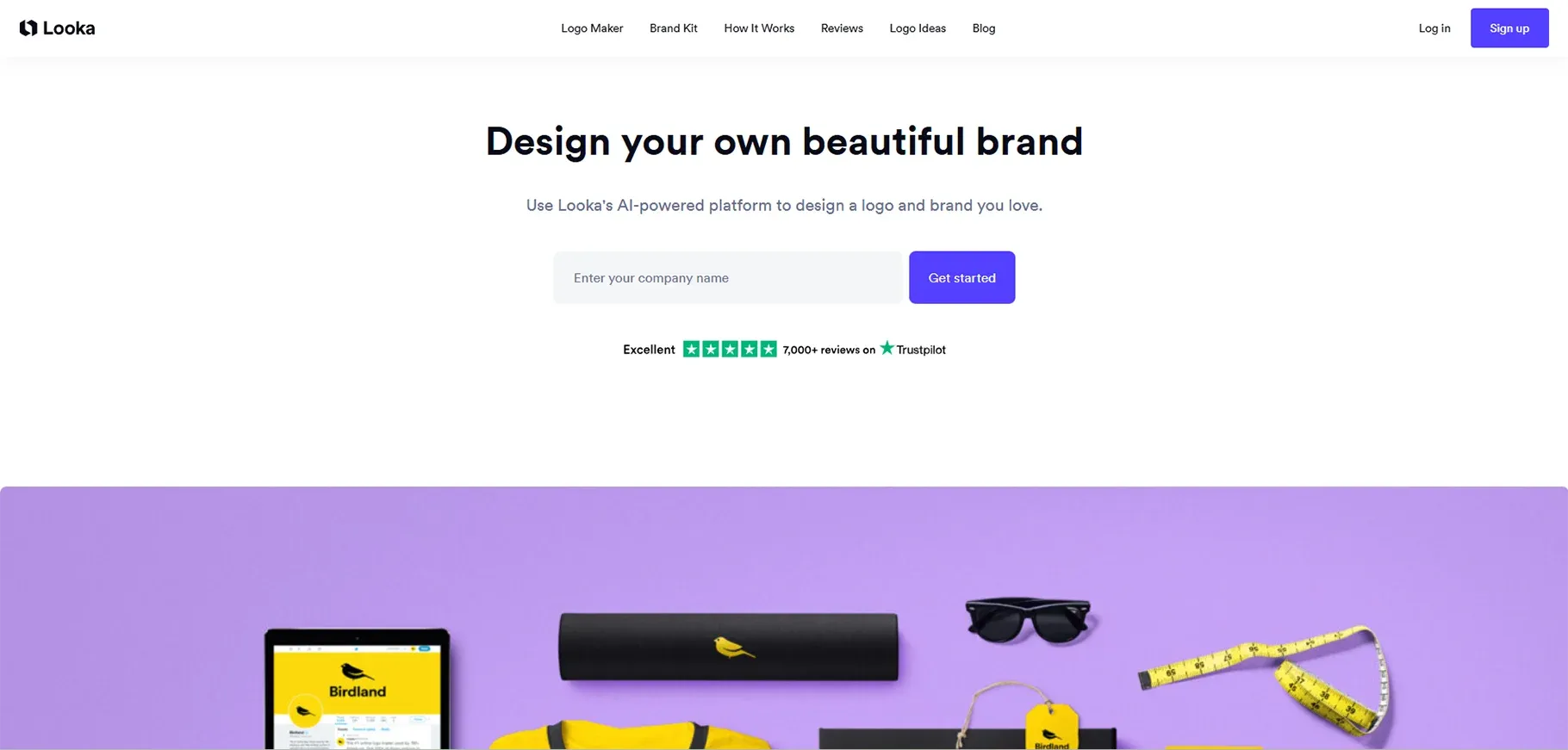
Looka is an AI-powered graphics design assistant aimed at logo and brand identity design specifically.
Key AI Features:
- AI-powered logo generation based on your preferences
- Drag-and-drop editor for customization
- Complete branding kits with color palettes and typography
- Color palette suggestions that actually make sense
Best For:
Small businesses, startups, and entrepreneurs who don't want to hire a designer for a reasonably well-drafted logo design.
Pricing:
The basic logo files can be purchased through a one-time payment of $20. The complete branding package costs between $20 and $80. The service offers customers a refreshing experience because it does not require them to pay for ongoing subscription services.
Pros and Cons:
Looka creates contemporary logos that display professional quality through its design process. The editor provides an intuitive interface for users to work with. The service costs less than designer employment costs. The included branding materials provide actual value to the project.
Real-World Use Case:
Looka has been told directly to a number of those small business owners who look for a fast, professional logo, and those who may not have had the room to hire expensive designers.
How to Choose the Right AI Tool for Graphic Design
I created a system for selecting the best tool after evaluating all available tools. The most suitable AI design tool depends on certain essential criteria that must be evaluated.
-
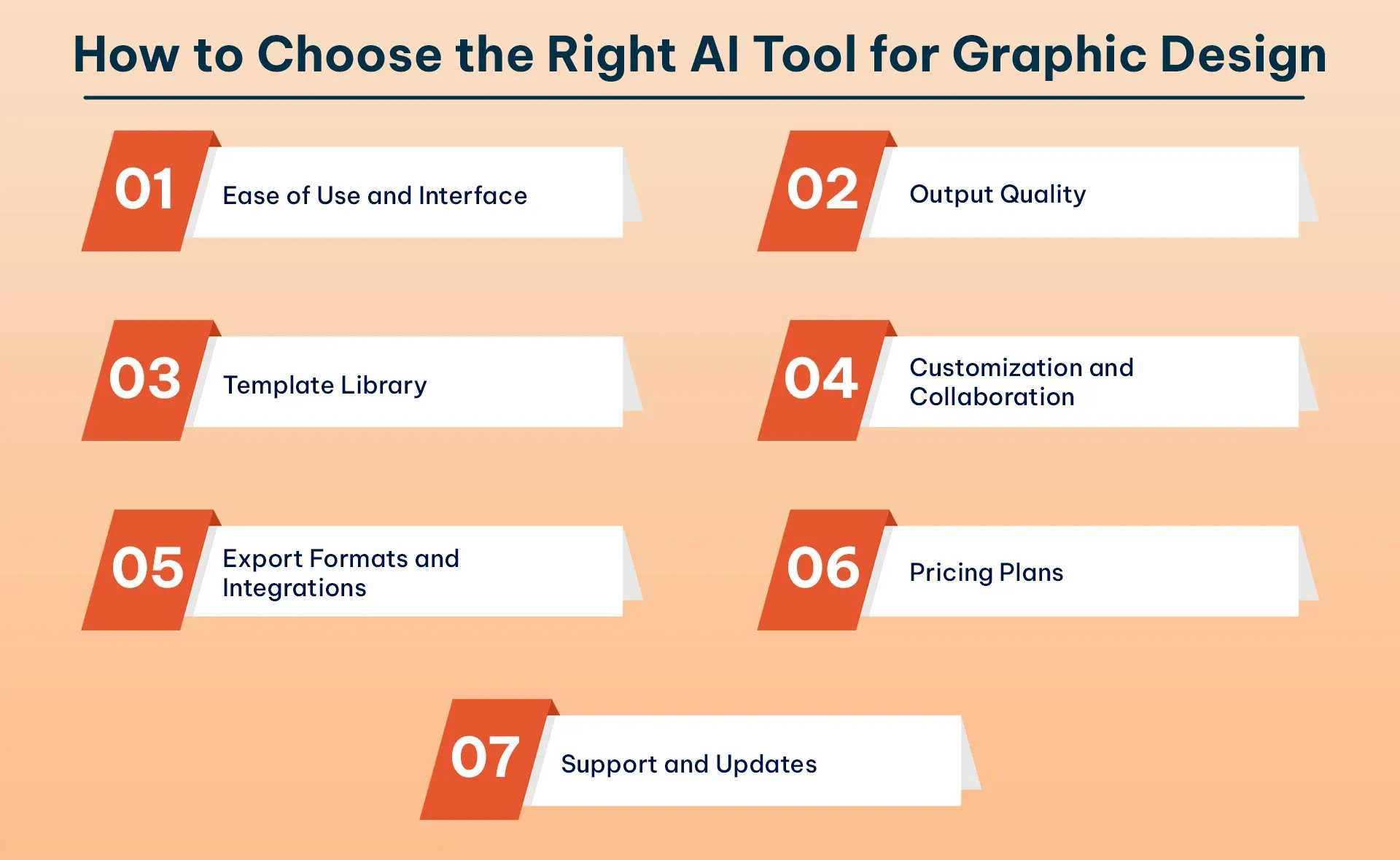
Ease of Use and Interface: How quickly can you start creating? Is the learning curve manageable? I generally recommend beginners start with Canva or Kittl, while professionals might prefer Adobe Firefly because of its advanced features.
-
Output Quality: The output quality from different tools shows extreme differences. Ideogram excels at text-heavy designs. MidJourney creates stunning artistic images. Canva produces serviceable social media content. Match the tool to your quality standards.
-
Template Library: Designers who need to produce work quickly should use Canva because it provides access to numerous pre-designed templates. Designers who want to create their own work should choose between MidJourney and DALL·E as their preferred tool.
-
Customization and Collaboration: Can you edit the AI outputs? Can team members collaborate? The features become essential when your requirements expand to accommodate multiple users.
-
Export Formats and Integrations: What file formats do you need? The tool needs to connect with your current workflow. Adobe Firefly wins here for Creative Cloud users.
-
Pricing Plans: The pricing model should correspond with your actual usage. Occasional users benefit from credit-based systems like DALL·E. Users who access the platform frequently should choose between unlimited access and high-credit subscription plans, which include Kittl Pro.
-
Support and Updates: How often does the platform improve? Is help available when you need it? You need this feature because it helps you solve problems that occur during your deadline period. Designers use multiple AI graphic design tools to complete their work, according to my professional experience.
How Graphic Designers Are Using AI
I will show you actual examples of my work, which I have encountered and used in actual situations.
-
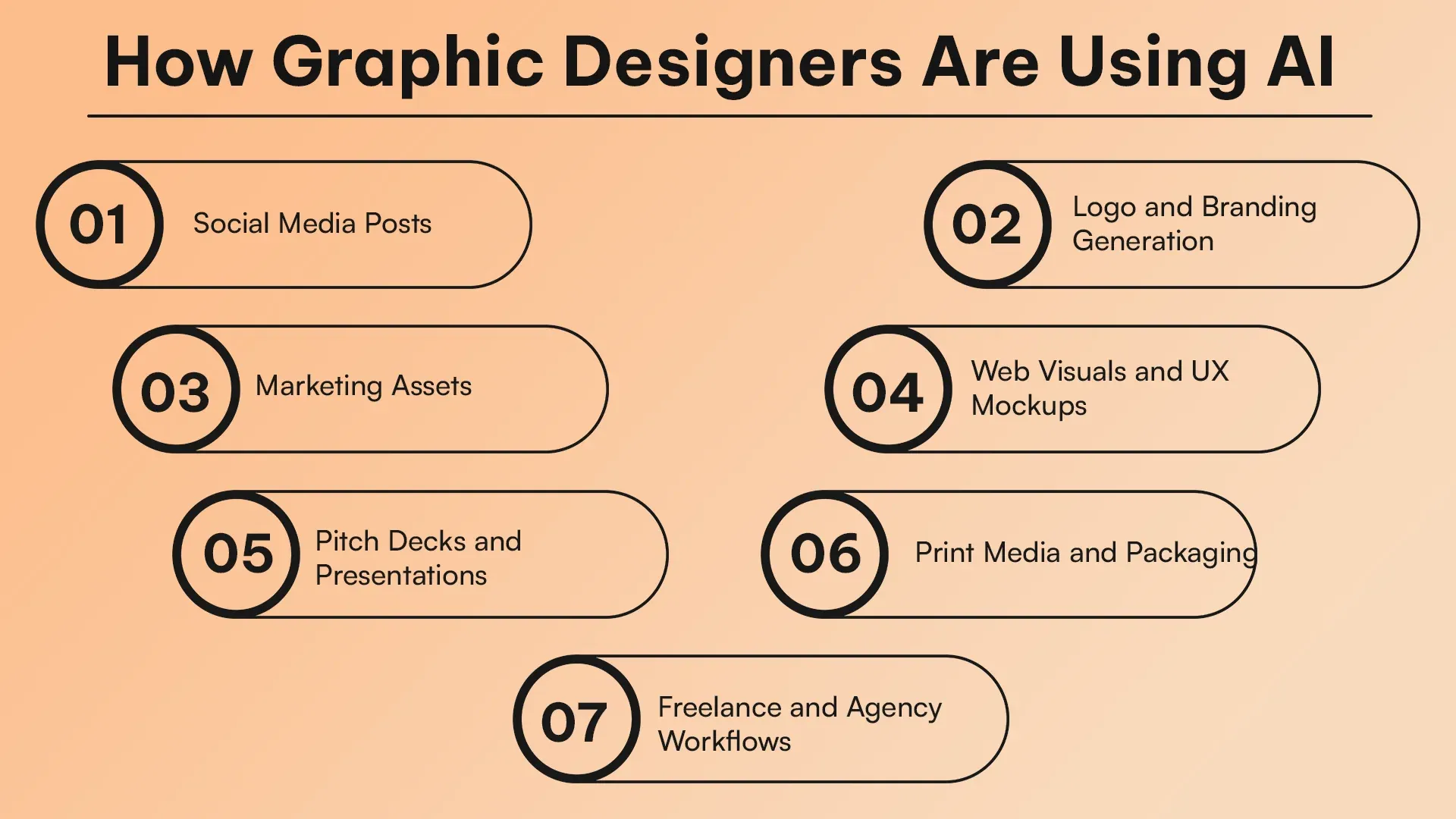
Social Media Posts: AI design tools reach their optimal performance level at this point because they can create content quickly while generating various design options that maintain brand identity throughout different platforms.
-
Logo and Branding Generation: Small businesses now have access to professional branding tools because Looka and Kittl AI provide open access to their branding solutions.
-
Marketing Assets: AI technology helps organizations complete their digital marketing work, which includes creating banner ads and email headers, and promotional graphics through automated processes that handle repetitive tasks.
-
Web Visuals and UX Mockups: ChatGPT and Gemini create useful mockup designs that show placeholder images and mockup concepts.
-
Pitch Decks and Presentations: Adobe Firefly and Canva provide strong performance at this task because their system works together with presentation software.
-
Print Media and Packaging: Adobe Firefly and Kittl provide users with premium design tools that enable them to create print-ready designs that meet industry-standard resolution requirements.
-
Freelance and Agency Workflows: Freelancers use AI to create initial design concepts, which they present to clients before developing them through manual refinement.
AI technology reaches its highest effectiveness when combined with human creativity through hybrid workflows, according to the research results.
Tips for Getting Better Results With AI Design Tools
Here are my findings from the months of testing done on all the most popular AIs for graphic design:
-
Give Clear Directions: Be as specific as possible with directions. Example: instead of saying, "Make a logo", say something like, "Make me a simple coffee shop logo with a coffee cup coming out of steam (brown and earthy tones)". Your specific directions will enable you to create the results you desire.
-
Use Templates or Pre-Designed Creations: Why create something that already exists? If you can find a template for your materials, base your work on the format and just modify as needed to fit your brand. This method is typically quicker and will yield better results.
Common Mistakes to Avoid
The complete mistakes I made in my life should serve as teaching tools for you because I want you to avoid my mistakes.
-
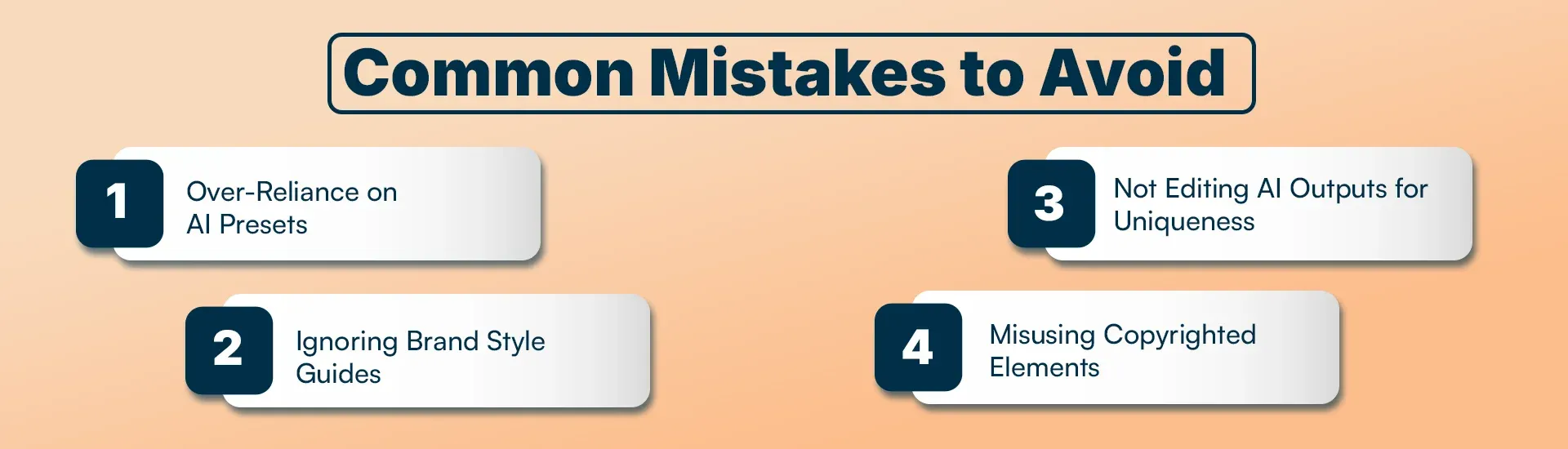
Over-Reliance on AI Presets: AI functions as a tool that cannot provide complete solutions. Your work lacks originality because all your creations resemble AI-generated content.
-
Ignoring Brand Style Guides: Your brand requires visual elements that exist outside of AI's suggestion of bright pink. Your established visual identity needs to be followed at all times.
-
Not Editing AI Outputs for Uniqueness: AI-generated content becomes common and unexceptional when you publish it without making any changes.
-
Misusing Copyrighted Elements: Be cautious about commercial use. Each platform provides its own unique licensing terms, which you need to understand. Some AI-generated content has usage restrictions.
The Future of AI in Graphic Design
Artificial intelligence will transform graphic design through its ability to enhance design process efficiency and innovative design creation, and make design tools easier to use for all users.
-
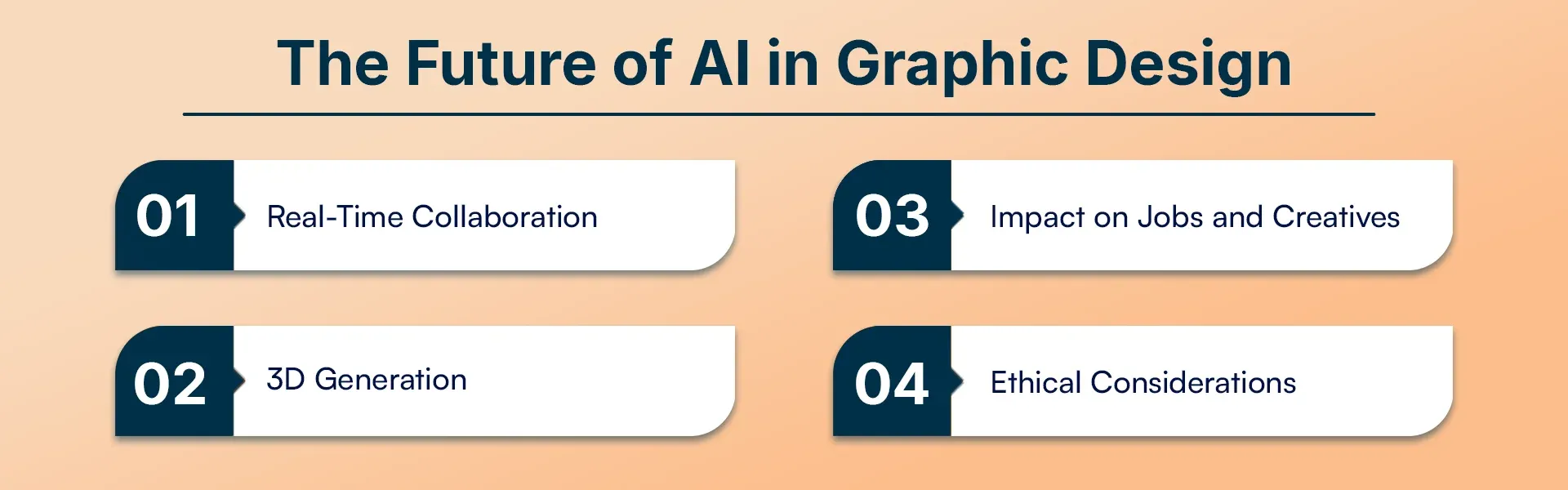
Real-Time Collaboration: AI tools are beginning to allow several designers to collaborate at the same time with AI help - envision Google Docs, but a design where AI offers suggestions.
-
3D Generation: The upcoming horizon is AI-created 3D objects and settings. There are already tools that can generate 3D assets by reading a prompt in text.
-
Impact on Jobs and Creatives: This is the elephant in the room. The use of AI by designers will not exclude designers. The ability turns into guiding AI and introducing human expertise, rather than mechanical implementation.
-
Ethical Considerations: The reality of the Deepfakes, copyright, and the environmental cost of the AI processing is an issue that the industry needs to tackle.
The designers who will succeed will be those who see AI as a partner and not a rival.
Conclusion
After testing all 11 top AI tools for graphic design, here is my complete evaluation of their performance. The majority of professionals I know use multiple tools together because they want to create social media posts quickly with Canva, while doing client work through Adobe Firefly, and creating text designs with Ideogram and generating ideas through ChatGPT.
The free trials should be used for testing purposes. Use two to three tools to evaluate your actual work tasks from the beginning of your testing period. Select the method that feels comfortable to you while delivering your required results.
Frequently Asked Questions
1. What are the best AI tools for graphic design in 2026?
The best AI tools for graphic design in 2026 include Canva AI, Adobe Firefly, ChatGPT, Ideogram, Kittl AI, MidJourney, DALL·E, Gemini, Looka, AutoDraw, and Designs.ai.
2. Is AI replacing graphic designers in 2026?
No, AI is not replacing graphic designers. It helps designers work faster by automating repetitive tasks and generating creative ideas, while humans still control branding, creativity, and final design decisions.
3. Which AI tool is best for beginners in graphic design?
Canva AI and Kittl AI are the best tools for beginners because they offer simple interfaces, templates, and easy customization without requiring professional design experience.
4. What is the best AI tool for logo design?
Looka and Kittl AI are the best AI tools for logo design in 2026. They create professional logos and complete branding kits using AI-driven customization.
5. Which AI tool is best for text-based designs and typography?
Ideogram is the best AI tool for text-heavy designs because it generates clear, readable typography and visually appealing quote graphics and banners.
6. Can AI tools create professional social media designs?
Yes, AI tools like Canva AI, Kittl AI, and Ideogram can create professional-quality social media posts, carousels, and banners within minutes.
7. What is the best AI tool for artistic and creative images?
MidJourney is the best AI tool for creating artistic, abstract, and fine-art-style images, especially for concept art and creative exploration.
8. Are AI graphic design tools free to use?
Many AI tools offer free plans or trials, including Canva, Ideogram, AutoDraw, and Gemini, but advanced features usually require a paid subscription.
9. What AI tool works best with Adobe Photoshop?
Adobe Firefly works best with Photoshop because it integrates directly into the Adobe Creative Cloud ecosystem for seamless editing and design workflows.
10. Can AI tools generate print-ready designs?
Yes, tools like Adobe Firefly and Kittl AI can generate high-resolution, print-ready designs suitable for packaging, posters, and marketing materials.
11. Which AI tool is best for freelancers and agencies?
Freelancers and agencies benefit most from using Kittl AI, Canva AI, and Adobe Firefly together for fast concept creation and professional client-ready designs.