Developers have experienced a complete shift in their work methods because of Artificial Intelligence (AI) technology. In 2026, AI tools for developers have transformed from being optional tools to becoming essential partners who assist developers in writing, debugging, testing, deployment, and complete application development.
The correct AI tools show immediate productivity benefits for independent developers and freelance programmers, startup CTOs, and large engineering teams.
In this guide, we explore the best AI for developers, covering everything from coding assistants to autonomous AI agents and AI tools for web development. We will provide real-world case studies together with practical guidance and industry standards to help you successfully implement AI in your organization.
Why AI Tools Are Essential in 2026
In 2026, AI tools for developers aren't just a convenience; they are critical for delivering high-quality software efficiently. The tools assist the following functions:
- Generate complex code from natural language prompts
- Automate testing, bug fixes, and documentation
- Build full-stack applications faster
- Reduce repetitive tasks so developers can focus on design and architecture
The development of AI tools for software development enables teams to direct their efforts toward creative work instead of executing basic programming tasks. The future of software engineering is being shaped by AI web development tools and AI code assistants, which provide solutions to developers.
A web development team at a mid-sized eCommerce startup achieved front-end development time reduction through their use of GitHub Copilot and Replit AI for coding and prototyping.
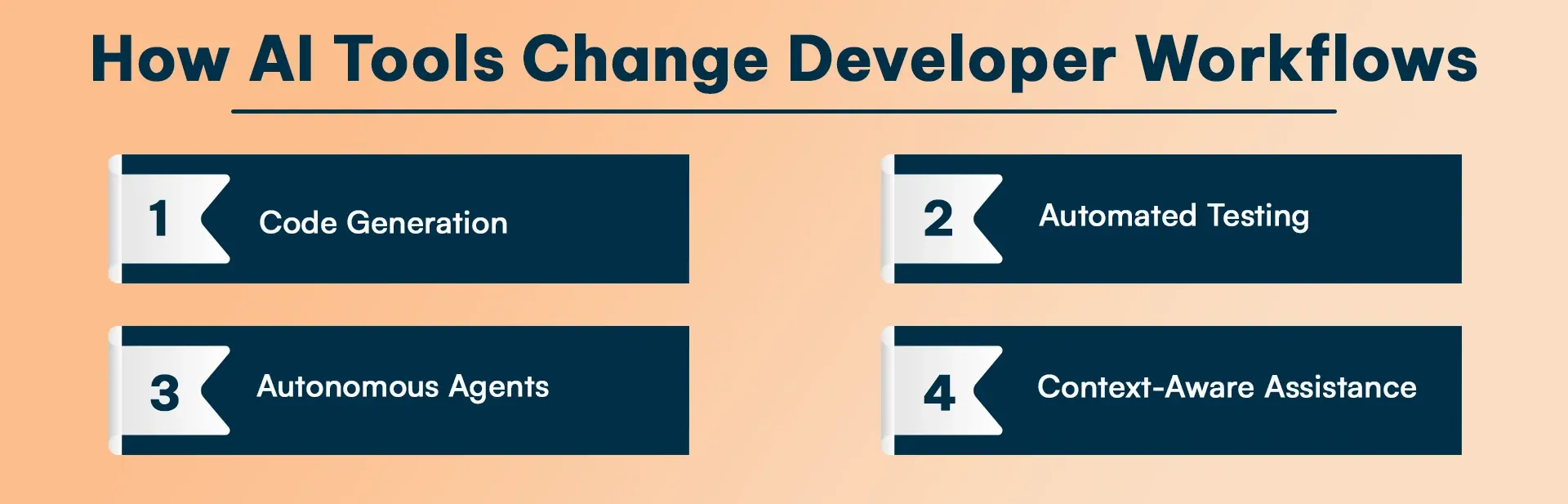
How AI Tools Change Developer Workflows
The best AI for developers can change the way developers approach coding, which can help you to debug to anlyze error through your coding skills.
-
Code Generation
Tools like GitHub Copilot and Cursor write entire functions or modules from plain English descriptions, which makes them one of the top AI development tools available to developers today.
-
Automated Testing
The best AI tools for developers automatically produce test cases while also identifying coding errors and providing automatic code correction suggestions. You no longer need to write multiple unit tests because AI handles the entire process for you.
-
Autonomous Agents
Next-generation artificial intelligence agents conduct their work through tasks that require only limited assistance from human workers. The AWS Kiro system demonstrates its ability to create task plans while automatically producing code and deploying microservices.
-
Context-Aware Assistance
Modern AI understands your entire project, not just the current file, providing smarter suggestions across languages and frameworks. The solution decreases the time needed to navigate extensive code repositories.
Top AI Tools for Developers in 2026
The AI development tools list described the best AI tools for developers for the year 2026, featuring AI tools for web development:
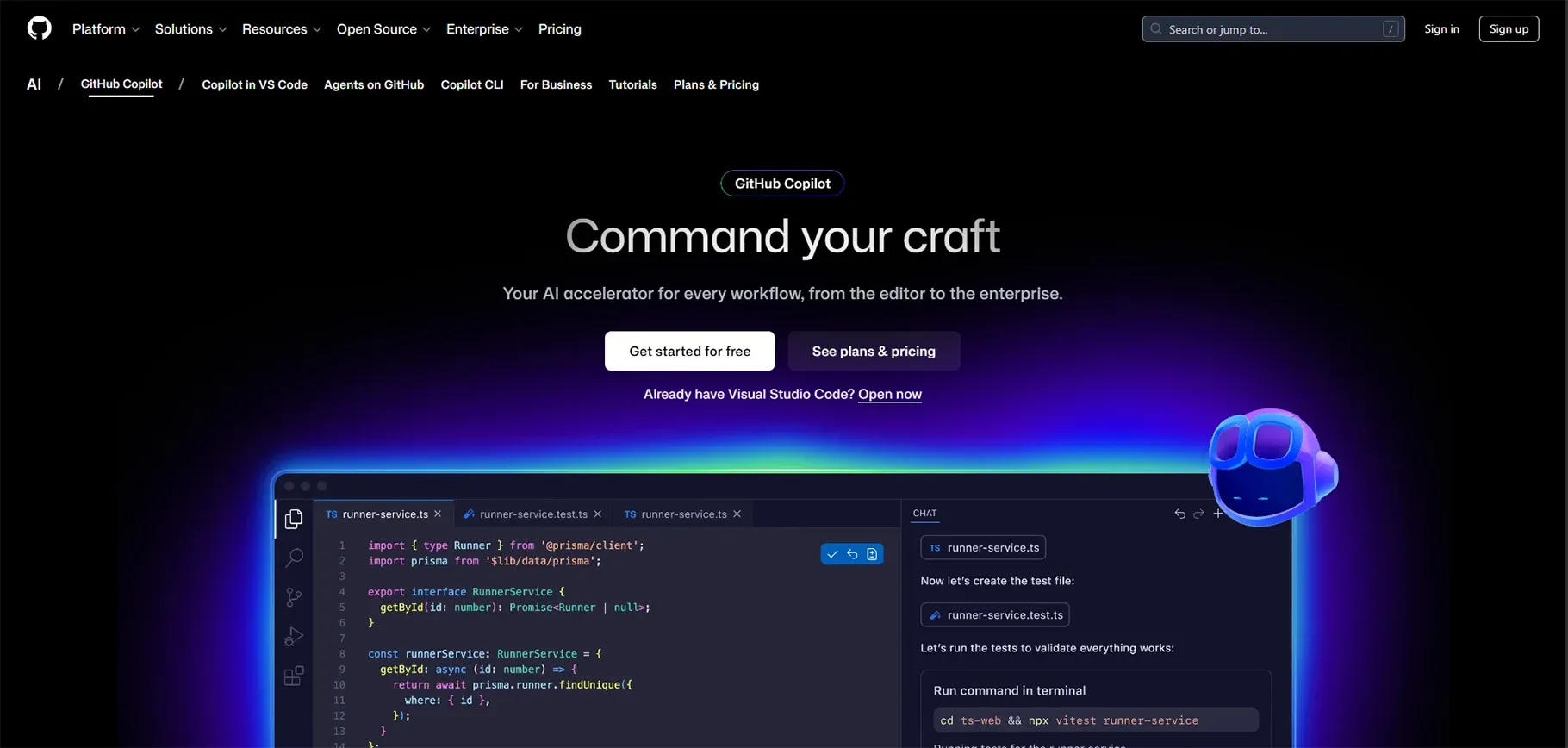
1. GitHub Copilot The Go-To AI Coding Assistant
Overview:
Completely from the outset, Copilot provides one of the ai tools for web development. It is also so stable that it can support one's operations with such IDEs as VS Code, JetBrains, or even Visual Studio.
Key Features:
- Intelligent code completion feature
- Self-organizing support
- Automatic n-test cases and documentation support.
Real-World Use Case:
A fintech company used Copilot to implement API integrations for payment gateways. The developers used AI suggestions to create secure and optimized code, which they developed 40% faster than their previous work.
Best For:
Distinct development for any back-end web application and a trustworthy AI tool for web developers.
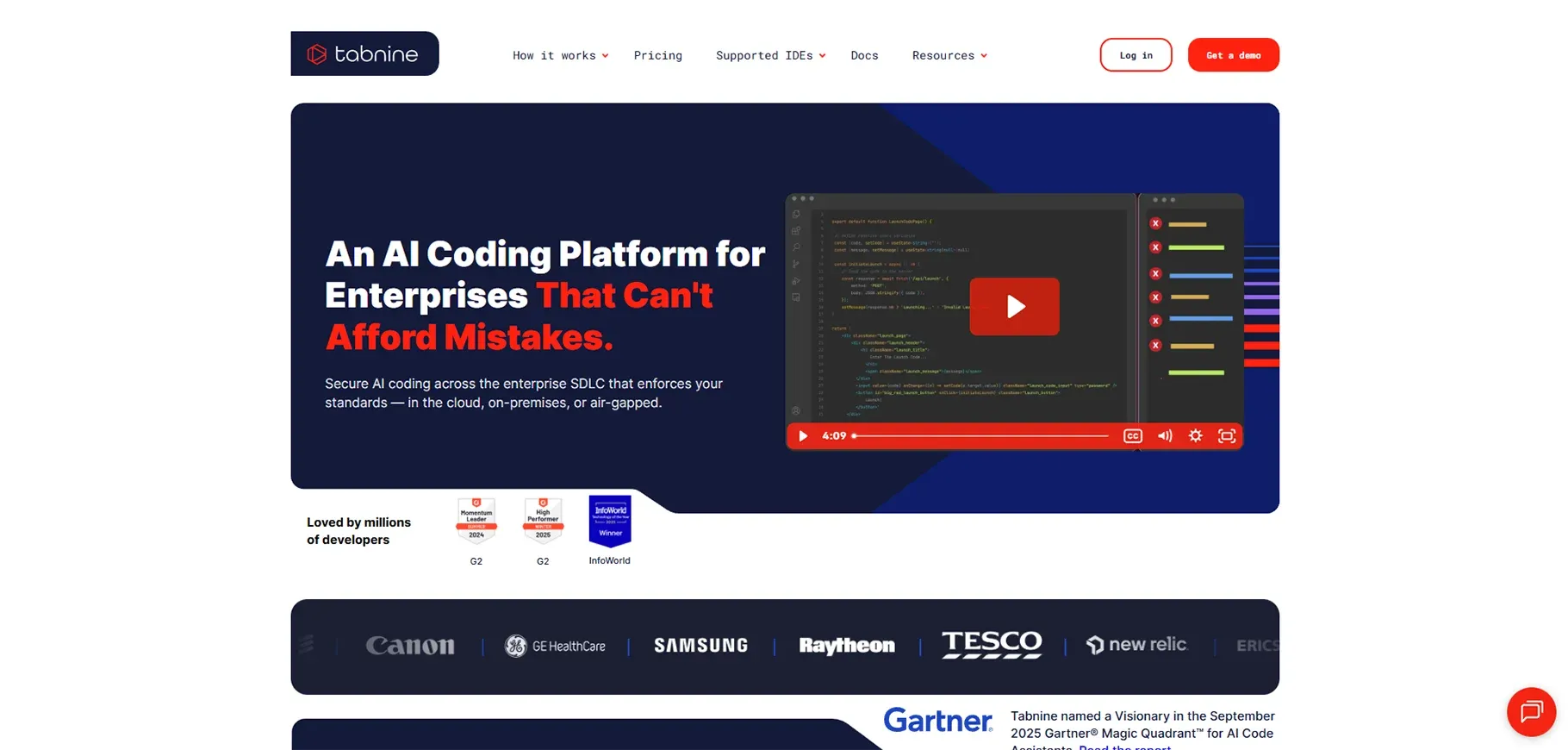
2. Tabnine - Personalized AI Autocomplete
Overview:
Tabnine provides AI Powered Code Completion for your coding style.
Key Features:
- Learns your unique coding patterns
- Supports 30+ programming languages
- Offline mode for privacy-conscious teams
Real-World Use Case:
The small studio implemented Tabnine for the team's coding work because this tool enabled them to maintain consistent code standards, which resulted in a 30% decrease in their review process time.
Best For:
Developers would love an experience that was custom-made for them without any breaches into their privacy.
3. Snyk AI – Smart Security for Developers
Overview:
Snyk AI helps developers find and fix security issues in code, dependencies, and cloud setups using real-time AI-driven scanning.
Key Features:
- AI vulnerability detection
- Automated fix suggestions
- CI/CD and IDE integration
Real-World Use Case:
A SaaS team uses Snyk AI to scan every commit, catching security risks before deployment and reducing manual reviews.
Best For:
Teams that want strong application security without slowing down development.
4. Cursor AI – AI-First IDE
Overview:
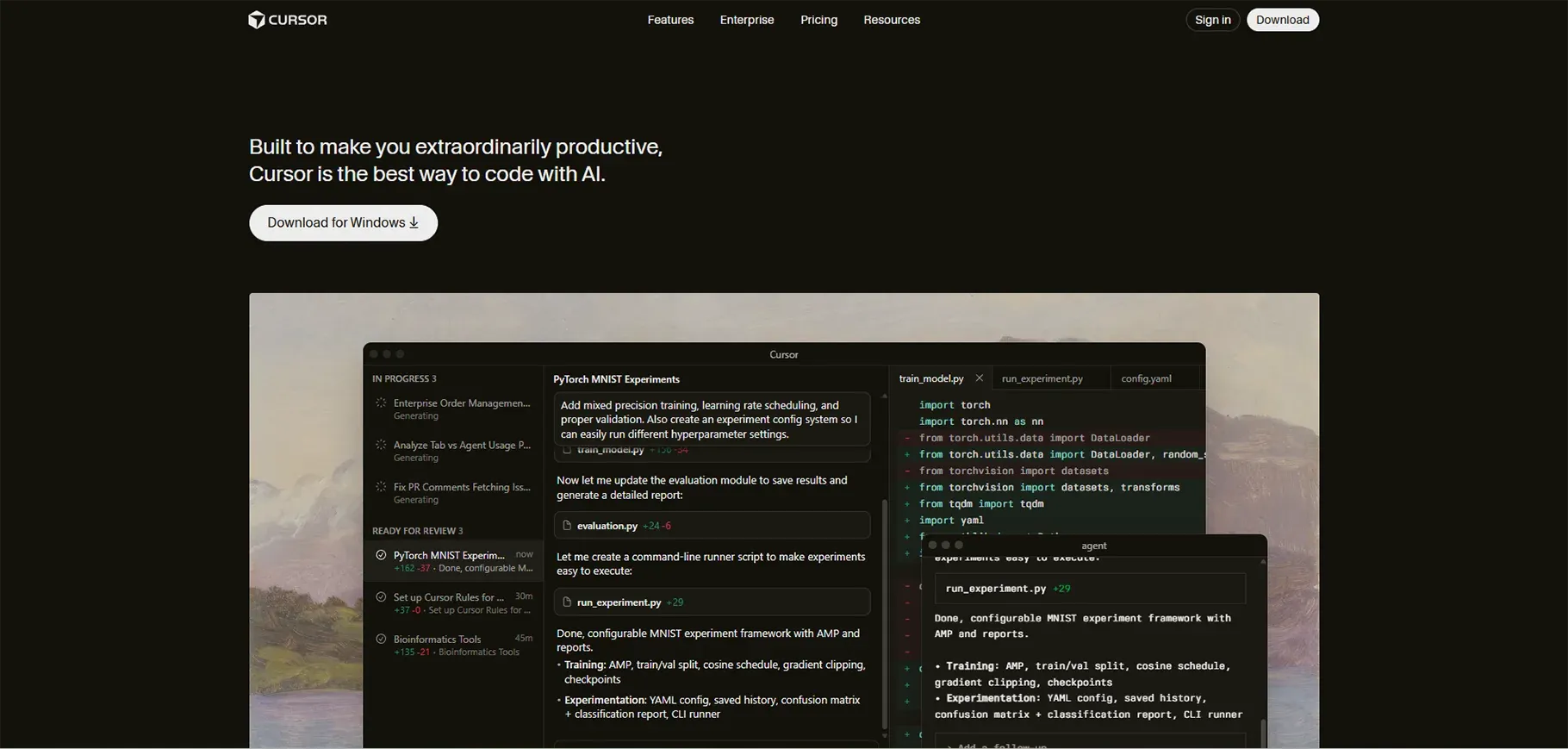
The developer software Codeium provides developers with an exceptional artificial intelligence tool that delivers smart code completion features for various programming languages.
Key Features:
- Cross-IDE support
- Ideal for beginners
- AI-generated documentation and comments
Real-World Use Case:
Codeium aids early-career developers in learning new frameworks like Svelte and Django at an accelerated pace by providing them with intelligent suggestions that rely on context.
Best For:
Developers on a budget or beginners in AI dev tools
5. Replit Ghostwriter Browser-Native AI
Overview:
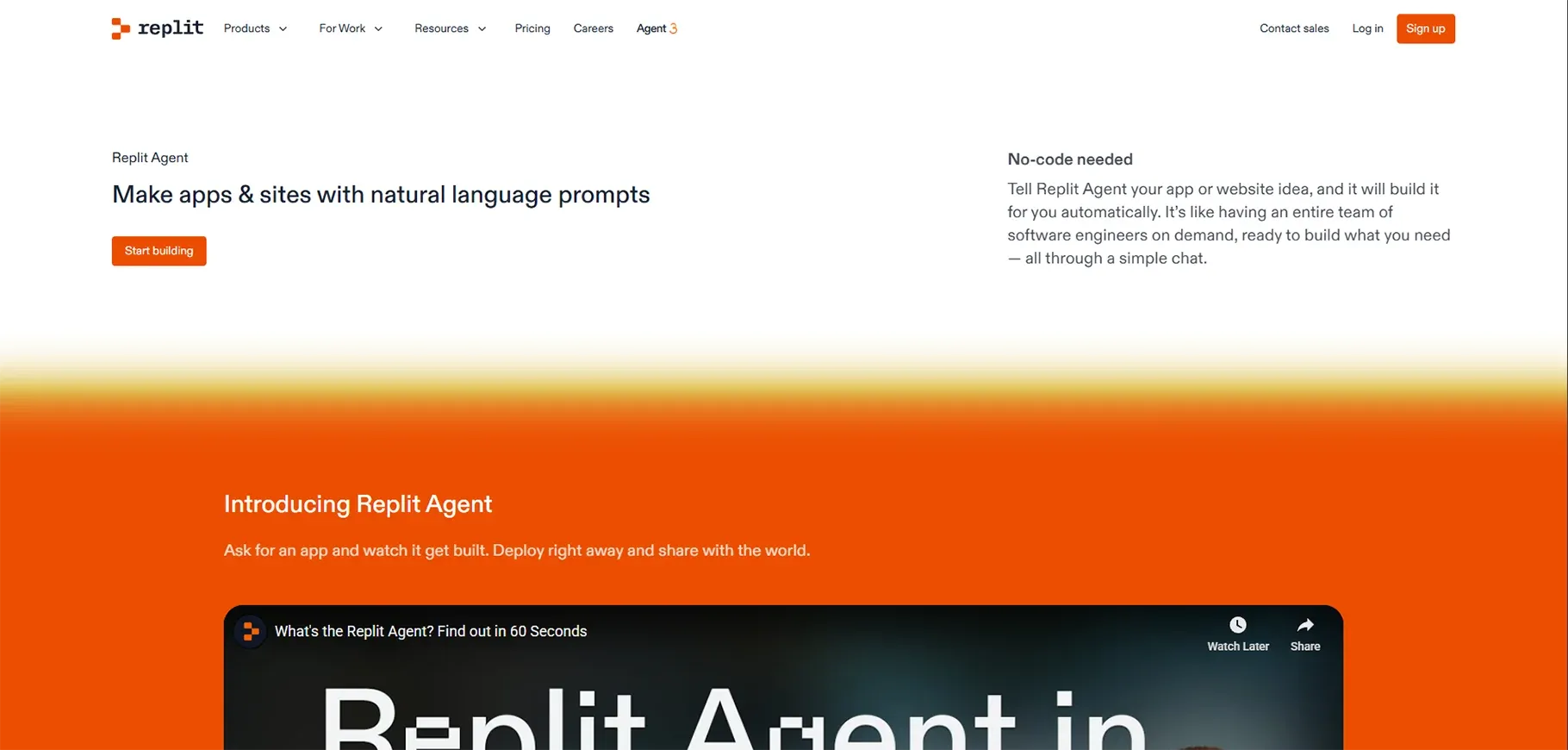
The Replit AI platform functions as a cloud-based integrated development environment, which enables users to create, test, and publish code through their web browser.
Key Features:
The system provides users with the ability to collaborate in real time while supporting multiple programming languages and allowing them to see deployment results instantly.
Real-World Use Case:
A startup used Replit Ghostwriter to quickly prototype MVPs for investors, which reduced their development time from six weeks to two weeks.
Best For:
Web developers who need AI tools for their development work but prefer to avoid complex installation processes should use this solution.
Also Read: Best AI Tools for Coding in 2026
6. Google Antigravity Agent-Powered IDE
Overview:
Google's Antigravity uses AI agents to handle tasks like debugging, refactoring, and automated testing.
Key Features:
- Autonomous AI agents for debugging and code refactoring
- Automated test generation and execution
- CI/CD pipeline integration
- Multi-project and cross-team code awareness
Best For:
Developers who want to use autonomous AI development tools for their complex projects will find this solution valuable.
Example:
Tech companies use Antigravity together with their CI/CD pipelines to test their software and find bugs that multiple teams can use.
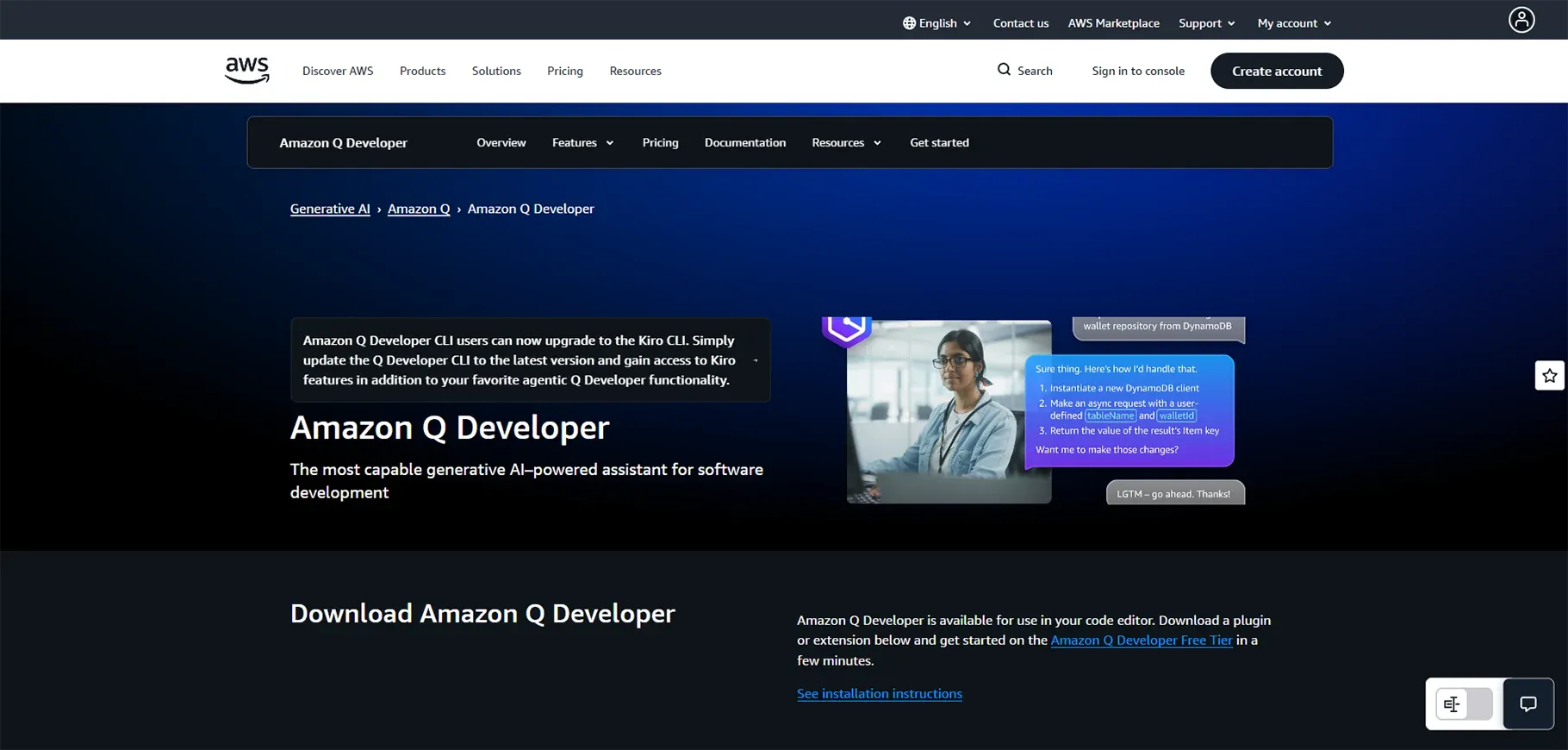
7. Amazon CodeWhisperer Cloud-Optimized AI
Overview:
The CodeWhisperer tool delivers cloud-based coding recommendations and security protection features that developers can use in their work on Amazon Web Services platforms.
Key Features:
- Real-time AI code suggestions for AWS services
- Built-in security and vulnerability scanning
- IDE and AWS toolkit integration
- Support for multiple programming languages
Best For:
The SaaS platform used CodeWhisperer because it needed to connect AWS Lambda with API Gateway through a process that would take less time and produce fewer mistakes.
Example:
The solution provides optimal results for teams that operate in cloud environments and search for advanced AI development tools that are specifically designed for corporate use.
8. Qodo Code Review AI
Overview:
Qodo automatically reviews your code and provides improvement suggestions, improving maintainability and quality.
Key Features:
- AI-based pull request reviews
- Code quality and style analysis
- Integration with GitHub and GitLab
- Automated feedback and reporting
Real-World Use Case:
A remote team used Qodo to review pull requests before deployment, reducing production bugs by 25%.
Best For:
Teams focused on consistent code quality and efficient collaboration.
Example:
A remote development team uses Qodo to automatically review pull requests, catch issues early, and speed up approvals before deployment.
9. Windsurf Context-Aware Coding Agent
Overview:
Windsurf provides a complete codebase analysis that exceeds the capabilities of standard autocomplete software.
Key Features:
- Full-project context understanding
- Dependency and conflict detection
- Smart refactoring suggestions
- Multi-file code navigation
Real-World Use Case:
Open-source contributors use Windsurf to identify dependencies and potential conflicts before merging code.
Best For:
Developers who want advanced AI development tools that understand project-wide context will find this solution to be most useful.
Example:
An open-source team uses Windsurf to scan the entire codebase, spot dependency conflicts, and resolve issues before merging new features.
10. Bolt & Lovable Full-Stack AI Builders
Overview:
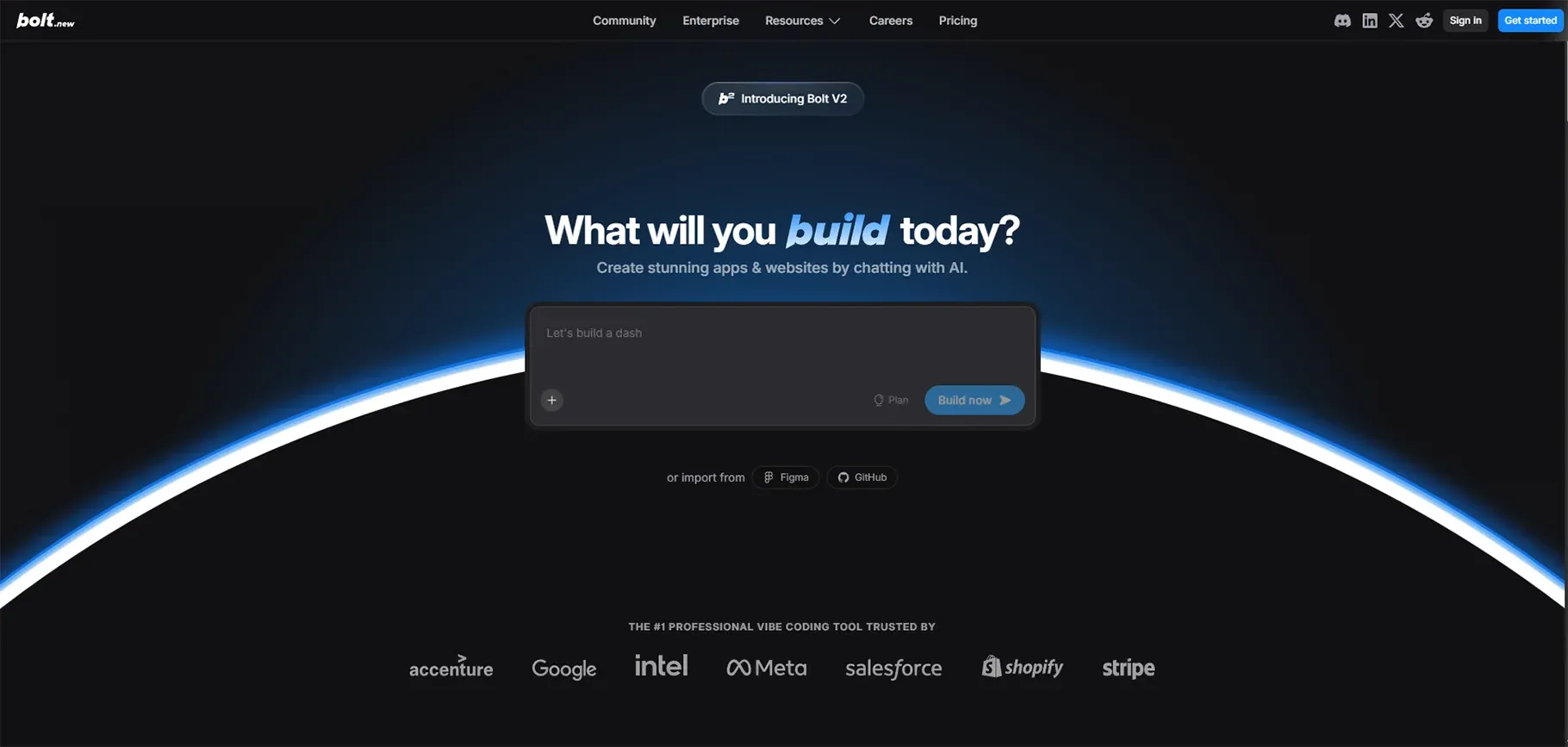
These AI tools can generate complete front-end and back-end systems with operational deployments through natural language commands.
Key Features:
- Natural language app and API generation
- Full-stack front-end and back-end support
- One-click deployment workflows
- Built-in database and hosting integration
Real-World Use Case:
Startups use Bolt and Lovable to build investor pitch prototypes, which they complete within three days instead of working through three weeks.
Best For:
Web development projects that need quick model building, minimum viable product development, and artificial intelligence solutions.
Example:
A startup uses Bolt and Lovable to generate a full-stack MVP from a simple prompt and deploy it live for investor demos within days.
AI Tools for Testing, Review & DevOps
The implementation of AI tools brings a complete transformation to software development pipelines. The first automated testing system predicts build failures before software deployment. The AI-powered CI/CD system predicts integration problems while providing solutions to those issues. The Qodo testing platform enables security risk identification and code inconsistency detection during the early stages of development.
The web development team implemented AI testing tools, which automatically tested front-end frameworks such as React, Angular, and Vue. The automated testing process resulted in the team saving hundreds of manual testing hours.
Challenges and Limitations of AI Tools
Even the best AI tools for developers face specific limits that restrict their effectiveness. The first problem with AI systems occurs when they produce code that contains defects and security vulnerabilities.
The second problem with dependency risk occurs because people who depend on others for their work will lose their ability to function independently. The third limitation of AI systems prevents them from developing new ideas because they must work within their established patterns.
The AI servers create a privacy risk because they can access proprietary code. The best approach for implementing AI suggestions requires organizations to combine AI recommendations with human evaluation and team-based evaluation processes.
How to Choose the Right AI Tool
Your development requirements, together with your workflow requirements, should guide your selection of an appropriate AI tool. Your search for tools should focus on solutions that work seamlessly with your current technology stack while enabling you to use your selected programming languages.
| Goal | Recommended Tools | Key Benefit |
|---|---|---|
| Code Suggestions & Speed | Copilot, Tabnine, Codeium | Fast inline AI coding assistance |
| Large Codebase Context | Cursor, Windsurf | Deep project-wide code awareness |
| Rapid Prototyping | Bolt, Lovable, Replit | Build and deploy apps quickly |
| Autonomous Execution | AWS Kiro, Jules | AI-driven workflow automation |
| Testing & Quality | Qodo, AI Testing Tools | Automated bug detection & QA |
Best Practices for Using AI in Development
You should check all artificial intelligence code outputs to verify their correctness and security, and performance metrics. The primary use of artificial intelligence should be for handling repetitive work, which includes generating standard code, providing debugging help, and creating documentation.
The combination of multiple artificial intelligence tools should be applied when necessary to produce superior and dependable outcomes.
The artificial intelligence system requires specific instructions through precise and comprehensive prompts that detail your complete needs. The artificial intelligence system functions as a coding partner who boosts your work efficiency while preserving your coding skills.
Integrating Multiple AI Tools in Your Workflow
Developers should use Copilot or Tabnine to achieve faster code generation and automatic code completion. The Qodo tool performs automated code reviews, which help detect issues before they become major problems.
Replit AI and Bolt enable developers to create fast web development prototypes. Developers can test their products using Harness and other AI-based testing tools, which help them maintain product reliability.
The multi-tool system enables developers to work more efficiently because it helps them complete tasks while decreasing development process mistakes.
The Future of AI for Developers
AI agents will execute complicated tasks that require several steps through their ability to work without needing human support. Multimodal AI systems will manage coding, UI design, and testing within a single workflow.
The developers will dedicate their time to working on system architecture while they identify and solve problems instead of doing identical coding tasks. As AI tools improve, developers will need to spend less time on manual work and more time working together with AI systems.
Conclusion
The best AI tools for developers in 2026, including GitHub Copilot, AWS Kiro, and Bolt, help teams write cleaner code, run smarter tests, and ship faster across both web platforms and autonomous agent systems. Together, these technologies are reshaping how modern software is designed, built, and maintained.
To stay competitive in a rapidly evolving tech landscape, developers need more than just powerful tools they need a structured approach to implementing AI effectively across workflows. For teams exploring practical ways to integrate automation and intelligence into everyday development processes, RejoiceHub serves as a resource for building AI-driven systems that improve efficiency, reduce operational friction, and support long-term scalability.
Frequently Asked Questions
1. What are the best AI tools for developers in 2026?
The best AI tools for developers in 2026 include GitHub Copilot, Cursor, Tabnine, Codeium, Amazon CodeWhisperer, Replit Ghostwriter, Qodo, Windsurf, Bolt, and Lovable. These tools help with code generation, debugging, testing, deployment, and full-stack web development using AI-powered automation.
2. Which AI tool is best for web development in 2026?
For AI tools for web development, Bolt, Lovable, Replit Ghostwriter, and GitHub Copilot are top choices. They can generate front-end UI, back-end logic, APIs, and deployment pipelines directly from natural language prompts, making them ideal for rapid prototyping and production-ready web apps.
3. Is GitHub Copilot still the best AI for developers in 2026?
Yes, GitHub Copilot remains one of the best AI tools for developers in 2026 because of its deep IDE integration, context-aware code generation, and support for multiple programming languages and frameworks. It is especially strong for full-stack development and enterprise projects.
4. What is an AI development tool?
An AI development tool is software that uses artificial intelligence to help developers write, test, debug, review, and deploy code. These tools can generate code from text prompts, suggest improvements, automate testing, and even act as autonomous AI agents to complete development tasks.
5. Are AI coding tools safe to use for production code?
Yes, AI coding tools are safe when used properly. Developers should review AI-generated code, check for security vulnerabilities, and follow best practices. Tools like Amazon CodeWhisperer and Qodo also provide built-in security and quality checks for production-ready development.
6. What is the difference between AI coding assistants and AI agents?
AI coding assistants (like Copilot and Tabnine) help write and suggest code. AI agents (like AWS Kiro and Google Jules) can plan tasks, write code, run tests, and deploy applications autonomously with minimal human input.
7. Which AI tool is best for beginners?
For beginners, Codeium and Replit Ghostwriter are excellent AI tools for developers. They offer simple interfaces, real-time suggestions, and easy learning support for new programming languages and frameworks.
8. Can AI tools replace software developers in 2026?
No, AI tools cannot fully replace developers. They enhance productivity and automate repetitive tasks, but human developers are still essential for system design, business logic, architecture decisions, and creative problem-solving.
9. What are the best free AI tools for developers in 2026?
Some of the best free or freemium AI tools for developers include Codeium, Replit Ghostwriter (free tier), and Tabnine (basic plan). These tools provide AI-powered code completion and assistance without requiring a paid subscription.
10. How do AI tools improve developer productivity?
AI tools improve productivity by automating code writing, generating tests, detecting bugs, reviewing pull requests, and speeding up deployments. This allows developers to focus more on system architecture and feature innovation.