Let me be honest with you, I used to spend hours staring at spreadsheets, trying to make sense of rows and columns that seemed to go on forever. Whether you are a small business owner trying to understand your sales trends or a student working on research data, data analysis has always felt like something only experts with a statistics degree could do well.
But that is changing fast. AI tools for data analysis are making it possible for anyone, yes, anyone, to turn raw numbers into clear, actionable insights. And the growth has been remarkable. According to recent industry reports, the global AI analytics market is expected to surpass $60 billion by 2028, growing at over 25% annually. That is not just a trend; that is a revolution happening right now.
In this article, I want to walk you through everything you need to know, what AI-powered data analysis actually means, why it matters, which tools are worth your time, and how to get started even if you are not a data scientist. Let us dive in.
What is AI in Data Analysis?
Tools for data analysis use AI technology, which enables users to gather their data while cleaning and processing it to produce their desired outcomes, which previously needed multiple expert analysts to perform over several weeks. The entire process can now be completed within a few minutes because of technological advancements that replace traditional methods.
Traditional analytics relied on manual formulas, rigid dashboards, and someone who knew how to write SQL queries. AI takes things several steps further. It can automatically detect patterns you would never notice by hand, make predictions based on historical data, and even answer your questions in plain English through a feature called natural language querying (NLQ).
Why Use AI Tools for Data Analysis?
Most people struggle with data because it takes too long and feels too complicated. Here is a simple breakdown of why AI tools solve both of those problems at once.
-
Time Saving Through Automation
One of the biggest wins with the best AI for data analysis is automation. Cleaning messy data, removing duplicates, formatting columns, all of this used to eat up hours. AI handles it in seconds. That means you can focus on actually using the insights instead of preparing for them.
-
Better Accuracy and Pattern Detection
Humans get tired. We miss things. AI does not. These tools can scan millions of data points and catch patterns, outliers, or correlations that would take a human analyst days to find, if they ever found them at all.
-
Predictive Insights and Forecasting
This is where things get genuinely exciting. The best data analysis software powered by AI can look at your past data and tell you what is likely to happen next. Imagine knowing which customers are likely to churn before they actually do, or forecasting your inventory needs three months ahead.
-
Real-Time Decision Support
Some tools can connect to live data and update dashboards in real time, so you are never making decisions based on yesterday's numbers.
-
Accessibility for Non-Technical Users
Perhaps the most exciting benefit is that the best free data analysis tools today are built for everyone. You do not need to know Python or SQL. You just need your data and a question to ask.
Top AI Tools for Data Analysis in 2026
Here is the section most people jump to first, and I get it. Let me walk you through the top tools for data analysis available right now, with honest notes on who each one is best for.
1. Tableau

Best for: Visual storytelling and business intelligence dashboards.
Tableau has been around for a while, but its AI-powered features have grown significantly. Most teams love it for how it turns complex datasets into stunning, interactive charts. Its "Ask Data" feature lets you type natural language questions and get instant visual answers.
- Key features: Drag-and-drop interface, live data connections, AI-powered recommendations, cloud collaboration
- Pros: Extremely powerful visualizations, integrates with almost everything
- Cons: The learning curve can feel steep for true beginners
- Price: Free trial available; Tableau Public (free) for public data; paid plans from $15/month
2. Numerous.ai
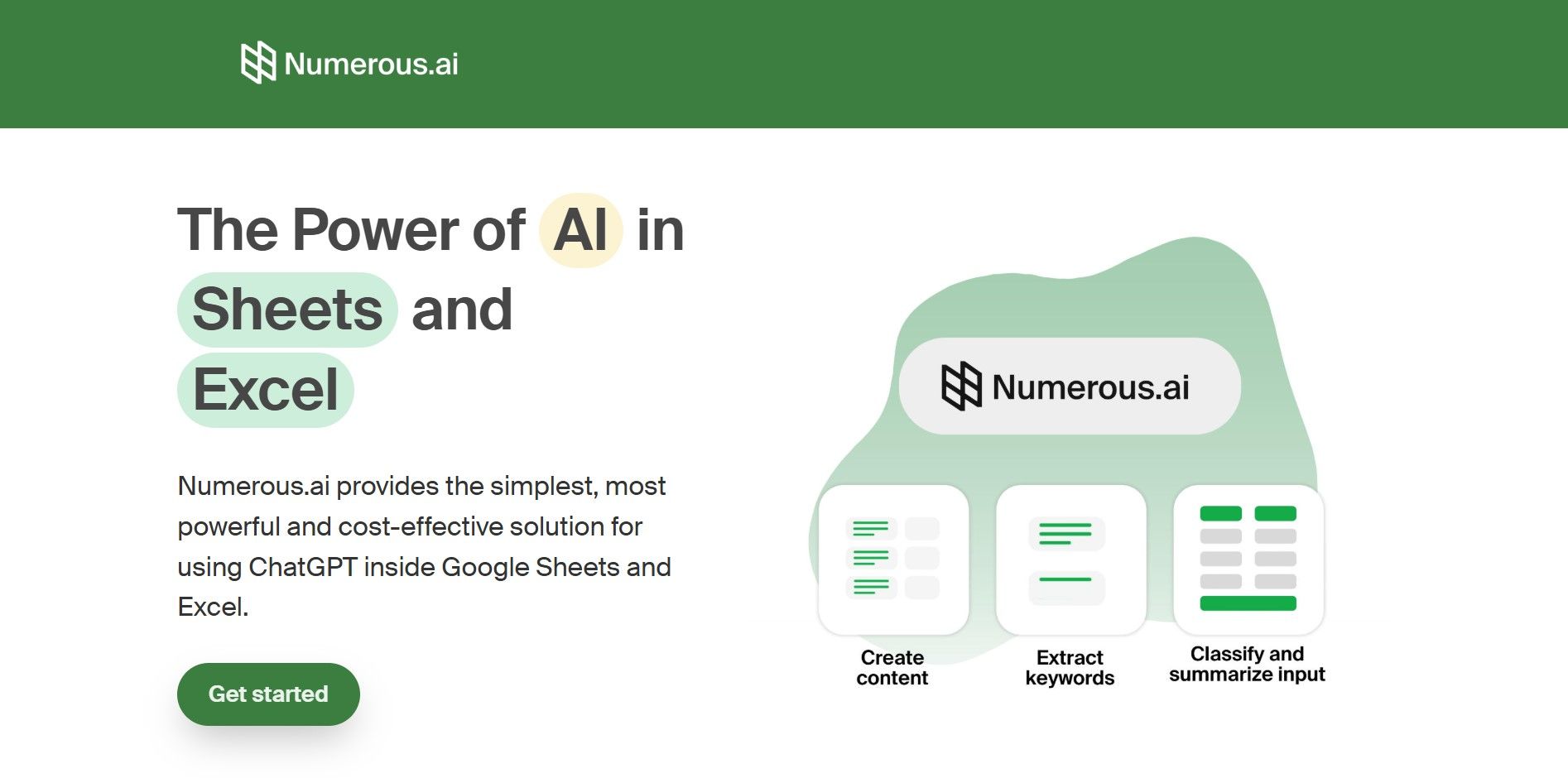
Best for: Spreadsheet users who want AI without leaving Excel or Google Sheets.
If you live inside spreadsheets, Numerous.ai feels like magic. It plugs directly into your existing workflow and lets you use AI prompts inside cells. This is one of the easiest tools to start using today, with no setup headaches and no new software to learn.
- Key features: AI inside spreadsheet cells, text analysis, classification, formula generation
- Pros: Zero learning curve if you already use Excel or Sheets
- Cons: Limited for very large or complex datasets
- Price: Free tier available; paid plans from $19/month
3. Domo
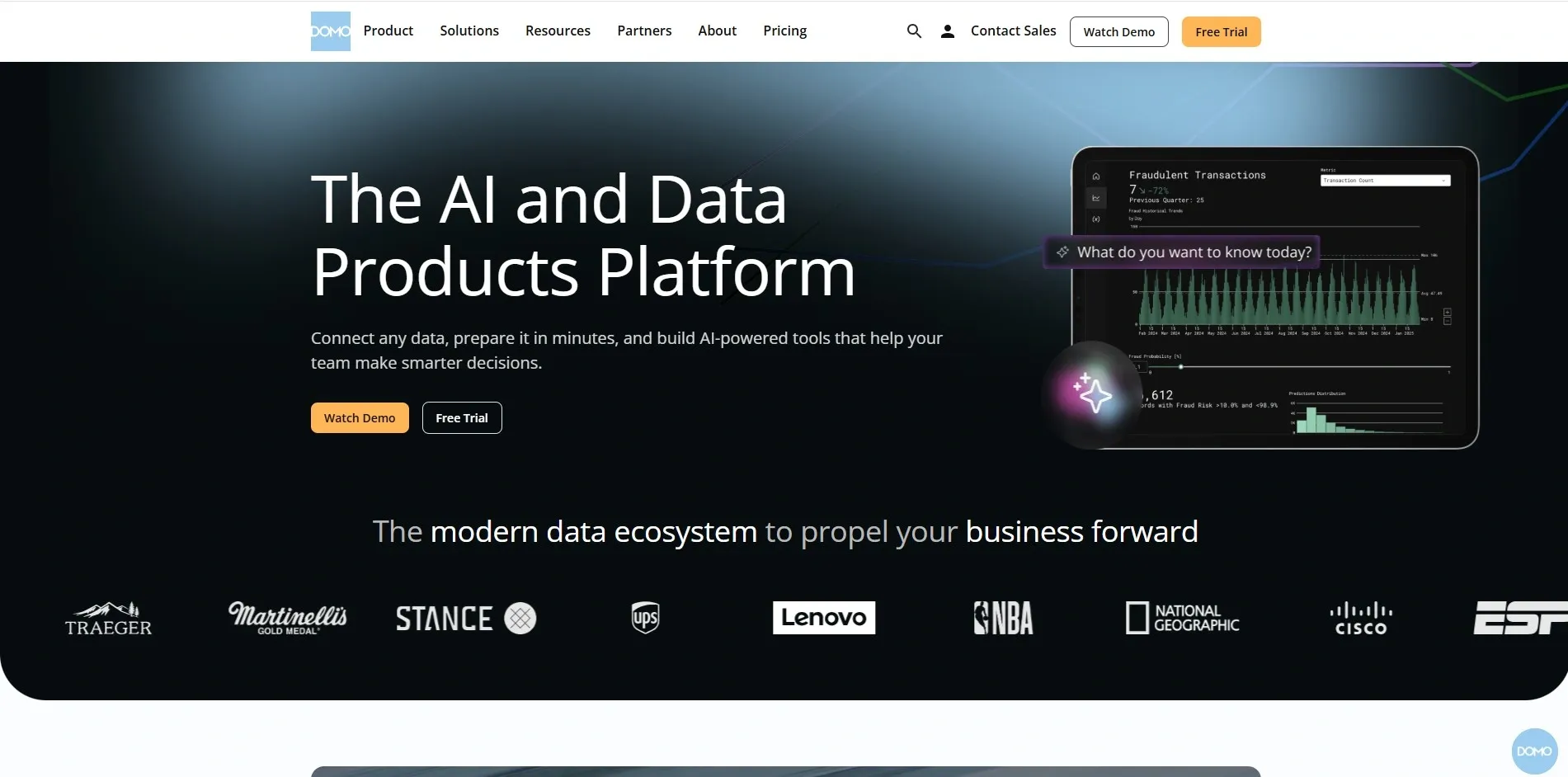
Best for: Business teams wanting real-time dashboards and collaboration.
Domo is built for teams. It pulls data from hundreds of sources and turns them into live, shareable dashboards. Its AI layer, called Domo.AI, can summarize data, generate forecasts, and surface trends automatically.
- Key features: 1,000+ data connectors, AI-generated summaries, real-time alerts, mobile-friendly
- Pros: Excellent for enterprise teams and live reporting
- Cons: Pricing is not transparent; it can be expensive for small teams
- Price: Free trial; contact sales for pricing
4. Julius AI
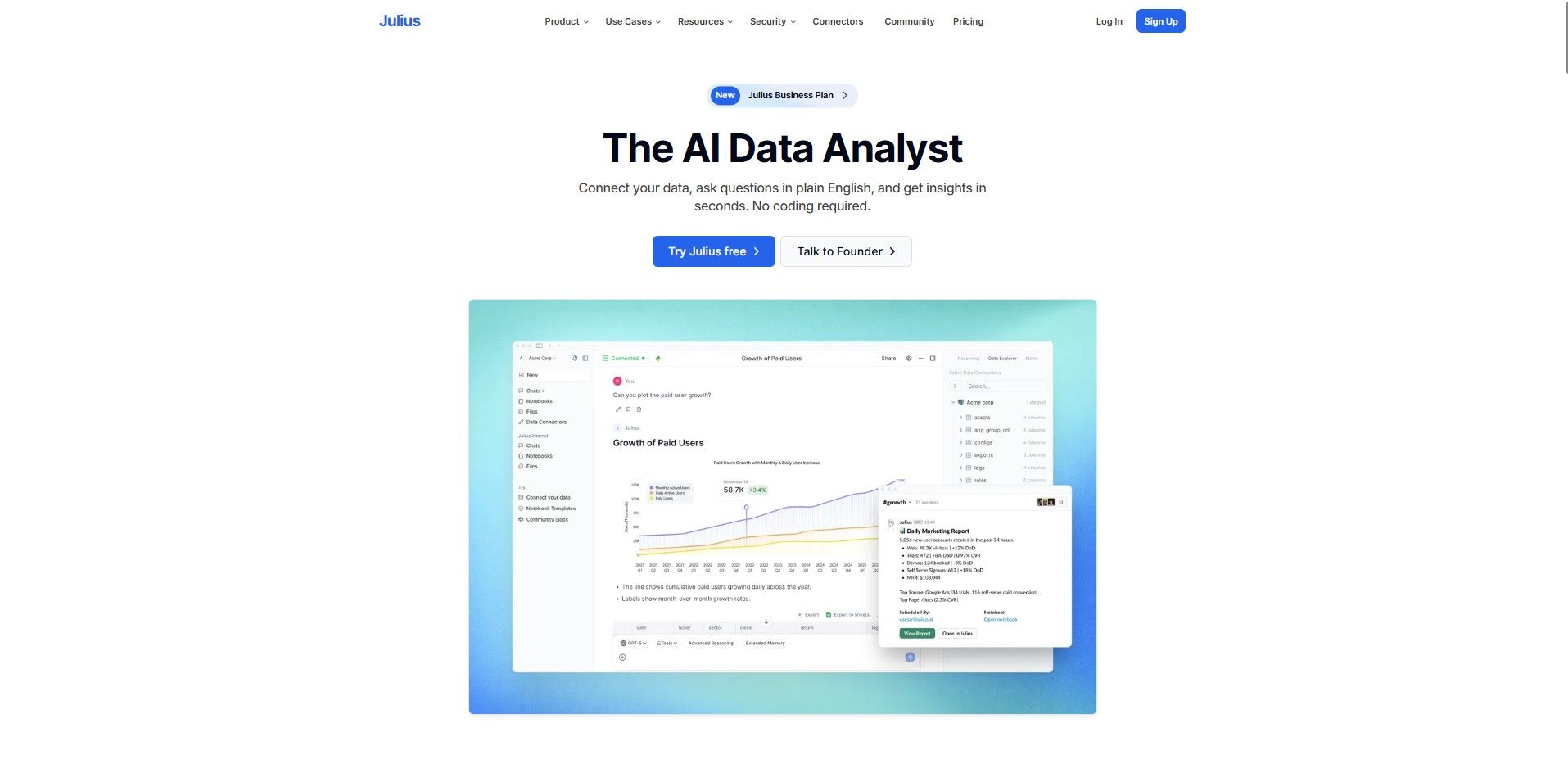
Best for: Non-technical users who want to chat with their data.
Julius AI is one of the most beginner-friendly options available. You literally upload your CSV or Excel file and start asking questions in plain English. It generates charts, explains trends, and even writes Python code in the background so you do not have to.
- Key features: Natural language querying, auto chart generation, code-free analysis
- Pros: No technical knowledge required whatsoever
- Cons: Less suited for very advanced statistical analysis
- Price: Free plan available; Pro from $20/month
5. Polymer
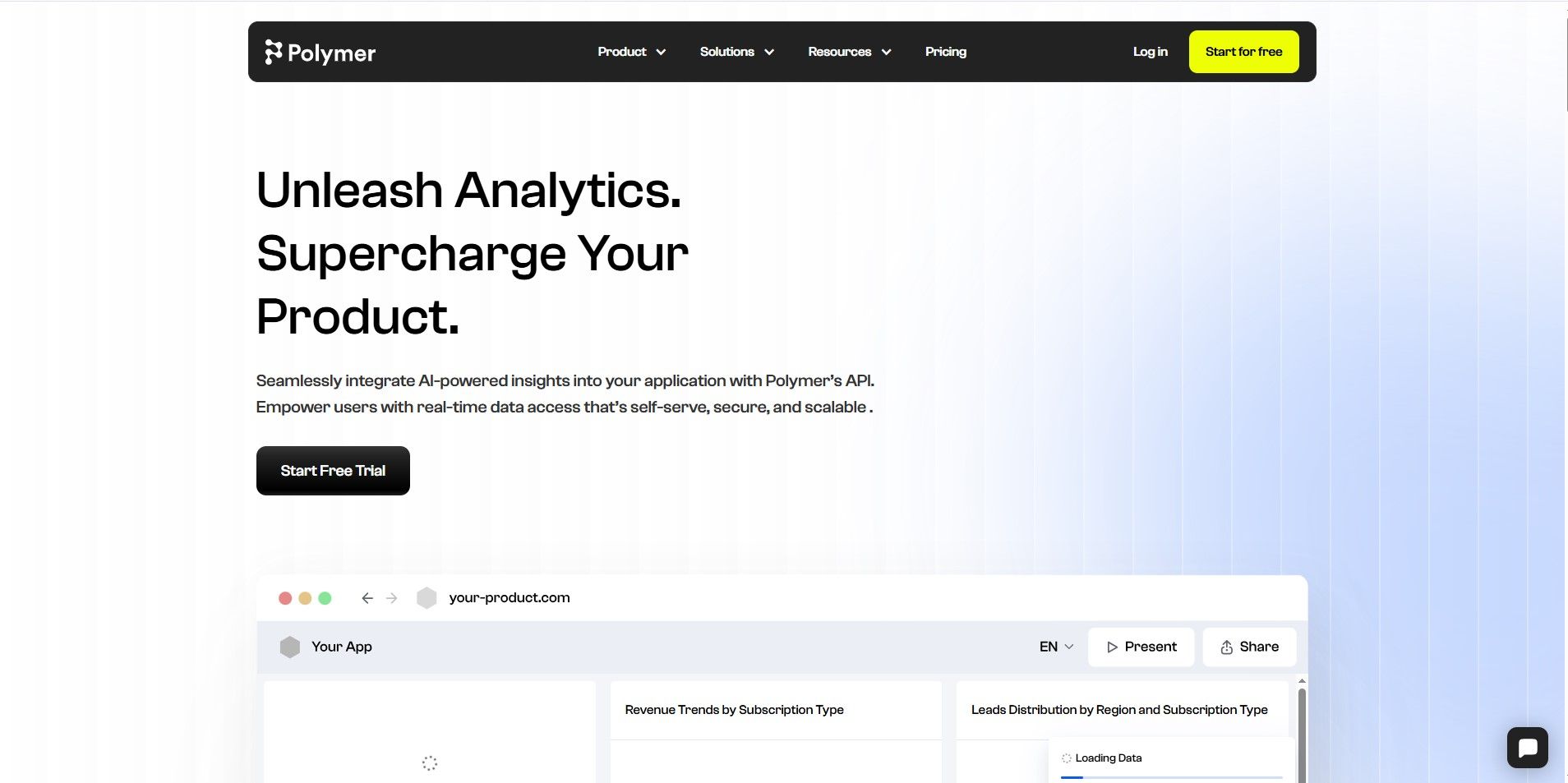
Best for: Quickly turning spreadsheet data into interactive web-based dashboards.
Polymer takes your spreadsheet and transforms it into a searchable, filterable, visual dashboard in minutes. It is surprisingly powerful for how easy it is to use. Great for researchers, marketers, and small business owners.
- Key features: AI-powered insights, smart visualizations, embed-ready dashboards
- Pros: Very fast setup, clean design
- Cons: Not ideal for large enterprise datasets
- Price: Free plan available; paid from $10/month
6. KNIME Analytics Platform
Best for: Data scientists and researchers who want open-source power without heavy coding.
KNIME is a favorite among researchers and data professionals. It uses a visual workflow builder where you drag and connect "nodes" to build your analysis pipeline. The free, open-source version is incredibly capable.
- Key features: Visual workflow builder, 2,000+ built-in analytics components, Python/R integration
- Pros: Completely free for core use, huge community
- Cons: Steeper learning curve than plug-and-play tools
- Price: Free (open-source); commercial server version available
7. jamovi
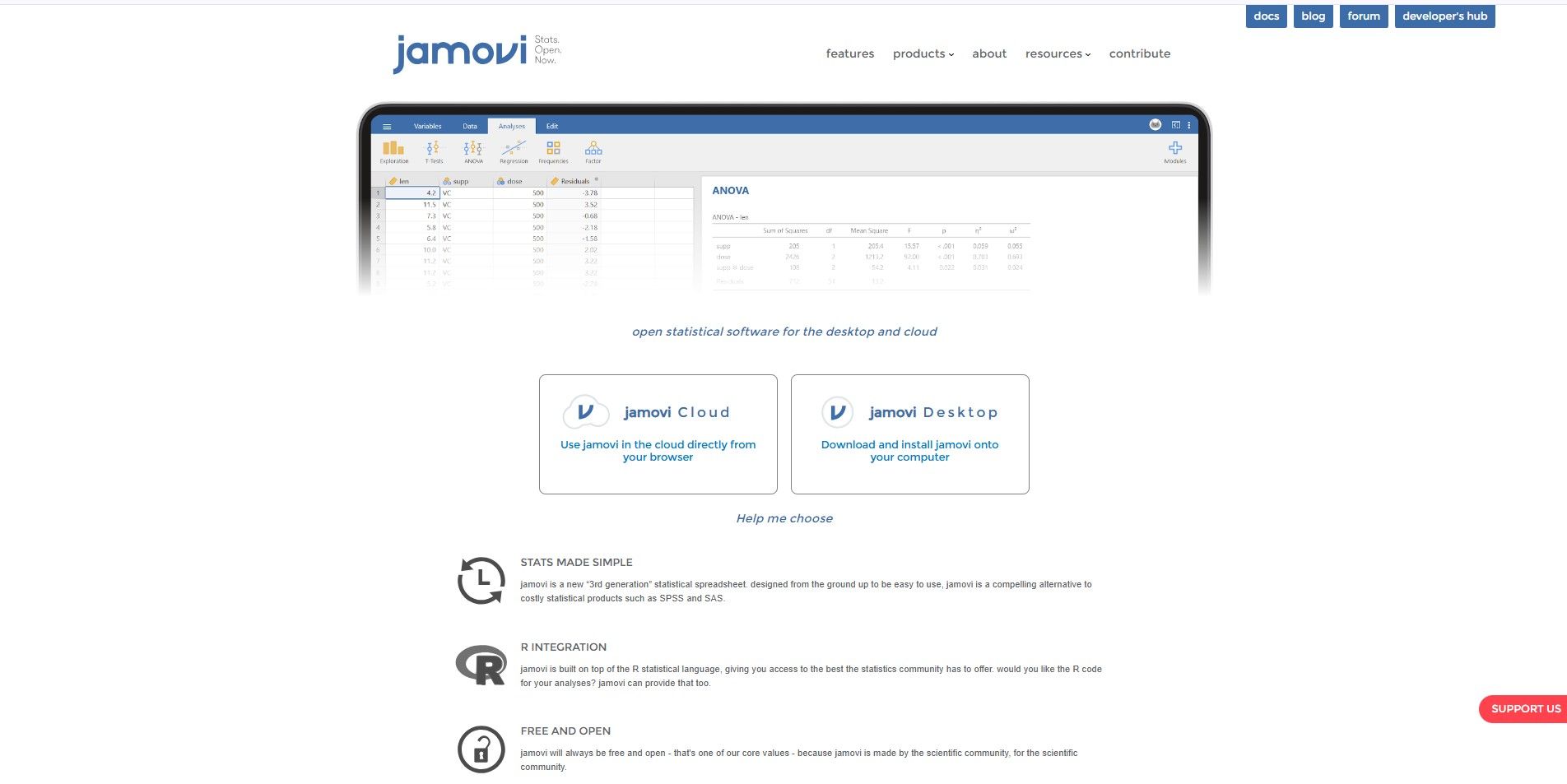
Best for: Students, researchers, and academics doing statistical analysis.
jamovi is the tool most recommended for students. It looks like a spreadsheet but runs powerful statistical tests with a few clicks. It is completely free and open-source, and it does not require any coding at all.
- Key features: ANOVA, regression, descriptives, factor analysis — all with a clean GUI
- Pros: 100% free, R-powered under the hood, very approachable
- Cons: Not designed for large-scale business BI dashboards
- Price: Completely free
How to Choose the Right AI Data Analysis Tool
With so many options, picking the right one can feel overwhelming. Here is how to think through it.
Start with your data size and complexity. If you are working with a small spreadsheet, Julius AI or jamovi will serve you beautifully. For enterprise-level data pipelines, Domo or KNIME are stronger choices.
Next, think about ease of use. Be honest with yourself about your technical comfort level. Tools like Numerous.ai or Polymer are built for non-technical users. KNIME rewards patience and a willingness to learn.
Check supported integrations. Does the tool connect to your existing databases, Excel files, SQL servers, or cloud storage? This matters more than most people realize at first.
Consider your visualization and reporting needs. If presenting data to stakeholders is part of your job, Tableau and Domo shine here. If you just need analysis for internal use, simpler tools will do.
Finally, weigh cost vs ROI and always check the security and privacy policies, especially if you are handling sensitive customer or financial data.
Step-by-Step: How to Use AI to Analyze Your Data
Even if you have never touched an AI analytics tool before, this process is simpler than you think. Here is a straightforward guide to get you started.
Step 1: Prepare Your Data
Achieve data cleanliness before starting your upload process. Eliminate obvious duplicate entries, establish precise column names, and maintain consistent date formatting. AI can process disorganized data but produces its best results when provided with clean data.
Step 2: Upload or Import Your Data
Most tools accept CSV, Excel, or Google Sheets directly. Some can connect to live databases or APIs. Just follow the tool's import wizard it is usually as simple as clicking "Upload File."
Step 3: Run Queries Using Natural Language
This is the fun part. With natural language querying enabled, just type your question as if you were asking a colleague. "Show me revenue by region for Q1 2025" or "Which product had the highest return rate?" The AI does the rest.
Step 4: Interpret the AI-Generated Insights
Do not just accept what the tool gives you — read it critically. Does the trend make sense? Is there a surprising outlier? Use the AI's output as a starting point, not a final answer.
Step 5: Export Results and Dashboards
Once you are happy with your analysis, export charts, reports, or dashboards in PDF, PNG, or shareable link format. Most tools make this very easy with a single click.
Common Mistakes to Avoid
There are a few ways people commonly trip up when they first start using AI for data analysis. Here are the ones that matter most.
The biggest mistake is relying solely on AI without checking data quality. Garbage in, garbage out that rule still applies even with the most advanced AI tool.
Many people also ignore privacy and compliance. If your data includes customer information, you need to know where that data is being sent and stored. Always read the privacy policy before uploading anything sensitive.
Do not fall into the trap of sticking with only one tool. Different tools are better for different tasks. Try two or three before committing to one.
And do not expect AI to replace your analysts. It will make them faster and more effective, but human judgment and domain expertise still matter enormously.
Future Trends in AI Data Analysis
The tools available today are impressive, but what is coming in the next few years is even more exciting.
Conversational analytics is getting better by the month. Soon, asking your data a question will feel as natural as texting a friend. No more dashboards, just conversations.
Automated storytelling is another big trend tools that do not just show you a chart but explain what it means in plain language, why it happened, and what you should consider doing about it.
Real-time insights with predictive forecasting will become the standard. Businesses will be able to see what is likely to happen tomorrow, next week, or next quarter and act on it before it happens.
Finally, deeper integration with BI platforms like Power BI and Tableau means AI will be embedded everywhere, not just in standalone tools. The line between analytics software and AI assistants will disappear entirely.
Conclusion
In today's digital world, data is very important for learning and making smart decisions. Using the right tools for data analysis can help you understand numbers, charts, and reports easily. The best data analysis software saves time, reduces mistakes, and makes work faster.
The good news is that there are many free data analysis tools available that students and beginners can use without spending money. These tools help you learn, practice, and grow your skills step by step.
In 2026 and beyond, AI-powered tools will become even more helpful. If you start using them now, you can build a strong future in technology and data. Learning data analysis today means being ready for tomorrow's opportunities.
If you are looking to integrate AI-powered data solutions into your business or want expert guidance on automation and analytics, RejoiceHub can help you turn raw data into real business growth. The future belongs to those who use AI smartly and now is the perfect time to begin.
Frequently Asked Questions
1. What is an AI tool for data analysis?
An AI tool for data analysis is software that uses artificial intelligence to clean, process, analyze, and visualize data automatically. It helps users find patterns, generate insights, and make predictions without advanced coding skills.
2. Which AI tool is best for beginners in data analysis?
Julius AI, Numerous.ai, and jamovi are among the best tools for beginners because they allow users to analyze data using simple interfaces and natural language questions without technical knowledge.
3. Are there free AI tools for data analysis?
Yes. Tools like Jamovi and KNIME Analytics Platform are completely free, while Tableau Public, Julius AI, and Polymer offer free plans with limited features.
4. How does AI improve data analysis?
AI improves data analysis by automating data cleaning, detecting hidden patterns, reducing human error, generating forecasts, and providing real-time insights faster than traditional manual methods.
5. Can AI analyze Excel or CSV files?
Yes. Most AI data analysis tools allow users to upload Excel or CSV files directly. Some tools like Numerous.ai even work inside Excel or Google Sheets.
6. Do I need coding skills to use AI analytics tools?
No. Many modern AI analytics tools support natural language querying, meaning you can ask questions in plain English instead of writing SQL or Python code.
7. What is natural language querying (NLQ) in data analysis?
Natural Language Querying (NLQ) allows users to ask questions like “Show sales growth in 2025” and receive instant charts or reports without writing technical queries.
8. Is AI data analysis secure?
Most professional AI tools use encryption and secure cloud storage. However, users should always review privacy policies before uploading sensitive customer or financial data.
9. Can AI predict future trends from data?
Yes. AI tools use machine learning models to analyze historical data and generate predictive insights such as sales forecasts, customer churn risks, and inventory demand.
10. What is the difference between traditional analytics and AI analytics?
Traditional analytics relies on manual formulas and dashboards, while AI analytics automatically detects patterns, generates insights, and answers questions using machine learning algorithms.
11. Which AI tool is best for business dashboards?
Tableau and Domo are among the best AI-powered tools for creating interactive business intelligence dashboards with real-time updates.
12. Which AI data analysis tool is best for students?
Jamovi is one of the best tools for students because it is free, easy to use, and supports statistical tests like ANOVA, regression, and factor analysis.
13. Will AI replace data analysts in the future?
AI will not completely replace data analysts. It automates repetitive tasks, but human expertise is still needed for strategic decisions, interpretation, and business context.