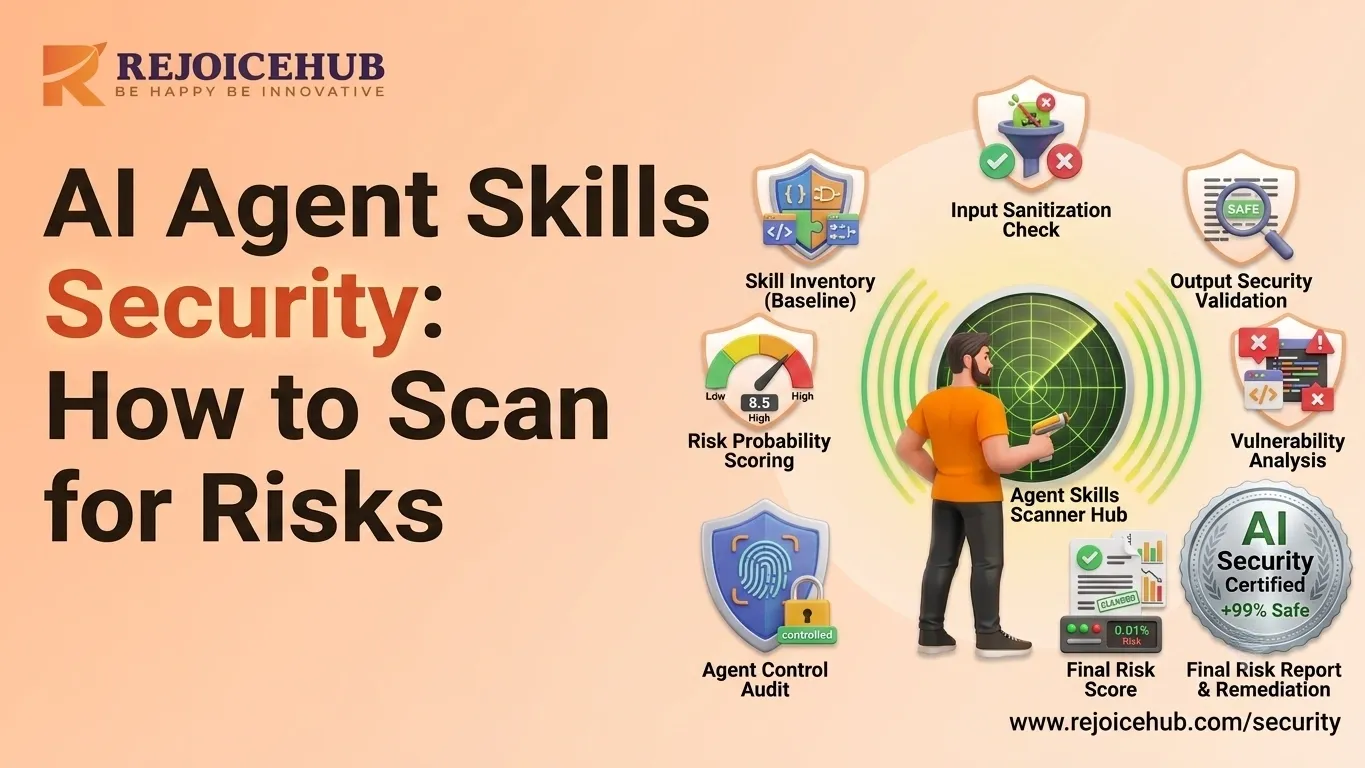
Growing businesses are missing out on a significant risk: AI agent skills security. The more third-party "skills" that startups and SaaS companies integrate into their AI agents, the more opportunities they create for hackers, data breaches, and compliance issues.
In this guide, we'll take you step-by-step through the process of scanning AI agent skills for vulnerabilities before installation and show you how to create a repeatable security process for AI agents.
By the end, you will know what to look for, what to steer clear of, and how to establish a basic governance program that keeps your business safe while ensuring that innovation doesn't take a back seat.
What Are AI Agent Security Risks?
AI agent security risks happen when a skill, plugin, or integration gives an AI agent more access or capability than it should safely have. This can include excessive permissions, unsafe data handling, prompt injection vulnerabilities, or hidden dependencies that connect to unverified third-party services.
In simple terms, every new skill you add to your AI agent is like handing someone a new set of keys to your office. Most of the time, that's fine. But sometimes, that key opens doors it shouldn't.
Why Agent Skills Create New Attack Surfaces
Each skill you install typically connects to:
- External APIs and data sources
- Internal tools like CRMs, email, or databases
- Third-party libraries and code packages
Every one of these connections is a potential entry point for attackers. The more skills you stack, the bigger your attack surface for your AI agent infrastructure gets, especially if those skills come from unverified marketplaces.
Common Vulnerabilities Found in AI Agent Skills
Here are the issues that show up most often when businesses skip security checks:
- Excessive permissions: a skill asks for full account access when it only needs read-only data
- Prompt injection pathways: malicious instructions hidden in content the agent processes
- Data leakage; sensitive customer or business data sent to external servers without clear disclosure
- Insecure API calls; unencrypted or poorly authenticated connections
- Outdated dependencies; open-source packages with known vulnerabilities
One time, we worked with a small SaaS company that set up a "free" scheduling skill that snuck copies of all calendar data, including the internal meeting notes, to an external analytics server. It would have been picked up in a 10-minute permission review.
How to Scan AI Agent Skills for Vulnerabilities Before Installation
Previously, run any new AI agent skill through this quick scanning routine before clicking the "install" button. It's like a pre-flight checklist, not so much time, but it will save you a lot of headaches.
Step 1: Review Permissions and Access Levels
Start by asking: what does this skill actually need to do its job?
Check whether it requests access to:
- Customer data or CRM records
- Email accounts or messaging platforms
- Financial or payment systems
- Internal databases or file storage
If a simple "summarize emails" skill is asking for write access to your CRM, that's a red flag.
Step 2: Analyze Dependencies
Most AI agent skills are built on open-source libraries. Before installing, check:
- Which libraries and packages the skill relies on
- Whether those packages have known CVEs (Common Vulnerabilities and Exposures)
- The reputation and maintenance activity of the package author
Tools like dependency scanners (Snyk, Dependabot, or similar) can automate this for development teams.
Step 3: Validate Data Flows
Map out where your data goes once the skill is active:
- What data does it collect?
- Where is it stored locally, in the cloud, or with a third party?
- Is any data transmitted externally, and is that disclosed?
If you can't get clear answers to these questions from the vendor's documentation, treat that as a warning sign.
Quick Snapshot: How to Scan AI Agent Skills
- Read the permission request carefully match it to the skill's actual purpose
- Run a dependency check for known vulnerabilities
- Trace data flow from input to storage to any external transmission
- Confirm the publisher's identity and reputation
- Test in a sandbox environment before production use
Accelerate Your Workflows with Custom AI
Book a free consultation session with RejoiceHub. We'll map out a tailored automation roadmap for your company.
AI Agent Security Assessment Checklist
Use this checklist every time you evaluate a new skill, plugin, or integration for your AI agent stack.
| Category | What to Check | Why It Matters |
|---|---|---|
| Source Verification | Is the publisher verified or trusted? | Reduces risk of malicious or abandoned skills |
| Code & Dependency Review | Any known CVEs or outdated packages? | Prevents inherited vulnerabilities |
| Permission Audit | Does access match the skill's purpose (least privilege)? | Limits damage if something goes wrong |
| Data Handling | Is data storage and transmission clearly documented? | Avoids unexpected data leakage |
| Compliance | Does it support GDPR, SOC 2, or ISO 27001 where relevant? | Keeps your business audit-ready |
If a skill fails more than one of these checks, it's worth pausing before deployment even if it looks convenient.
Best Practices for AI Agent Security Testing
Scanning before installation is step one. Ongoing testing keeps your AI agents secure as they grow.
1. Sandbox Testing
Always test new skills in an isolated environment first. This lets you observe behavior like unexpected API calls or data requests without putting real business data at risk.
2. Threat Modeling
Map out realistic attack scenarios for each skill. Ask: "If this were compromised, what's the worst that could happen?" This helps prioritize which skills need the tightest controls.
3. Red Team Exercises
For larger deployments, simulate malicious inputs or attacks against your AI agents. This is especially useful for customer-facing agents handling sensitive support requests.
4. Continuous Monitoring
Security isn't a one-time check. Set up monitoring for:
- Unusual API call patterns
- New permission requests after updates
- Spikes in data transmission volume
Most security incidents with AI agents happen weeks or months after installation, not on day one.
AI Agent Governance and Security Compliance
When it comes to using AI, the "try it and see" methods don't work anymore as you start using it more and more. You would need to have lightweight governance that will move things along without introducing points of bottlenecks.
A practical AI agent governance and security compliance setup includes:
- An approval workflow a quick checklist sign-off before any new skill goes live
- A documentation standard records what each skill does, what it accesses, and who approved it
- Compliance mapping note which skills touch regulated data (GDPR, HIPAA, SOC 2, etc.)
- Periodic re-review of approved skills every quarter, especially after updates
This doesn't have to be a weighty thing. But for most startups and SMBs, having a single spreadsheet with these fields will suffice; consistency is more important than complexity.
If you're going through rapid growth and don't have the internal bandwidth to develop this out yourself, RejoiceHub is here to help you design a governance structure that fits your team size and risk level, ensuring that your security doesn't stifle growth but is aligned to it.
Why This Matters for Your Bottom Line
Security is no longer a matter of avoiding calamities but a direct shield to safeguard your ROI by AI automation.
The time lost by avoiding a security review could be much more expensive if a data breach or compliance violation occurs. Conversely, companies that embed security in their AI agent deployment from the outset grow their automation initiatives at a more rapid pace, as they're not hindered by firefighting problems later on.
For enterprises seeking to create a custom AI agent that is secure from inception, RejoiceHub can design, build, and deploy powerful, secure AI agents that can be scaled across businesses.
Conclusion
While AI agents can help your business save significant time and money, the skills driving them must be secure. A basic preinstallation scan and some basic governance are sufficient for most startups and SMBs to remain safe, without impact on innovation.
Want help building secure, custom AI agents for your business without the security guesswork? RejoiceHub specializes in AI agent development and automation solutions designed with security and scalability in mind from day one.
Frequently Asked Questions
1. What are AI agent security risks?
AI agent security risks happen when a skill or plugin gets more access than it really needs. This can lead to data leaks, unsafe connections, or hidden code that talks to outside servers without you knowing. Basically, it's like giving someone a key that opens more doors than it should.
2. How to scan AI agent skills for vulnerabilities?
Start by checking what permissions the skill is asking for, then look at the libraries it uses for known issues. Next, trace where your data goes after the skill is active. This simple routine helps you spot problems before they become real risks.
3. How to scan AI agent skills before installation?
Before installing any skill, treat it like a quick pre-flight check. Look at its permissions, check its dependencies for known vulnerabilities, and confirm who built it. If anything feels unclear or too broad, it's better to pause and test it in a safe space first.
4. What are the best practices for AI agent security testing?
Good practices include testing new skills in a sandbox, thinking through "what if this gets hacked" scenarios, and running occasional red team tests for bigger setups. On top of that, keep an eye on unusual API activity even after the skill has been running for a while.
5. What should be on an AI agent security assessment checklist?
A solid checklist covers source verification, dependency checks, permission audits, data handling details, and compliance needs like GDPR or SOC 2. If a skill fails more than one of these checks, it's a good sign to slow down before using it.
6. What does AI agent governance and security compliance involve?
It means having simple rules in place, like an approval step before any skill goes live, basic documentation of what each skill does, and a regular review every few months. For most small teams, a single shared spreadsheet is enough to keep things organized.
7. How do you verify the security of an AI agent skill?
Security verification means checking who built the skill, what it can access, and where your data travels once it's active. If the vendor can't clearly answer these questions, that's a warning sign worth taking seriously before you install anything.