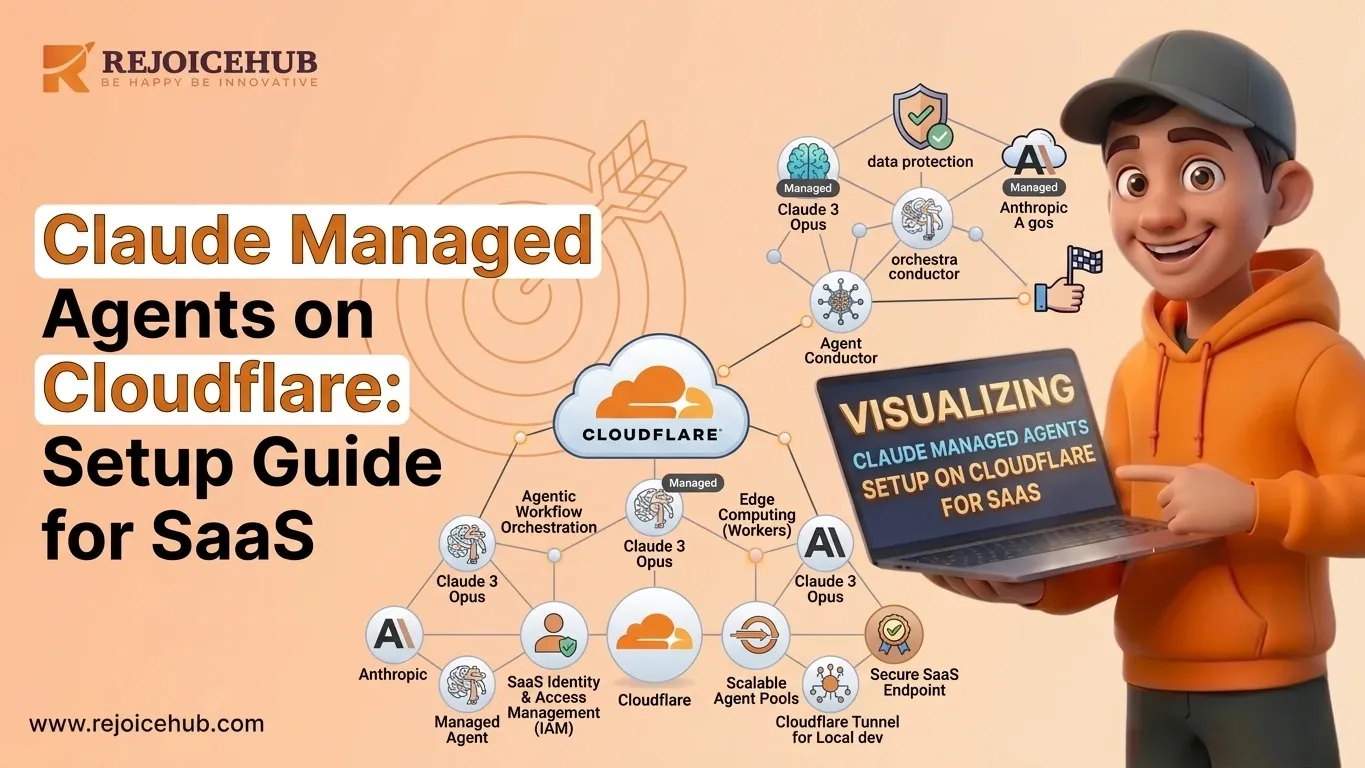
Are your enterprises making Cloud Integrated Platforms? If you're a SaaS founder, then you need to be in the Era of Agentic AI, which makes a powerful combo that you haven't tried yet. Many enterprises are transforming their server infrastructure through cloud integration. About 80% of SaaS startup founders who've reviewed it say it's the best platform for cloud managed agents and that platform is Cloudflare.
In this guide, I'll dive into detail on how to set up Claude AI agents for deployment on Cloudflare Workers, from zero to a live, scalable agent ready to serve your users.
What Are Claude Managed Agents?
Claude managed agents are AI-powered, autonomous systems built on Anthropic's Claude API. Unlike a simple chatbot, a managed agent can:
- Understand multi-step tasks
- Call external APIs and tools
- Make decisions based on context
- Execute workflows without constant human input
Think of them as your always-on digital employees, handling support, data processing, lead qualification, or internal ops while your team is free to focus on growth.
Claude agents are particularly fit for SaaS companies because they mesh in cleanly with the existing tech stack, can use support tools (like reading a database or triggering webhooks), and they can be tuned up with system prompts so they remain on brand and on task.
Quick definition: A Claude managed agent is an AI system powered by Anthropic's Claude API that autonomously executes multi-step tasks, integrates with external tools, and operates within a defined context without requiring human intervention for each action.
Why Use Cloudflare for AI Agent Infrastructure?
Most SaaS founders default toward AWS or GCP when it comes to infrastructure. But for serverless agentic AI workflows, Cloudflare Workers has some really compelling advantages.
-
Edge-Native Execution
Cloudflare Workers run at the edge, meaning your agent responds from a location physically close to your user. That translates to lower latency and a faster experience no routing requests halfway around the world.
-
Serverless Scalability
Cloudflare Workers scale on their own with basically no cold start issues (unlike Lambda). You pay per request, not for idle compute sitting around doing nothing. For early-stage SaaS startups burning through runway, that distinction matters a lot. There's no DevOps babysitting, no capacity planning. You just ship and move on.
-
Cost Efficiency for SaaS Startups
Traditional AI agent infrastructure on AWS can get expensive fast, especially when you're dealing with thousands of agent calls per day. Cloudflare's generous free tier, plus its low per-request pricing, makes it one of the more cost-efficient choices out there right now.
| Feature | Cloudflare Workers | AWS Lambda |
|---|---|---|
| Cold start | None | 100–500ms |
| Free tier | 100K req/day | 1M req/month |
| Edge locations | 300+ | ~30 regions |
| Pricing model | Per request | Per request + compute |
| DX (Developer Experience) | Excellent | Moderate |
Step-by-Step Cloudflare AI Agents Setup
Here's how you can deploy a Claude AI agent on Cloudflare Workers, step by step. This walkthrough assumes you already have a Cloudflare account and some basic JavaScript knowledge.
Step 1: Create a Cloudflare Workers Project
First, install Wrangler Cloudflare's CLI tool.
bash npm install -g wrangler wrangler login wrangler init my-claude-agent cd my-claude-agent
This scaffolds a new Workers project. You'll get an index.js (or index.ts) and a wrangler.toml config file.
Open wrangler.toml and set your project name and compatibility date:
toml name = "my-claude-agent" main = "src/index.js" compatibility_date = "2024-11-01"
Step 2: Configure Claude API Integration
Put your Anthropic API key in a Cloudflare secret don't hardcode it. Keep it hidden, not in the app or any repo.
bash wrangler secret put ANTHROPIC_API_KEY
Now, in your src/index.js, set up the Claude API call:
javascript export default { async fetch(request, env) { const userMessage = await request.text();
const response = await fetch("https://api.anthropic.com/v1/messages", {
  method: "POST",
  headers: {
    "Content-Type": "application/json",
    "x-api-key": env.ANTHROPIC_API_KEY,
    "anthropic-version": "2023-06-01"
  },
  body: JSON.stringify({
    model: "claude-opus-4-6",
    max_tokens: 1024,
    system: "You are a helpful SaaS support agent for [Your Company]. Be concise and professional.",
    messages: [{ role: "user", content: userMessage }]
  })
});

const data = await response.json();
const reply = data.content[0].text;

return new Response(reply, {
  headers: { "Content-Type": "text/plain" }
});
} };
This is your base Claude API integration simple, clean, and production-ready. You can just go with it, no big drama.

### Step 3: Deploy the AI Agent

Deploying is essentially one command:

```bash
wrangler deploy
Cloudflare pushes your agent to the edge network immediately, and you'll get a live URL in seconds:
Your Claude managed agent is now live.
Step 4: Test Agent Responses
Try a quick cURL to see it working:
bash
curl -X POST https://my-claude-agent.your-username.workers.dev
-H "Content-Type: text/plain"
-d "What features does your SaaS product offer?"
You should get a clean response from Claude, with context, in just a few milliseconds. For more extensive testing, use Postman or build a small test rig to check edge cases especially if your agent touches sensitive company logic.
Building Reliable Agentic AI Workflows for SaaS
Deploying the agent is only step one. Making it production-grade is where most SaaS founders drop the ball. Here are the key areas to get right.
-
Error Handling
Always wrap your Claude API calls inside a try/catch block. The Anthropic API can return rate limit errors, timeout errors, or unexpected responses and your agent should deal with them gracefully.
javascript try { const response = await fetch("https://api.anthropic.com/v1/messages", { ... }); if (!response.ok) { throw new Error(API error: ${response.status}); } const data = await response.json(); // process data } catch (error) { return new Response("Agent temporarily unavailable. Please try again.", { status: 500 }); }
Never let raw API errors reach your users.
-
Retry Logic
For transient failures (network blips, 429 rate limits), implement exponential backoff:
javascript async function callClaudeWithRetry(payload, env, maxRetries = 3) { for (let attempt = 0; attempt < maxRetries; attempt++) { try { const res = await fetch("https://api.anthropic.com/v1/messages", payload); if (res.status === 429) { await new Promise(r => setTimeout(r, Math.pow(2, attempt) * 500)); continue; } return await res.json(); } catch (e) { if (attempt === maxRetries - 1) throw e; } } }
This keeps your agent resilient under load it keeps running even when the system is busy or the queue gets backed up.
-
Memory & Context Management
Claude doesn't retain memory between requests by default. For multi-turn agent conversations, you need to manage context on your own side. Options for SaaS use cases include:
- Cloudflare KV store conversation history per user session (great for AI customer support agents)
- Cloudflare D1 lightweight SQL database for structured agent state
- Durable Objects for stateful, long-running agent sessions
Pass conversation history back to Claude on each request:
const conversationHistory = await env.KV.get(`session:${sessionId}`, "json") || [];
conversationHistory.push({ role: "user", content: userMessage });

// Send full history to Claude
messages: conversationHistory
This transforms your stateless Worker into a truly conversational, context-aware agent.
Async Workflow Design
For long-running tasks like processing a document or running a multi-step AI automation workflow lean on Cloudflare Queues or Durable Objects so the work happens asynchronously:
- Accept the user request → return a job ID immediately
- Process the Claude task in the background
- Push results to a webhook or polling endpoint
This prevents timeouts and gives users a snappy experience even for complex agent tasks.
Common Mistakes SaaS Founders Should Avoid
Learning from other people's mistakes can save you weeks of real debugging time. Below are the usual traps that show up when deploying Claude-managed agents on Cloudflare the kind that only surface after you ship.
-
Hardcoding API keys in the codebase: Always store secrets via wrangler secret. Keys left in source code get exposed, even in git history.
-
Ignoring token limits: Claude has a context window cap. If you cram the full conversation history into every call, you'll hit the limits fast and pay more. Summarize older turns or use a sliding window approach to keep payloads manageable.
-
No rate limiting on your Worker: Without rate limiting, one bad caller or a bug in your frontend can burn through your Anthropic API quota in minutes. Use Cloudflare's built-in rate-limiting rules rather than rolling your own.
-
Skipping serious system prompt design: Your system prompt sets the agent's persona, behavior, and boundaries. A vague system prompt produces inconsistent output. Spend real time on this it's arguably the most important part of the whole setup.
-
Not monitoring what the agent outputs: Start logging from day one. Use Cloudflare Workers Logs or forward to something like Datadog. Without visibility, debugging becomes guesswork.
-
Treating AI agents like static chatbots: Claude agents can use tools, maintain context, and run multi-step agentic reasoning. If you're only doing single-turn Q&A, you're leaving around 80% of the value on the table.
Conclusion
Setting up Claude managed agents on Cloudflare Workers isn't just a technical exercise it's a strategic move for SaaS founders who want scalable, cost-efficient AI infrastructure without the overhead of managing servers. From configuring your first Worker to implementing retry logic, context management, and async workflows, the steps in this guide give you a solid production-ready foundation.
Avoid the common pitfalls, invest in your system prompt, and treat your agent as a real product not just a feature. The SaaS teams that get this right early will have a meaningful edge as AI agents continue to reshape business automation.
Frequently Asked Questions
1. What are Claude managed agents and how do they work?
Claude managed agents are AI systems built on Anthropic's Claude API. Unlike basic chatbots, they can handle multi-step tasks, call external tools, and run workflows without needing a human to step in at every point. They are a great fit for SaaS companies that want to automate support or internal operations.
2. Why should SaaS founders use Cloudflare for Claude AI agent deployment?
Cloudflare Workers gives you edge-native execution, zero cold starts, and a very cost-friendly pricing model. For early-stage SaaS startups watching every dollar, it beats AWS or GCP for serverless AI agents. You ship fast, scale automatically, and skip the DevOps headache that slows teams down.
3. How do I set up a Claude AI agent on Cloudflare Workers from scratch?
Install Wrangler, log in to your Cloudflare account, and run wrangler init to create your project. Then connect your Anthropic API key as a secret, write your fetch handler with the Claude API call, and deploy using wrangler deploy. Your agent goes live on the edge in seconds.
4. How do I securely store my Anthropic API key in Cloudflare Workers?
Never hardcode your API key in the source code or push it to a repo. Use the wrangler secret put ANTHROPIC_API_KEY command to store it safely as an environment secret. Cloudflare injects it at runtime, so your key stays protected and never shows up in your codebase or git history.
5. How can I add memory and context to my Claude AI agent on Cloudflare?
Claude does not remember past messages on its own, so you need to manage context yourself. Use Cloudflare KV to store conversation history per session, then pass the full history back to Claude on each request. For more complex needs, Cloudflare D1 or Durable Objects work well for stateful agentic AI workflows.
6. What are the most common mistakes when deploying Claude-managed agents on Cloudflare?
The biggest mistakes include hardcoding API keys, ignoring Claude's token limits, skipping rate limiting on your Worker, and writing a weak system prompt. A lot of founders also forget to set up logging from day one, which makes debugging much harder later when something breaks in production.
7. Is Cloudflare Workers a cost-effective AI SaaS infrastructure option compared to AWS Lambda?
Yes, especially for early-stage teams. Cloudflare Workers has no cold start delay, 100K free requests per day, and over 300 edge locations globally. AWS Lambda charges separately for compute time on top of requests. For serverless AI agents with unpredictable traffic, Cloudflare is the more practical and budget-friendly choice.