The ui ux design industry is undergoing a transformative change, which will leave the best AI tools for UI/UX designers behind if they choose to ignore this new development. Designers who want to maintain their competitive edge use artificial intelligence as their main design tool because it has become the standard for contemporary design work.
AI tools for UI UX design have become essential for all three groups, which include freelancers who want to expand their work capacity, design agencies that need to grow their operations, and in-house designers who want to demonstrate their workplace value through innovative design automation and workflow optimization.
What Are AI Tools in UI/UX Design?
The AI tools for UI UX designers use AI tools, which function as software applications that rely on machine learning and artificial intelligence to support designers during their complete design workflow.
Many tools use pattern recognition to develop intelligent suggestions and perform complex operations within seconds, whereas traditional design software needs direct user input for every function.
AI tools function as intelligent design partners that possess the ability to process vast amounts of information while maintaining continuous learning from established design practices used in successful projects.
Key Benefits of AI Tools for UI/UX Designers
Various benefits are overcome that help to understand the latest AI tools for ui/ux design automation, which is clearer to the audience:
1. Dramatic Time Savings
AI tools used for ui ux design can decrease design time by 70% for specific design tasks. Designers now need only minutes to complete tasks that used to require multiple hours for creating design variations, asset resizing, and color palette generation.
2. Enhanced Creativity and Exploration
Your brain has more capacity for creative problem-solving when AI takes care of your repetitive tasks. The AI tools create multiple design options without delay, which enables you to investigate design possibilities that were previously unknown to you.
3. Data-Driven Design Decisions
AI tools for ui ux designer make superior capabilities for analyzing user behavior through their ability to process user behavior data, heatmap information, and user engagement metrics. You can make better design decisions through the use of actual data instead of relying on design assumptions.
4. Improved Accessibility and Inclusivity
The AI tools automatically evaluate your designs for accessibility problems. They also provide color contrast enhancement recommendations, and they test your interfaces to verify their accessibility for disabled users.
5. Consistency Across Platforms
The process of maintaining design consistency across different platforms and devices creates a difficult challenge. The design system powered by artificial intelligence will automatically adjust your designs to different screen sizes while preserving brand identity, which creates a uniform user experience across all platforms.
6. Cost Efficiency
AI tools enable freelancers and small agencies to operate their businesses without the requirement of hiring extensive staff members. The designer can achieve results that used to need multiple specialists through the use of appropriate AI tools, which enable you to offer competitive prices while delivering high-quality work.
Popular AI Tools Used by UI/UX Designers
Top AI tools for ui ux design are presenting for UI/UX designers, which are essential to understand and help to improve and make a creative image:
1. Khroma AI
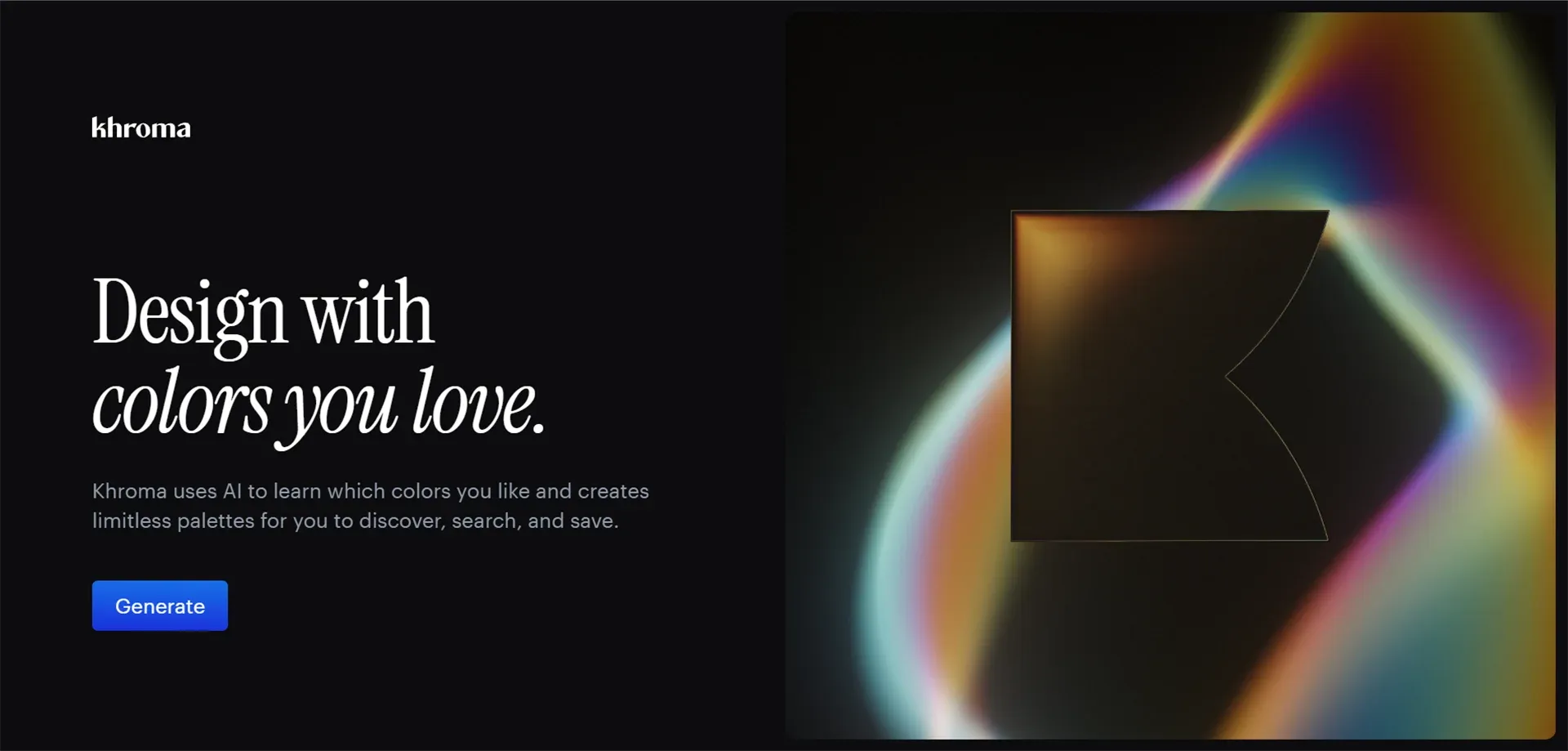
The color tool from Khroma AI creates custom color palettes based on your personal color preferences, which it learns through use. The system implements a neural network that creates color palette suggestions based on training from multiple popular color combinations to match your personal style.
Best For: Color palette generation and exploration
Key Features: The system creates unlimited color combinations that match your preferences while it learns from your selections to develop custom color palettes that you can filter through advanced options.
Pros: The system uses an intelligent learning algorithm, which enables users to save their preferred combinations while providing color suggestions that users can easily access. The system operates without any usage charges to users.
Cons: It involves choosing only from the color chunks, but there will still have to be training with both the part of the tester and the subject. At least fifty colors are selected as a training step.
Pricing: Free to use
2. Figma AI
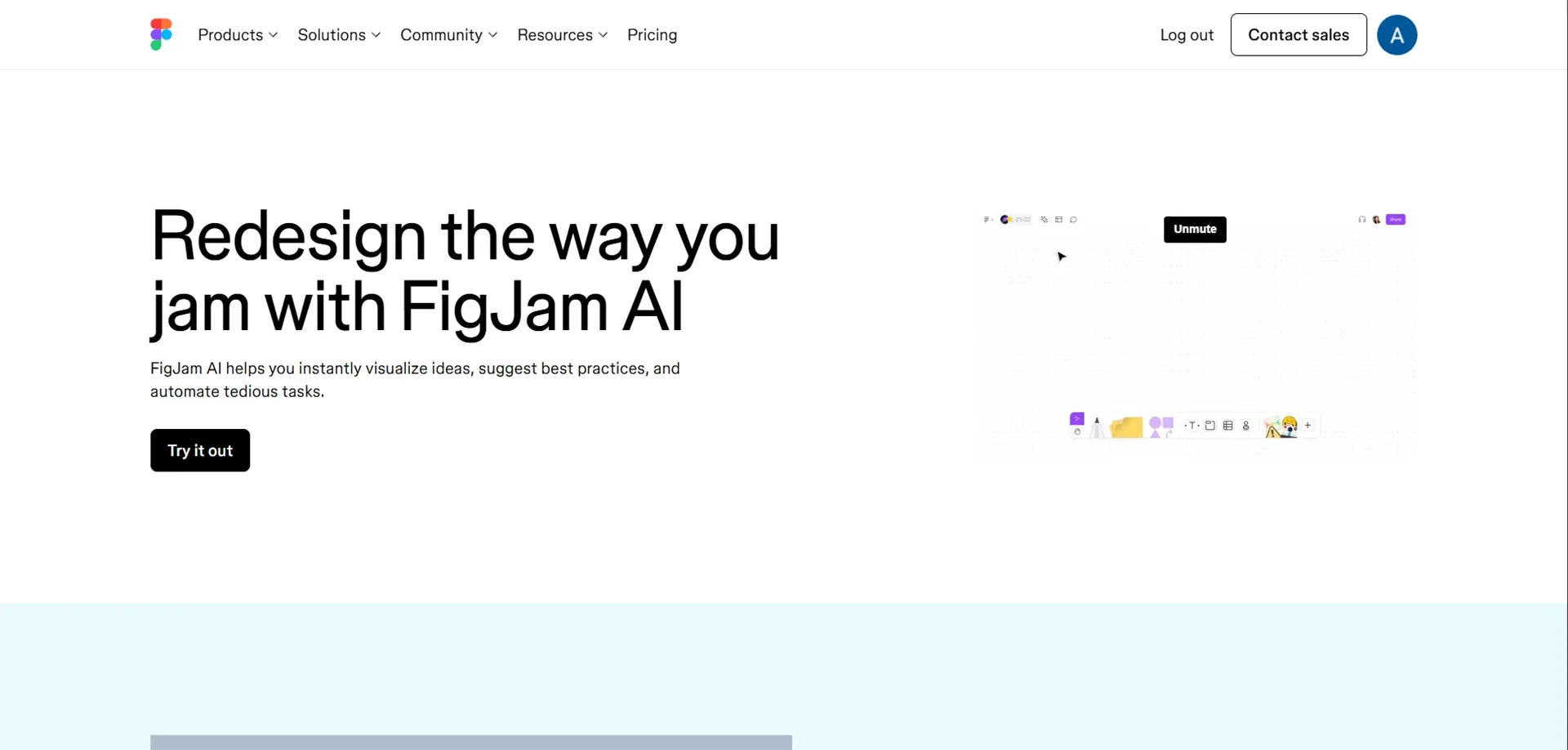
Figma has become the standard of the industry in terms of UI/UX design, and the AI capabilities are elevating collaboration to a new level. Auto-layout is an AI technology that automatically resizes your designs as the content is updated, which requires saving hours of resizing by hand.
Best For: UI/UX designers and teams looking for intelligent design collaboration and automated layout generation
Key Features: Auto-layout components, generation of design variations, an intelligent brainstorming tool, intelligent organization, and component proposal.
Pros: Smarts directly integrates with the current workflow, real-time teamwork, massive plugins, cloud hosted.
Cons: It needs a constant internet connection, more complex features have to be learned, and very large files can be slow.
Pricing: Free plan; Professional plan begins at $12/month; Organization plan begins at $45/month.
3. Adobe Firefly
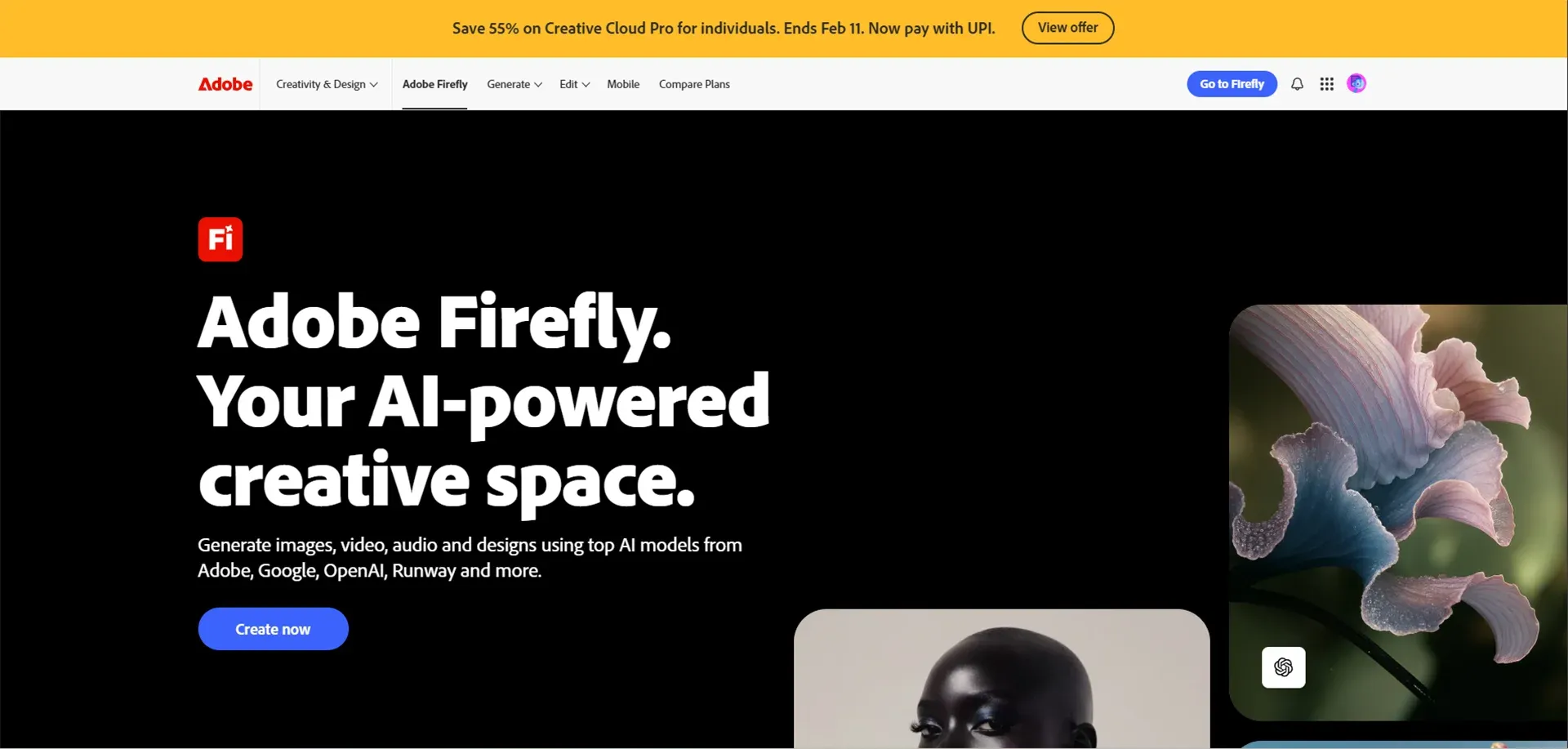
Adobe Firefly enables designers to generate images, graphics, and visual elements using simple text prompts, speeding up creative workflows. Adobe Sensei powers smart features across Adobe apps like background removal, auto-enhancements, and intelligent suggestions making complex design tasks faster and more intuitive.
Best For: Automated design and creation of content.
Adobe Firefly is an earnest move by Adobe into generative AI, giving designers the chance to generate their own graphics, textures, and design assets using prompts and basic texts.
Key Features: Image generation, background erasing, intelligent design propositions, commercially removable output, across the Adobe standpoint.
Pros: Professional-grade results, complete integration into the Adobe environment, commercially appropriate AI models, and comprehensive creative control.
Cons: It needs an Adobe Creative Cloud subscription, may require high resource usage on an older computer, and has a higher learning curve.
Pricing: Creative Cloud All Apps (included with Creative Cloud All Apps, $54.99/month): Firefly standalone, beginning at 100 credits ($4.99/month).
4. Uizard
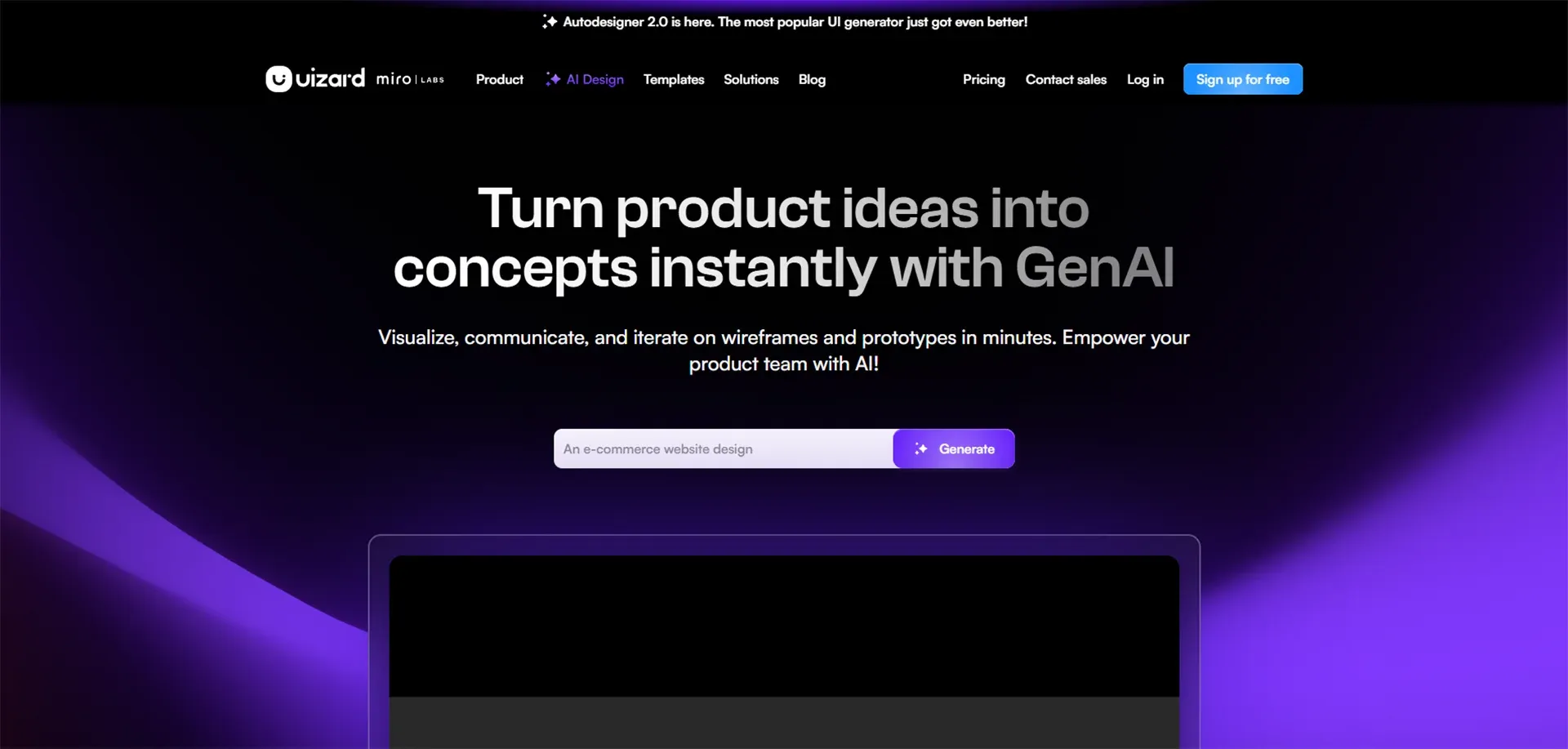
Uizard makes UI design more democratic because anyone can create professional-looking interfaces regardless of their experience with design. The thing that impressed me the most is that you can scan sketches on hand with your phone and see them turned into edible digital wireframes immediately.
Best For: Beginners, product teams, and startups that want to quickly turn ideas into UI prototypes without advanced design skills.
Key Feature: Transforms hand-drawn images to digital designs, creates UI based on text prompts, and creates entire app screens in one go, provides a template library.
Cons: Prototyping is extremely fast, no design capabilities needed, ideation and client presentation, and a mobile scanning feature.
Pros: Limited customization to the options of professional tools, designs require optimization, and less influence on the final output.
Pricing: Free plan: limited projects, Pro: begins at $12/month, Business: begins at $39/month.
5. Galileo AI
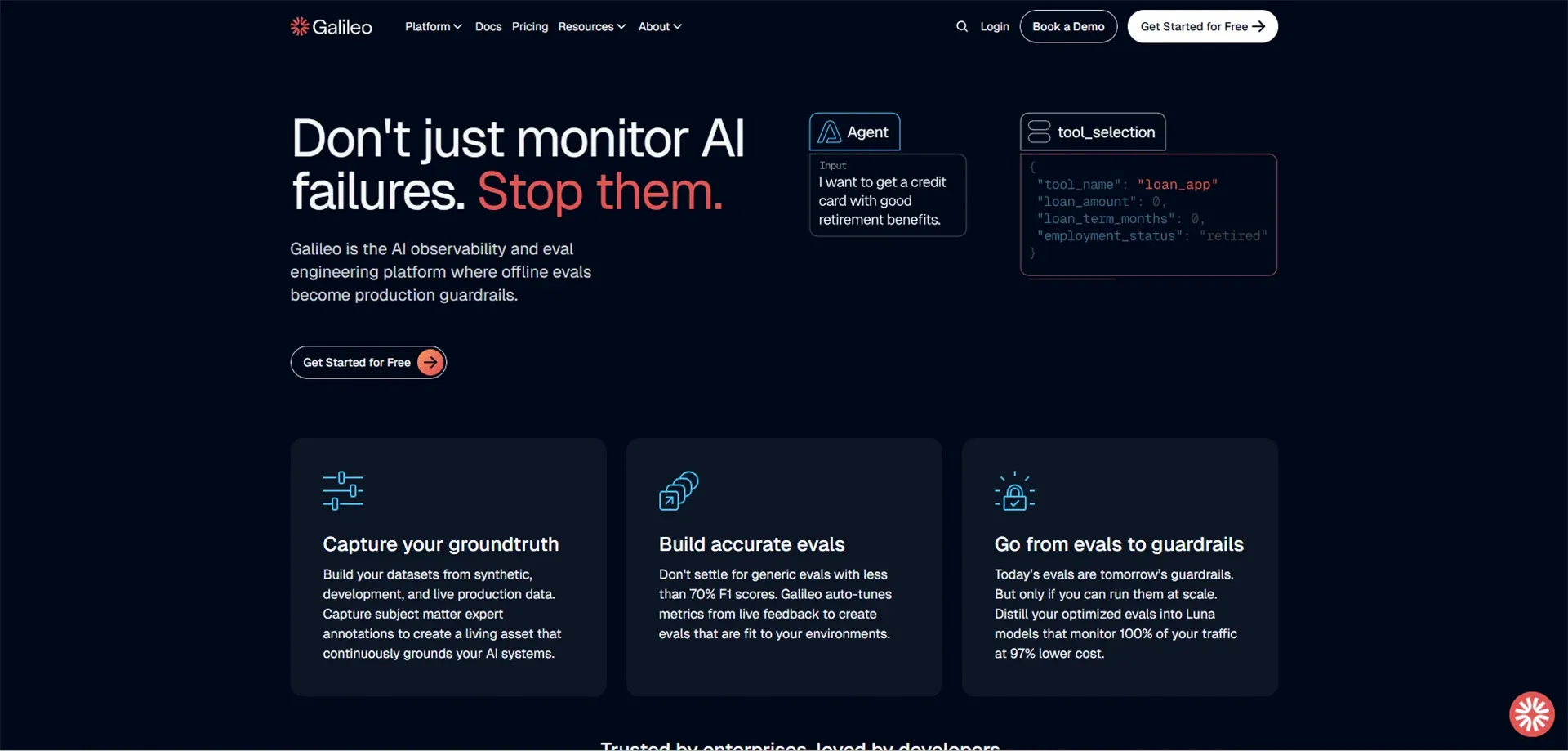
Galileo AI is taking the limits of the possibilities of AI-generated interfaces. Just sketch the interface you desire in plain words, and Galileo produces a full high-fidelity design with graphics, copy, and layouts. The tool produces designs that can be fully edited and adjusted in color, spacing, typography, and parts afterward.
Best For: Product designers, startups, and teams that want to instantly generate high-fidelity UI concepts from simple text descriptions.
Key Features: Generates full UI designs based on text descriptions, generates editable high-fidelity designs, generates ready-to-use components, and adheres to good design practices.
Pros: Can save enormous amounts of time on first design ideas, professional output, effective use as inspiration, and quick prototyping.
Cons: Still in waitlist/beta stage, not very accessible, might have to make serious design changes, results can be depersonalized.
Pricing: Waitlist/beta (pricing will be set on full release)
Also Read: 11 Best AI Tools for Graphic Design in 2026
6. Attention Insight
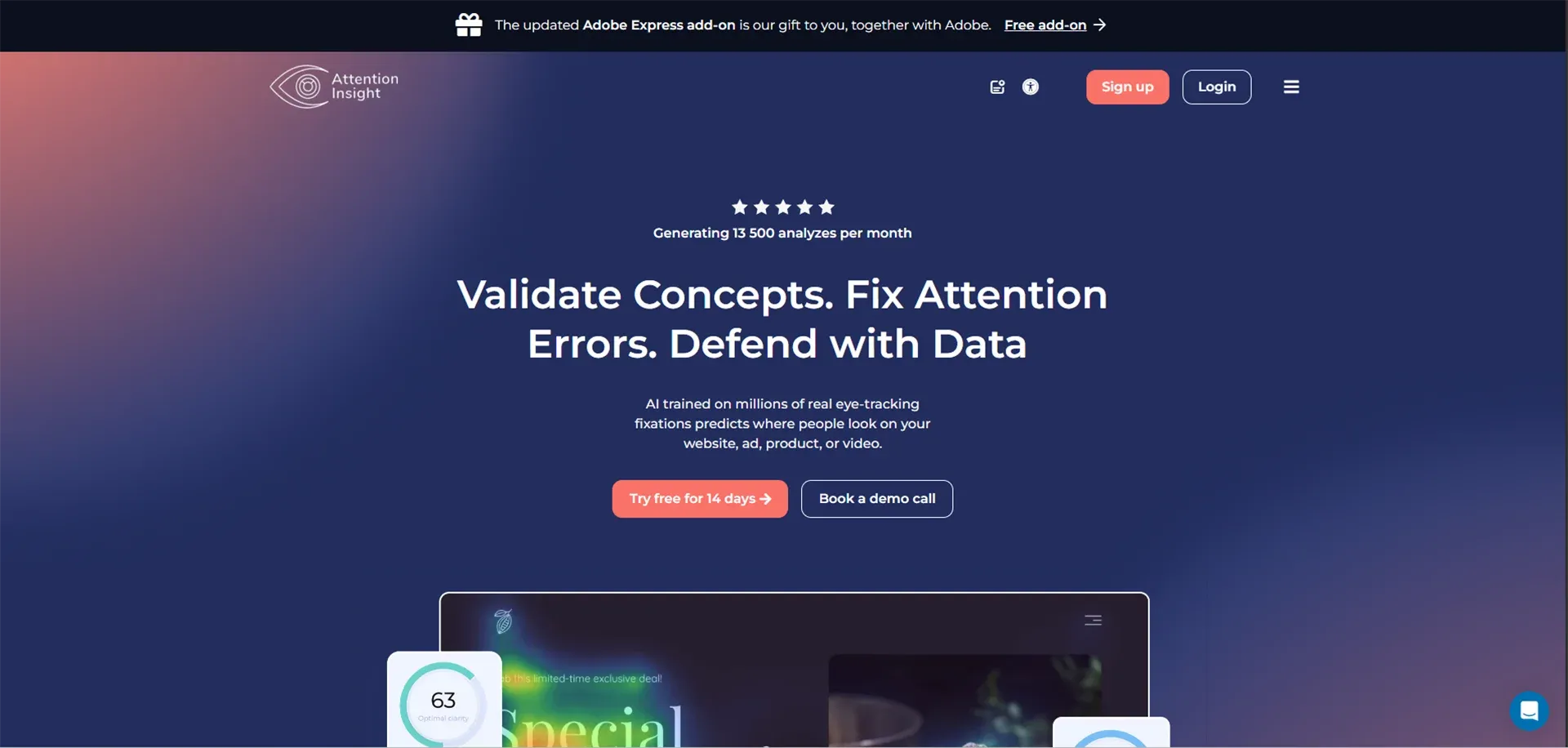
Attention Insight is an AI-based on predicting the location where your users will view your designs prior to you performing costly eye-tracking research. The tool will create attention heatmaps of what initially attracts attention and what may be overlooked.
It gives a clarity score of how easily its users can concentrate on important aspects, and gives attention measures as a percentage of various regions of your design.
Best For: UX/UI designers and marketing teams who want to test visual attention and optimize layouts before conducting expensive eye-tracking studies.
Key Features: Eye-tracking simulation with AI, heatmap generation, clarity scoring, percentile-based attention analytics, and design comparison/features.
Pros: It is cheaper than conducting costly user testing, results are obtained within several seconds, it exposes attention issues in the initial design phase, and assists in making design improvement priorities.
Cons: Guesses, not certain, and only works on web designs, not on applications, and cultural differences can make it less accurate.
Pricing: A free trial can be used to test it out; the plans can be paid, beginning with a $39/month plan; businesses can be supported on enterprise plans.
7. Jasper AI
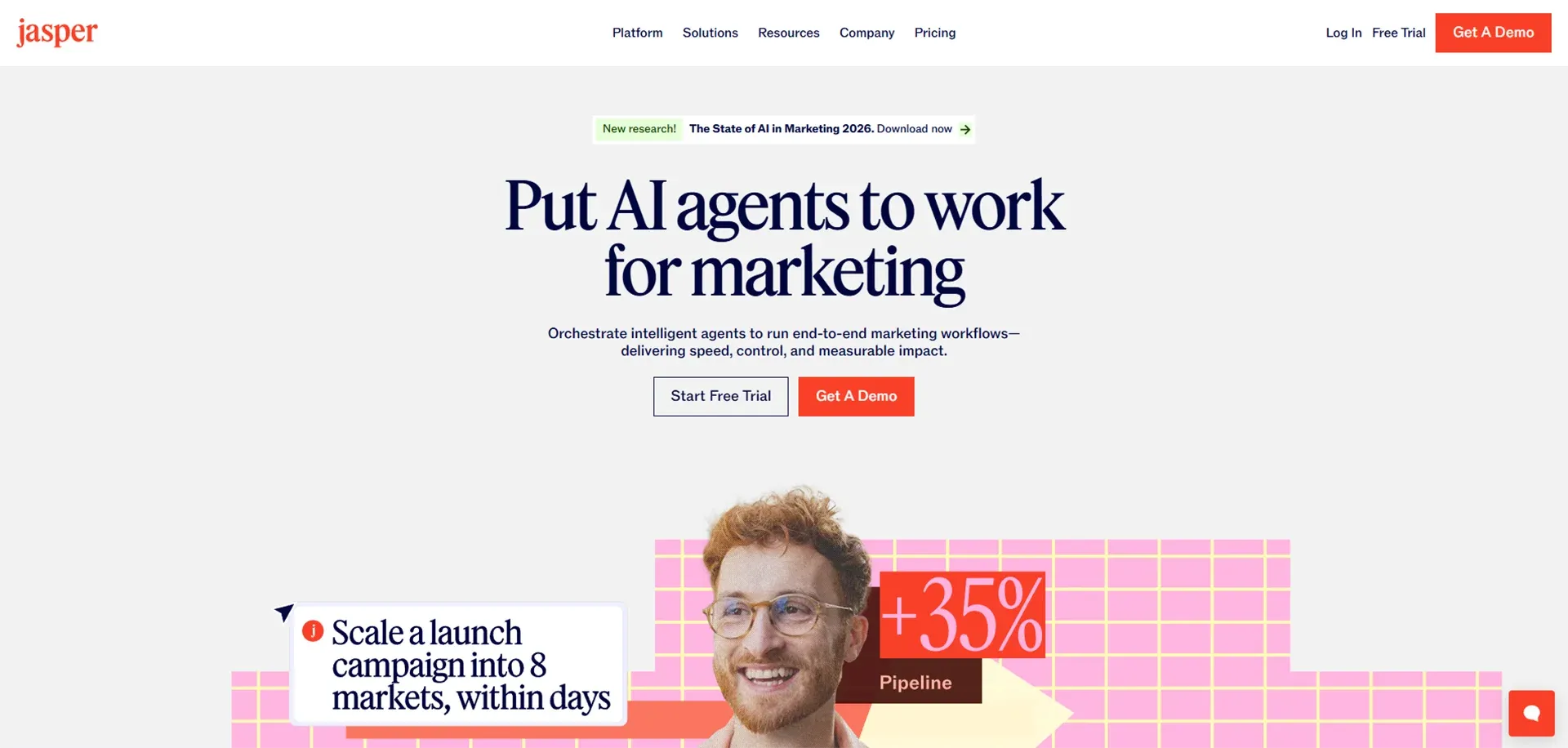
Jasper AI is now one of the strongest AI writing tools on the market, and it can be of great use to UI/UX designers who need to write convincing texts. The platform is capable of producing all the way to button labels and error messages, to complete user personas and user journeys descriptions.
Best For: UI/UX designers, product teams, and marketers who need high-quality UX copy, microcopy, and user-focused content at scale.
Key Features: writes UX copy and microcopy, writes extensive user personas, writes user stories, writes survey questions, language-supportive, 25-plus-language, trains band voice.
Pros: Great writing quality and natural language, plenty of templates, multi-language, integrates with other products, and learns how to write in your brand voice.
Cons: It is mainly text-based and needs to be edited by humans to achieve a perfect brand voice to match, and subscription may be costly to the individual.
Pricing: Creator plan will be priced at $49/month; Teams plan at $125/month; Business plan with custom pricing.
How AI Tools Improve User Research and UX Strategy
User research is the foundation of great UX design, but it requires a significant amount of time. The latest AI tools for ui/ux design automation are changing the way designers perform their research and analyze their findings.
-
Automated Survey Analysis: AI analyzes hundreds of survey responses within minutes to find patterns and sentiment, and major themes that would take humans several days to discover.
-
Predictive User Behavior: Machine learning algorithms use historical data from similar products to predict user interactions with your designs, which enables you to identify potential issues before they happen.
-
Rapid Persona Generation: AI tools use demographic data and user interviews together with behavioral patterns to develop comprehensive user personas, which include their pain points, goals, and preferences within a short time period.
How UI/UX Designers Can Start Using AI Tools
Let's understand the best AI tools for ui ux designers in a step-by-step that you can use, these effective AI tools were also discussed:
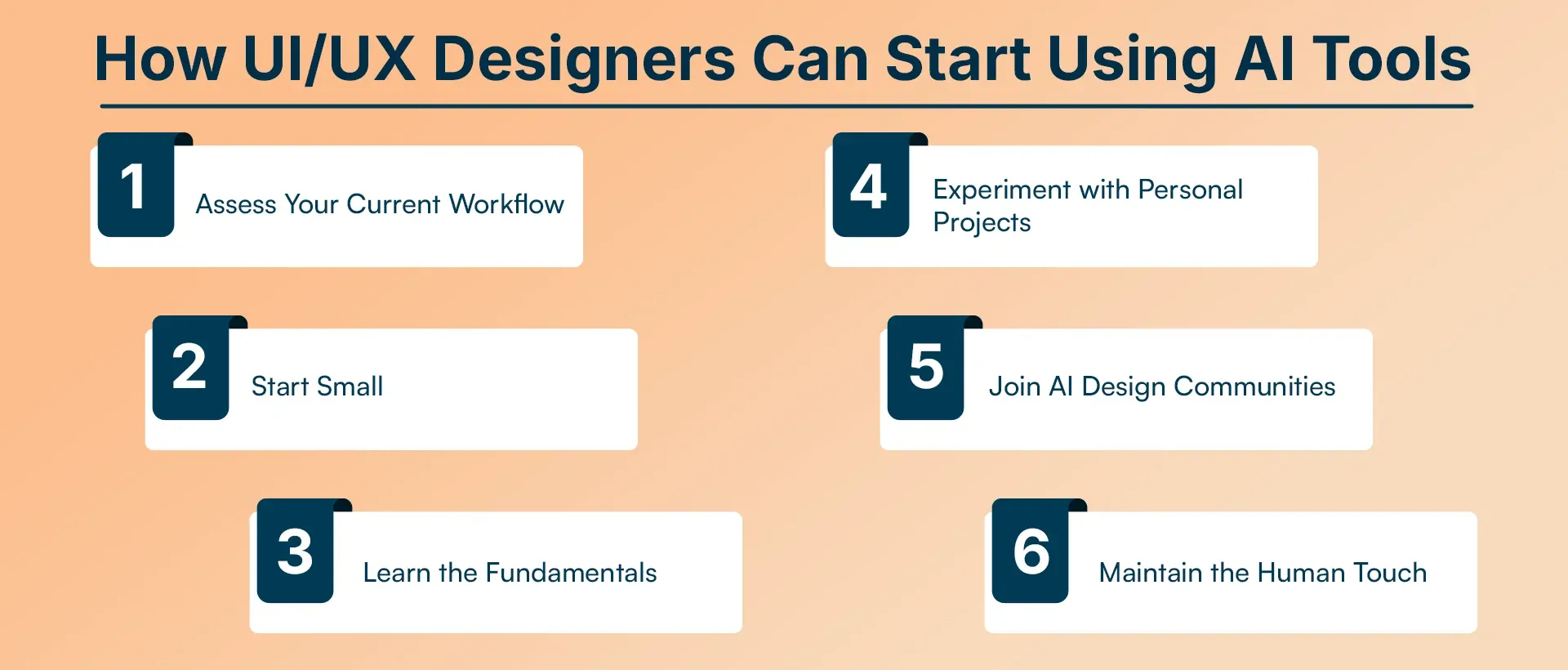
Step 1: Start from basic.
Find tasks that are repetitive in your design process. In what place do you spend the major part of your time? What tasks feel tedious? These will be the best candidates for AI automation.
Step 2: Start Small
Be careful not to implement ten AI tools at a time. Select one or two tools that will take care of your greatest areas of pain. Get them in your pocketbook first.
Step 3: Learn the Fundamentals
Use free tutorials, YouTube videos, web-based courses. Numerous AI tool companies provide very good onboarding materials. Take a couple of hours to become familiar with the fundamentals before getting into projects.
Step 4: Test Personal Projects.
Pilot AI tools on non-client projects or reformulate ideas before applying them to a client project. This creates confidence in you and makes you familiar with the strengths and weaknesses of the tools.
Step 5: Become members of AI Design Communities.
LinkedIn, Discord, Reddit, and specialist forums have communities where tips, templates, and best practices in using AI in design are shared. You learn by watching others, and you develop at an early stage.
Step 6: Retain the Human Touch.
It is important to remember that AI is an instrument, not a substitute for your experience. Always give your opinion and user empathy (AI) and vision of a design to what AI creates.
Real-World Examples of AI in UI/UX Design
Some of the various real-world example that also helps in UI/UX design, which has been described below:
-
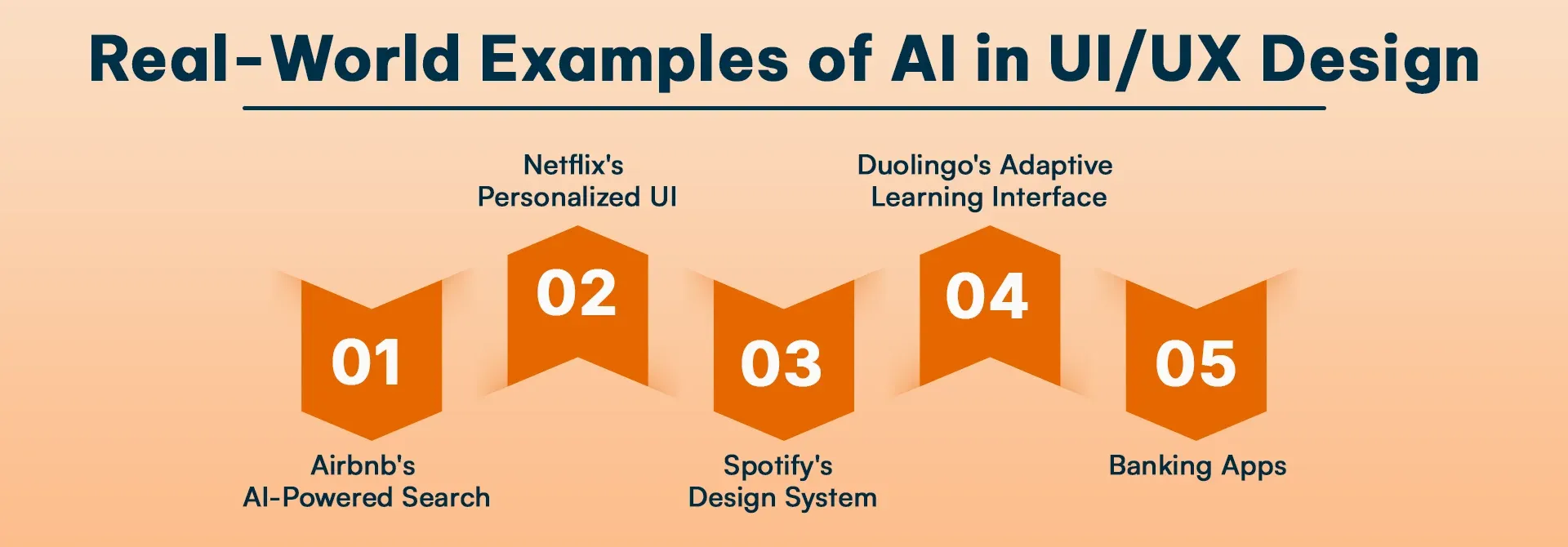
Airbnb's AI-Powered Search: Airbnb operates its search function, which uses artificial intelligence to deliver personalized search results that match user preferences and their actual search patterns, thus creating distinct user experiences.
-
Netflix's Personalized UI: create personalized user experiences that extend beyond content recommendation because the system tailors both interface design and content display according to individual user needs.
-
Spotify's Design System: maintain design system consistency while enabling specific design changes for different platforms. Their artificial intelligence systems assist designers in creating design solutions that apply to numerous product features.
-
Duolingo's Adaptive Learning Interface: modify its user interface design according to user progress, which helps users learn better when the system presents simpler or more advanced content.
-
Banking Apps: Major banks use AI-powered UX to detect unusual user behavior and adjust security prompts accordingly, balancing security with user convenience through intelligent design.
Challenges and Limitations of AI Tools
-
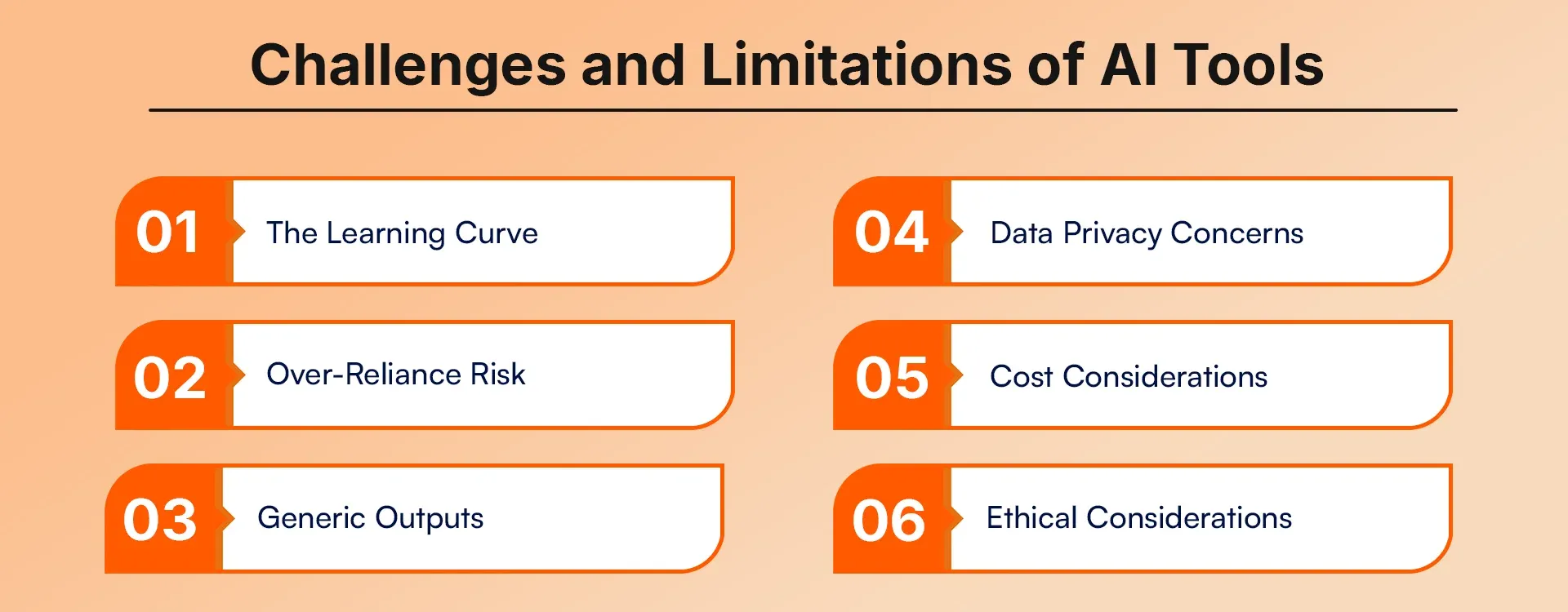
The Learning Curve
AI tools improve work efficiency but require users to spend time learning their proper operation. Designers who work under strict project deadlines face challenges because of this situation.
-
Over-Reliance Risk
AI tools create a risk that users will lose essential design skills because they start depending on AI too much, while they accept AI recommendations without evaluating them. Good designers maintain a balance.
-
Generic Outputs
AI tools trained on existing designs can produce generic or trend-following results. Human designers possess cultural awareness, brand understanding, and creative intuition, which designers lack.
-
Data Privacy Concerns
AI tools require users to upload their designs, user data, and client information to cloud storage systems. Sensitive projects require users to understand data privacy policies because of their importance.
-
Cost Considerations
Free AI tools exist, but professional-grade platforms require users to pay high costs. The investment pays off through efficiency, but freelancers need to create budgets because their work requires dedicated financial resources.
-
Ethical Considerations
AI models use existing work as training material, all of which creates concerns about originality and intellectual property rights. Designers must understand these ethical dimensions and use AI responsibly.
Future of UI/UX Design with AI
The future of UI/UX design demonstrates that designers will use AI technology to improve their work according to the upcoming developments.
The interface will create personalized user experiences, which AI will deliver through instant UX changes based on user context and behavior, and individual preferences.
AI will enable designers to develop and evaluate voice controls, gesture systems, and spatial interfaces for AR/VR through its application in non-screen-based interfaces.
Conclusion
The AI tools used for ui ux design are not only required in plans; it's essential. As of year-end (2026), designers will need to leverage intelligence for smarter and quicker design and development processes. AI will provide these tools and change how we create, test against, and iterate through our designs.
The top performing designers won't be the ones that are only using AI, but rather they will be combining their AI efficiencies with their human creativity and empathy, as well as their strategic thinking. AI can perform repetitive, analytical, and scalable tasks; you can create innovative, empathetic, and contextual designs.
Frequently Asked Questions
1. What are the best AI tools for UI/UX designers in 2026?
The best AI tools for UI/UX designers in 2026 include Figma AI, Adobe Firefly, Galileo AI, Uizard, Attention Insight, Jasper AI, and Khroma AI. These tools help designers automate layouts, generate visuals, predict user attention, create UX copy, and build full interface designs from text prompts.
2. How do AI tools improve UI/UX design productivity?
AI tools improve UI/UX productivity by automating repetitive tasks such as layout resizing, color palette generation, wireframe creation, usability testing, and UX copywriting. This allows designers to focus more on creative strategy and user experience rather than manual execution.
3. Can beginners use AI tools for UI/UX design?
Yes, beginners can easily use AI tools for UI/UX design. Tools like Uizard, Khroma AI, and Figma AI offer no-code and low-learning-curve features that allow new designers to create wireframes, color palettes, and full UI layouts without advanced design skills.
4. Are AI UI/UX design tools free to use?
Some AI UI/UX tools offer free plans or trials, such as Figma AI, Khroma AI, and Attention Insight. However, professional features, team collaboration, and advanced AI capabilities typically require paid subscriptions.
5. How accurate are AI tools in predicting user behavior?
AI tools like Attention Insight use machine learning models trained on real eye-tracking data to predict where users will focus on a design. While highly useful for early design validation, these predictions should be complemented with real user testing for the best results.
6. Can AI replace human UI/UX designers?
AI cannot fully replace human UI/UX designers. AI excels at automation, pattern recognition, and data analysis, but human designers provide creativity, emotional intelligence, cultural awareness, and strategic thinking that AI cannot replicate.
7. What is the best AI tool for wireframing and prototyping?
Uizard and Galileo AI are among the best AI tools for wireframing and prototyping. Uizard converts sketches into digital wireframes, while Galileo AI generates high-fidelity UI designs from simple text prompts.
8. Do AI tools help with UX writing and microcopy?
Yes, AI tools like Jasper AI help generate UX writing, microcopy, button labels, onboarding text, user personas, and user journey descriptions in multiple languages while maintaining brand voice consistency.
9. Are AI UI/UX tools safe for client and user data?
Most professional AI UI/UX tools follow strict security and compliance standards. However, designers should review data privacy policies and avoid uploading sensitive or confidential client information to cloud-based AI platforms.
10. What skills should UI/UX designers learn to work with AI tools?
UI/UX designers should learn prompt engineering, UX strategy, data interpretation, design system management, and accessibility standards to effectively collaborate with AI tools and maximize design quality.
11. How will AI change UI/UX design in the future?
AI will enable hyper-personalized interfaces, real-time UX adaptation, voice and gesture-based design, and automated usability testing. Designers will focus more on experience strategy while AI handles execution and optimization.